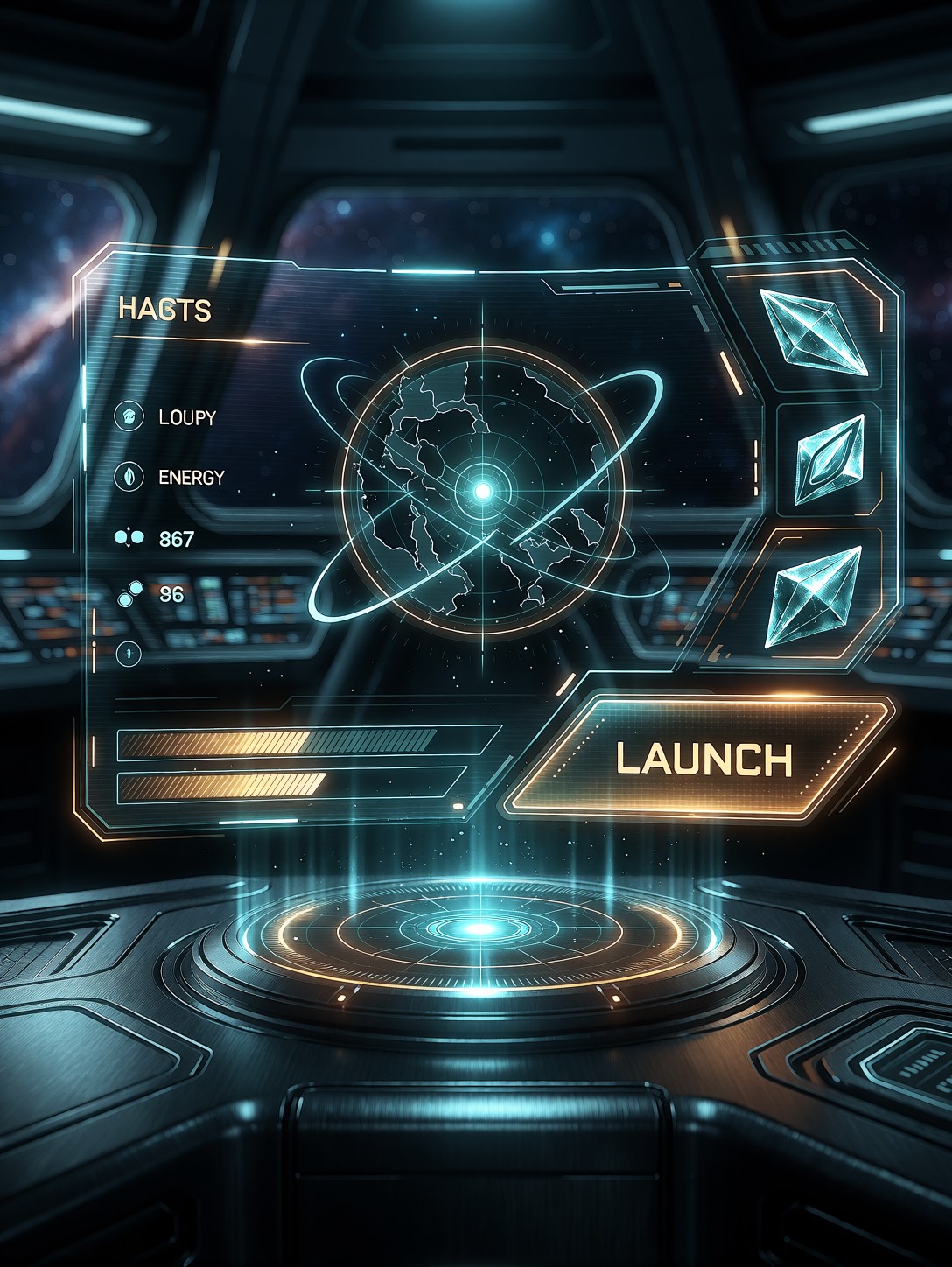
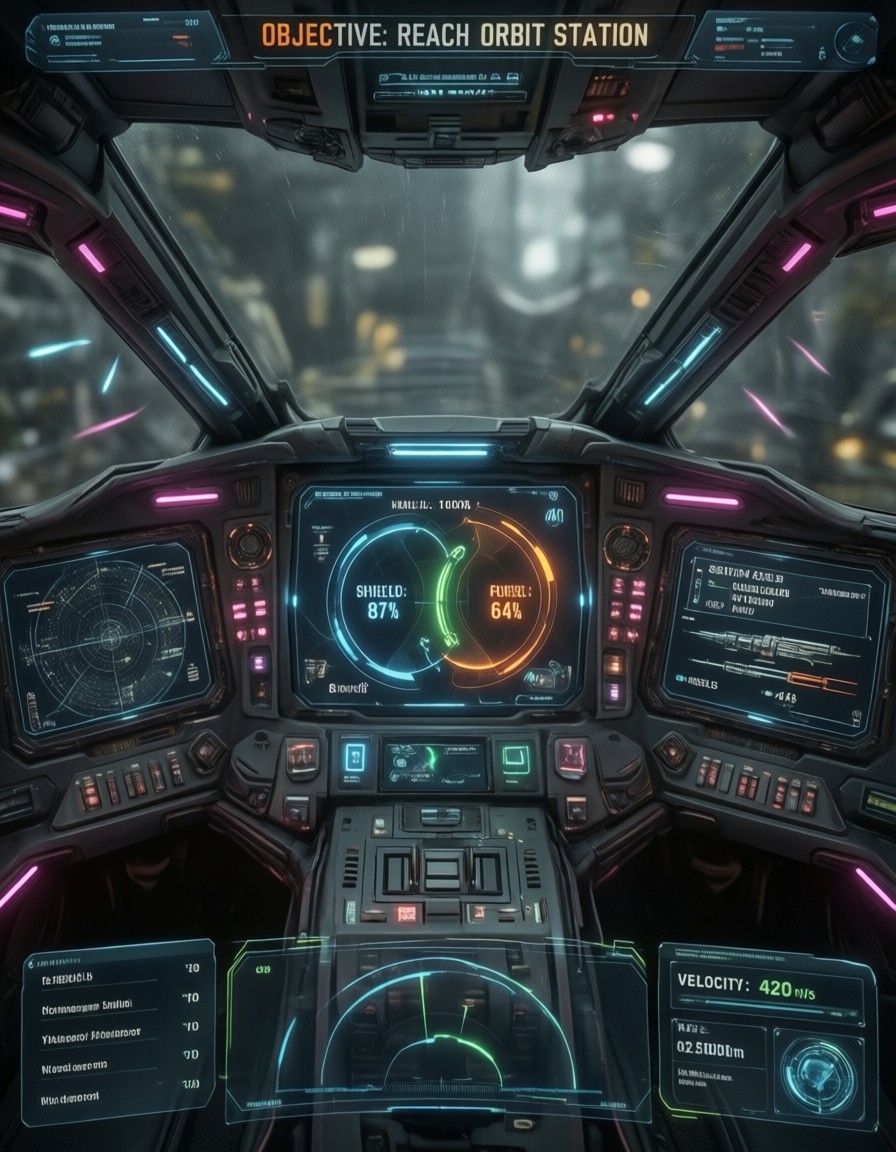
Sci-Fi Holographic Game Menu Interface — AI generated image by Proxima.art
🔍 View full size

Sci-Fi Holographic Game Menu Interface

Game UI, sleek sci-fi menu design. A futuristic holographic interface floating above a dark brushed-metal console, glowing cyan and amber elements arranged in asymmetric panels. Central radar minimap with rotating orbital rings, health and energy bars on the left, skill icons with faceted crystalline shapes on the right, a large angular "LAUNCH" button pulsing softly. Subtle scan lines, faint particle dust drifting through the UI glow, depth-of-field background of a blurred spaceship bridge with distant nebula windows. Clean vector-style graphics with thin luminous outlines, translucent glass panels, soft bloom. Cool teal, deep navy, and warm orange accent palette. High-tech, immersive, highly detailed, 8k.
✨ Generate with this prompt 🎨 Try Proxima Studio
100 free credits every day Sign up free and generate right away — no card needed. Your free credits refill every day, so you can keep trying new models.

Go beyond a single image with Proxima Studio

Loved this prompt? Proxima Studio turns a single idea into a full production. Build multi-scene storyboards, generate and extend AI videos, create consistent character asset packs, and produce coordinated visual series — all powered by the same state-of-the-art models behind this image. Start free and bring your ideas to life, one frame or a whole story at a time.

🎨 Explore Proxima Studio
Share your result in our Reddit community r/ProximaArt — selected high-quality creations may occasionally receive bonus credits.

How this image was made

Full prompt:

Game UI, sleek sci-fi menu design. A futuristic holographic interface floating above a dark brushed-metal console, glowing cyan and amber elements arranged in asymmetric panels. Central radar minimap with rotating orbital rings, health and energy bars on the left, skill icons with faceted crystalline shapes on the right, a large angular "LAUNCH" button pulsing softly. Subtle scan lines, faint particle dust drifting through the UI glow, depth-of-field background of a blurred spaceship bridge with distant nebula windows. Clean vector-style graphics with thin luminous outlines, translucent glass panels, soft bloom. Cool teal, deep navy, and warm orange accent palette. High-tech, immersive, highly detailed, 8k.

Model:

Proxima Aurelia 2

Asymmetric HUD Design: Why This Sci-Fi Menu Layout Works

The asymmetry is what makes this UI feel designed rather than generated. Radar minimap dead center, health bars pushed left, crystalline skill icons stacked right, and that angular LAUNCH button pulsing like a heartbeat — the layout mimics how real game HUDs distribute visual weight across a screen.

Proxima Aurelia 2 handles this composition intelligence well, but the real stars here are the materials: translucent glass panels over brushed metal, thin luminous outlines, and the cyan-amber contrast that keeps the interface legible against the dark console. The blurred spaceship bridge with nebula windows adds depth-of-field separation, so the UI floats rather than sits flat — plus drifting particle dust and subtle scan lines sell the hologram illusion.

Game Mockups, Key Art, and Design References

UI/UX designers pitching a sci-fi game concept, indie developers needing placeholder menu art, and content creators building mockup portfolios all benefit here. It also works as moodboard material for cinematic trailers or as a hero image for game design blogs.

Go 16:9 landscape — 1664×928 — since game menus live on widescreen displays. Portrait crops will crush the left-to-right panel balance that defines the composition.

Settings for Proxima Aurelia 2 — Clean Lines Without Smearing

Aurelia 2 excels at aesthetics and intelligent composition from minimal prompting, so resist over-specifying. The main risk with UI prompts is thin luminous lines blurring into glow — tighter guidance keeps vector edges crisp.

  • CFG / Guidance: 3.5–4.0 — enough to hold the thin outlines and text-like elements sharp
  • Steps: 30 for maximum quality; 12 for rapid layout iteration
  • Resolution: 1664×928 (16:9) for screen-native mockups
Keep "clean vector-style graphics" in the prompt — without it, Aurelia 2 may drift toward photorealistic hardware renders instead of interface design.

Five Ways to Reshape This Holographic Interface

5 Targeted Variations for This Sci-Fi UI Prompt
  • Swap the palette: Change "cool teal, deep navy, warm orange" to "crimson, charcoal, gold" — instantly reads as a hostile faction or villain menu
  • Change the genre: Replace "sci-fi" with "cyberpunk noir" and add "rain reflections, neon signage" — grittier, street-level mood
  • Recenter the focus: Swap the radar minimap for "rotating 3D planet hologram" — turns a navigation menu into a strategy or galactic map screen
  • Damage the interface: Add "glitching elements, flickering panels, warning alerts in red" — perfect for boss-fight or damaged-ship states
  • Go vertical: Adapt for mobile with "portrait orientation, stacked panels, thumb-friendly button placement" at 1080×1440

Two Prompts Ready to Generate

Both examples below apply variations directly, tuned for Aurelia 2's strengths at the settings above.

Variation: crimson villain faction palette — same asymmetric layout, hostile mood replaces cool teal calm

Game UI, sleek sci-fi menu design, futuristic holographic interface floating above a dark brushed-metal console, glowing crimson and gold elements in asymmetric panels, central radar minimap with rotating orbital rings, health and energy bars left, faceted crystalline skill icons right, angular "LAUNCH" button pulsing, subtle scan lines, particle dust, blurred spaceship bridge background, clean vector-style graphics, thin luminous outlines, translucent glass panels, soft bloom, 8k, 16:9

Variation: damaged-ship glitch state — flickering panels and red alerts transform the clean menu into a crisis screen

Game UI, sci-fi holographic interface over dark brushed-metal console, glitching panels and flickering cyan elements, red warning alerts pulsing, central radar minimap flickering with static, cracked translucent glass panels, angular "LAUNCH" button dim and unstable, scan lines, drifting ember particles, blurred damaged spaceship bridge with emergency lighting, clean vector-style graphics with thin luminous outlines, soft bloom, teal and deep navy with alarm red accents, highly detailed, 16:9

More Interface and HUD Prompts to Explore

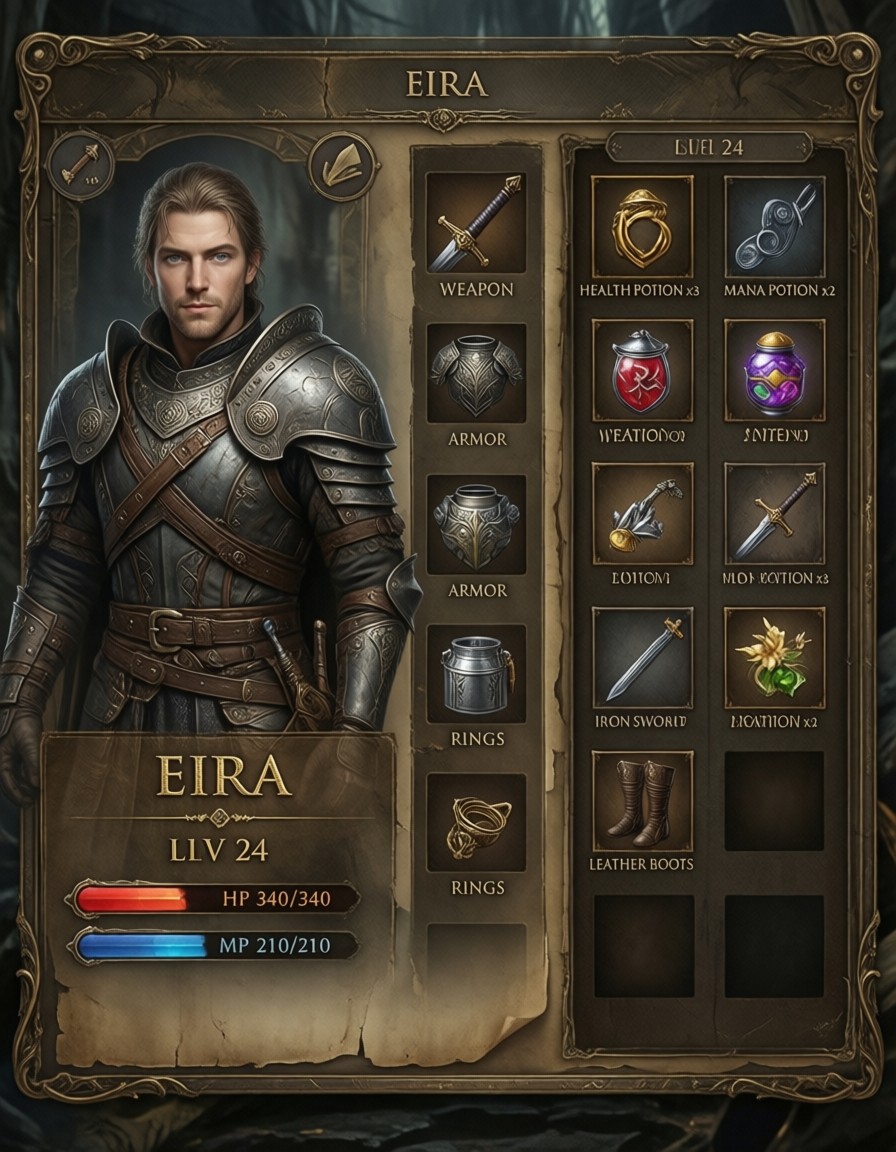
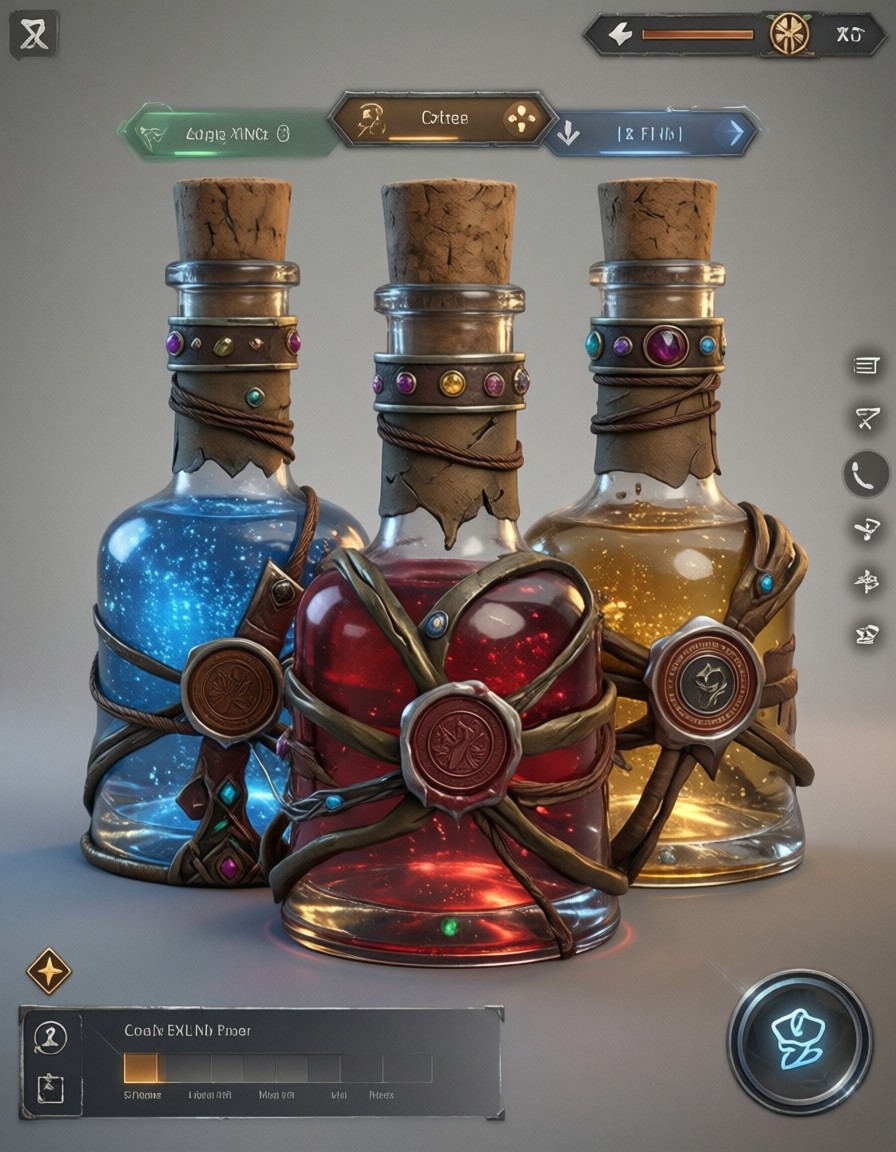
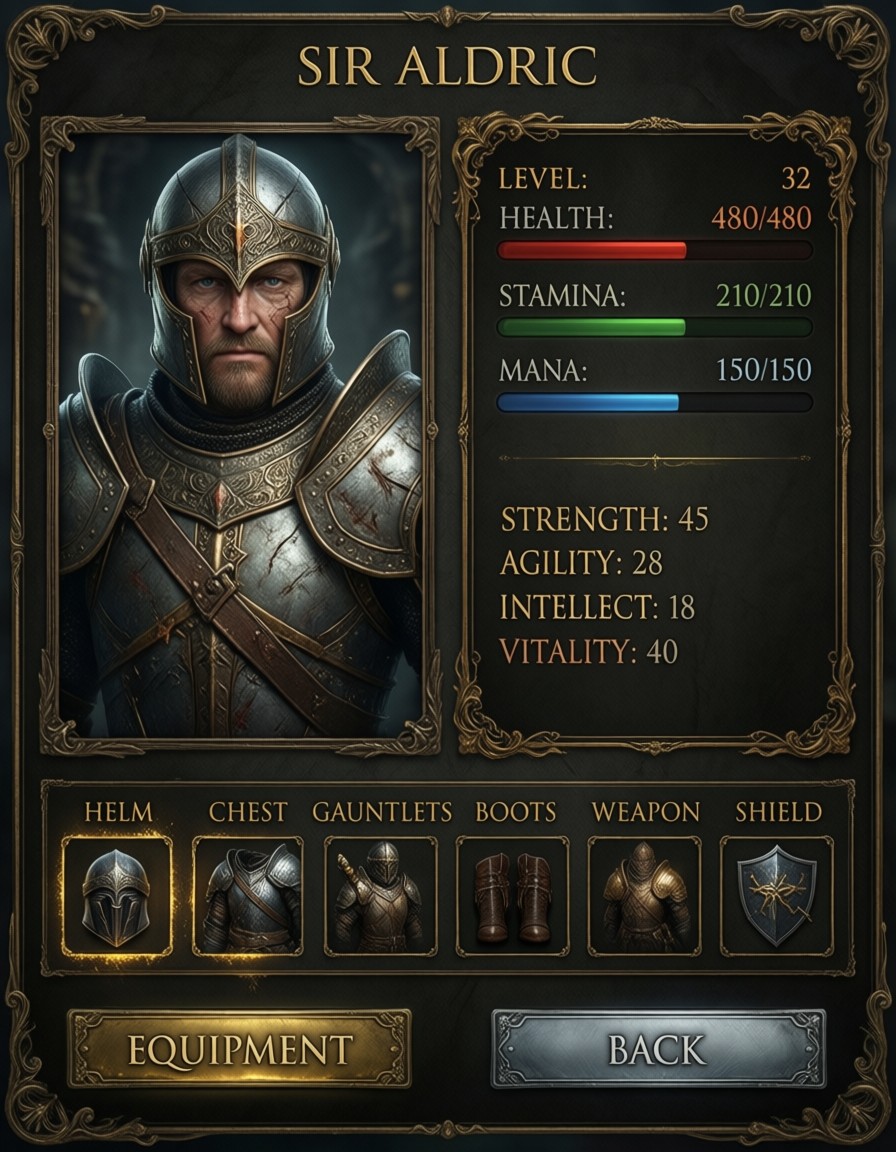
These prompts cover the same game-UI territory from different angles — fantasy stat screens, cockpit HUDs, and stylized 3D showcases:
Explore AI Generation Tools on Proxima.art

Proxima Aurelia 2 Prompts Qwen 2.1 Prompts Krea 2 Prompts Qwen Image 2512 Prompts Proxima Nova Prompts Proxima Aurelia Prompts Proxima Veritas Prompts Ideogram 4 Prompts Qwen Image Prompts Z-Image Turbo Prompts Z-Image Base Prompts Ernie-Image Turbo Prompts Ernie-Image Base Prompts Proxima Midjourney Prompts Grok Imagine Prompts Grok Imagine Quality Prompts Flux Maestro Prompts HiDream-I1 Prompts Shuttle 3.1 Aesthetic Prompts Wan 2.2 Image Prompts 3D Character Abstract Art Abstract Expressionism Ad Creative Advertising AI Influencer Analog Horror Anime Architectural Visualization Art Nouveau Art Style Avatar Beauty Portrait Bioluminescent Boudoir Photography Branding Visual Candid Portrait Cartoon Avatar Character Close-Up Character Design Cinematic Cinematic Dark Fantasy Cinematic Fantasy Cinematic Lighting Cinematic Photography Comic Book Concept Art Corporate Studio Photography Cosmic Horror Cosmic Horror (Lovecraft Style) Cyberpunk Dark Fantasy Digital Illustration Documentary Style Dreamy Aesthetic E-commerce Image Editorial Style Emotional Portrait Fantasy Fantasy Game Character Fashion Photography Film Noir Fine Art Photography Futuristic Futuristic Character Gallery Aesthetic Game Asset Game UI Glamour Glamour Photography Gothic Graphic Novel Aesthetic High-Fashion Editorial Horror Illustration Instagram Aesthetic Isometric Art Japanese Style Kawaii Landscape Photography Lifestyle Photography Liminal Space Horror Low Poly Luxury Packaging Macro Photography Magic & Fantasy World Magical Realism Marilyn Monroe Marketing Banner Miniature / Diorama Minimalist Art Mixed Media Nightmare Noir Style Photography Photorealistic Pixar Style Pop Art Portrait Product Photography Professional Headshot Professional Photography Profile Picture Realistic Photo Retro Futuristic Sci-Fi Sci-Fi City Selfie Transformation Sensual Portrait Spiritual Atmosphere Steampunk Still Life Photography Storytelling Scene Street Photography Studio Ghibli Style Studio Photography Surreal Art Tattoo Art TikTok Style Underwater Photography Unreal Engine Style Vintage Vintage Film AI Video Generator AI Image to Video AI Upscale Image AI Pose Transfer Text to Image AI

Proxima.art is a free AI image generator powered by Flux, Qwen, HiDream, and other state-of-the-art models. Browse prompts, copy them to the generator, and create stunning AI art instantly.