Warm Parchment and Isometric Detail: How This Game UI Works
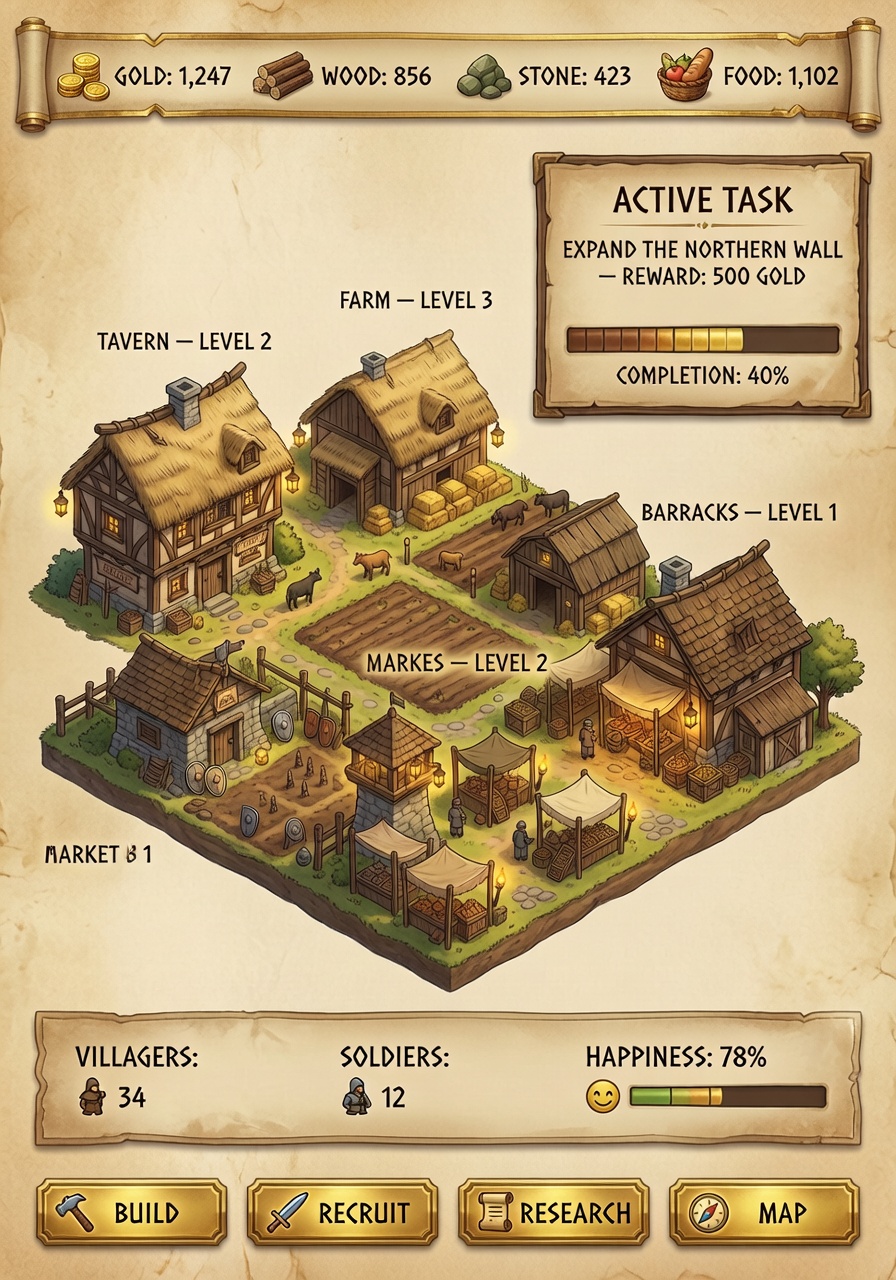
The hand-drawn map style anchors this UI in a tangible, tactile world — the parchment texture feels like it was scanned from an actual 15th-century scroll, not generated by an algorithm. Grok Imagine renders the isometric village with such precision that the labeled buildings ("TAVERN — LEVEL 2") appear as if they were sketched by a cartographer with a quill, not a machine learning model.
The warm parchment background doesn't just look good — it serves as a visual anchor for the medieval theme, contrasting sharply with the clean fantasy UI elements. The resource icons ("GOLD: 1,247") are rendered with enough detail to be readable but not so much that they distract from the overall composition. The progress bar for "EXPAND THE NORTHERN WALL" adds a sense of urgency without cluttering the interface.
Game Developers and Fantasy UI Designers — This Is Your Prompt
This prompt is ideal for game developers creating management or strategy games with a medieval fantasy setting. The UI elements — labeled buildings, quest panels, and population stats — are perfect for RPGs, city-building games, or even educational simulations. The 8k resolution ensures the UI scales cleanly to 4K monitors while maintaining readability at smaller sizes.
Use a 16:9 aspect ratio to match standard game screen dimensions. Landscape orientation will stretch the parchment background, making the hand-drawn map look distorted.
Settings for Grok Imagine — Maximizing UI Clarity
Grok Imagine's strength in contextual understanding means it will interpret "medieval style icons" and "clean fantasy UI" as distinct visual elements rather than conflicting styles. For maximum clarity:
- CFG / Guidance:
4.0–5.0— preserves text clarity in the quest panel and building labels without over-sharpening the parchment texture - Steps: 25–30 for full detail; 15 steps for quick previews
- Resolution:
1920×1080(16:9) — standard game UI dimensions;3840×2160for 4K output
At cfg 4.5 and 25 steps, Grok Imagine maintains the parchment texture's warmth while keeping the isometric village sharp enough for game developers to use as a reference.
Five UI Variations to Explore
5 Targeted UI Tweaks for This Prompt
- Dark mode alternative: Replace "warm parchment" with "aged leather texture, deep walnut background" — creates a more dramatic, high-contrast UI
- Quest redesign: Change "EXPAND THE NORTHERN WALL" to "DEFEAT THE DRAGON — REWARD: 1000 GOLD" — shifts the UI from construction to combat focus
- Resource overhaul: Add "IRON: 234" and "MAGICAL ENERGY: 150" — introduces fantasy-specific resources for more complex gameplay
- Mobile adaptation: Add "COMPACT VIEW" and "TAP TO EXPAND" — makes the UI functional on mobile devices while retaining the fantasy aesthetic
- Historical reimagining: Replace "medieval style" with "viking runic design" — changes the visual language while keeping the core UI structure intact
Two Prompts Ready to Generate
Apply two of the variations above directly — both are optimized for Grok Imagine's contextual understanding and detail rendering.
Variation: Dark mode with aged leather — replaces parchment warmth with dramatic contrast for a more intense UI
Game UI. A medieval village management screen with aged leather texture background and hand-drawn map style. Central area shows an isometric view of a small village with labeled buildings: "TAVERN — LEVEL 2", "FARM — LEVEL 3", "BARRACKS — LEVEL 1", "MARKET — LEVEL 2". Top bar displays resources with icons: "GOLD: 1,247", "WOOD: 85, "STONE: 423", "FOOD: 1,102". Right panel shows current quest with header "ACTIVE TASK" and text: "EXPAND THE NORTHERN WALL — REWARD: 500 GOLD" with progress bar labeled "COMPLETION: 40%". Bottom panel lists population stats: "VILLAGERS: 34", "SOLDIERS: 12", "HAPPINESS: 78%". Buttons at bottom: "BUILD", "RECRUIT", "RESEARCH", "MAP" each with gold border and medieval style icons. All text in English, clean fantasy UI, 8k.
Variation: Viking runic design — replaces medieval style with Norse-inspired visuals for a different fantasy setting
Game UI. A medieval village management screen with warm parchment background and hand-drawn runic map style. Central area shows an isometric view of a small village with labeled buildings: "TAVERN — LEVEL 2", "FARM — LEVEL 3", "BARRACKS — LEVEL 1", "MARKET — LEVEL 2". Top bar displays resources with icons: "GOLD: 1,247", "WOOD: 856", "STONE: 423", "FOOD: 1,102". Right panel shows current quest with header "ACTIVE TASK" and text: "EXPAND THE NORTHERN WALL — REWARD: 500 GOLD" with progress bar labeled "COMPLETION: 40%". Bottom panel lists population stats: "VILLAGERS: 34", "SOLDIERS: 12", "HAPPINESS: 78%". Buttons at bottom: "BUILD", "RECRUIT", "RESEARCH", "MAP" each with gold border and Viking runic icons. All text in English, clean fantasy UI, 8k.
Other Fantasy UIs to Explore
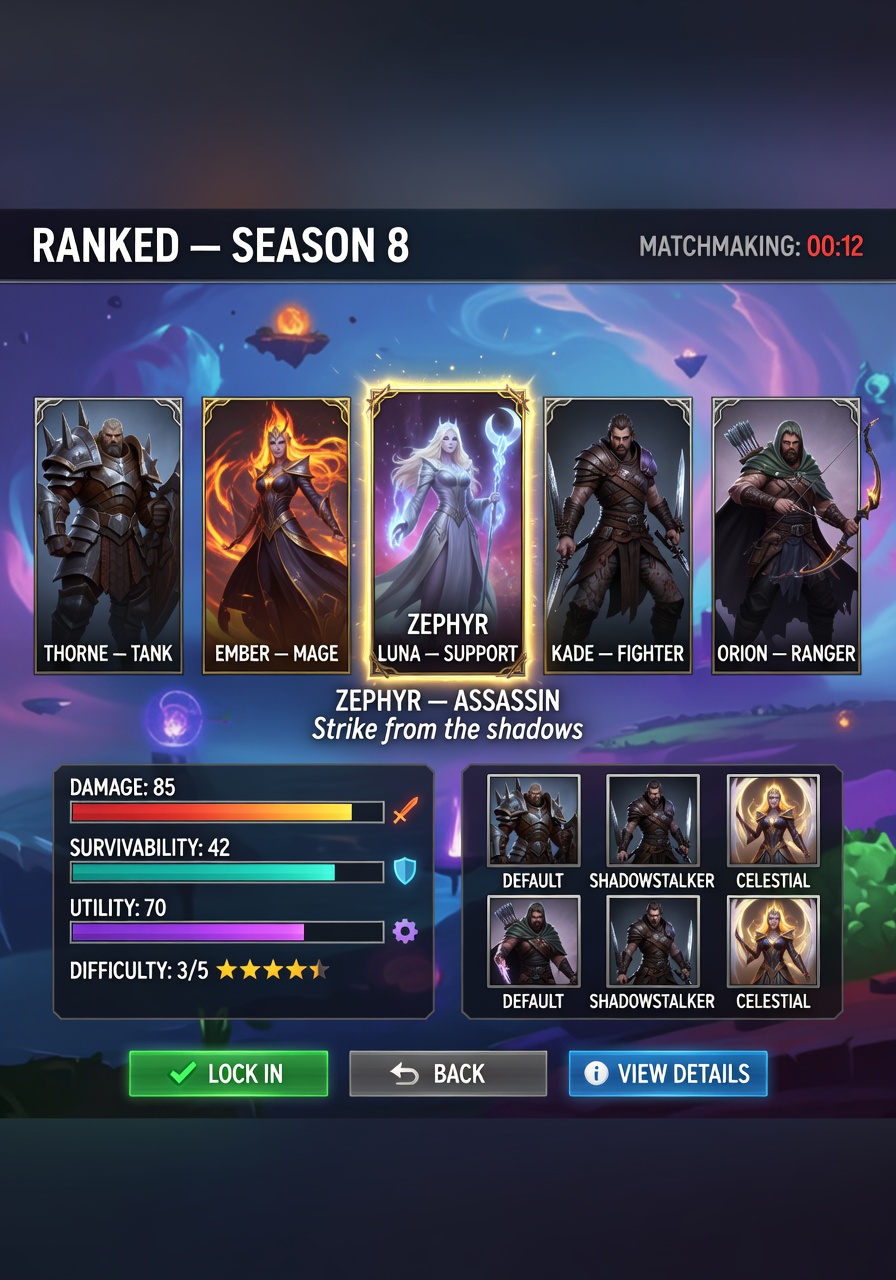
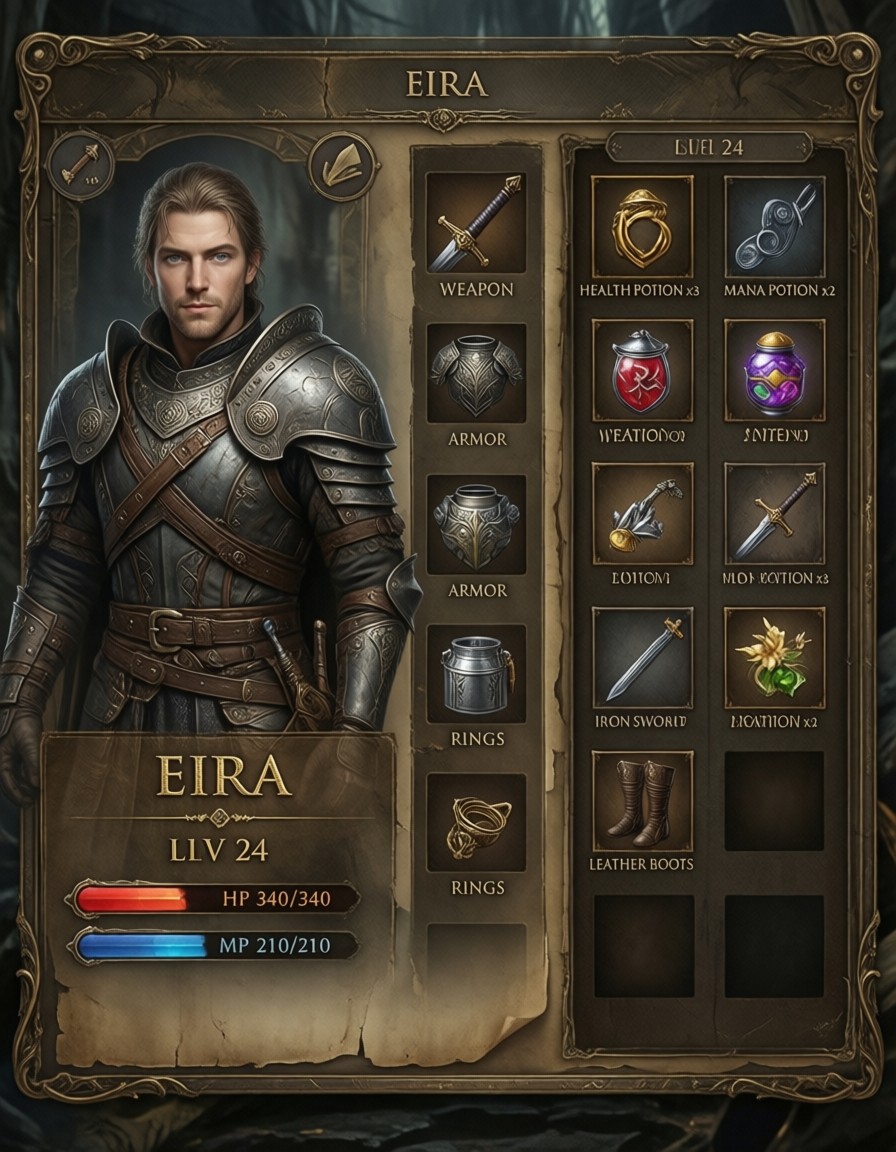
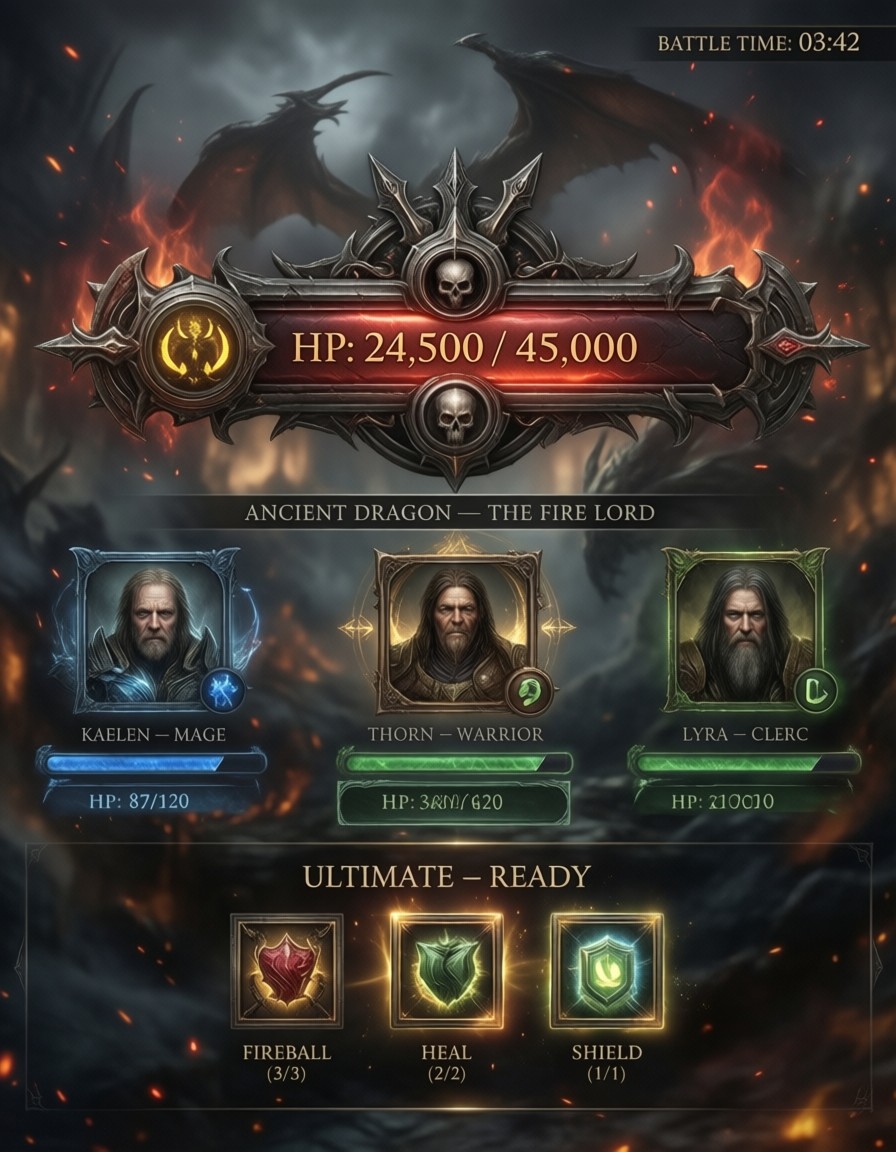
These related prompts explore similar UI spaces with different visual languages and functional focuses: