Tension on a Branch: The Anatomy of a Canopy Ambush
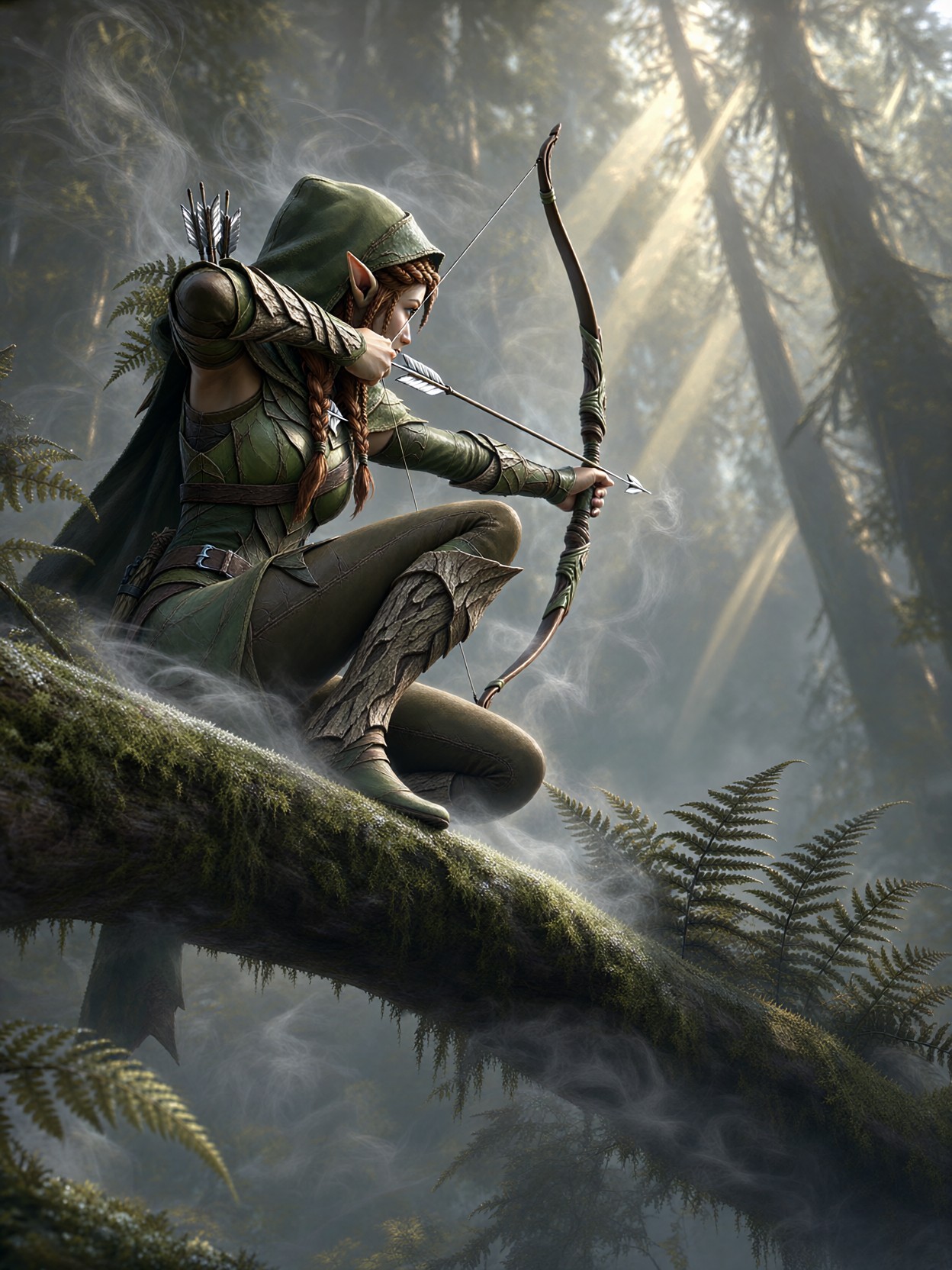
Nothing sells a fantasy character like a body under strain — and this prompt builds its entire drama from one drawn bowstring. A lithe elven archer crouches high in the canopy, knee pressed to mossy bark, arrow aimed at prey hidden somewhere beneath the fog. Qwen 2.1 handles this beautifully: it reads "one knee pressed to bark" as a real weight-bearing pose rather than a floating silhouette, and it renders the layered green leather and bark-tone plating with believable stitching and wear.
The atmosphere is doing quiet work too. Fine mist coils around the branch and bowstring while pale gold shafts cut through towering trunks, giving the image depth without clutter. The muted palette of sage, pewter, and soft amber keeps everything cohesive, and the low camera angle looking up along the branch makes the viewer feel like they're sharing her perch.
Character Sheets, Loading Screens, and Key Art
Ranger-class game character art is the obvious home here — think ability card portraits, skill tree icons, or a hero select screen for an RPG. It also works well as a fantasy novel interior illustration or a tabletop campaign handout, since the "unseen prey below" leaves narrative room for the player's imagination.
Stick to a 3:4 portrait or 4:5 frame so the vertical branch and upward gaze keep their compositional pull. Square crops tend to amputate the branch, which is the visual spine of the whole scene. Landscape works only if you widen the prompt into a full environment shot.
Dialing In Qwen 2.1 for Crisp Character Detail
Qwen 2.1's native 2K output and lifelike portrait lighting make it a strong match for painterly game art with a photographic sense of depth. Its fine-detail strength means you don't need to over-describe textures — one or two precise material words outperform a paragraph of adjectives.
- CFG / guidance:
3.5— keeps the pose locked and the mist soft; push to4.0only if the armor layers start blending together - Steps: 30 for maximum quality on the final render; 12 is fine for fast composition previews
- Resolution:
1080×1440(3:4) for character art; go native2048-class output for print or key art - Bonus: Qwen 2.1 renders integrated typography cleanly, so you can append "with the character name 'Sylwen' engraved on a small bark plaque" for a ready-made card frame
Because the model excels at portrait lighting, keep the light description directional — "pale gold shafts filtering through trunks" — rather than flat "beautiful lighting." Direction gives the mist something to catch.
Five Ways to Reshape the Elven Archer
Targeted Variations for This Canopy Ambush Prompt
- Swap the quarry's world: Change "misty forest canopy" to "sun-bleached watchtower at dusk" — the same pose reads as siege defense, and the palette shifts from sage and pewter to rust and violet
- Flip the camera: Replace "low camera angle looking up along the branch" with "top-down view past her shoulder toward the fog below" — suddenly the viewer sees what she sees, and the tension becomes the viewer's own
- Change the weather: Swap "fine mist coils" for "heavy rain streaming off her hood, wet leather glistening" — sharper highlights, darker mood, more cinematic contrast
- Reframe the character: Change "lithe elven archer" to "grizzled dwarven crossbow scout" — the pose stays, but armor becomes riveted iron, hair becomes braided beard, and the palette warms to umber and brass
- Push the style: Replace "painterly game-art finish" with "hyperreal cinematic still, volumetric fog, film grain" — Qwen 2.1's detail strength carries a photoreal version of the same scene with ease
Two Prompts Ready to Generate
Both examples below apply a variation directly, tuned for Qwen 2.1 at the settings above.
Variation: weather shift to rain — same pose and composition, but wet surfaces and harder light replace the soft mist
Fantasy Game Character, a lithe elven archer crouched on a moss-covered branch high in a rain-soaked forest canopy, one knee pressed to bark, longbow drawn taut with a silver-fletched arrow, heavy rain streaming off her hooded cloak, wet green leather armor glistening, braided auburn hair plastered to her face, cool grey light with faint gold breaks through towering trunks, muted palette of pewter and deep sage, low camera angle along the branch, shallow depth, painterly game-art finish, highly detailed, 8k
Variation: dwarven scout reframe — the ambush pose stays, but species, gear, and palette change to riveted iron and warm brass
Fantasy Game Character, a grizzled dwarven crossbow scout crouched on a stone battlement at dusk, one knee pressed to weathered granite, heavy crossbow aimed at unseen prey below the valley fog, riveted iron armor with brass fittings, fur-lined cloak, braided beard with iron rings, mist coiling around the balustrade, last amber light on distant peaks, muted palette of umber, brass, and slate, low camera angle along the wall, shallow depth, painterly game-art finish, highly detailed, 8k
More Character Art With the Same Edge
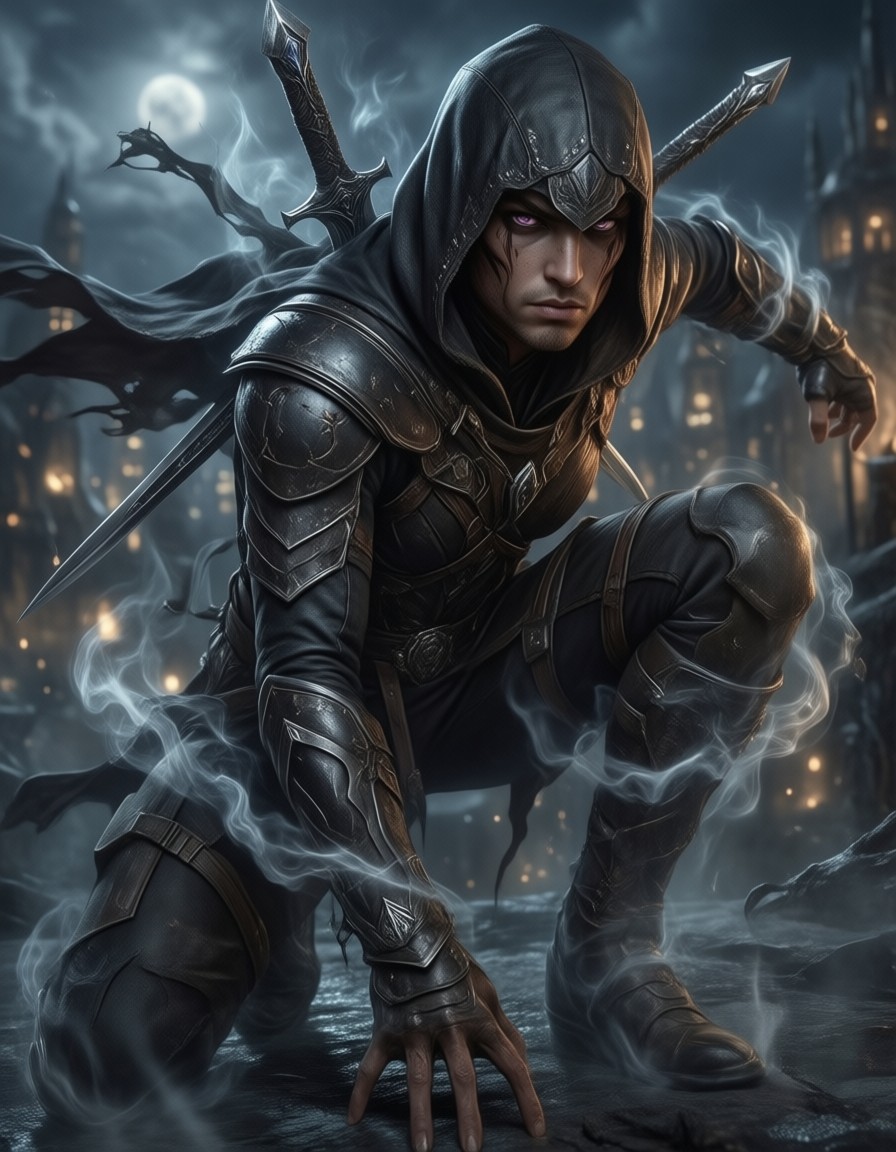
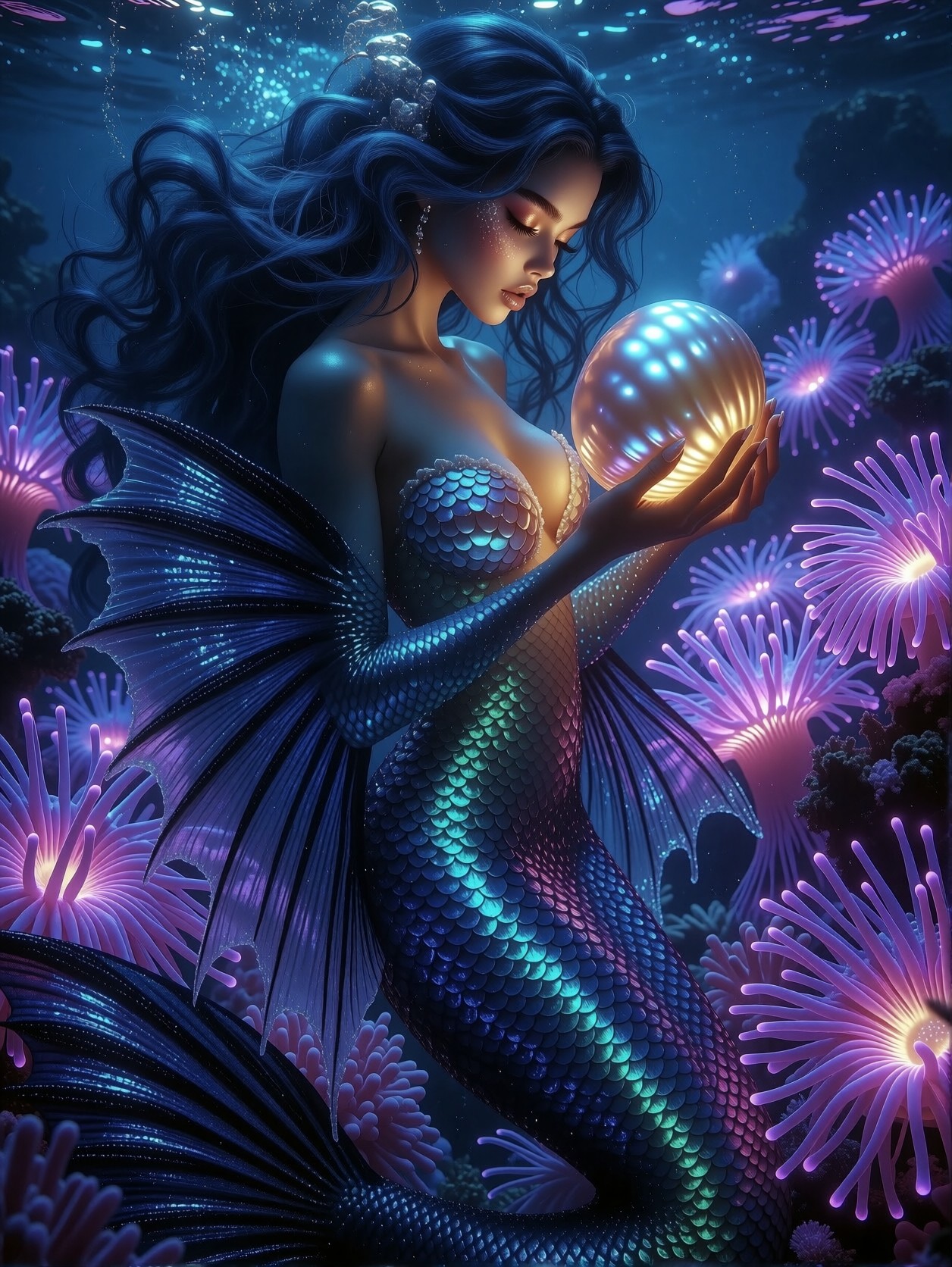
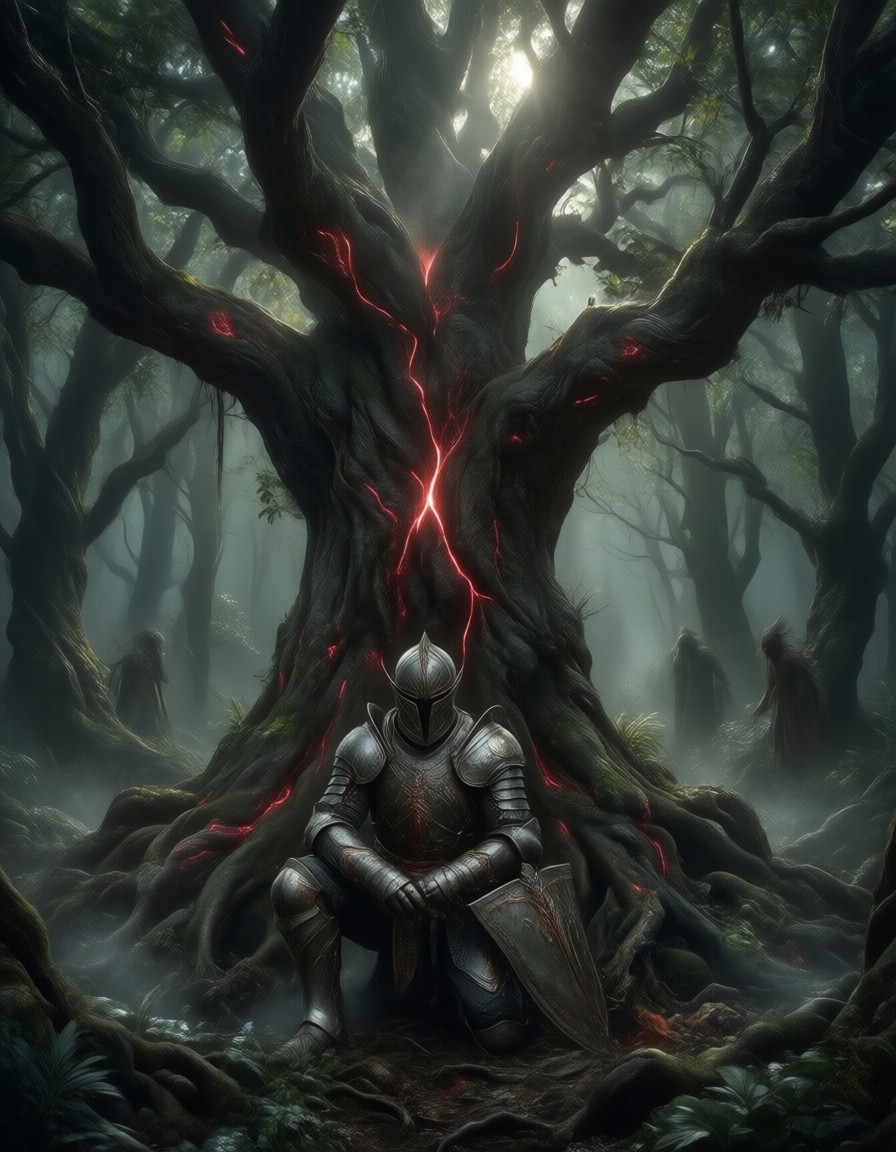
These prompts share the same DNA — a single figure caught mid-tension in a dramatic environment, from rooftop assassins to kneeling knights: