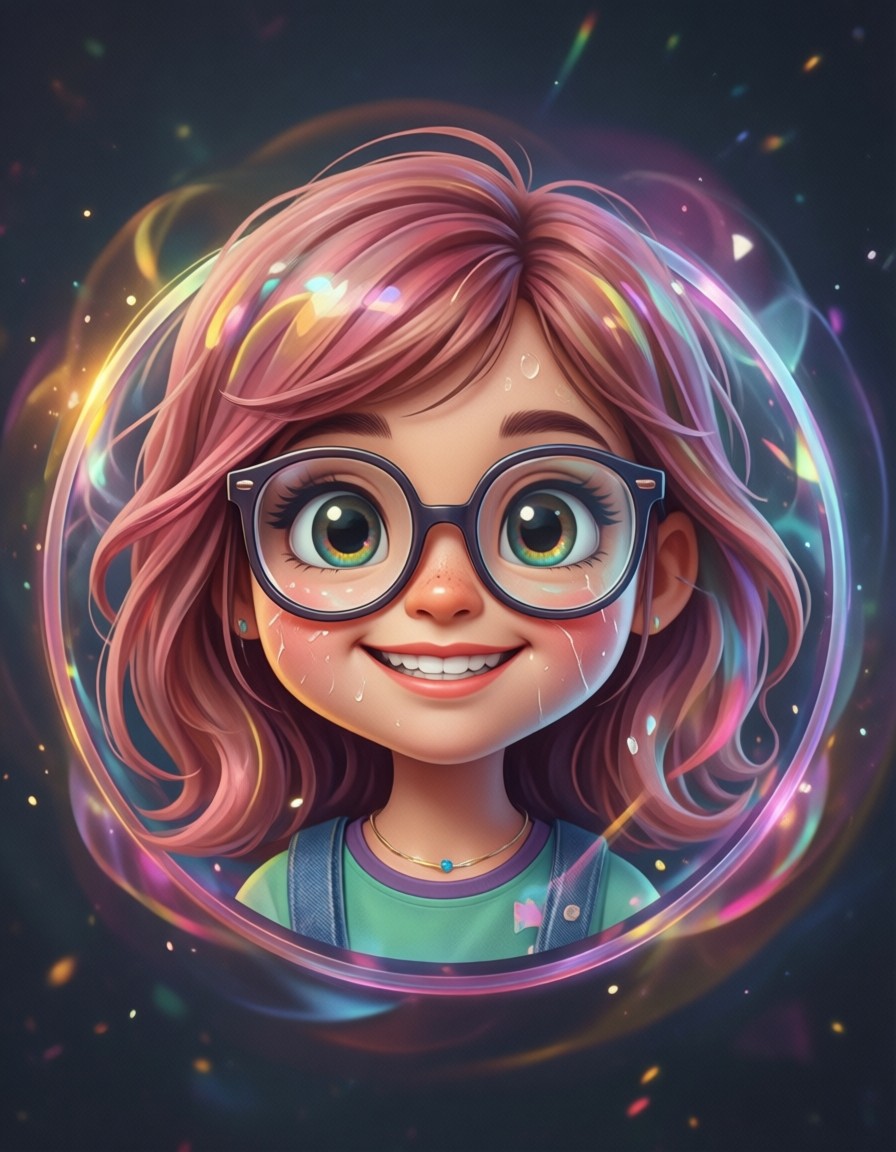
Pastel Pizzazz and Round Shapes: The Secret to This Cartoon Avatar
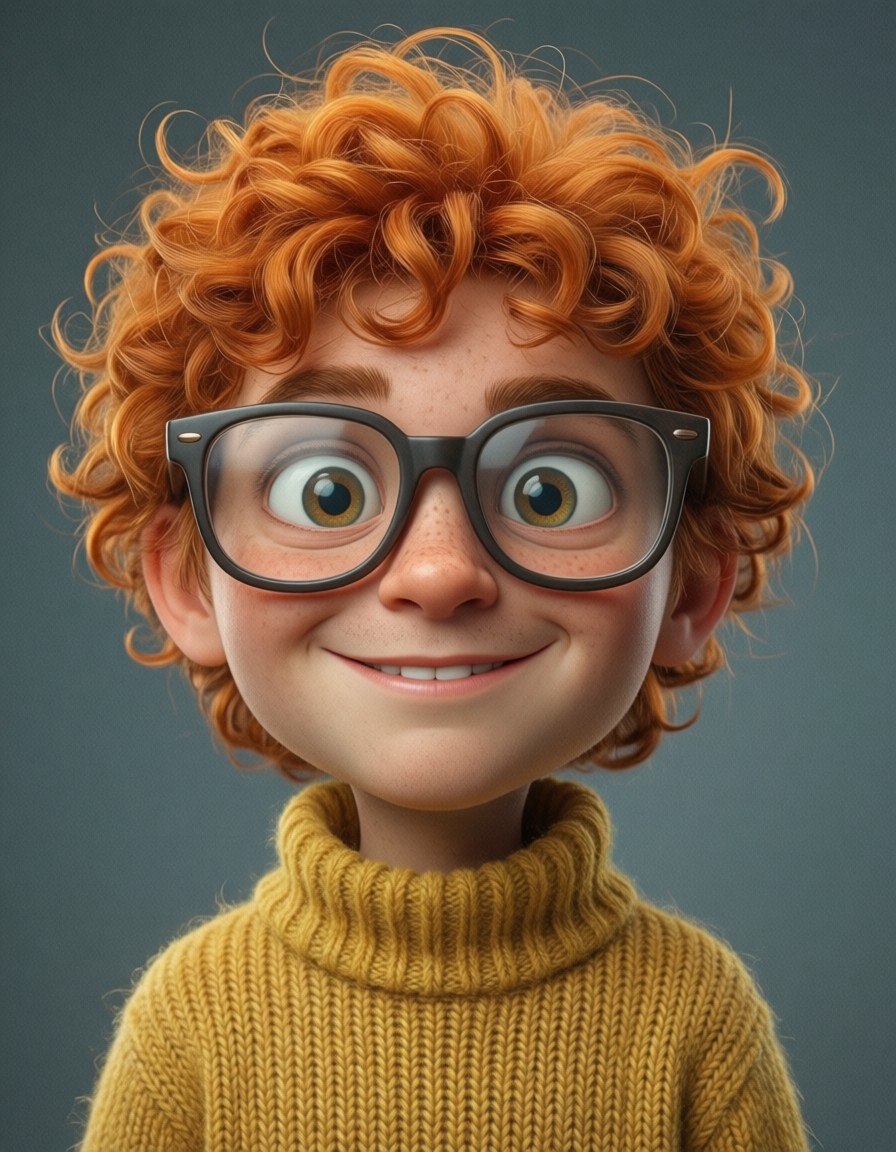
Pink hair doesn't just "look cute" here — it glows with pastel radiance, bouncing off round cheeks and oversized glasses in a way that feels like a sticker you'd pin to your phone. Qwen Image 2512 balances the cartoonish exaggeration (those comically large eyes!) with social media-ready precision, making every clean line and gradient feel intentional.
The magic happens in the contrast: soft pastel colors against bold outlines, a smile that's universally recognizable yet uniquely expressive. It's the kind of avatar that works as a profile icon, a game character, or a sticker — without ever feeling too much or too little.
From Social Media to Game Characters: Who Needs This
This avatar is built for platforms where first impressions matter — dating apps, gaming communities, or even corporate social profiles needing a friendly face. The 1:1 square format (1024×1024) is perfect for profile icons, but scaling to 3:4 or 16:9 opens up storytelling potential.
Warning: Avoid extreme close-ups — the glasses and round shapes need space to breathe. For character sheets or game assets, consider adding context like a background or props.
Stability Through Precision: Qwen Image 2512 Settings
Qwen Image 2512 thrives on specific language. Instead of "colorful," use "vibrant pastel palette" — the model interprets that as soft pinks, lavenders, and mint greens rather than neon. For maximum detail:
- CFG Scale: 3.5 — keeps colors vivid without over-saturating
- Steps: 20–30 for full pastel gradient resolution
- Resolution: 1024×1024 (square) for profile perfection; 1344×1792 for print-ready
Use "clean lines" explicitly — the model might otherwise soften edges into gradients. For LoRA combinations, keep weights between 30–60 to preserve the cartoon clarity.
LoRA Layering for Custom Styles
- Minimalist Line Art at 0.35 — adds subtle outlines without overpowering the pastels
- Watercolor Style at 0.25 — softens edges for a hand-painted feel
Pairing both LoRAs creates a hybrid look: the avatar retains its cartoon clarity while gaining painterly texture. For a fully watercolor effect, drop Line Art to 0.15 and raise Watercolor to 0.50.
Five Ways to Reinvent This Avatar
5 Targeted Variations for This Prompt
- Monochrome Makeover: Replace "vibrant pastel colors" with "bold black and white with watercolor textures" — the same round shapes gain dramatic contrast
- Dynamic Pose: Add "leaping over a rainbow, dynamic motion blur, 3:4 portrait" — transforms the icon into a game character asset
- Gender Swap: Change "girl" to "boy with blue hair and goggles" — keeps the style but shifts the demographic
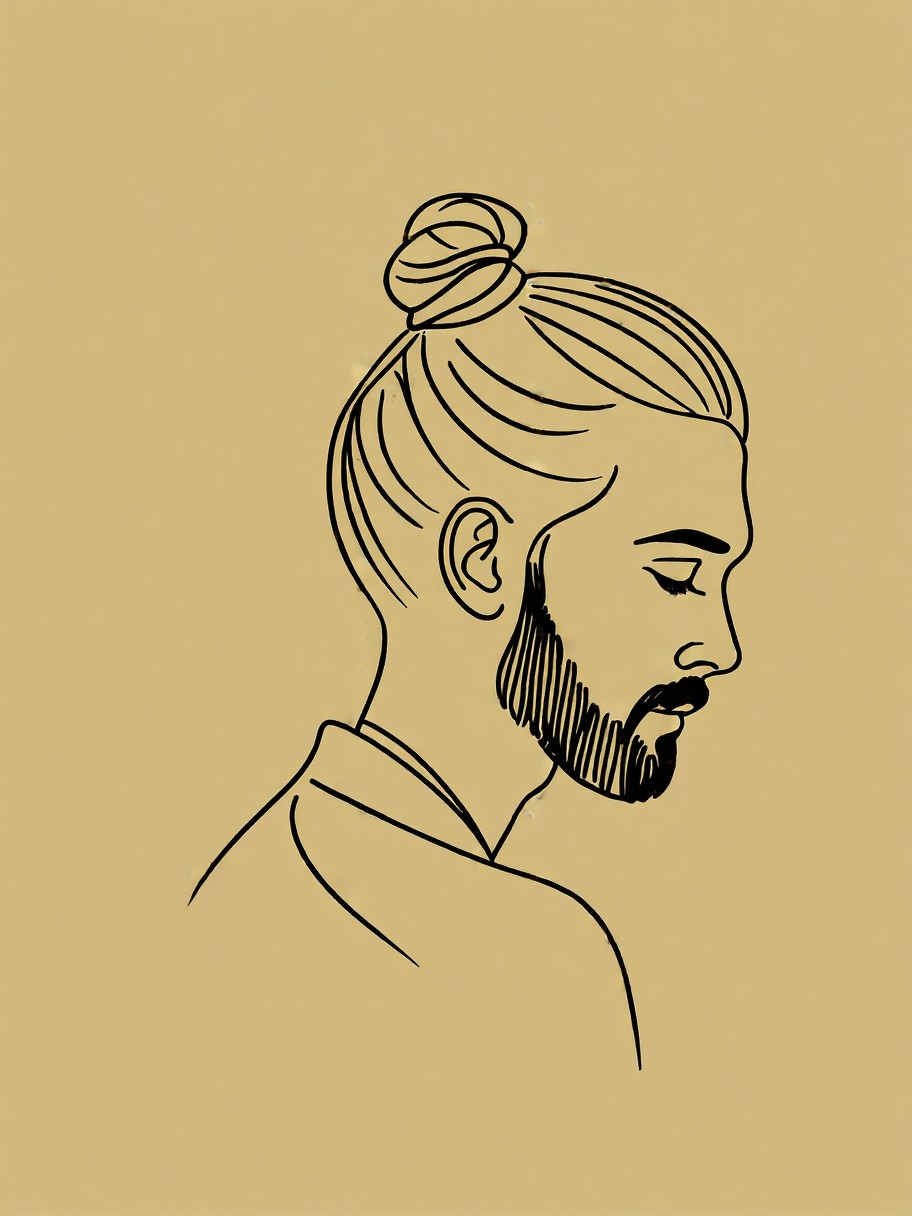
- Minimalist Twist: Remove "colorful" and add "single solid color, clean black outline, 1:1" — becomes a vector-style icon
- Cultural Detail: Add "traditional Japanese kimono, cherry blossom hairpin" — the pastel palette naturally aligns with the setting
Two Prompts Ready to Generate
Apply two of the variations above directly — both are optimized for Qwen Image 2512's strengths in detail and color accuracy.
Variation: Monochrome with watercolor textures — retains the round shapes but gains dramatic contrast
A cute cartoon avatar of a boy with blue hair and goggles, smiling, bold black and white with watercolor textures, round shapes, clean lines, social media profile icon style, dynamic motion blur, 3:4 portrait
Variation: Minimalist single-color icon — simplifies the design for vector-style use
A cute cartoon avatar of a girl with pink hair and glasses, smiling, single solid color, clean black outline, round shapes, social media profile icon style, 1:1
Similar Avatars to Explore
These related prompts take the same cartoon foundation in different directions — from bright cheerfulness to minimalist elegance: