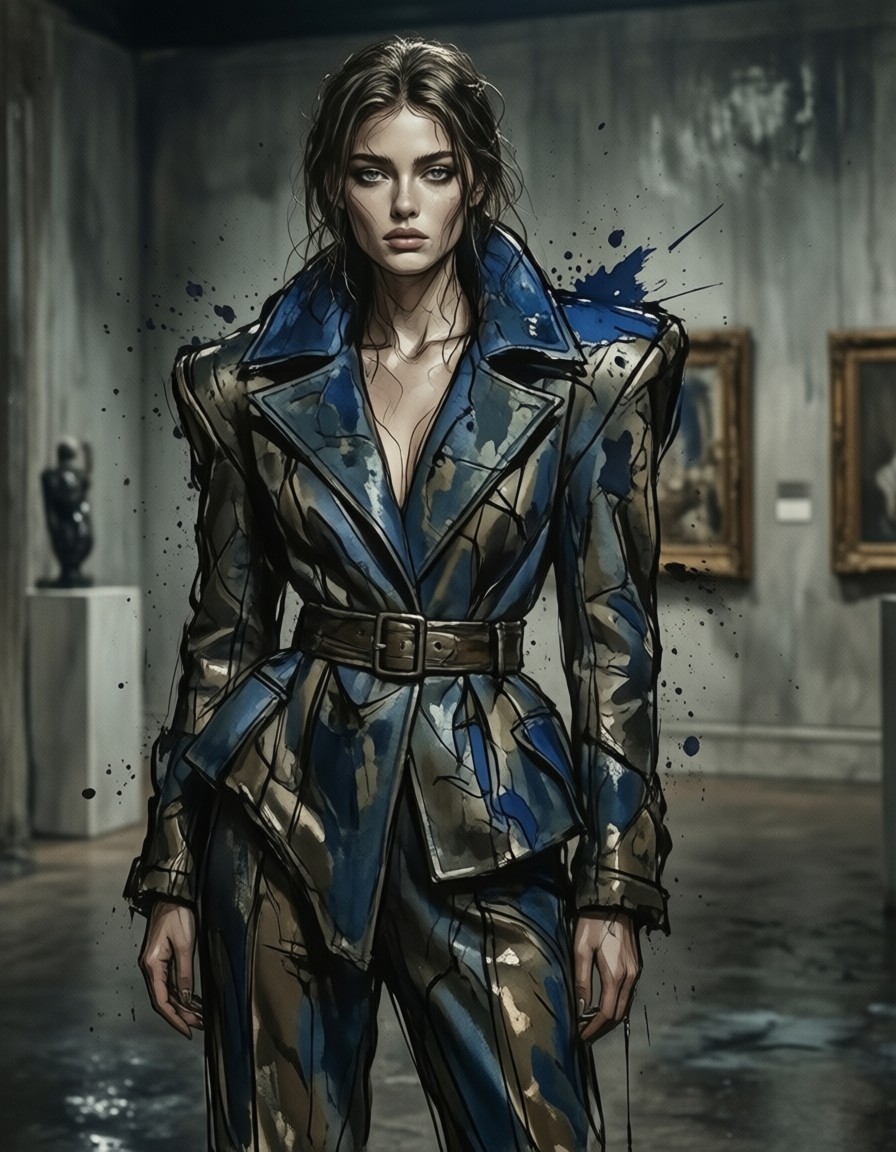


Cobalt Chaos and Continuous Lines: The Avant-Garde Fashion Illustration
Asymmetrical cobalt blue isn't just a color choice — it's a rebellion against symmetry, amplified by the minimalist continuous line drawing that traces the garment like a living contour. The intense ink splashes aren't accidents; they're deliberate explosions of energy that contrast with the garment's structured asymmetry. Qwen Image 2512 renders this tension with precision, making every brushstroke feel like a battle between control and chaos.
The wet-on-wet technique gives the illustration a watercolor-like translucency, while dramatic shadows carve depth into the figure. This isn't just fashion art — it's a modern gallery piece that feels like it belongs in a museum, where the minimalist lines and maximalist ink splashes coexist in perfect dissonance.
High-Fashion Concept Art and Gallery Pieces
This prompt is a goldmine for fashion illustrators needing avant-garde concepts, editorial spreads with strong visual impact, or gallery-ready pieces that merge traditional illustration with digital chaos. The minimalist line work makes it adaptable to black-and-white prints, while the bold brushwork ensures vibrancy in color.
For optimal results, use a 1:1 square aspect ratio to balance the asymmetrical garment and ink splashes. Landscape orientations will flatten the dramatic shadows, while portrait crops may cut off the garment's most striking elements.
Settings for Qwen Image 2512 — Balancing Control and Chaos
Qwen Image 2512 benefits from precise parameter tuning, especially with its enhanced LoRA integration. Start with cfg_scale 3.5 — too low and the ink splashes lose their intensity, too high and the continuous lines become jagged.
- CFG / Guidance:
3.0–3.5— maintains sharp line work while letting ink splashes breathe - Steps: 30 for full wet-on-wet texture; 12 steps for quick previews
- Resolution:
1080×1080(1:1) — ideal for gallery framing;1664×928(16:9) for dynamic horizontal compositions
At cfg 3.5 and 30 steps, the model preserves the continuous line's integrity while letting the ink splashes feel like they're bleeding off the canvas — exactly what the prompt demands.
LoRA Layering for Maximum Impact
- Grim Dark Glamour 80s at
0.30— adds subtle pastel undertones to the cobalt blue, with shimmering silvers that catch light in the ink splashes - Proxima Dream at
0.30— introduces dreamlike blur in the shadows, making the figure feel like it's emerging from a surreal dimension
Combining both LoRAs at 0.30 creates a hauntingly beautiful effect — the garment feels both hyper-real and otherworldly. To lean into the dream aspect, raise Proxima Dream to 0.50 and lower Grim Dark Glamour to 0.20.
Five Ways to Push the Fashion Illustration Further
5 Targeted Variations for This Prompt
- Shift the color drama: Replace "cobalt blue" with "neon green" — the ink splashes become electric, the minimalist lines feel more aggressive
- Reframe the texture: Change "wet-on-wet technique" to "dry brush with charcoal dust" — the illustration gains a gritty, almost graffiti-like energy
- Add cultural context: Add "Andean textile patterns" to the garment — the asymmetry becomes a tribute to indigenous weaving traditions
- Change the lighting: Replace "dramatic shadows" with "soft golden hour glow" — the avant-garde becomes romantic, the ink splashes feel like sunlight on water
- Alter the figure: Change "woman" to "genderless model" — the prompt becomes more inclusive, the asymmetry reads as a statement rather than a fashion choice
Two Prompts Ready to Generate
Apply two of the variations above directly — both are tuned for Qwen Image 2512 at the settings recommended above.
Variation: neon green color shift with aggressive dry brush texture
Fashion illustration of a genderless model in an asymmetrical neon green avant-garde garment, minimalist continuous line drawing, intense ink splashes, dramatic shadows, bold brushwork, modern art gallery style, dry brush with charcoal dust technique
Variation: Andean textile patterns with soft golden hour glow
Fashion illustration of a woman in an asymmetrical cobalt blue avant-garde garment with Andean textile patterns, minimalist continuous line drawing, intense ink splashes, soft golden hour glow, bold brushwork, modern art gallery style, wet-on-wet technique
Explore Similar Fashion Illustration Concepts
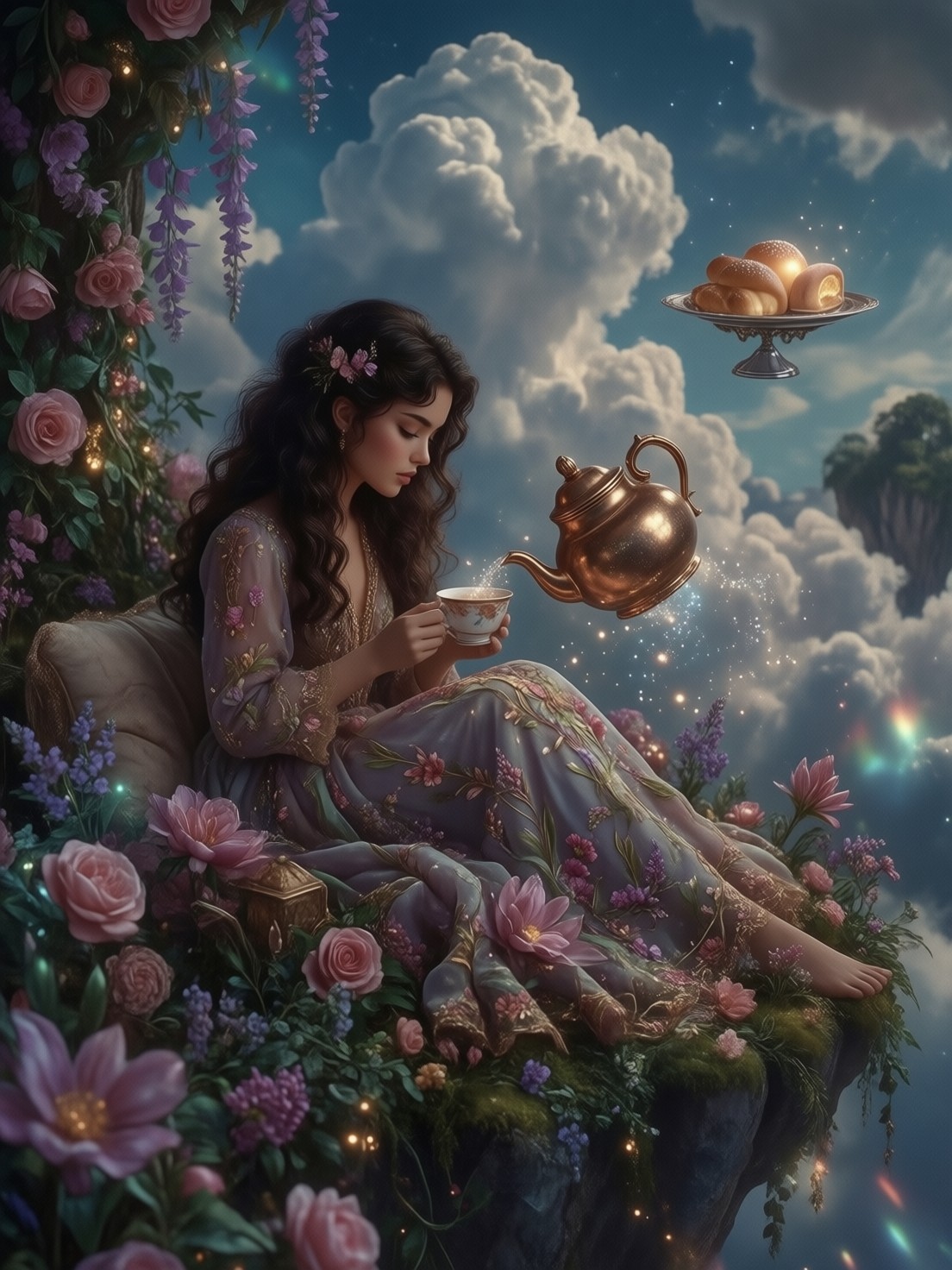
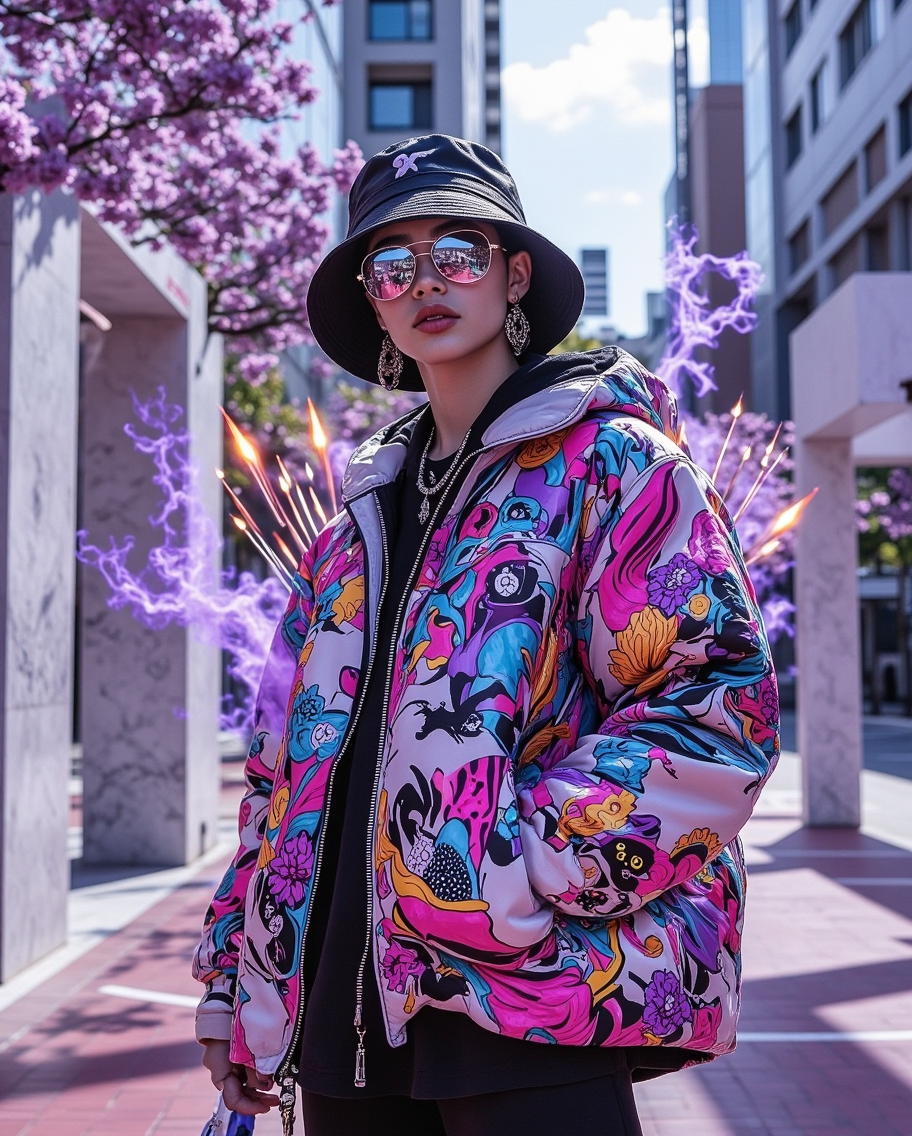
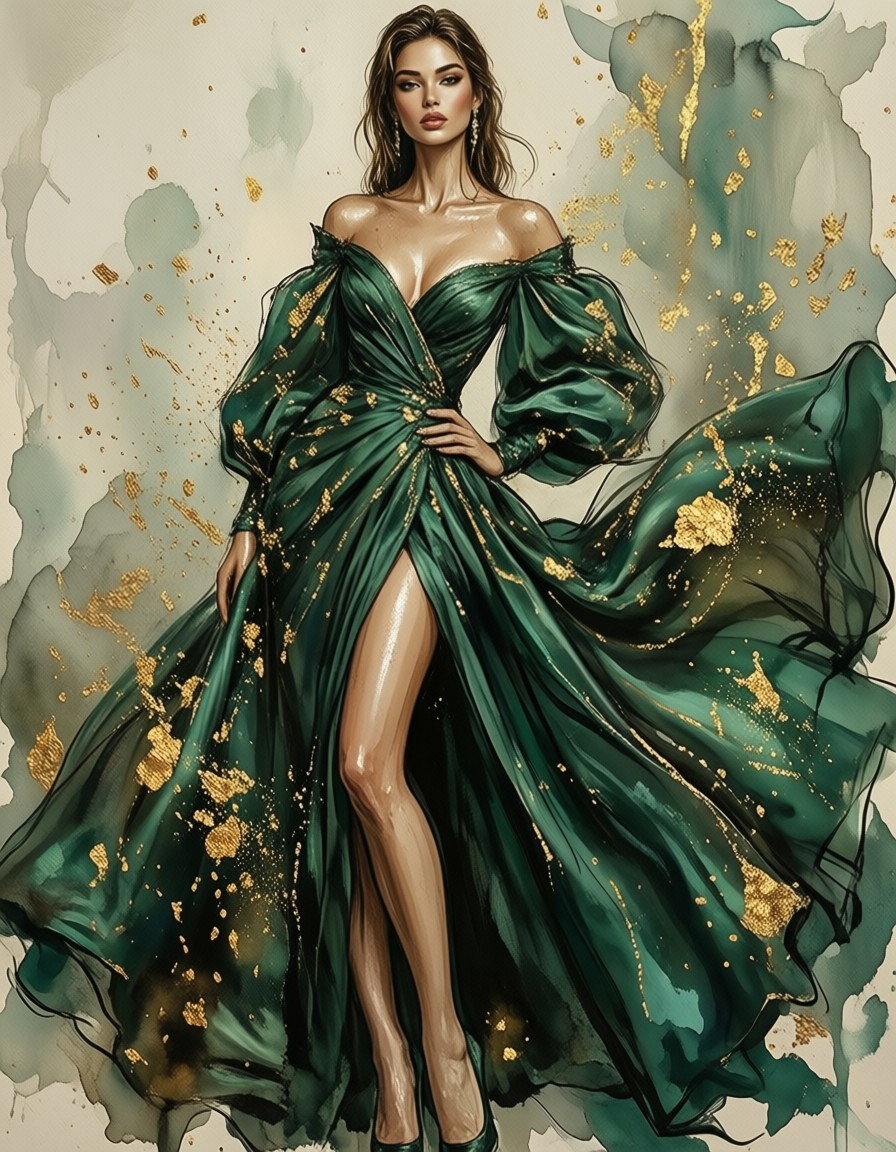
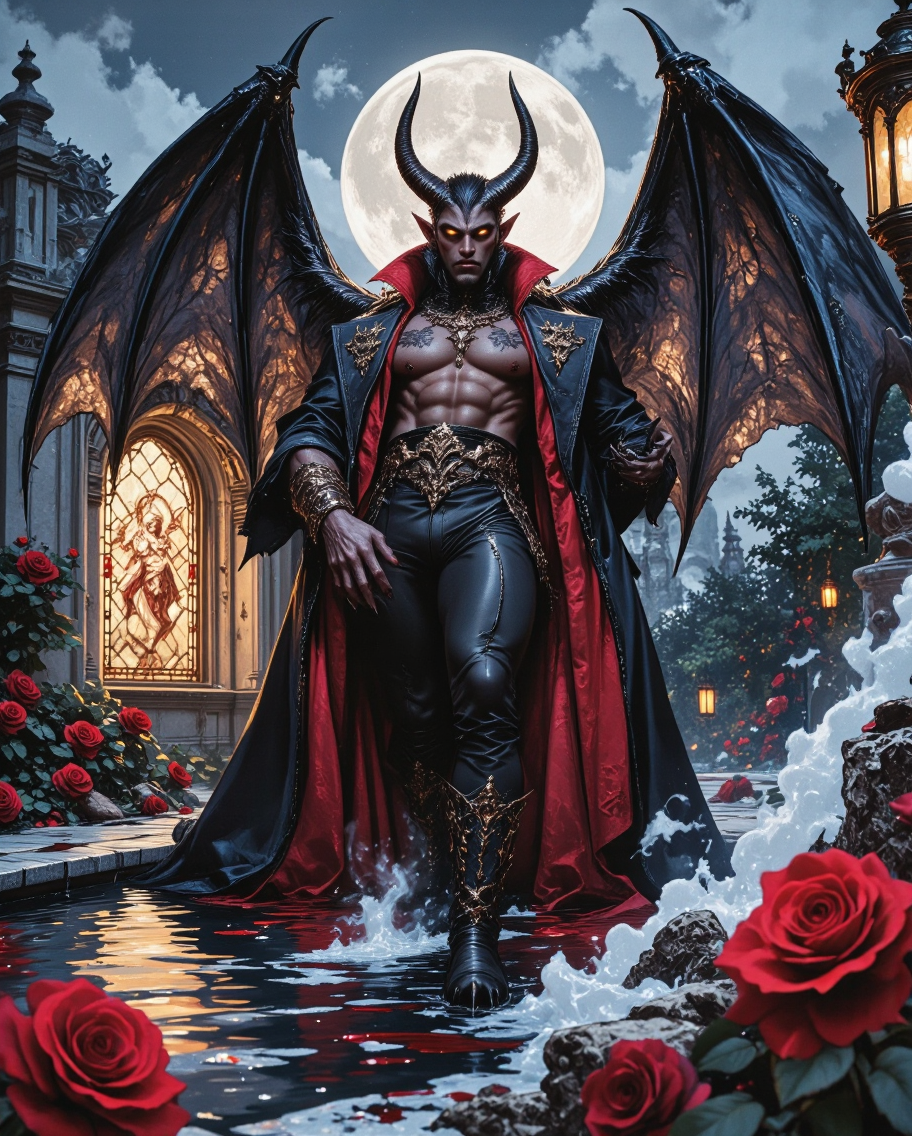
Other prompts in this category explore different angles of avant-garde fashion, from enchanted tea ceremonies to Tokyo streetwear action — all with the same level of artistic intensity: