Grok Imagine
Autoregressive Innovation: The Aurora Engine Behind Grok Imagine
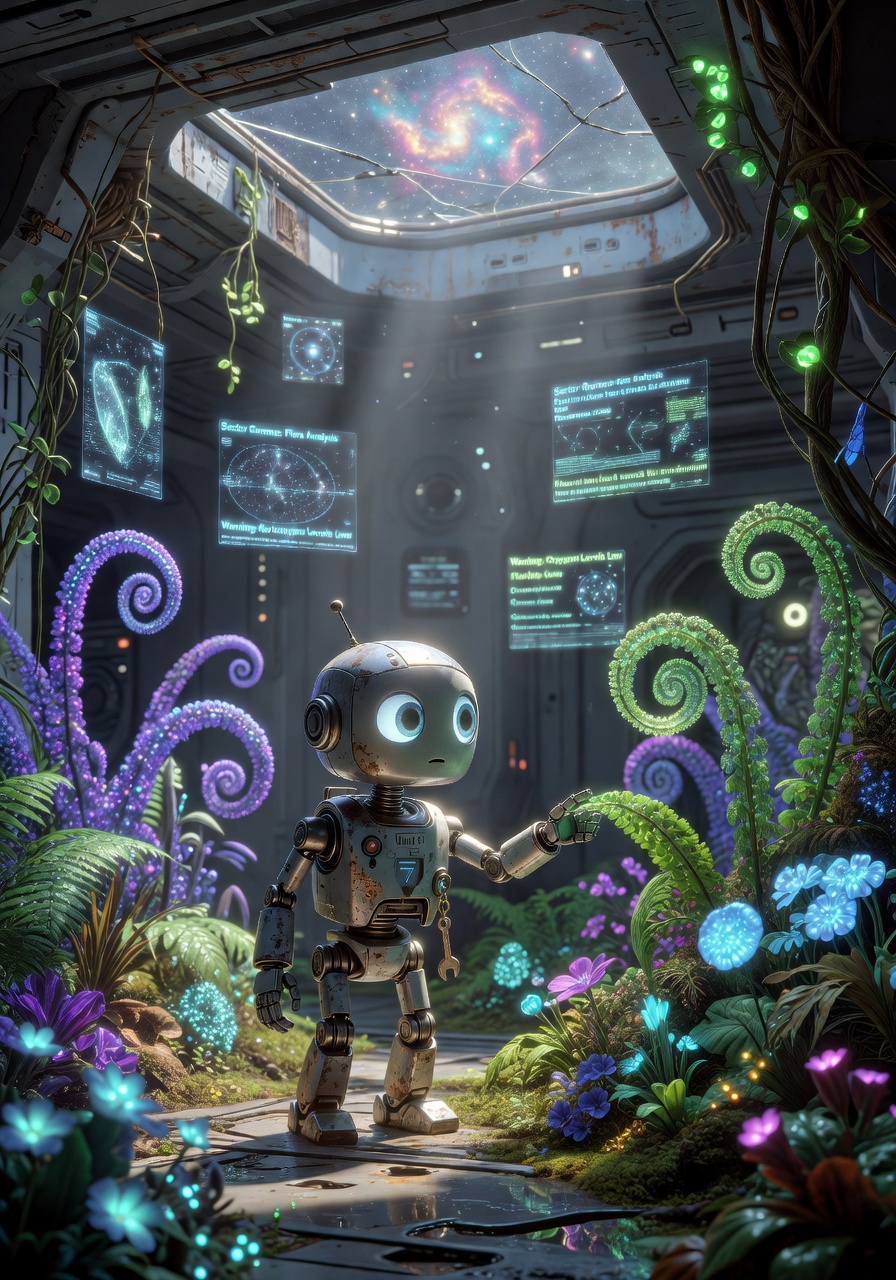
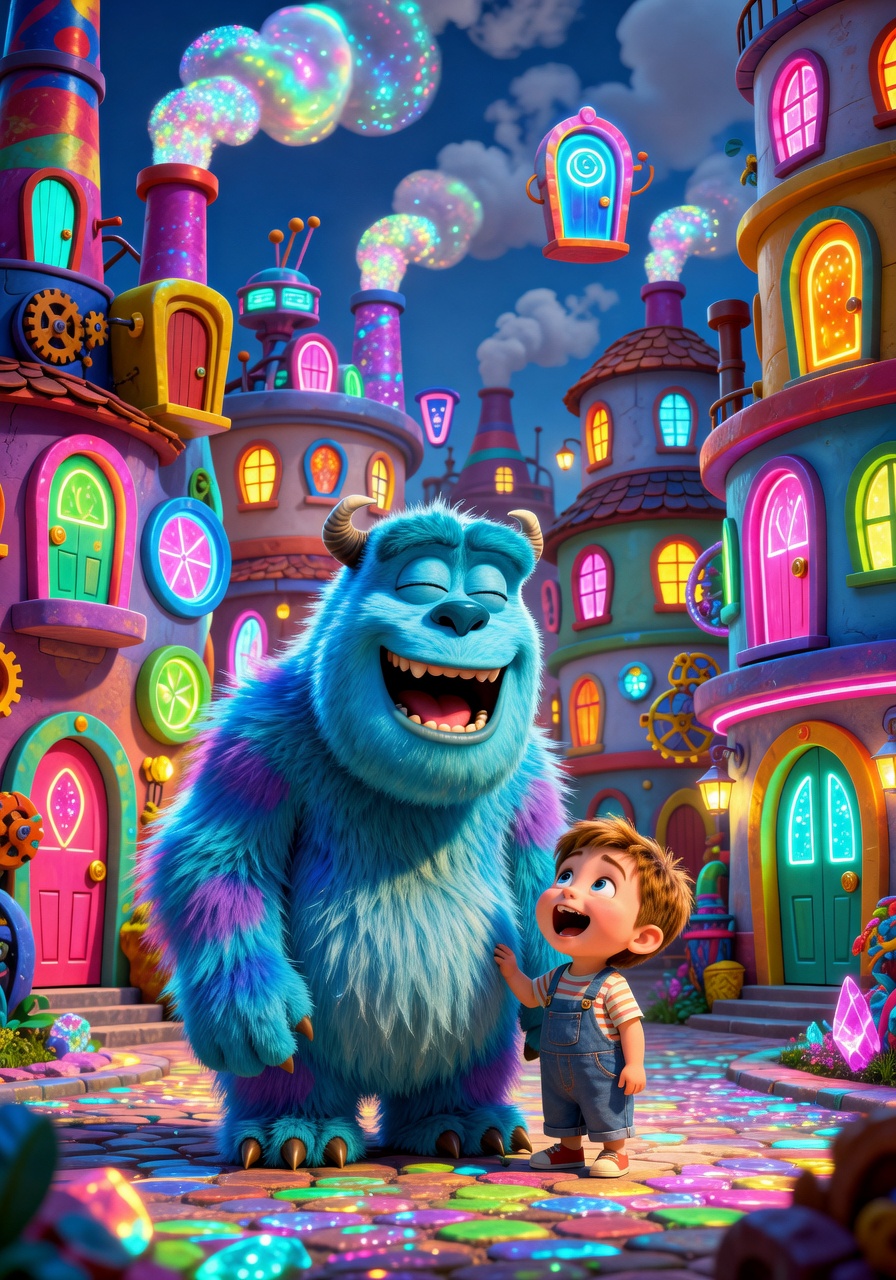
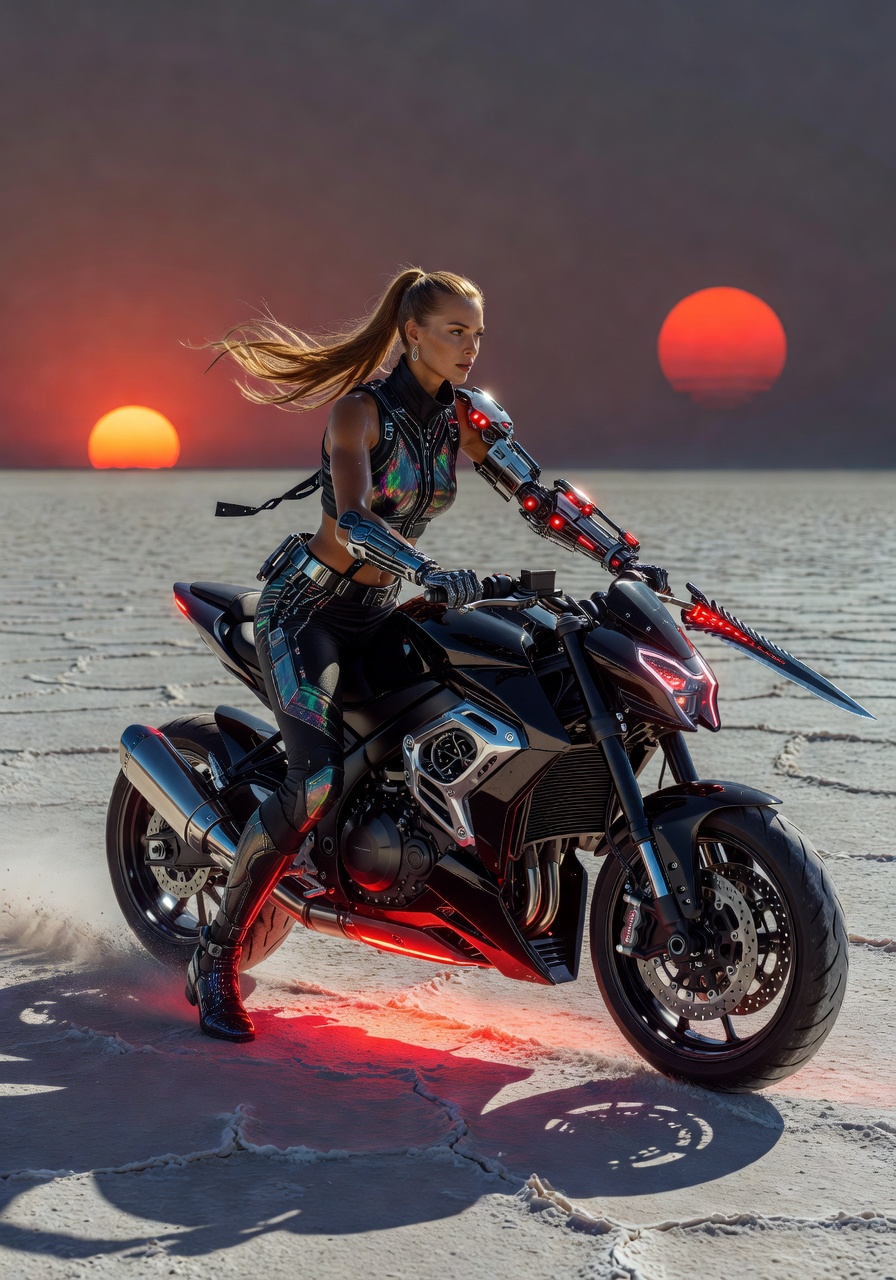
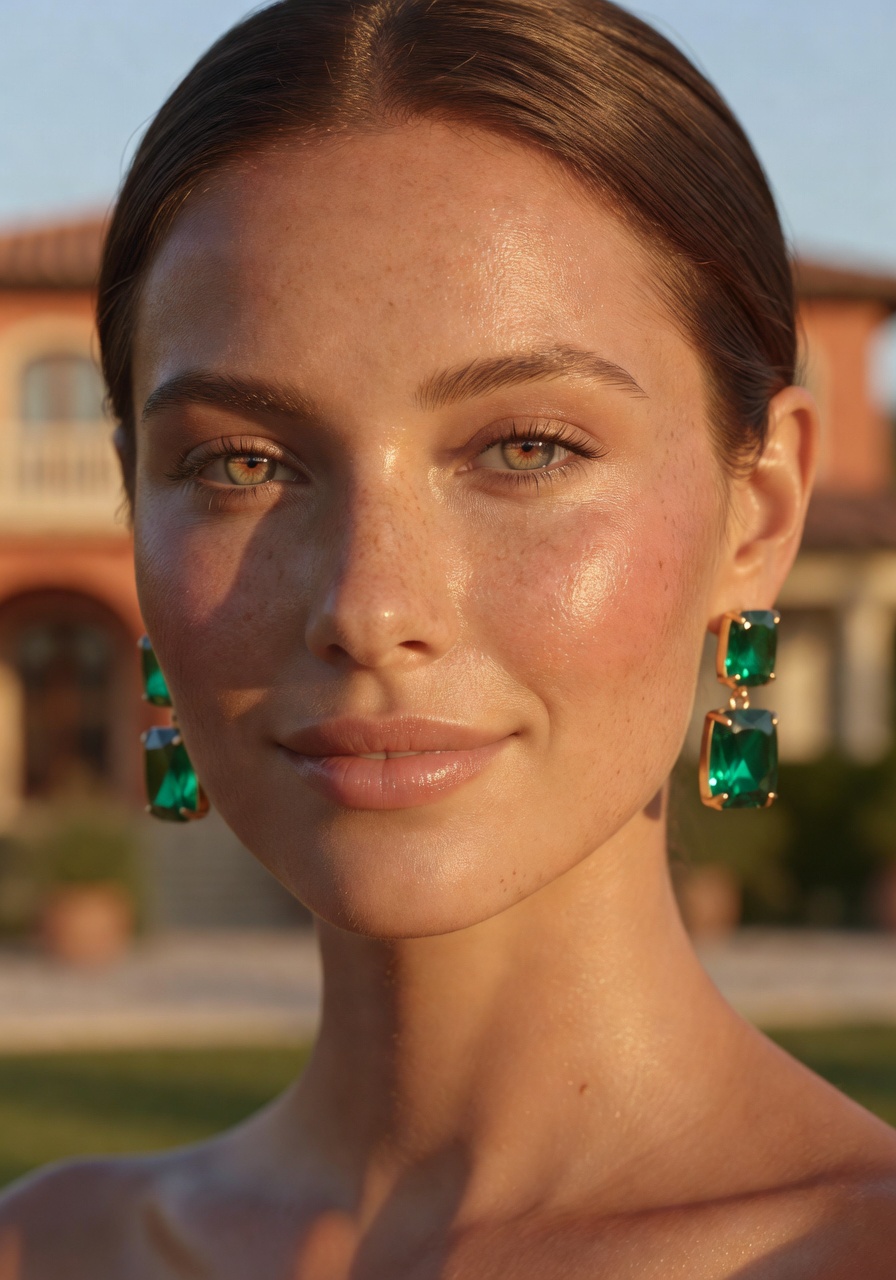
Grok Imagine, the premium AI image and video generator developed by xAI, redefines what’s possible with its Aurora engine. Unlike traditional diffusion-based models that start with random noise, Grok Imagine builds images patch by patch, using an autoregressive approach similar to how language models generate text. This means each segment of the image learns from the previous ones, creating more contextually coherent results—especially in complex scenes with multiple people, intricate text, or dynamic lighting. As the first model to integrate this architecture into Proxima.art’s platform, Grok Imagine delivers photorealistic visuals with unmatched consistency, making it ideal for professional design, marketing, and concept art workflows.
Why Grok Imagine Stands Out: Key Visual Strengths
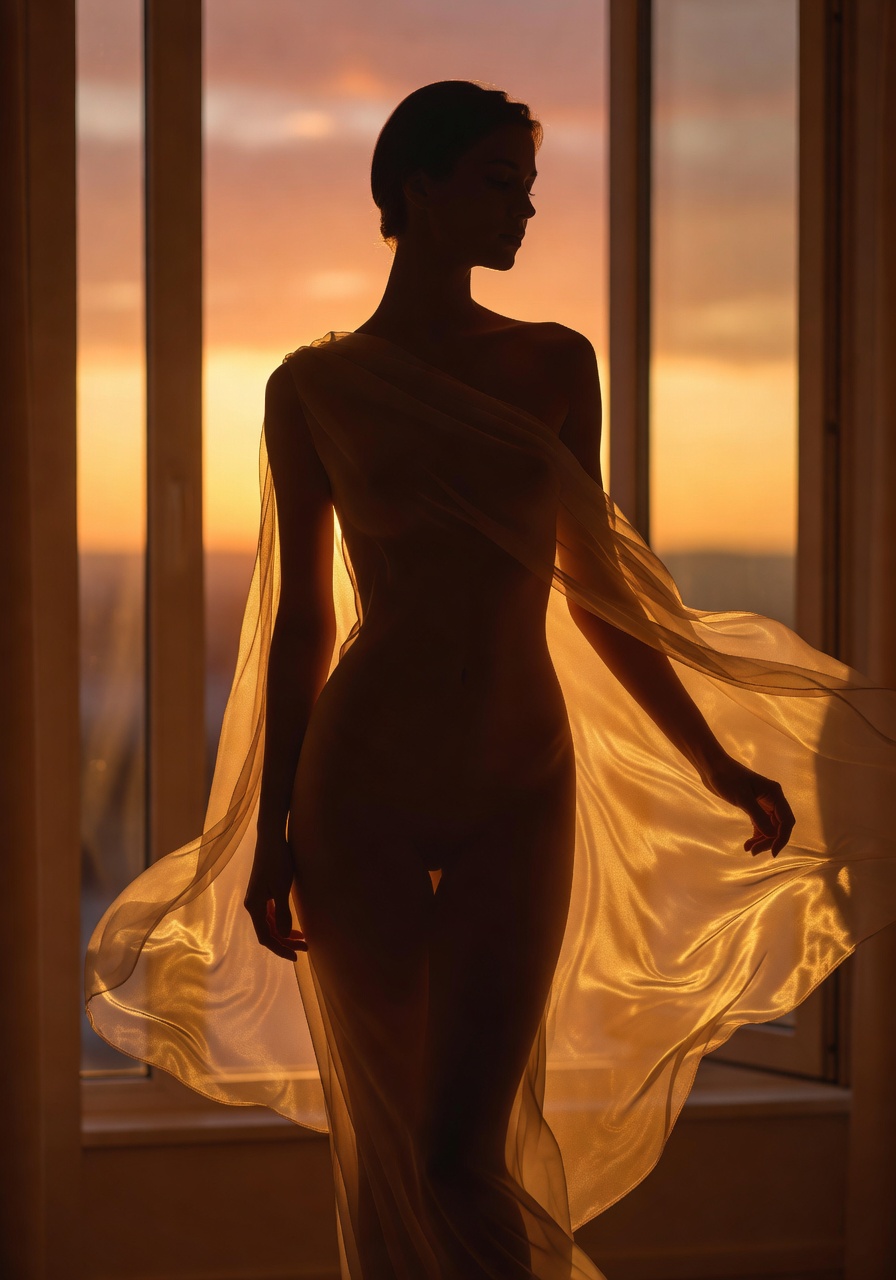
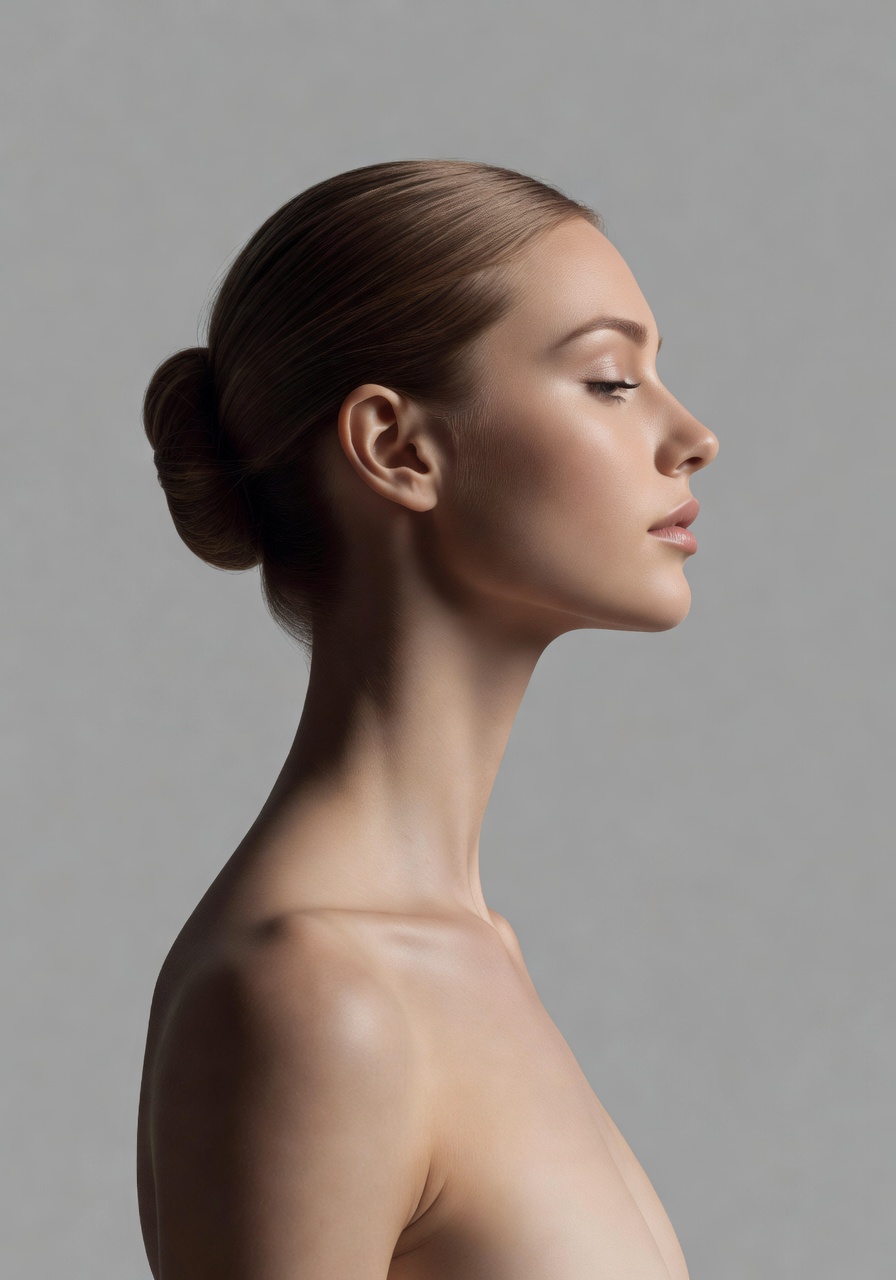
- Photorealism with Human Precision: Grok Imagine excels at rendering human subjects with lifelike anatomy, skin textures, and natural poses. Benchmark tests show it outperforms DALL-E 3 in generating believable faces and bodies, making it a top choice for portrait photography and character design.
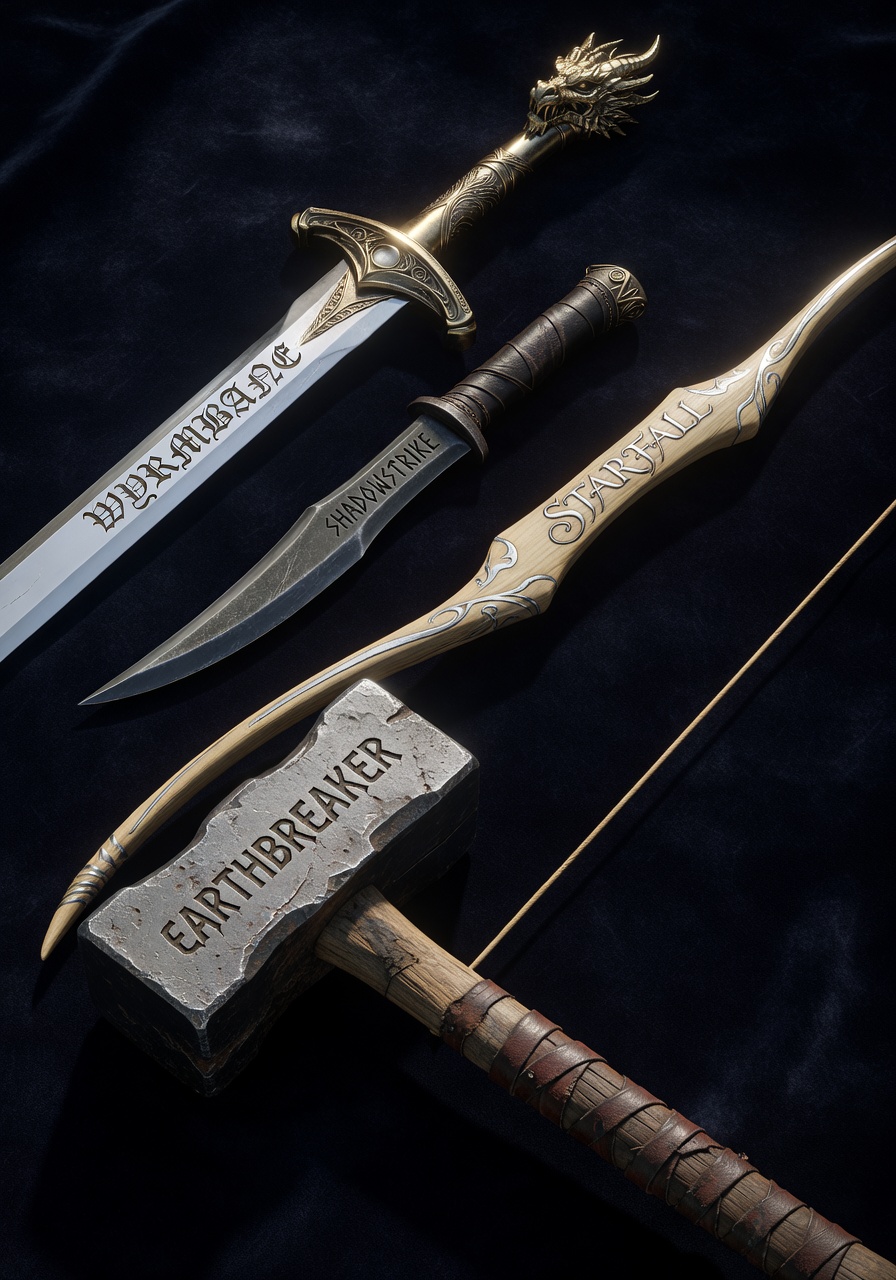
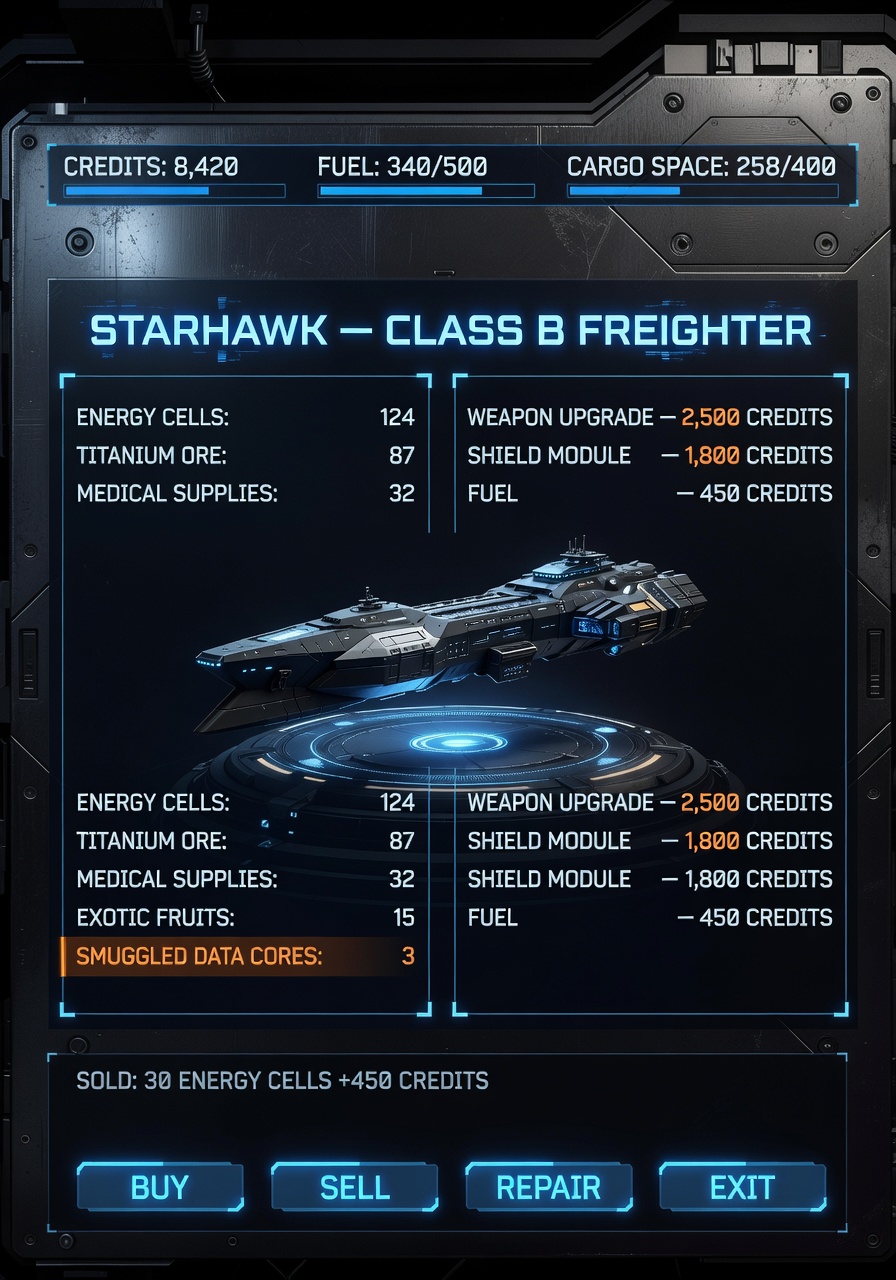
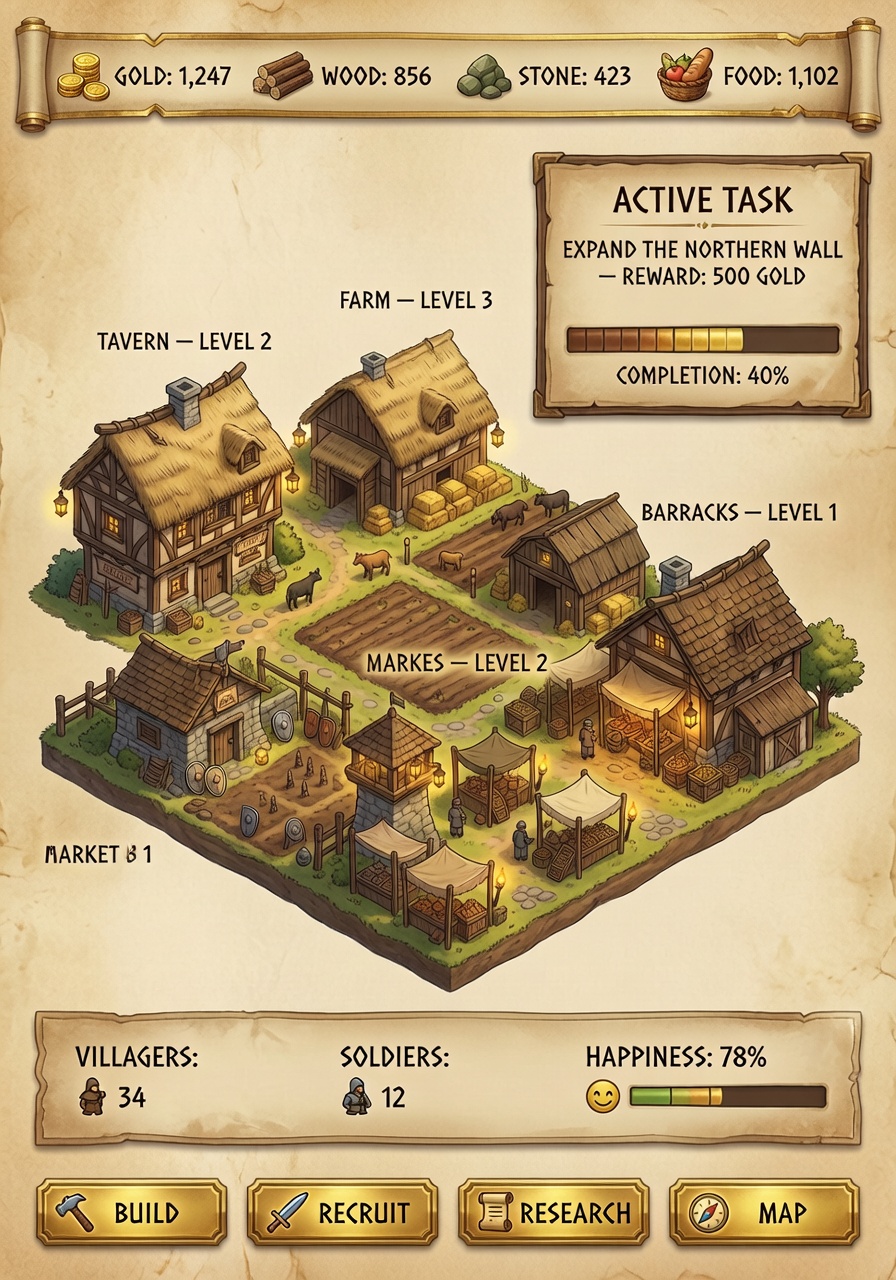
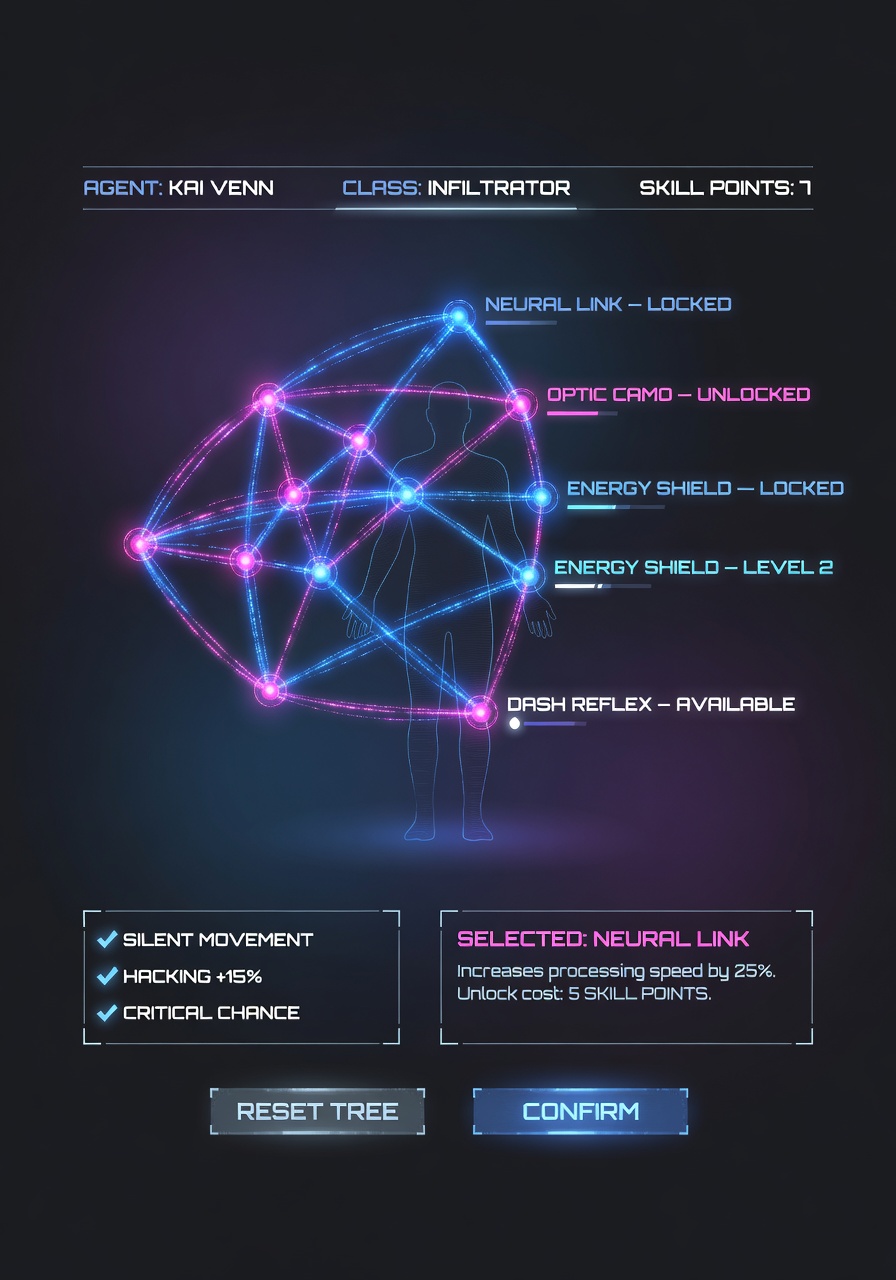
- Text and Logo Rendering: Incorporating legible text, product labels, and branded elements is a core strength. Whether you need a newspaper headline in a 1920s scene or a modern product label, the model maintains font accuracy and stylistic consistency.
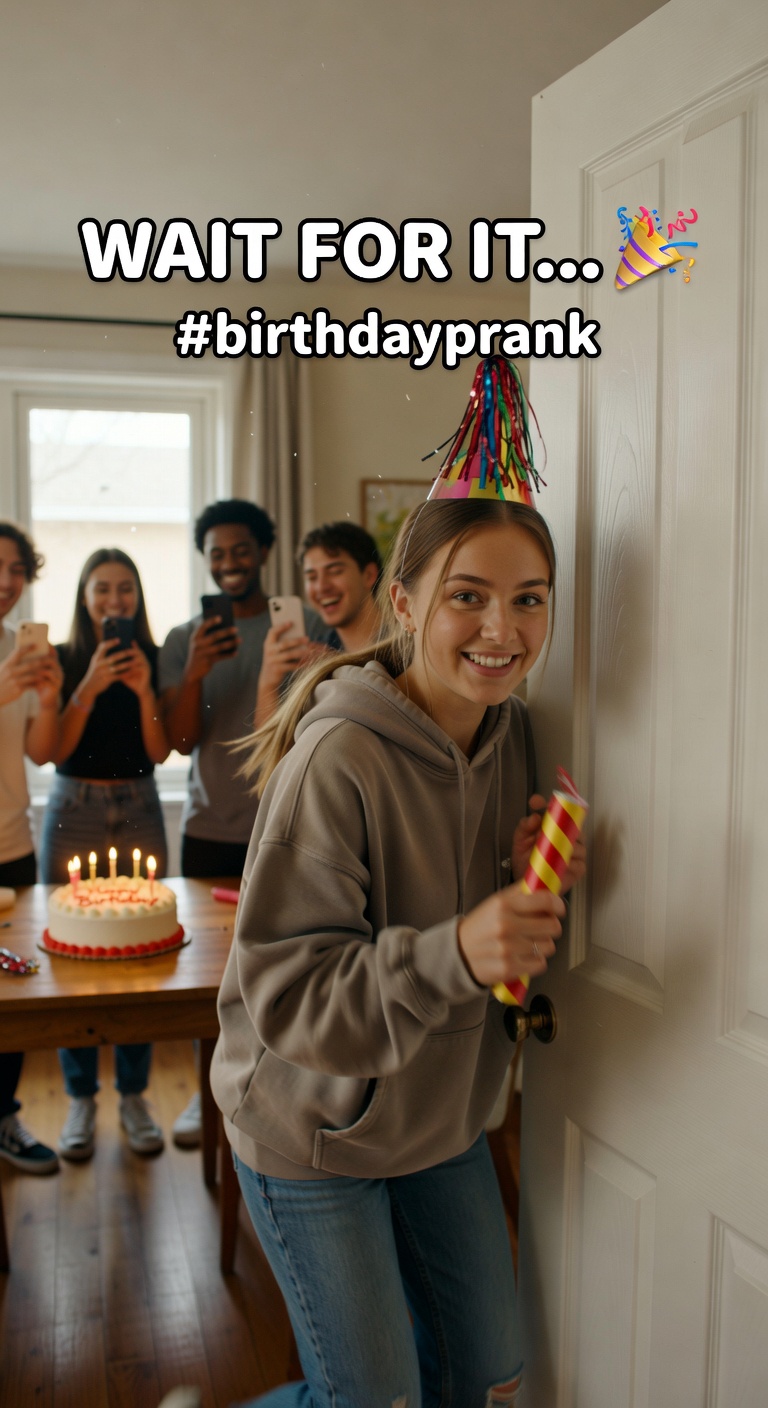
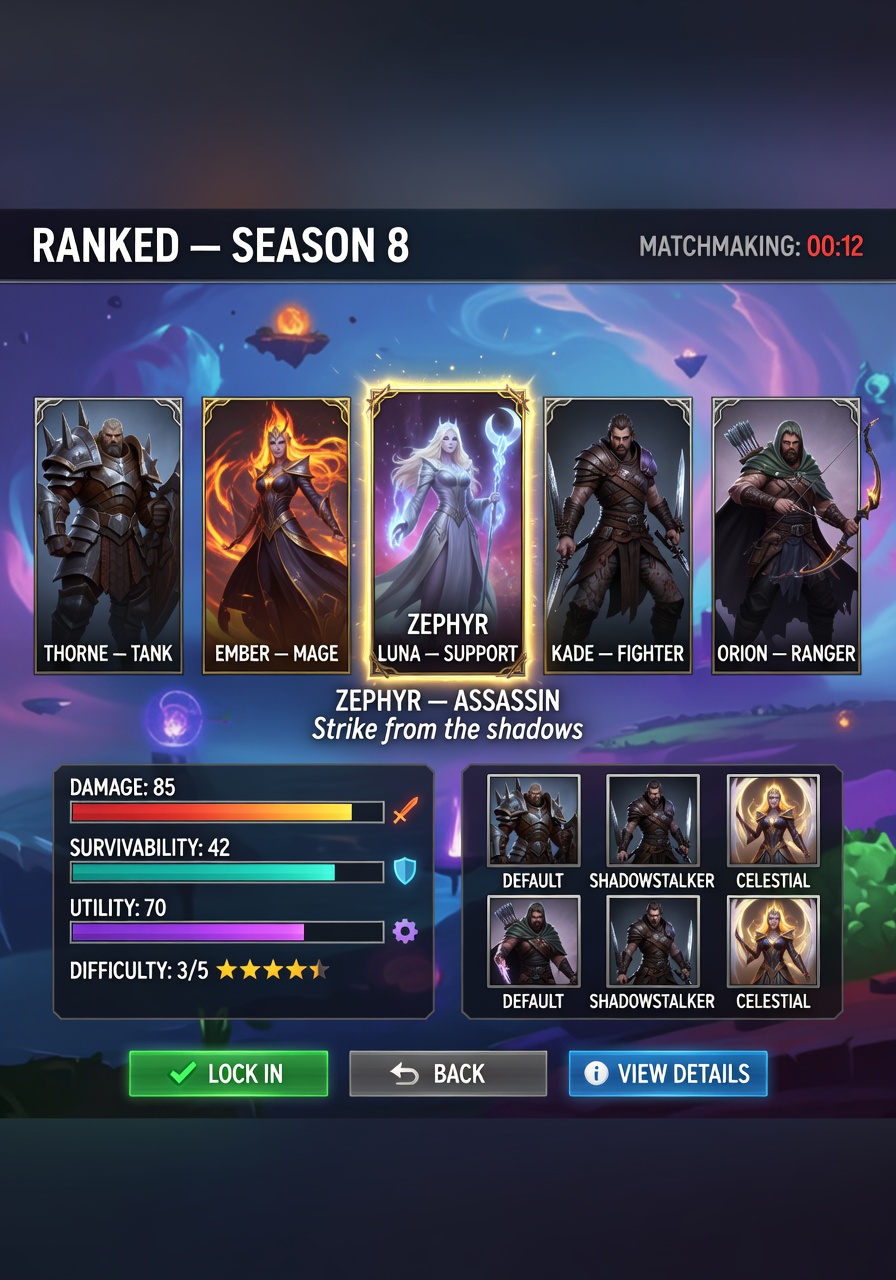
- Complex Group Scenes: While many models struggle with multiple distinct individuals in a single frame, Grok Imagine handles spatial relationships, lighting, and facial diversity with ease. This is particularly valuable for event visualization, team portraits, or crowd scenes.
- Batch Generation: Request up to 10 variations of a single prompt in one go, perfect for exploring creative iterations or generating diverse content for campaigns.
When to Use Grok Imagine: Real-World Applications
Grok Imagine shines in scenarios demanding both speed and detail:
- Product Design: Generate high-fidelity product shots with accurate material textures and lighting, ideal for e-commerce or packaging concepts.
- Marketing Concepts: Create eye-catching visuals with clear text, logos, and brand elements for ads, social media, or editorial content.
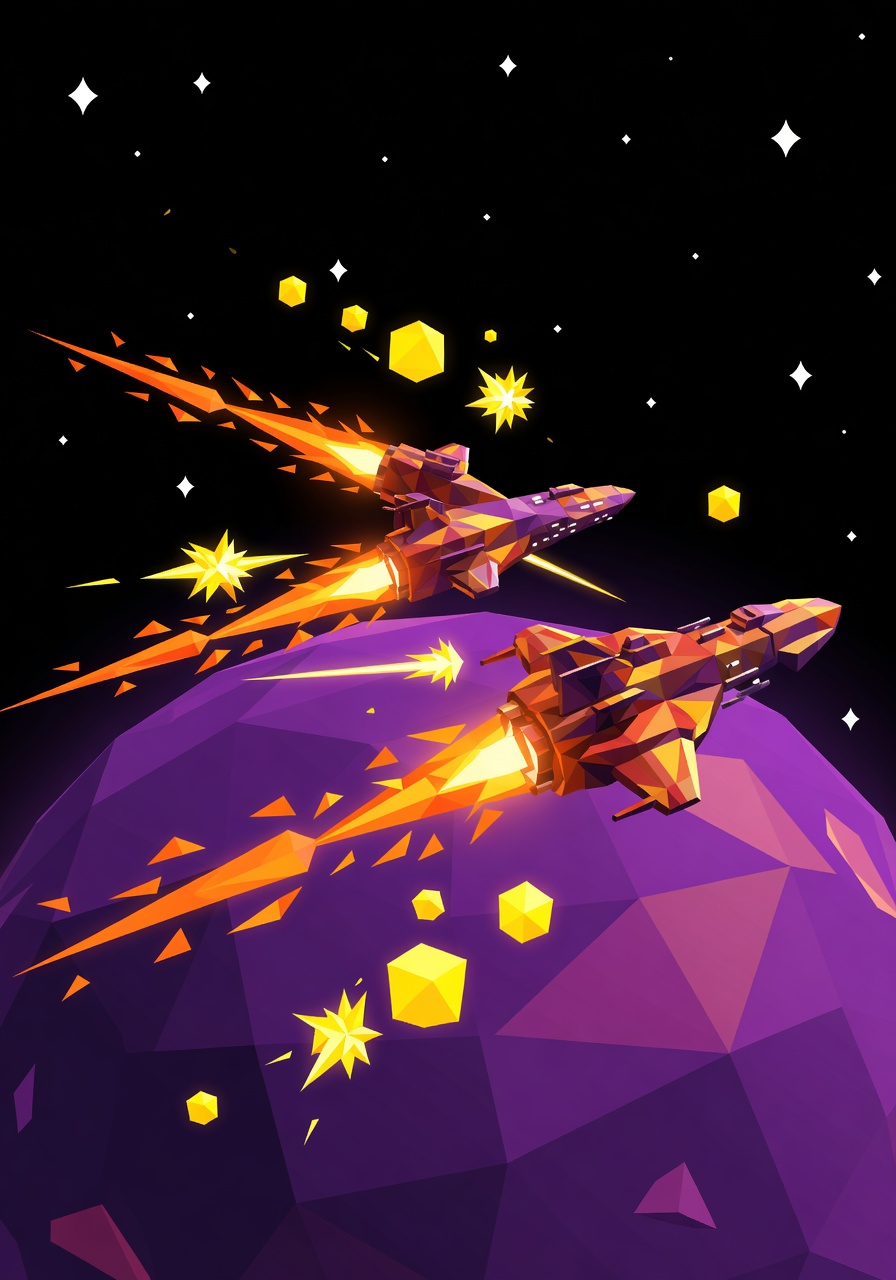
- Concept Art & Animation: Leverage the model’s photorealism and stylized modes (digital painting, anime, surreal) for creative projects, including video game assets or movie posters.
- Video Generation: With Grok Imagine 1.0, animate still images or generate 10-second HD videos from text prompts—perfect for social media clips, explainer videos, or rapid prototyping.
Optimizing Your Prompts: Settings & Tips
To unlock Grok Imagine’s full potential, follow these guidelines:
- Resolution: Use
1024x1024for images or720pfor videos. Higher resolutions may increase generation time slightly. - Batch Size: Experiment with up to 10 variations per prompt for creative exploration, but keep prompts specific to avoid ambiguity.
- CFG Scale: Set
guidance_scale=7.5for balanced control between prompt adherence and creative variation. - Prompt Clarity: Include detailed descriptions of lighting, perspective, and context. For example: “A futuristic cityscape at sunset, with neon signs reflecting on wet pavement, ultra-high detail.”
Pro Tip: When generating scenes with multiple people, explicitly describe their positions and relationships (e.g., “a group of 5 friends laughing around a picnic table”) to ensure spatial coherence.
Pricing & Access on Proxima.art
Grok Imagine is available exclusively on Proxima.art, with access tiers tailored for creators and businesses. Premium subscribers enjoy higher generation limits, while developers can integrate the model via API at $0.07 per image. For teams, Grok Business plans offer collaborative features and expanded usage rights.