How to Write AI Storyboard Prompts and Compose Your Board
A good storyboard prompt says who is in the shot, what happens, where the camera is and how large the subjects look. Write one clear moment per panel, use your character tags, then compose the board after every panel has an image.

The video starts at 10:17, where this lesson begins. Watch the full 27:09 tutorial.
In this part of the video
You do not need a special vocabulary to start writing storyboard prompts. Think like someone explaining a photograph: who is visible, what they are doing, where the camera stands and what matters most in the composition.
What should an image-panel prompt contain?
| Question | Example direction |
|---|---|
| Who is here? | The two selected heroines and their beast, using the project tags. |
| What happens? | One heroine has dismounted and is preparing to face the mountain. |
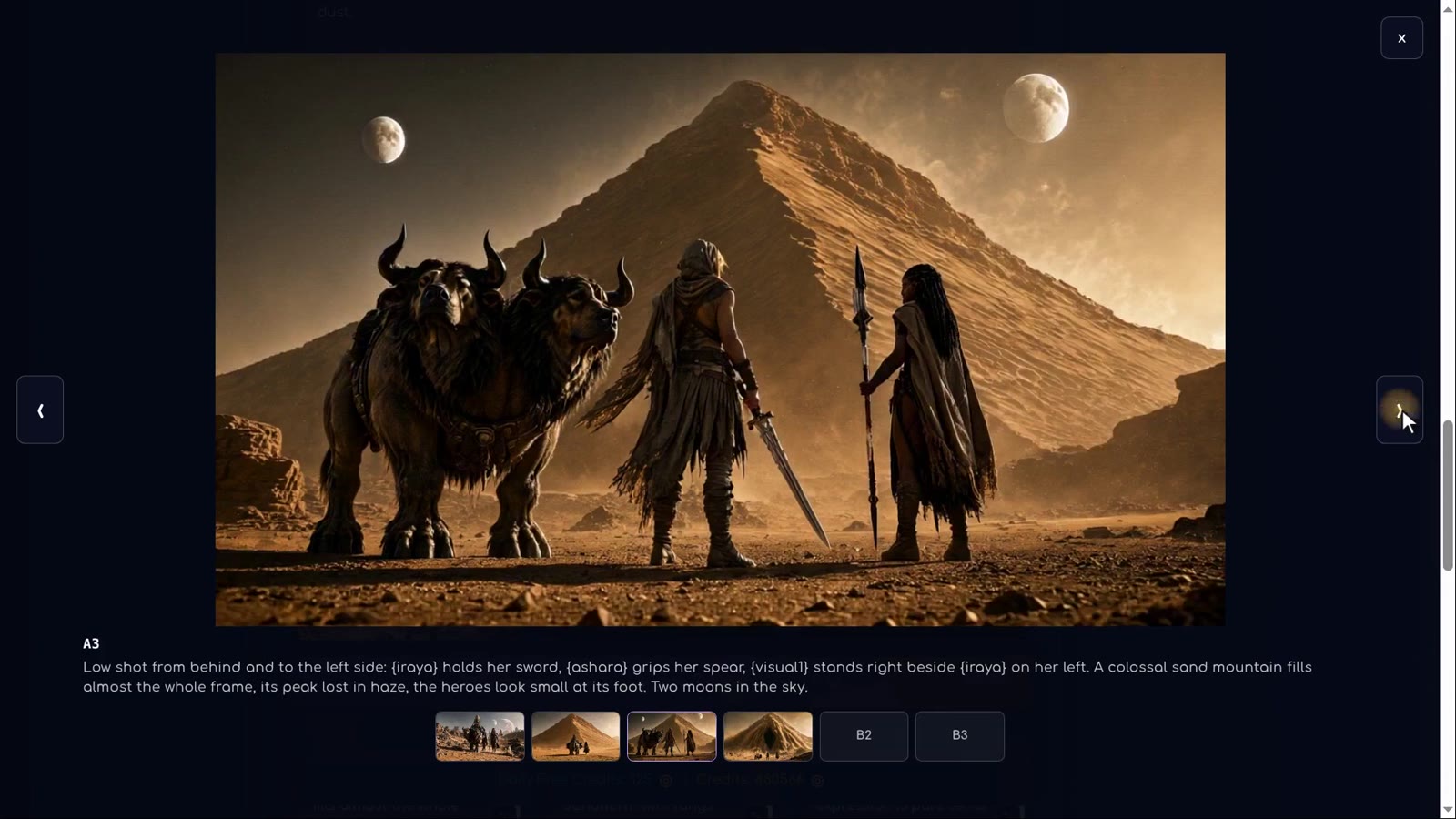
| Where is the camera? | A low shot from behind and slightly to the side. |
| How large are things? | The mountain is colossal; the characters are tiny at its foot. |
| What must remain? | The established desert, outfits and weapons. |
These are teaching examples, not exact exported prompts. Use the tags and names from your own project. A tag provides identity; the surrounding words provide the action and composition.
How much action belongs in one panel?
An image captures a moment. “She dismounts, runs across the desert, fights a monster and returns home” asks a single picture to represent too many events. Split the story into separate panels. Later, the video prompt can describe movement between moments.
For the third panel in the tutorial, the narrator chooses one useful state: Iraya has dismounted. The prompt adds a low viewpoint from behind and to the side, a truly colossal mountain and the characters’ weapons. The shared style is already applied to each panel, so the narrator does not repeat style words.
Step by step
-
Choose the moment
Decide what changes in this one shot.
-
Name the subjects
Insert the tags for the characters and visual references in this panel.
-
Describe the camera
State the viewpoint, framing and relative scale.
-
Write the action
Say what the characters are doing and which important objects they hold.
-
Draw and check
Inspect the image at full size and correct problems before moving on.
-
Compose the board
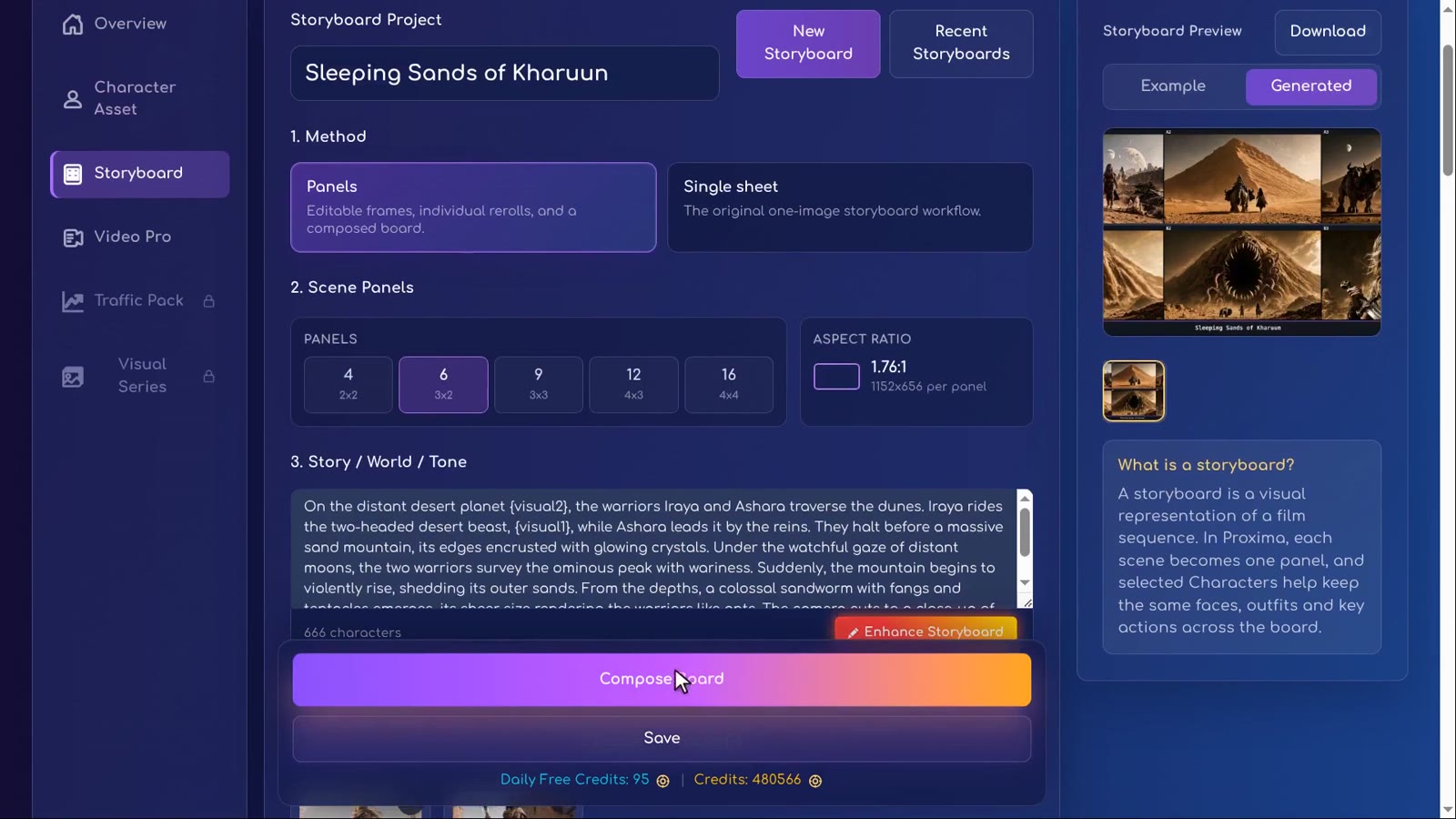
Generate an image for every panel, then use Compose to assemble the storyboard.
How we used this in Sleeping Sands of Kharuun
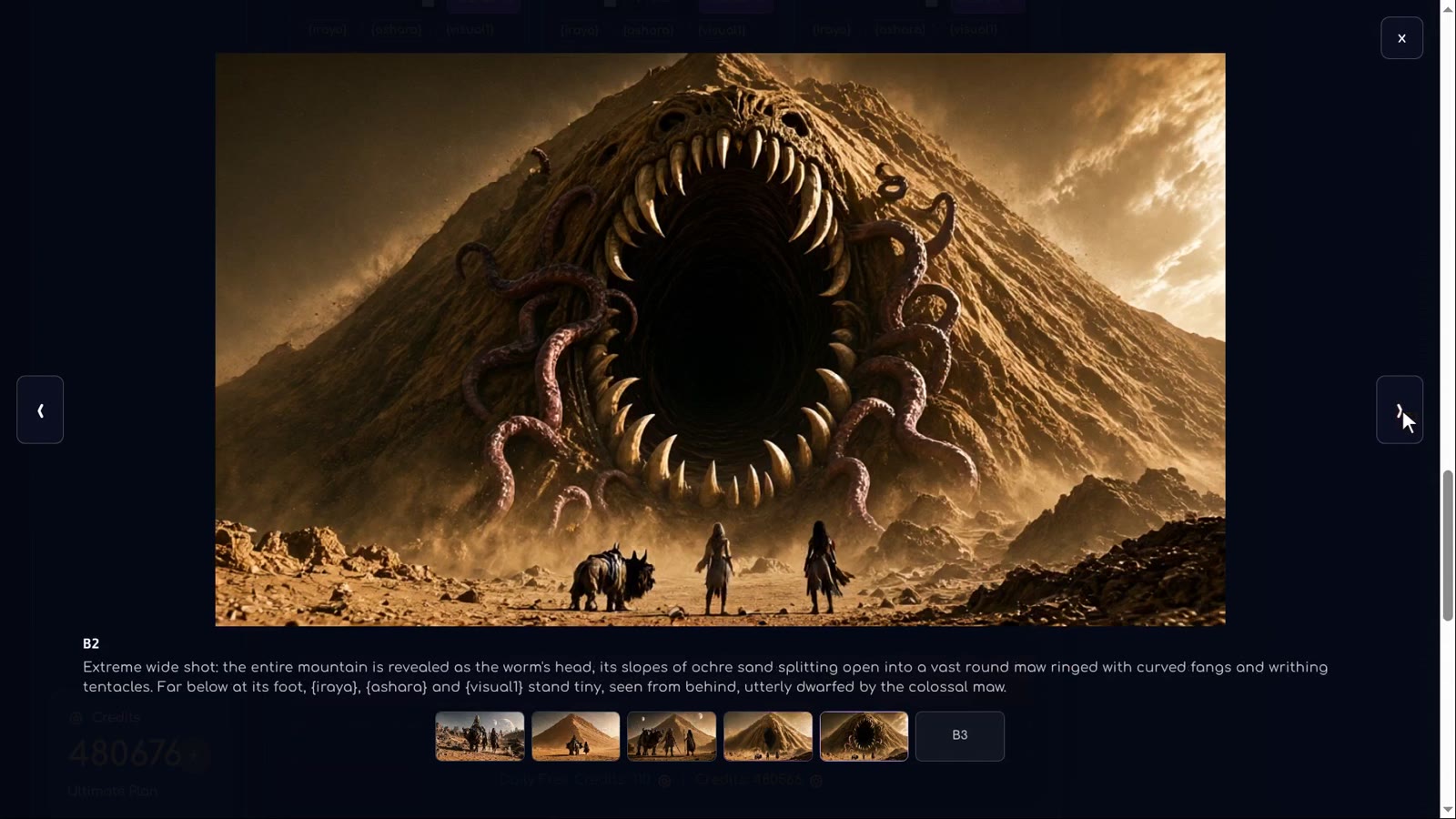
The next panel shows the mountain bursting open while the heroes remain tiny at its foot. At 11:43 the story reveals that the mountain itself is a giant sandworm. The correction specifies that the mountain becomes the worm’s head, retaining the same colours and framing, with fangs and tentacles.
This continuity matters: a separate worm emerging beside an unchanged mountain would tell a different story. When describing transformations, name the object that changes and the features that must remain recognisable.
The final panel is a terrified close-up of Iraya. Its prompt already works, so the narrator leaves it alone and draws it. At 12:56 all six images are ready; at 13:00 the board is composed. The result is a visual plan, not the finished animated film.
How should I review the board before making video?
- Can a viewer understand the order without reading your notes?
- Do characters keep their recognisable appearance and important equipment?
- Does the scale build toward the reveal?
- Does each panel contribute a new moment rather than repeating the previous shot?
- Are camera changes intentional, rather than accidental contradictions?
Fix image problems now, then lock the approved panels. The next lesson explains the separate video settings and motion prompts.
FAQ
Do I need Craft for every image prompt?
No. The tutorial writes several image-panel prompts directly. Craft is useful when you want help expanding or correcting an instruction.
Why is Compose not available yet?
Check whether every required panel has an image. In the tutorial the interface asks to generate the final missing panel before the board can be composed.
Should every panel repeat the style description?
The tutorial explains that the shared style is added automatically. Keep individual prompts focused on the shot and avoid contradictory style directions.
Try it yourself: Storyboard
Plan your film panel by panel with AI-written prompts.All lessons in this tutorial
- 01:14 Lesson 1 · Generate your heroes, beast and world
- 02:32 Lesson 2 · Make consistent characters with Character Asset Pack
- 05:10 Lesson 3 · Set up the storyboard and let AI write the panels
- 07:30 Lesson 4 · Edit panels with tags, Craft and versions
- 10:17 Lesson 5 · Write your own prompts and compose the board
- 13:17 Lesson 6 · Turn the storyboard into your first video scene
- 16:07 Lesson 7 · Chain scenes into one continuous film
- 21:01 Lesson 8 · Reveal the sandworm, refine details and download