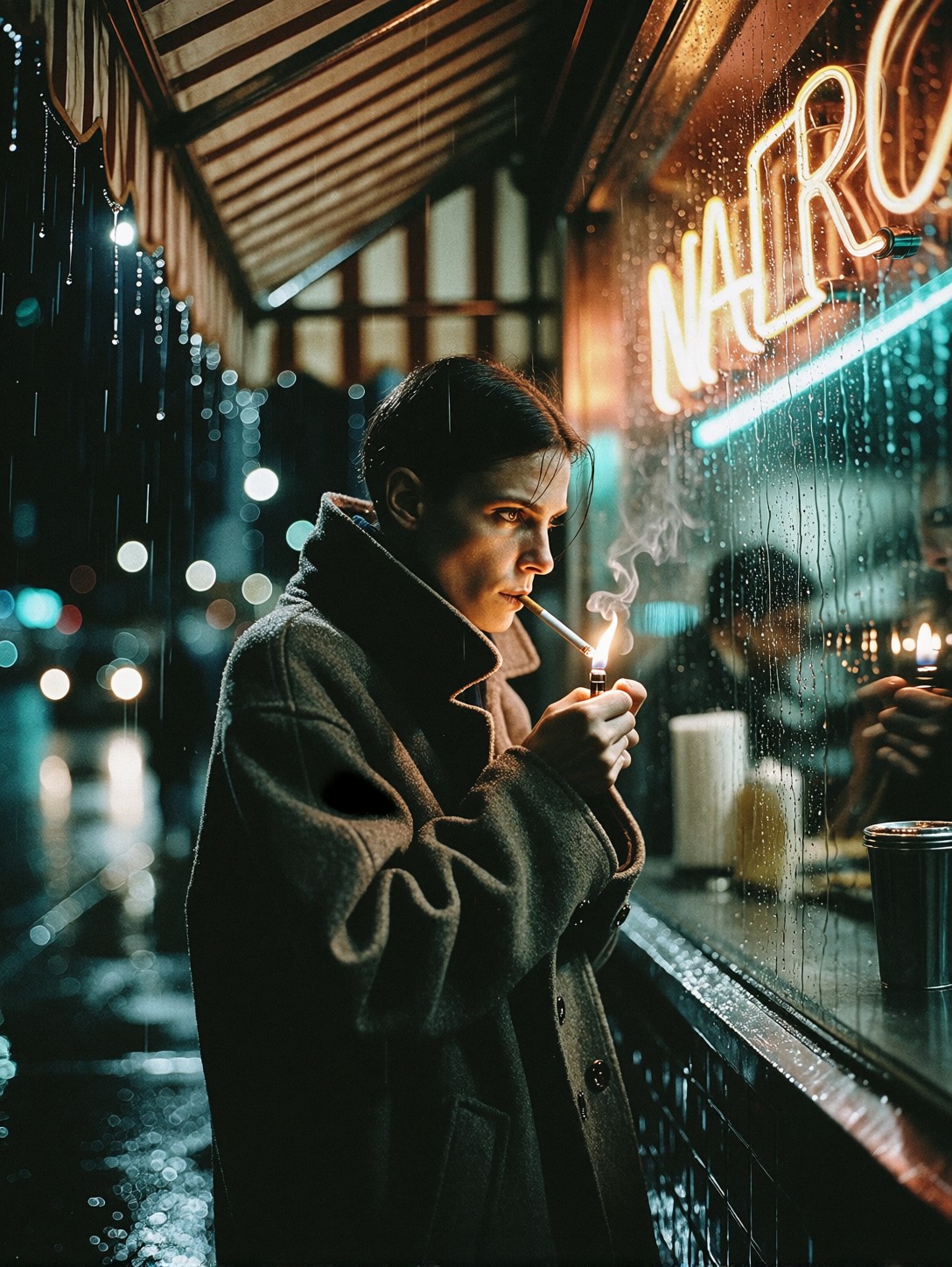

The Tiny Flame that Anchors a High-Contrast Noir Scene
A single match igniting under an awning is the visual hinge this entire scene rotates on. That microscopic burst of orange light against the heavy darkness of a wool coat creates an immediate chiaroscuro effect, pulling the viewer's eye straight to the subject's glistening skin texture and intense focus. The rest of the prompt — the dripping awning, the amber and turquoise bokeh, the rain-slicked asphalt — all serve to amplify that central point of illumination rather than compete with it.
Proxima Aurelia 2 excels here because its core strength is rich visual storytelling. It reads the "raw, high-contrast candid shot" instructions not just as lighting parameters, but as narrative direction. The model intelligently composes the rain streaks and neon blur to frame the subject naturally, delivering that polished, cinematic aesthetic Aurelia 2 is known for without needing complex geometry or architectural prompts.
Cover Art, Character Sheets, and Editorial References
The raw, unpolished feel of "authentic 35mm street film grain" paired with high-fidelity detail makes this output ideal for editorial photography references, book covers, or concept art for noir-style video games. It captures a specific moment in time — the pause before stepping back into the storm.
The aspect ratio choice defines the story. Use a wide format like 16:9 to emphasize the isolation of the figure against the sprawling urban environment. If you want to focus entirely on the character's expression and the texture of the coat, switch to 3:4 or even 9:16 for a vertical portrait crop.
Settings for Proxima Aurelia 2 — Balancing Polish with Grit
Proxima Aurelia 2 delivers exceptional aesthetics and intelligent composition, so it requires less prompting than raw Flux models to achieve a balanced result. However, adding a heavy style LoRA shifts the balance toward polish.
- CFG / Guidance:
3.0–3.5— Aurelia's internal composition intelligence works best when you don't over-guide it; keep this moderate to let the lighting breathe. - Steps: 24–30 steps ensure the fine details like "crisp water droplet" and "film grain" render correctly without introducing noise artifacts.
- Resolution:
1080×1920(portrait) or1920×1080(landscape) to match the aspect ratio choice above.
Aurelia 2 handles "rich visual storytelling" by inferring depth and mood from simple cues. You don't need to over-explain the lighting; let the model's aesthetic engine fill in the atmospheric shadows.
Handling the Midjourney-Style LoRA
You are using Midjourney-Style Rendering at a weight of 0.70. This is a high-weight setting that will force the image into a very specific, highly polished cinematic look.
- At 0.70: Expect strong color grading, smooth skin textures, and that "Midjourney sheen." The gritty "street photography" aspect of the prompt may get slightly softened by the LoRA's polish.
- To reduce polish: Drop the weight to
0.50–0.60. This keeps the cinematic lighting but allows the "raw, candid" texture of the street photo to remain dominant.
Five Ways to Push the Noir Street Shot Further
5 Targeted Variations for This Prompt
- Cyberpunk Color Grade: Replace "amber and turquoise bokeh" with "neon magenta and electric blue, wet pavement reflections." The mood shifts from classic noir to futuristic cyberpunk instantly.
- Change the Subject Action: Swap "pause to light a cigarette" with "checking a cracked smartphone screen." The reflection of the phone replaces the match flame as the primary light source on the face.
- Weather Shift: Change "rain-slicked" and "dripping awning" to "heavy snowfall, breath visible in the cold air." The high-contrast lighting works just as well with white flakes against a dark coat.
- Lens Tweak: Add "shot on 24mm wide-angle lens" to capture more of the diner sign and street context, making the figure feel smaller within the city environment.
- Cinematic Crop: Replace "8k resolution" with "anamorphic widescreen, cinematic crop, motion blur in background traffic." This gives it a movie still aesthetic rather than a still photography look.
Two Prompts Ready to Generate
These two examples apply the variations above — shifting the color palette for a cyberpunk mood, and changing the lighting source to a smartphone reflection.
Variation: Cyberpunk regrade — amber/turquoise replaced with magenta/blue neon, shifting the mood to futuristic noir while keeping the rain and composition
Street Photography. A raw, high-contrast candid shot of a solitary figure standing under the dripping awning of a late-night diner in a rain-slicked Downtown street. Wrapped in an oversized, dark wool coat with a turned-up collar, they pause to light a cigarette, the tiny orange flame momentarily illuminating their sharp features, glistening skin texture, and intense, focused eyes gazing off-camera. Rain streams down the windowpane beside them, blurring the neon diner sign into soft, neon magenta and electric blue bokeh. Deep urban shadows, crisp water droplet details, dramatic chiaroscuro contrast, authentic 35mm street film grain, 8k resolution.
Variation: Smartphone reflection light — replacing the match flame with a phone screen glow, changing the facial lighting dynamics to cool and artificial
Street Photography. A raw, high-contrast candid shot of a solitary figure standing under the dripping awning of a late-night diner in a rain-slicked Downtown street. Wrapped in an oversized, dark wool coat with a turned-up collar, they pause to check their smartphone screen. The cool blue light from the screen illuminates their sharp features, glistening skin texture, and intense, focused eyes gazing at the device. Rain streams down the windowpane beside them, blurring the neon diner sign into soft, amber and turquoise bokeh. Deep urban shadows, crisp water droplet details, dramatic chiaroscuro contrast, authentic 35mm street film grain, 8k resolution.
More Urban Portraits in This Direction
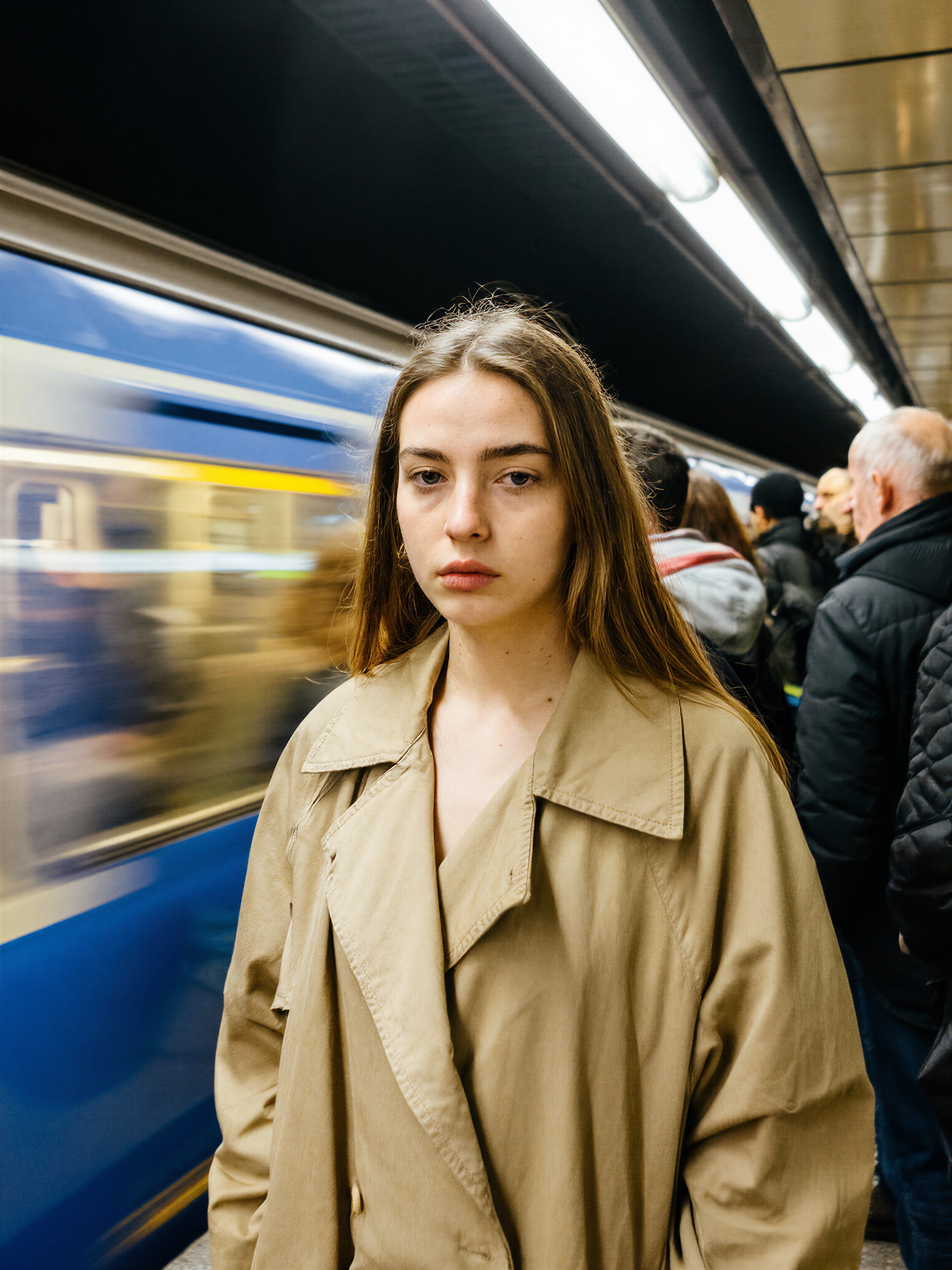
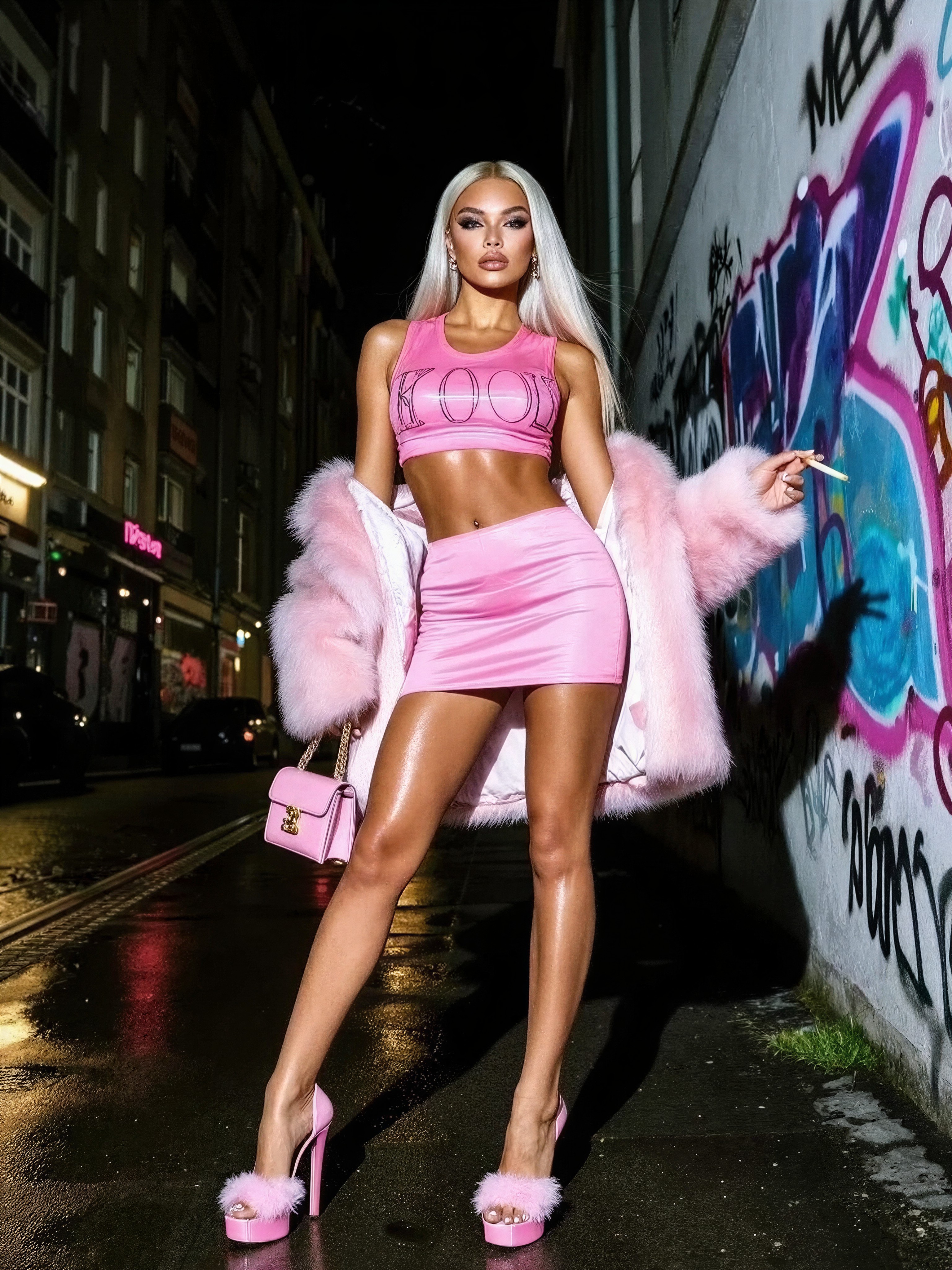
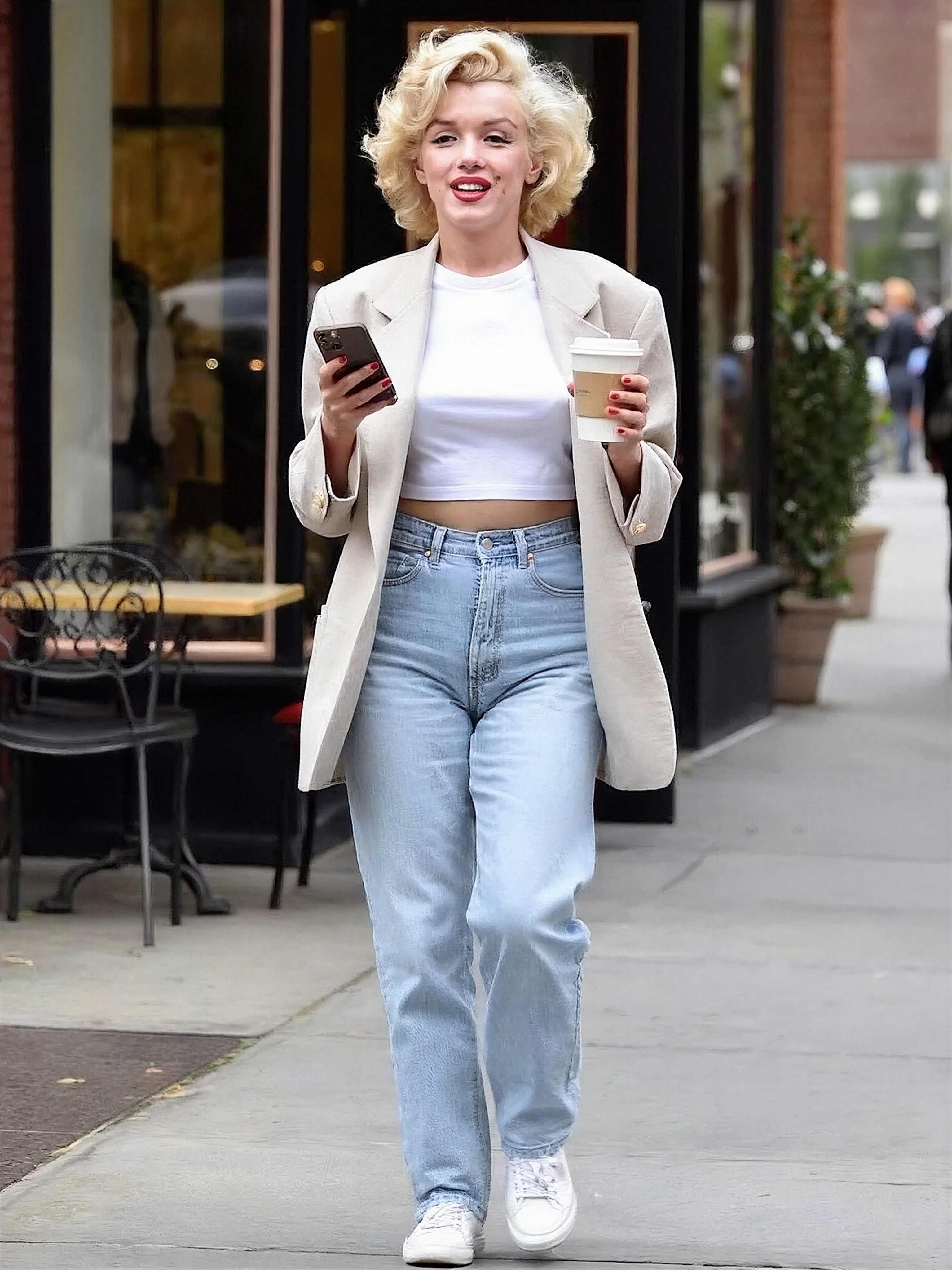
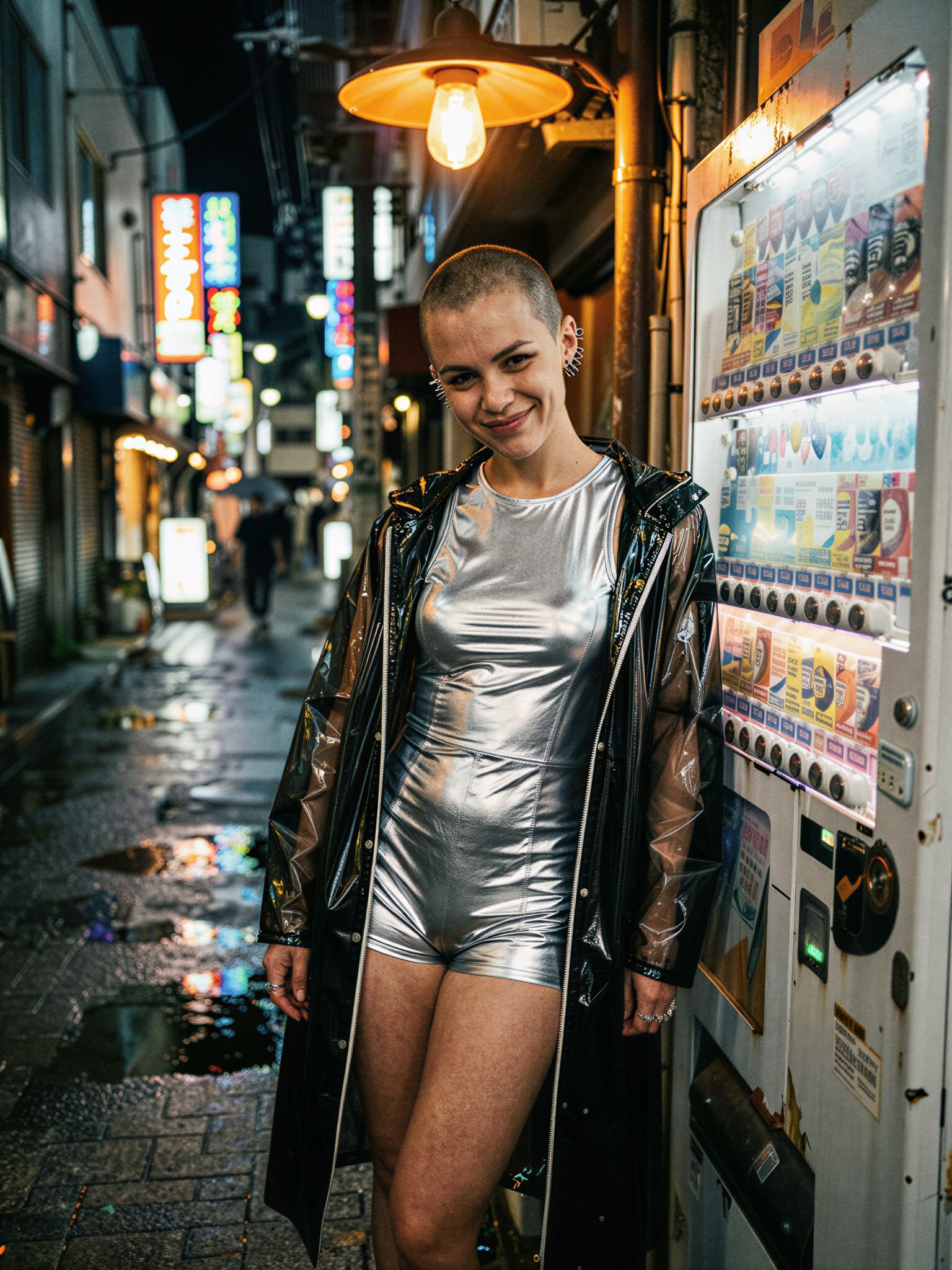
Other prompts in this category push the same urban night photography territory from different angles — subway lighting, neon alleys, and cinematic street style: