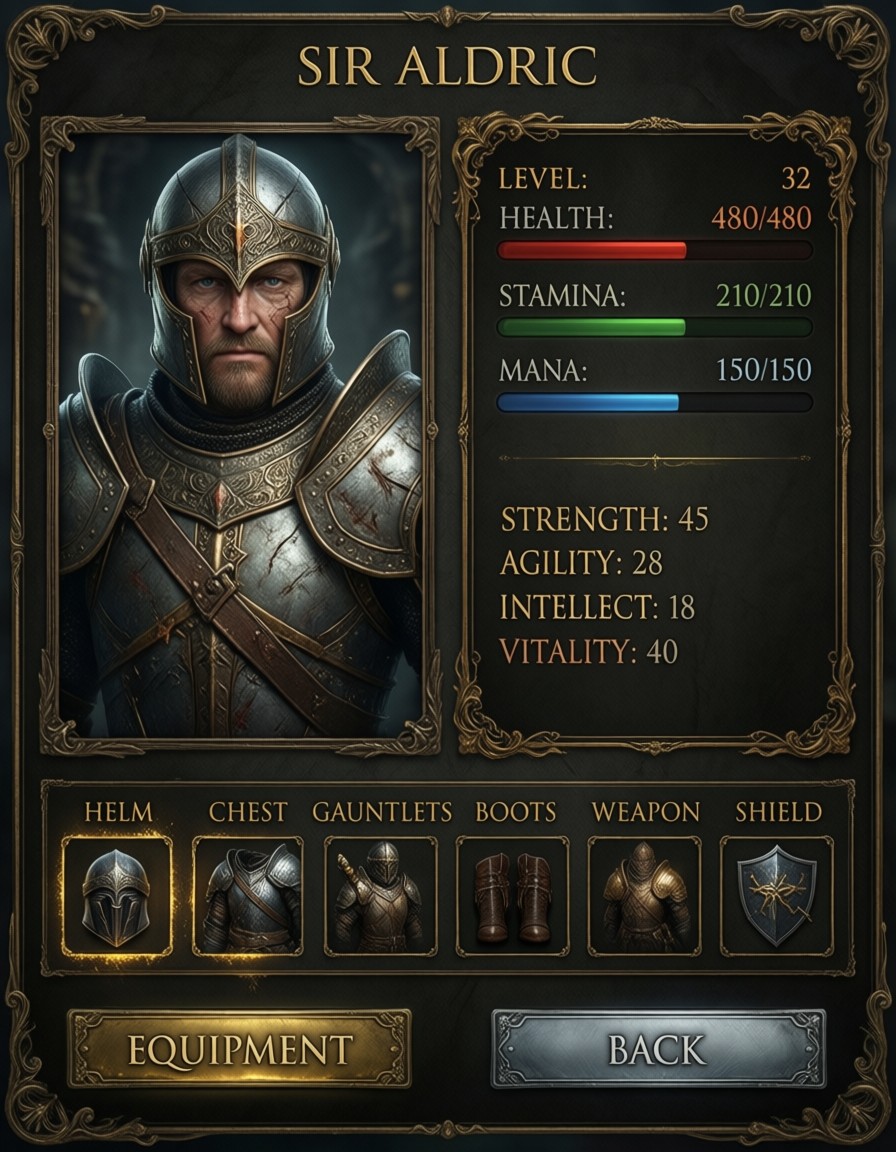
Dark Parchment and Gold: The Fantasy RPG Stats Screen That Feels Like a Tome
The contrast between the knight's scarred face and the pristine gold text above him is what makes this UI feel like a relic from a forgotten kingdom. Qwen Image 2512 renders the parchment texture with such depth it looks like it could crumble under your fingers, while the 3D knight portrait has a sculptural realism that makes his armor gleam like it's catching candlelight. The stats layout isn't just functional — the red, green, and blue health bars form a subtle triad that anchors the design without being garish.
Every element from the "EQUIPMENT" button's gilded edge to the tiny weapon icons in the bottom slots is rendered with precision that suggests this UI could be pulled directly from a physical game manual. The medieval typography feels like it was carved with a chisel, not generated by an AI.
Game Developers, UI Designers, and Fantasy Worldbuilders
This prompt is a goldmine for anyone needing fantasy RPG interfaces — character sheets, inventory screens, or even quest logs. The 16:9 aspect ratio (1664×928) works perfectly for modern monitors, but landscape crops will compress the parchment texture into noise. The model's text accuracy means you can safely include the knight's name in gold serif font without worrying about misrendered letters.
For tabletop RPG creators, this could be printed as a player handout. For game developers, it's ready to be exported as a UI asset with minimal cleanup.
Settings for Qwen Image 2512 — Text Clarity and Detail Stability
- CFG / Guidance:
3.5–4.0— balances text sharpness with background texture detail - Steps: 25–30 for full parchment texture and 3D depth; 12 steps for quick previews
- Resolution:
1664×928(16:9) — ideal for UI exports;1280×720for mobile-friendly versions
Qwen Image 2512 benefits from breaking the prompt into sections — try adding --ar 16:9 --v 5.2 as separate parameters to stabilize complex textures like the parchment and armor.
LoRA Weight Strategy for Fantasy UI
- Gold text and ornate borders: 30–40 weight for subtlety, 60+ for dominant style
- 3D portrait realism: 25–35 weight to enhance facial details without overpowering the base model
Five Ways to Push This RPG UI Further
5 Targeted Variations for This Prompt
- Shift the knight's expression: Change "scarred face" to "calm, noble expression with a faint smile" — transforms the UI from battle-ready to diplomatic
- Alter the background: Replace "dark parchment" with "weathered leather-bound book pages" — adds tactile texture without changing the UI layout
- Color scheme tweak: Change "gold borders" to "brass" and "red bar" to "crimson" — subtle shift for a more rustic feel
- UI layout rework: Add "wide shot, full-screen interface with tabs for 'SKILLS' and 'QUESTS'" — expands the original prompt into a full dashboard
- Cultural reframe: Replace "medieval typography" with "oriental calligraphy" — shifts the aesthetic from European fantasy to Eastern-inspired
Two Prompts Ready to Generate
Apply two of the variations above directly — both are optimized for Qwen Image 2512 at recommended settings:
Variation: noble expression, leather-bound background — same UI with softened knight expression and tactile leather texture
Game UI. A fantasy RPG character stats screen with weathered leather-bound background and ornate brass borders. Left side shows a detailed 3D portrait of a knight in silver armor with a calm, noble expression, name displayed above as "SIR ALDRIC" in brass serif font. Right side displays statistics with clear labels: "LEVEL: 32", "HEALTH: 480/480" with crimson bar, "STAMINA: 210/210" with green bar, "MANA: 150/150" with blue bar. Below, attribute values: "STRENGTH: 45", "AGILITY: 28", "INTELLECT: 18", "VITALITY: 40". Bottom section shows equipment slots labeled "HELM", "CHEST", "GAUNTLETS", "BOOTS", "WEAPON", "SHIELD", each with small icons. A brass button at bottom reads "EQUIPMENT" and a silver button reads "BACK". Dark fantasy aesthetic, clean medieval typography, all text in English, 8k
Variation: oriental calligraphy reframe — same UI with Eastern-inspired typography and color palette
Game UI. A fantasy RPG character stats screen with dark parchment background and ornate gold borders. Left side shows a detailed 3D portrait of a knight in silver armor with a scarred face, name displayed above as "SIR ALDRIC" in gold oriental calligraphy font. Right side displays statistics with clear labels: "LEVEL: 32", "HEALTH: 480/480" with red bar, "STAMINA: 210/210" with green bar, "MANA: 150/150" with blue bar. Below, attribute values: "STRENGTH: 45", "AGILITY: 28", "INTELLECT: 18", "VITALITY: 40". Bottom section shows equipment slots labeled "HELM", "CHEST", "GAUNTLETS", "BOOTS", "WEAPON", "SHIELD", each with small icons. A gold button at bottom reads "EQUIPMENT" and a silver button reads "BACK". Dark fantasy aesthetic, clean oriental typography, all text in English, 8k
Related Fantasy UI Concepts
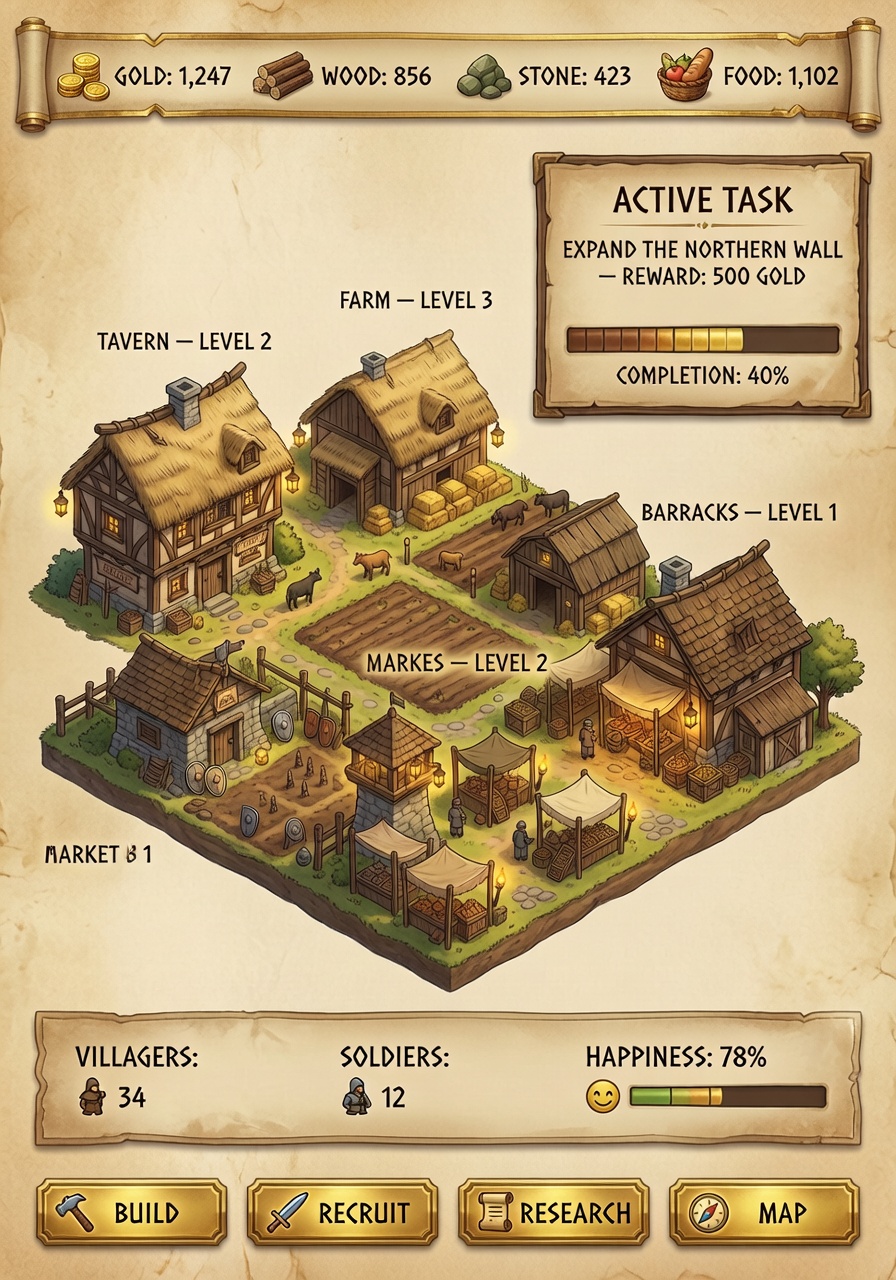
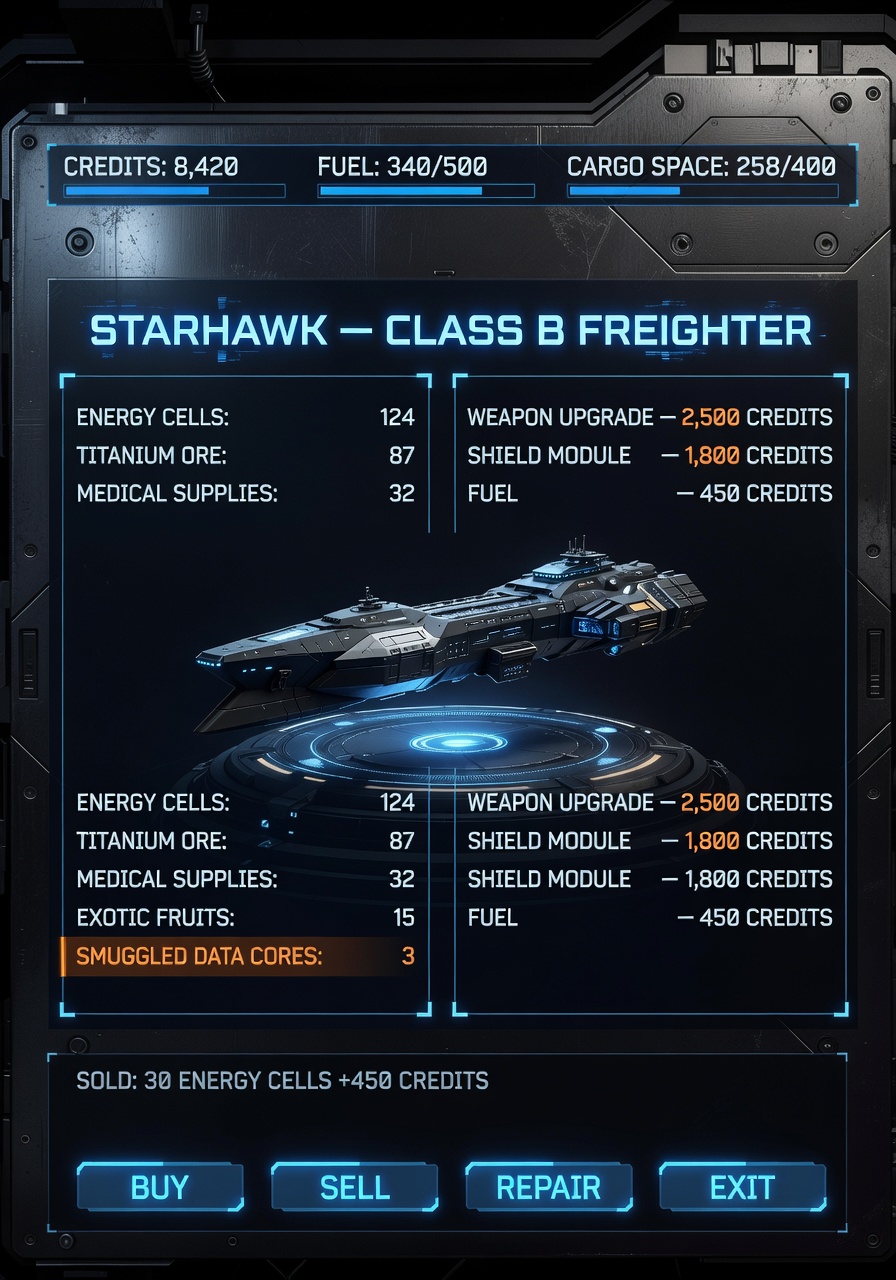
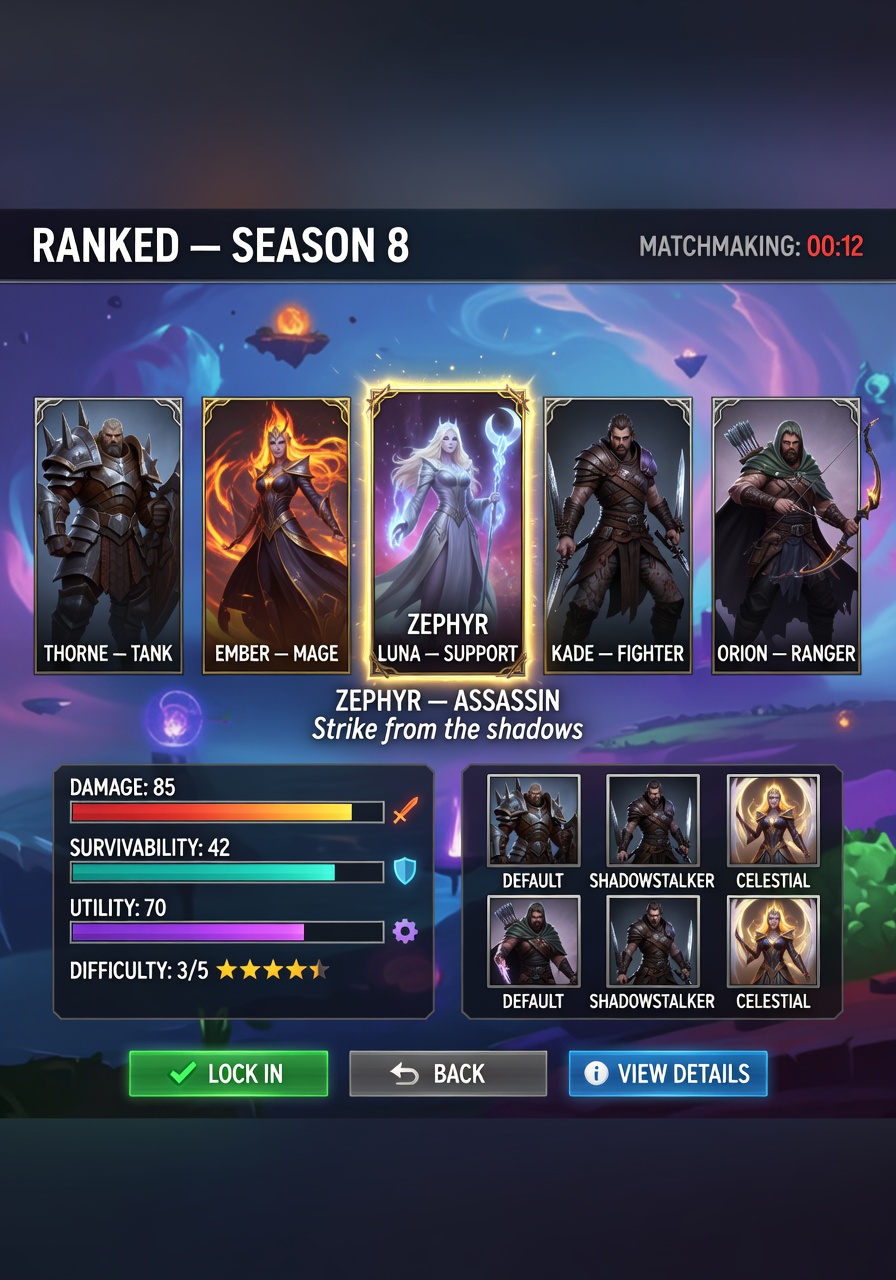
These prompts explore similar UI territory with different visual approaches — from medieval village management to space station interfaces: