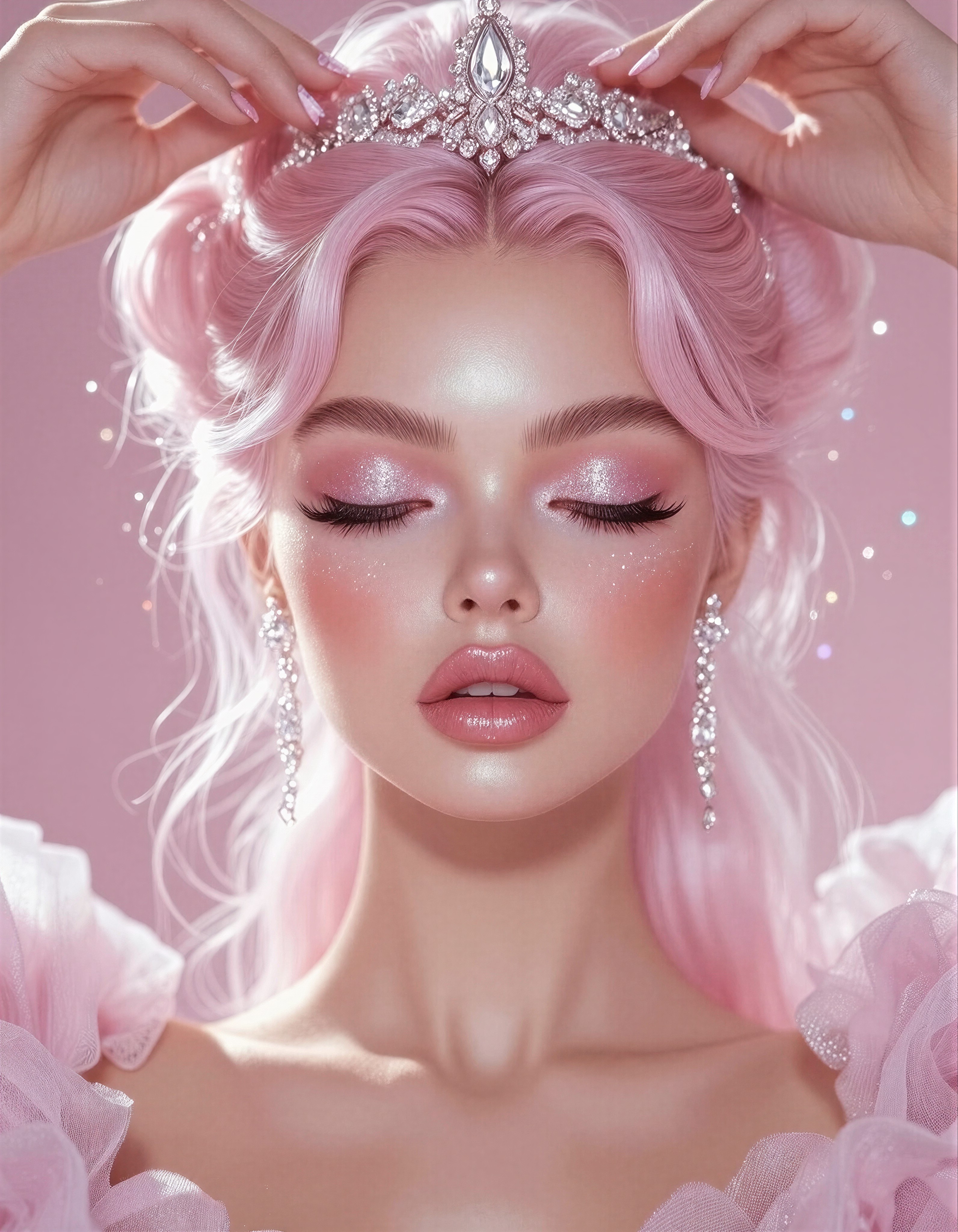
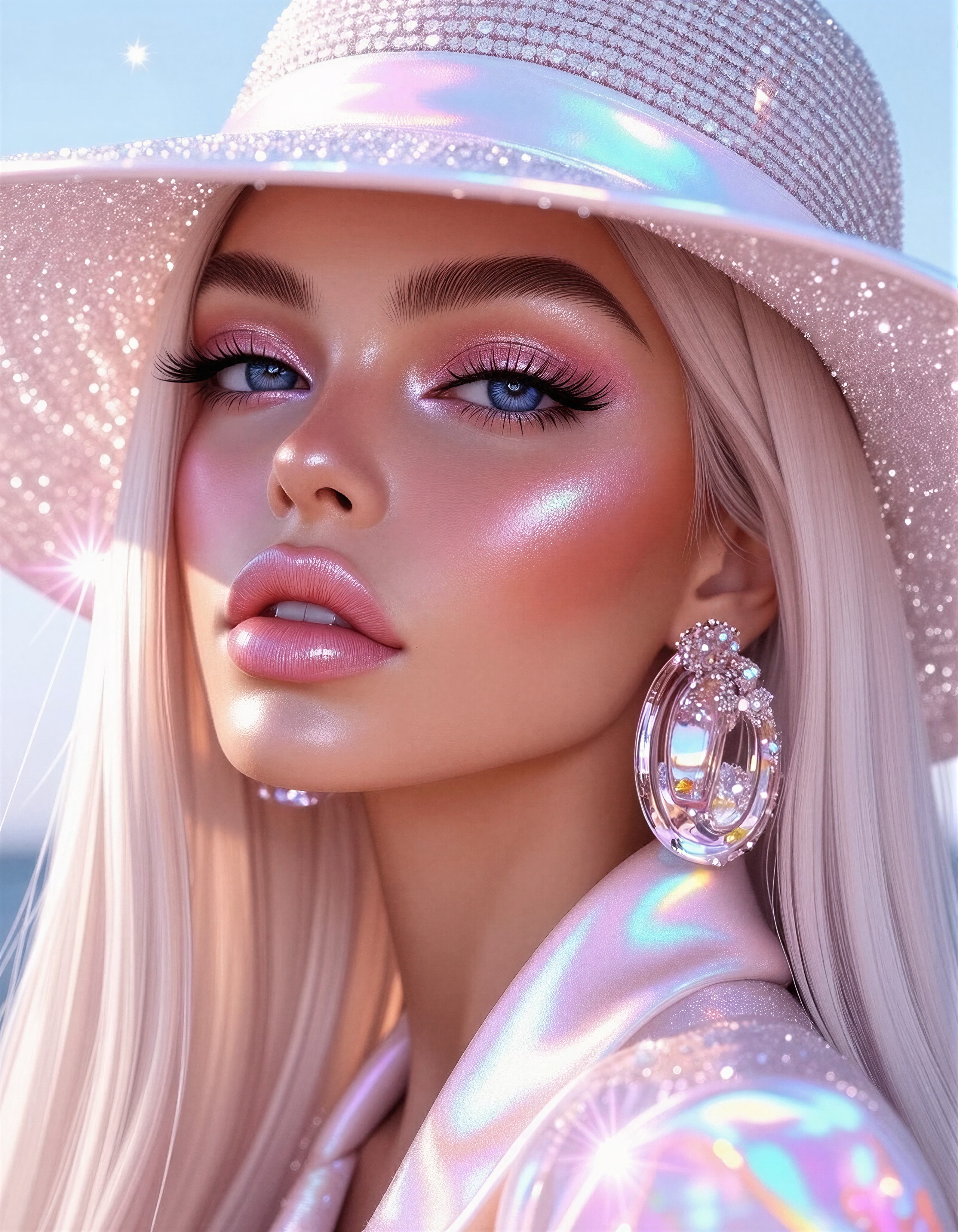
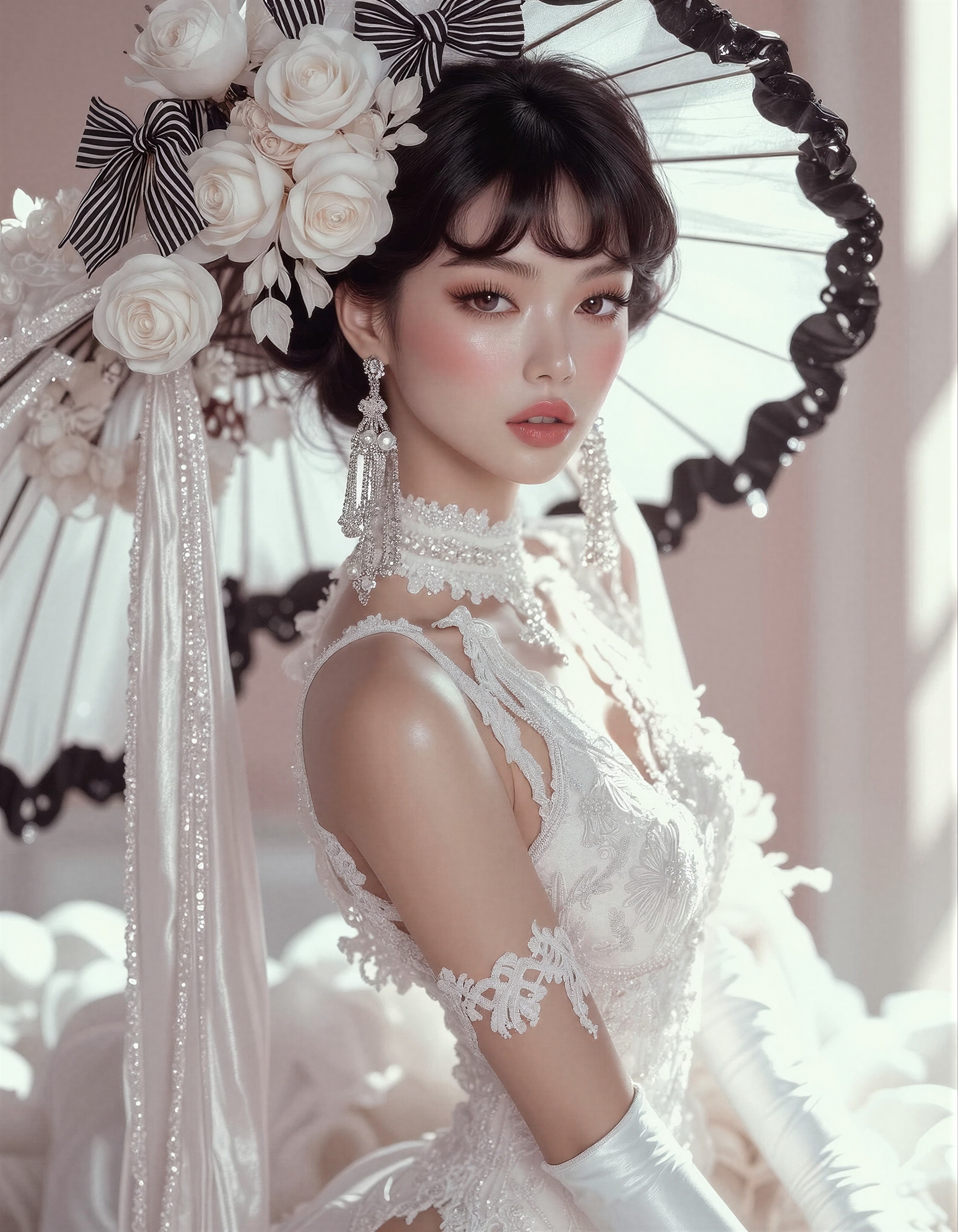
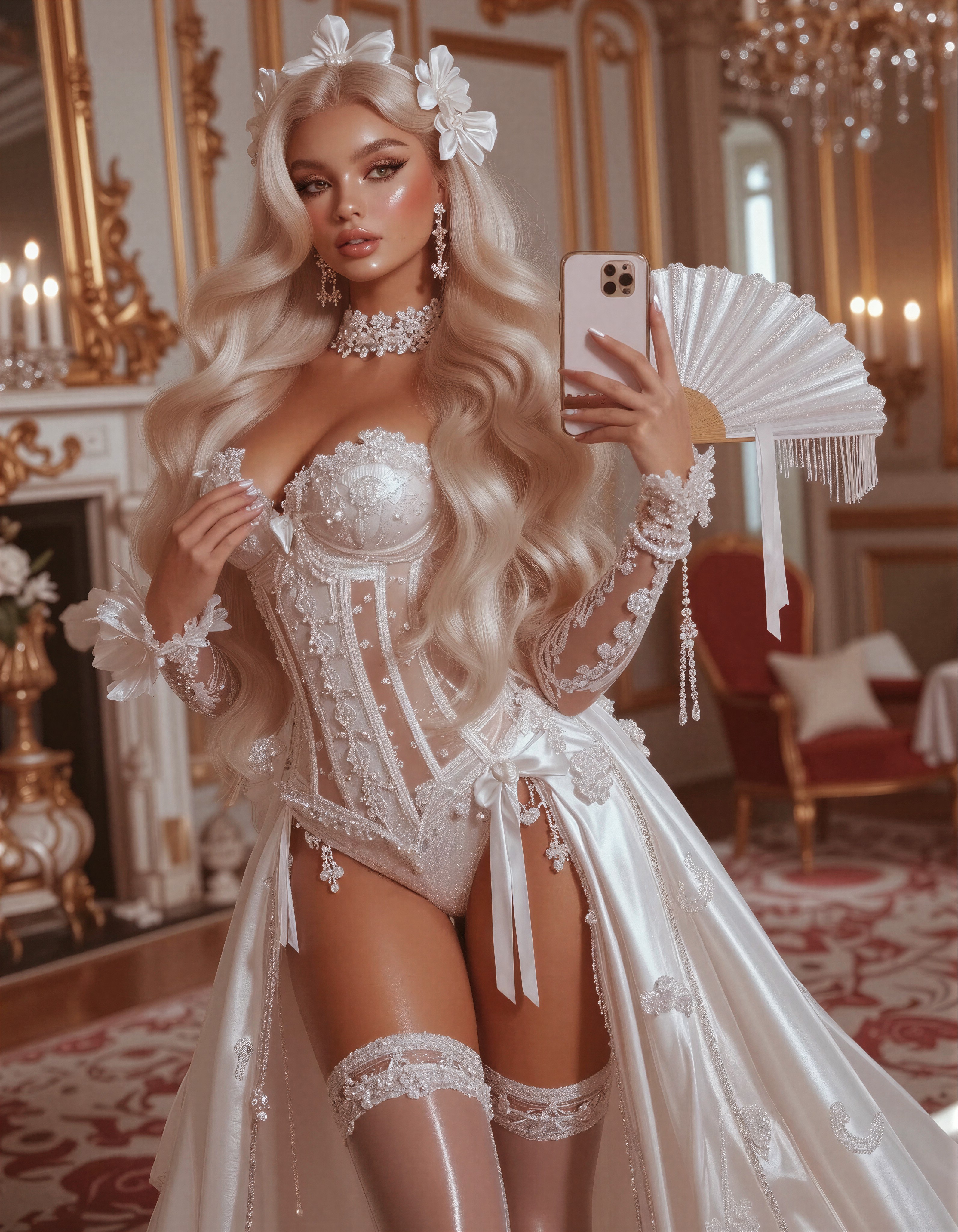
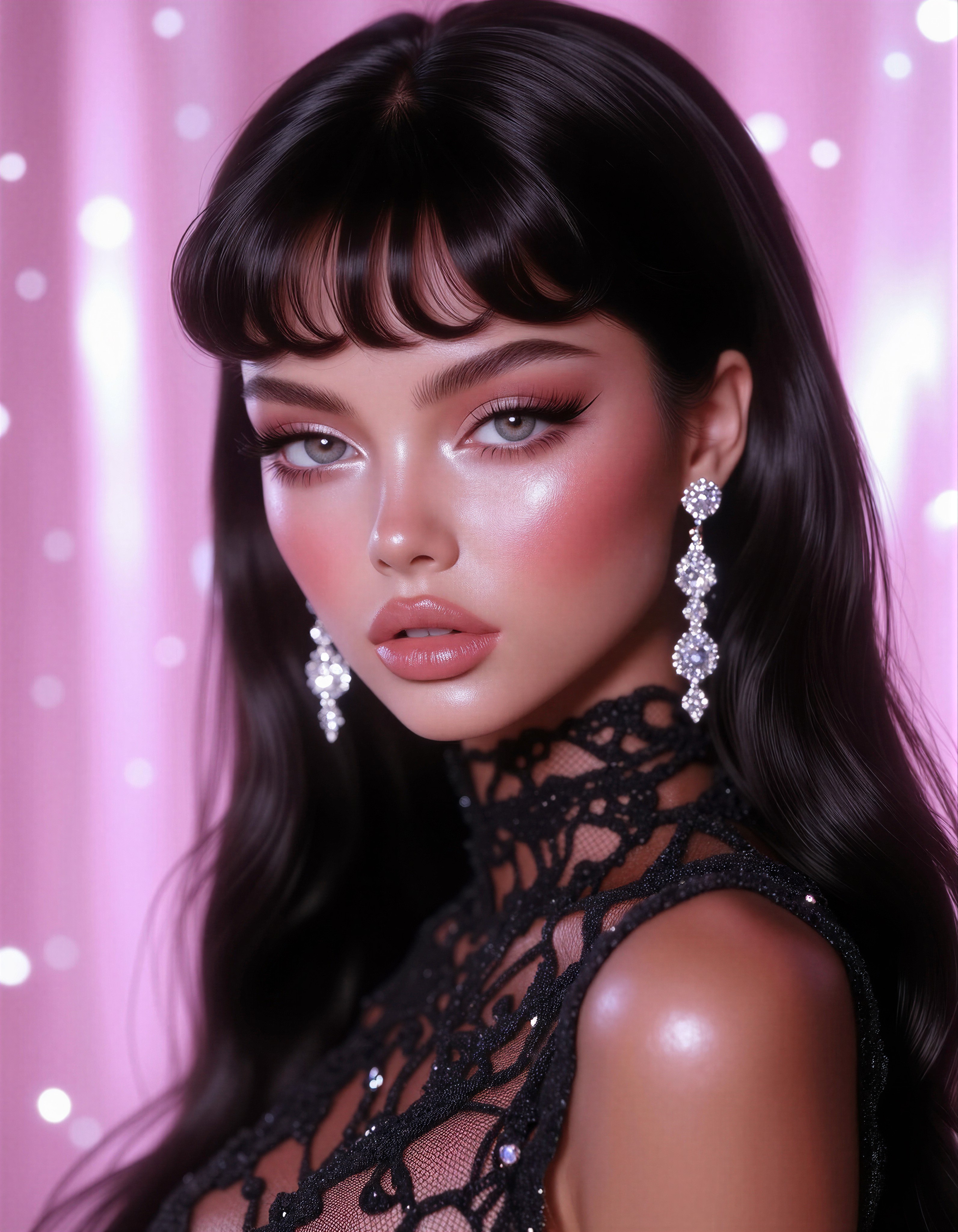
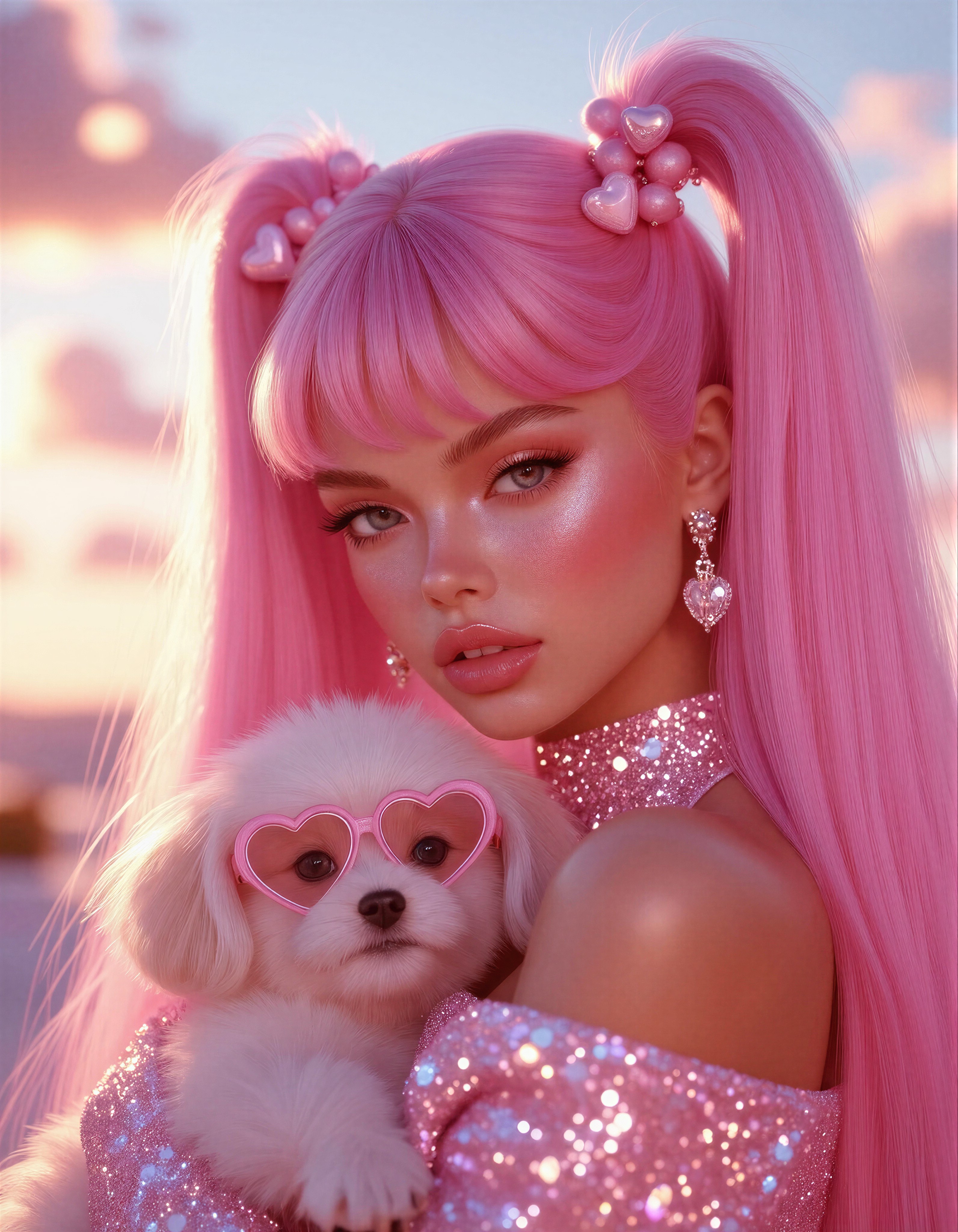
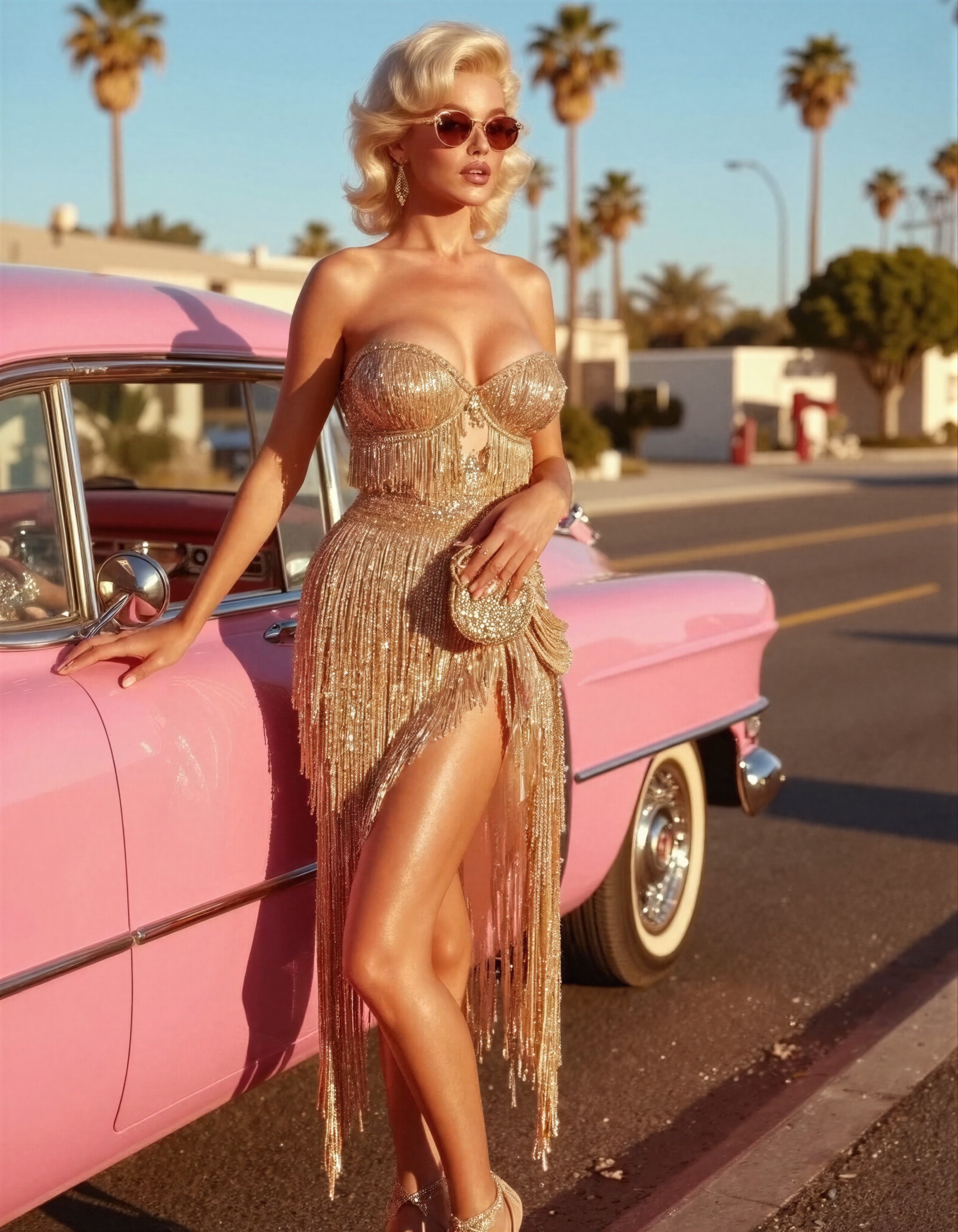
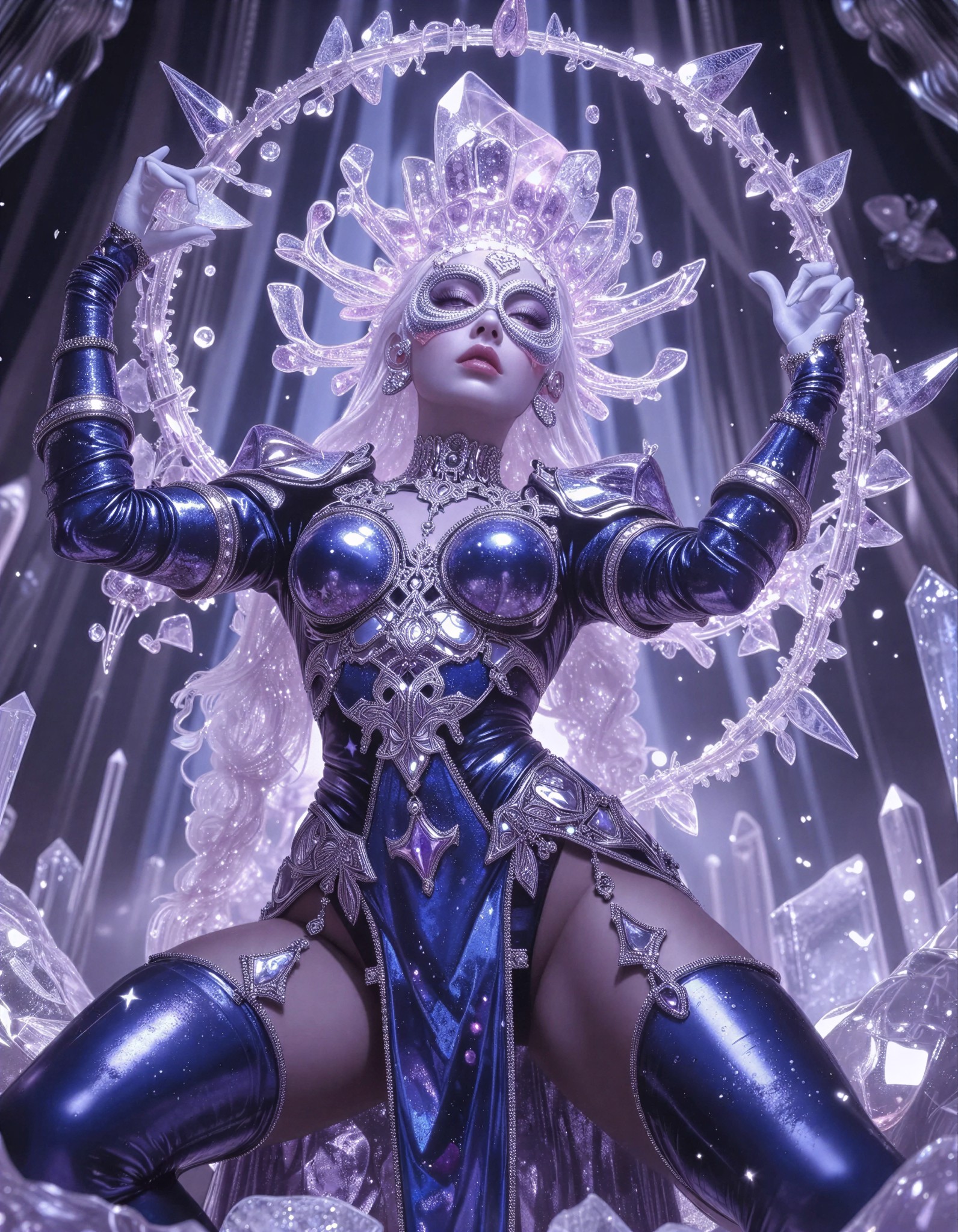
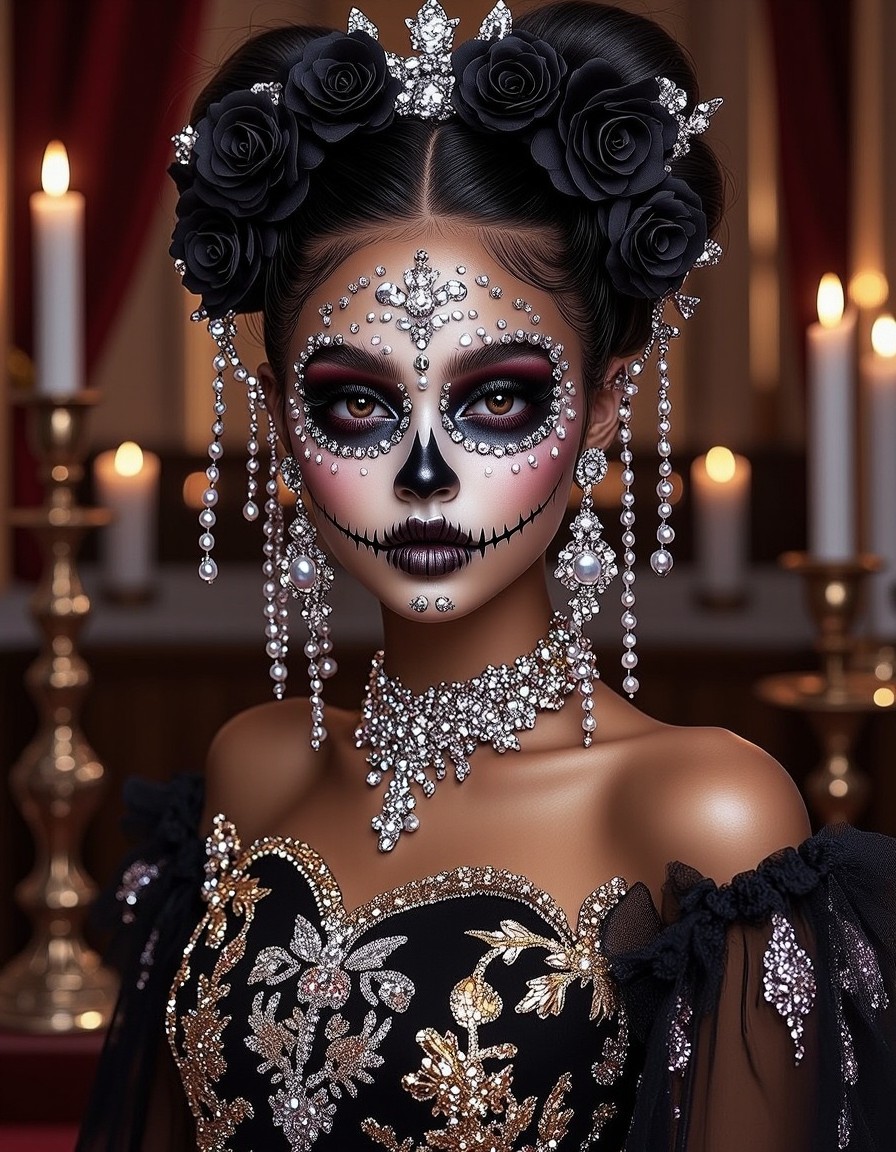
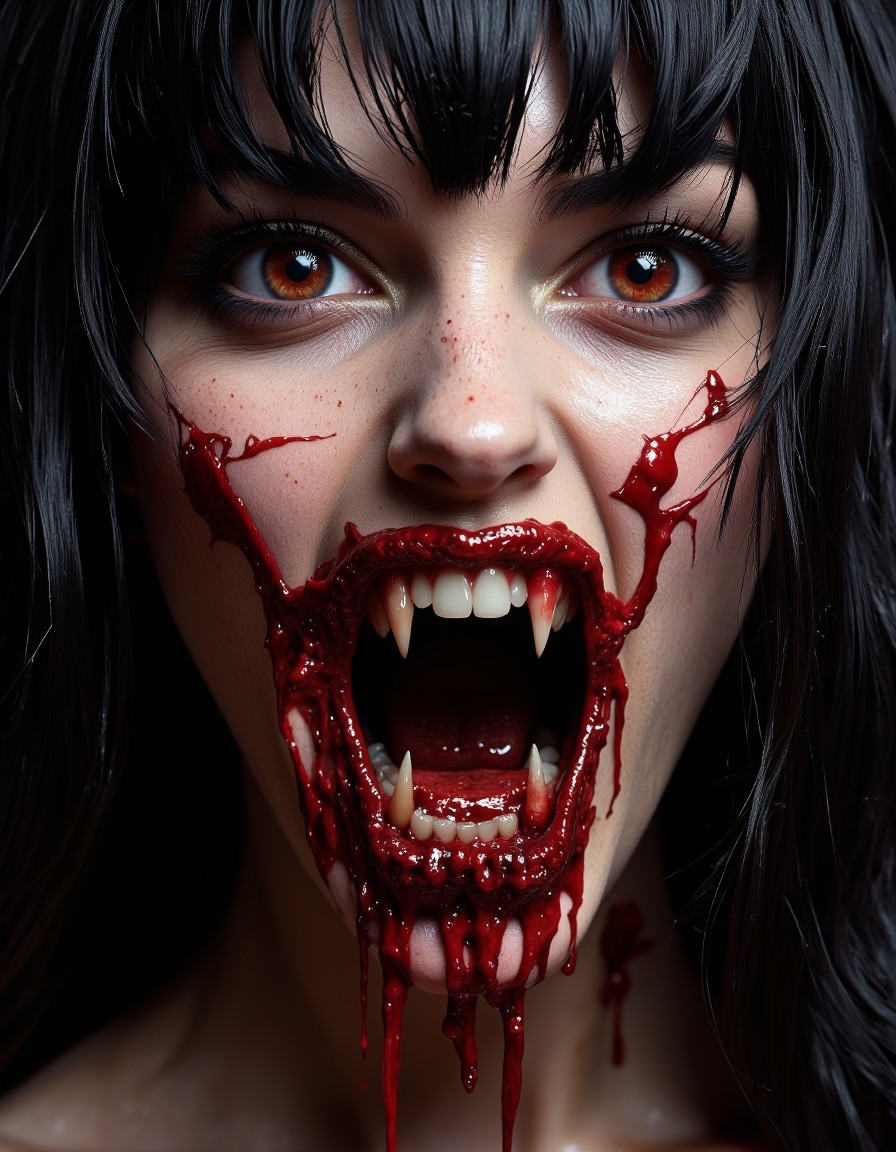
Flux Maestro
Flux Maestro: The Powerhouse of Prompt Precision and Text Rendering
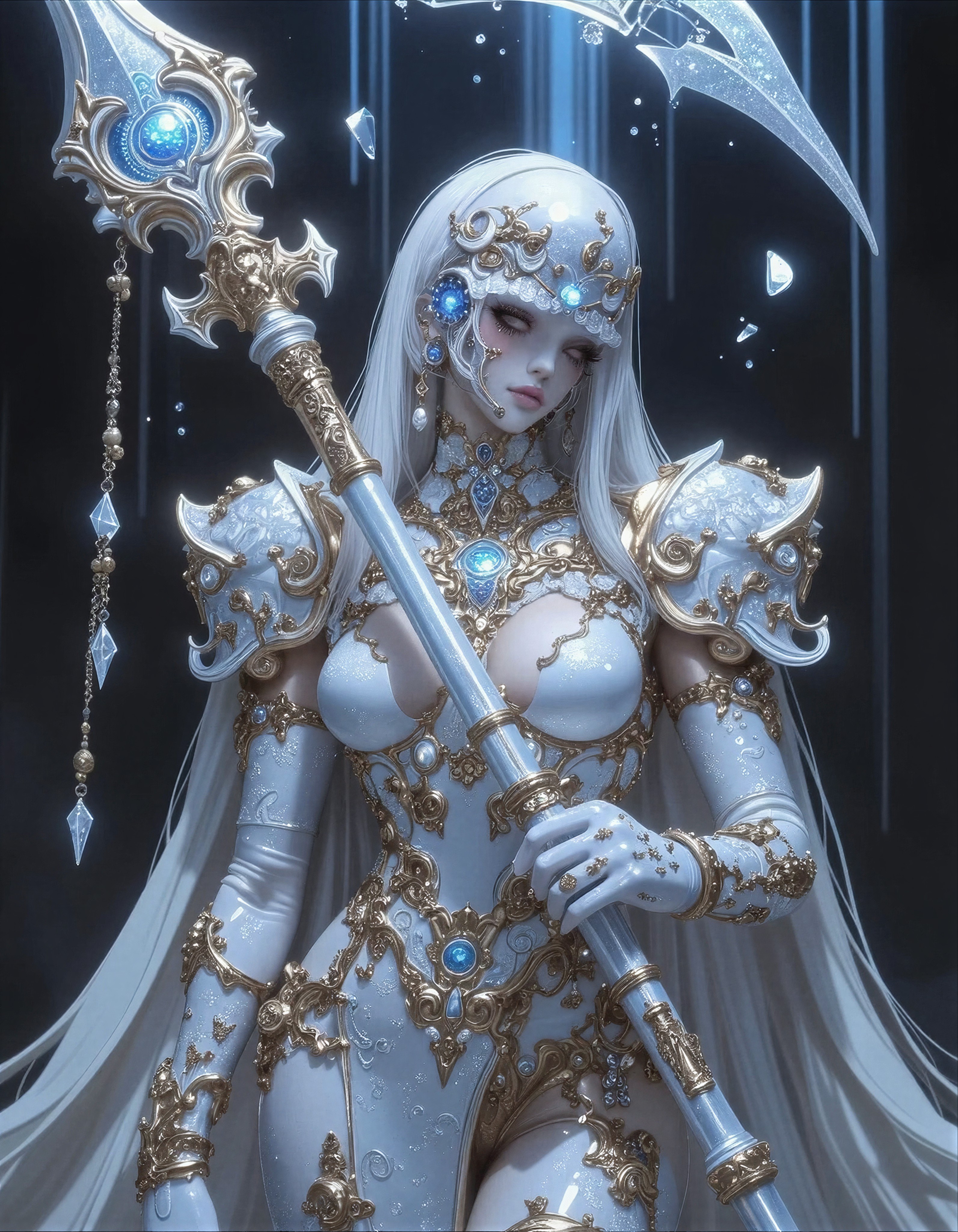
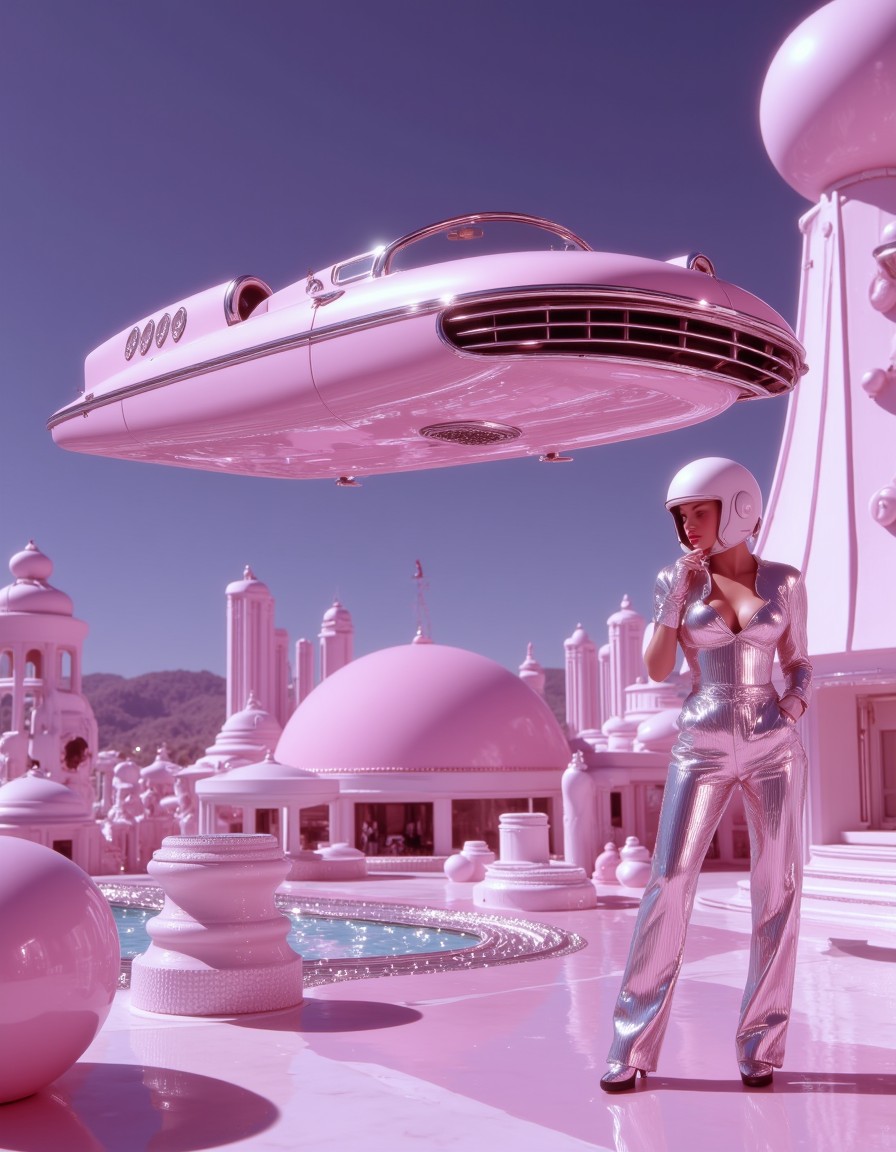
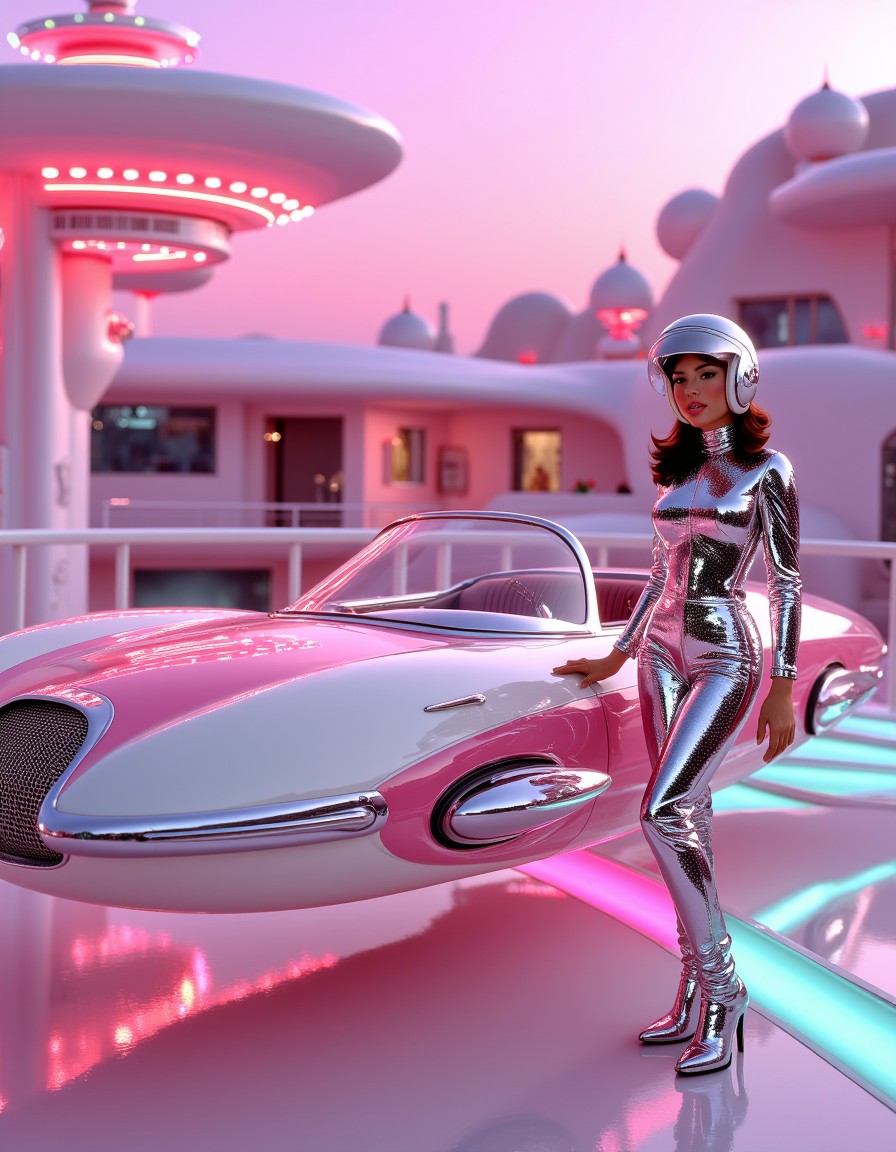
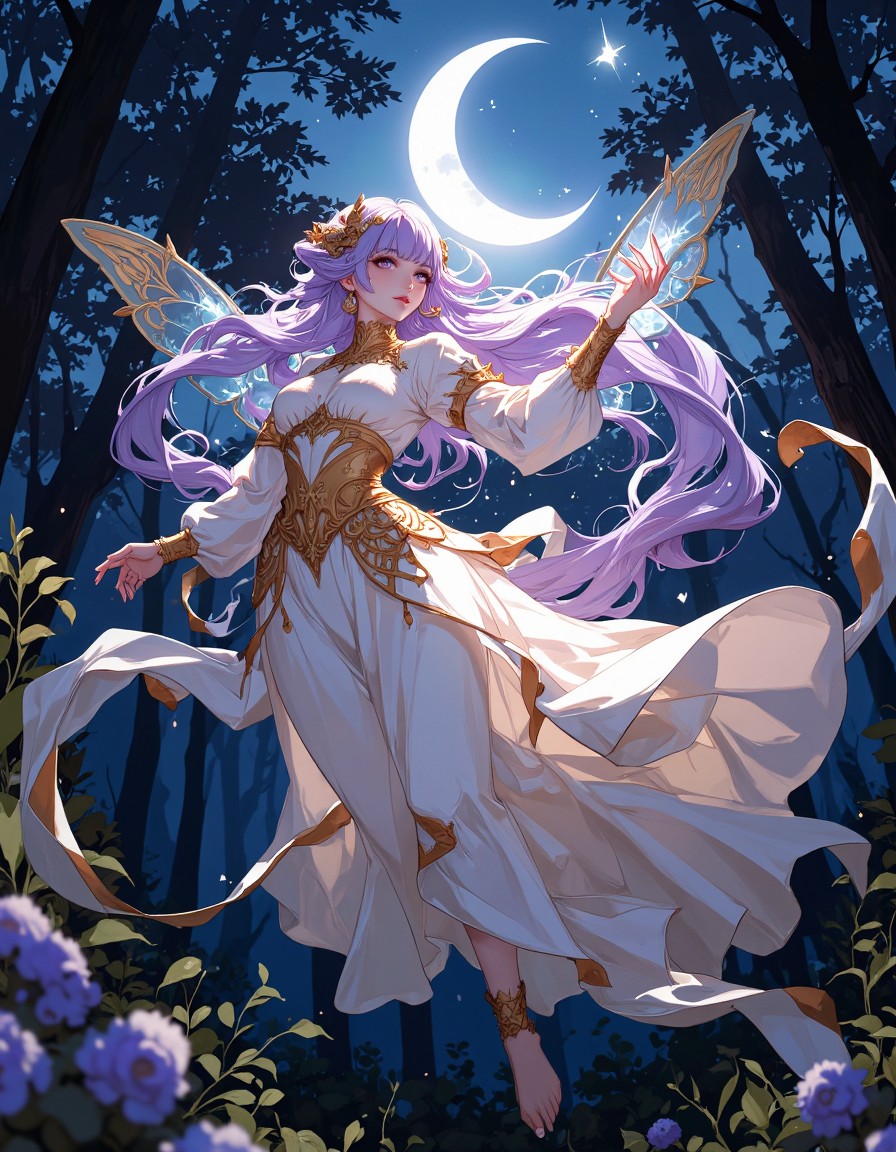
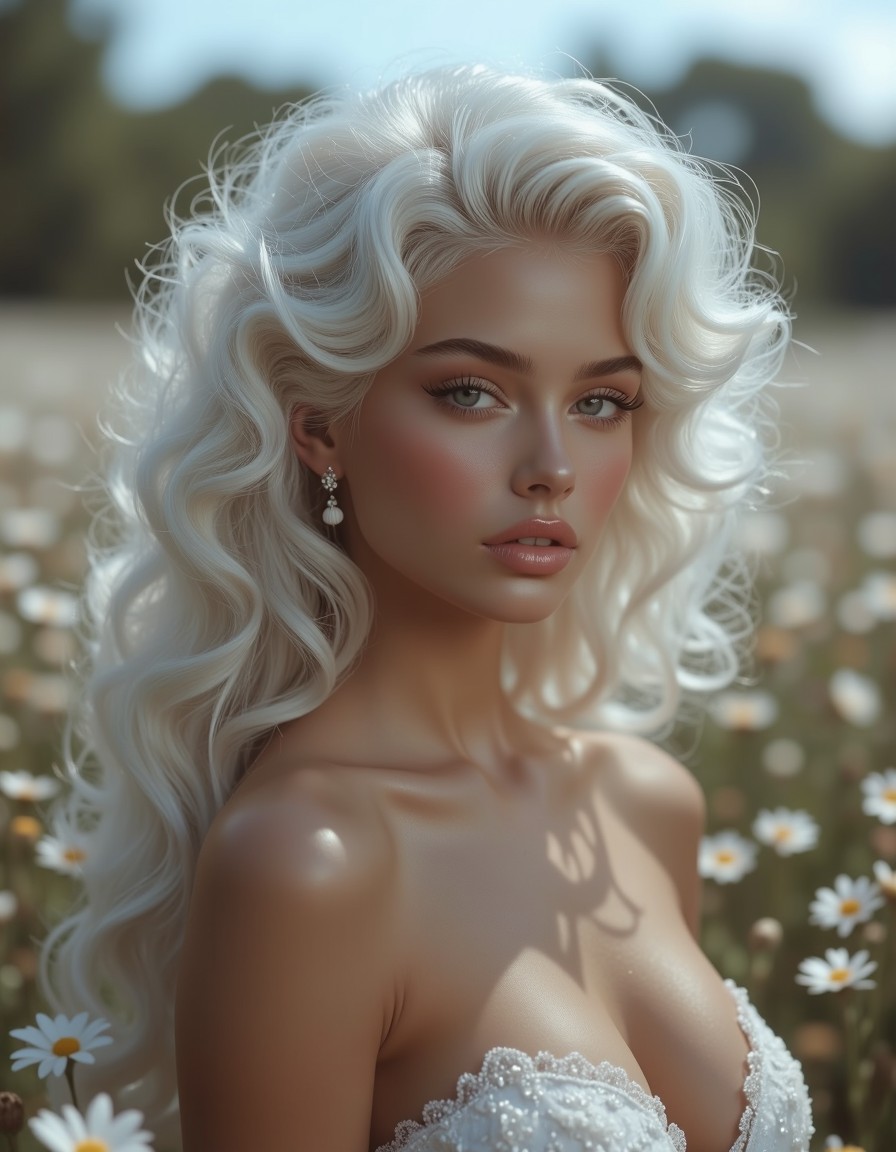
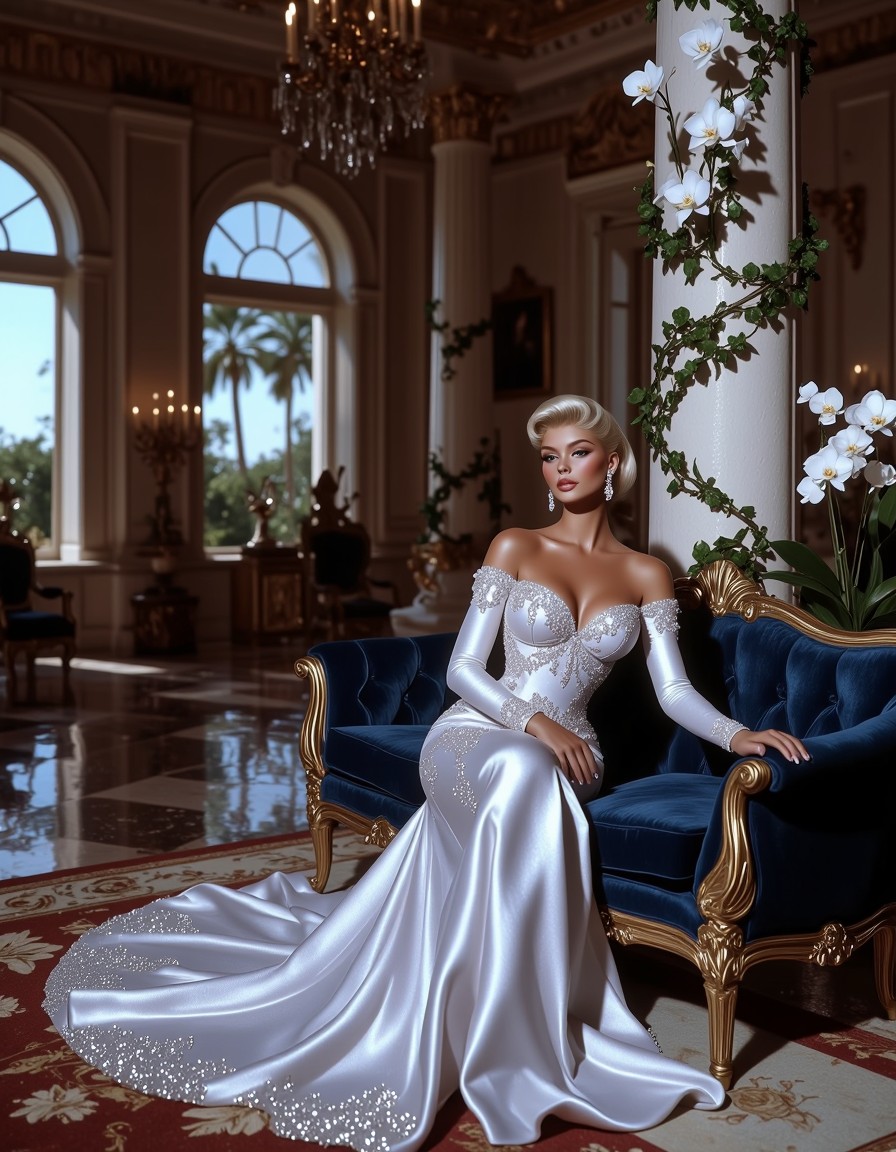
Built on the foundations of Flux Schnell and Shuttle 3 Diffusion models, Flux Maestro redefines what’s possible in AI image generation. This model isn’t just about creating visually stunning images—it’s about understanding complex prompts with surgical accuracy. Whether you’re designing book covers, crafting marketing visuals, or generating concept art, Flux Maestro ensures your vision translates into pixels with remarkable fidelity. Available exclusively on Proxima.art, it’s the go-to choice for professionals demanding precision.
What Makes Flux Maestro Stand Out
Flux Maestro shines in three key areas:
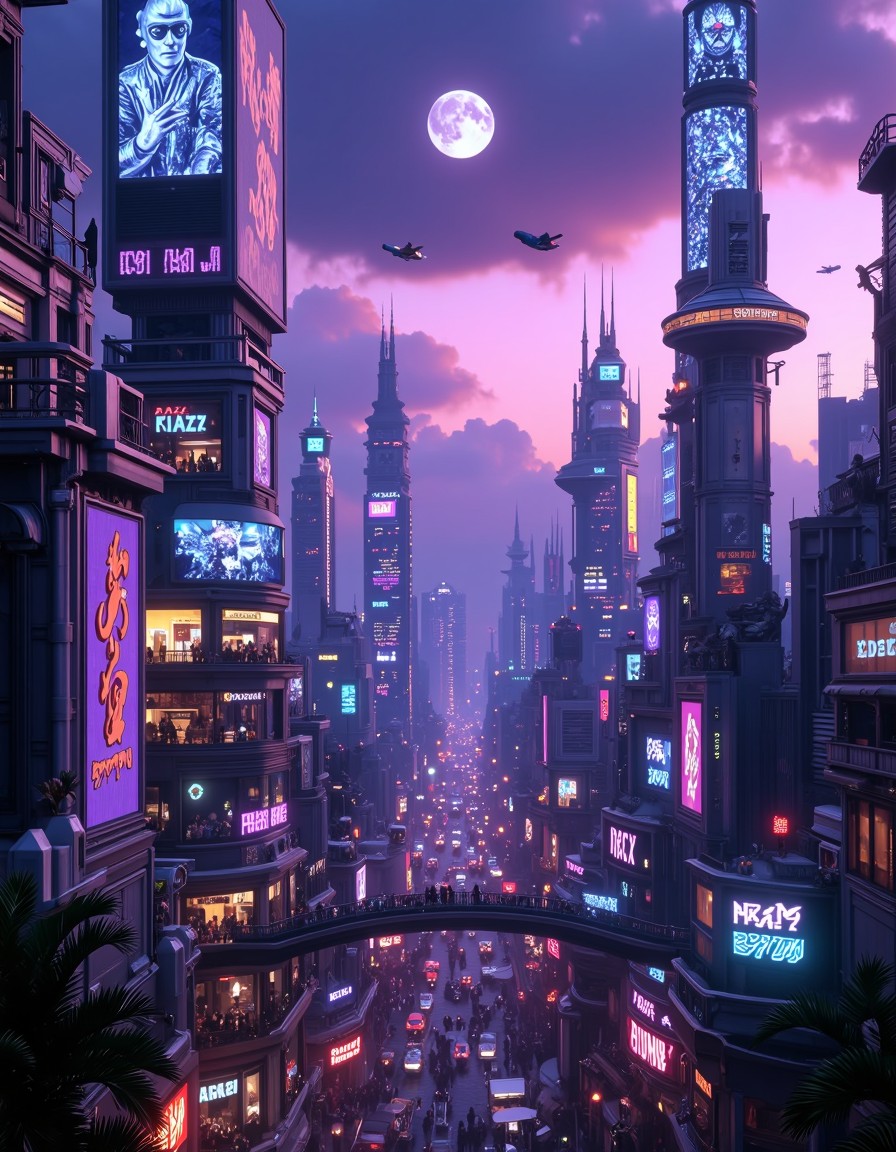
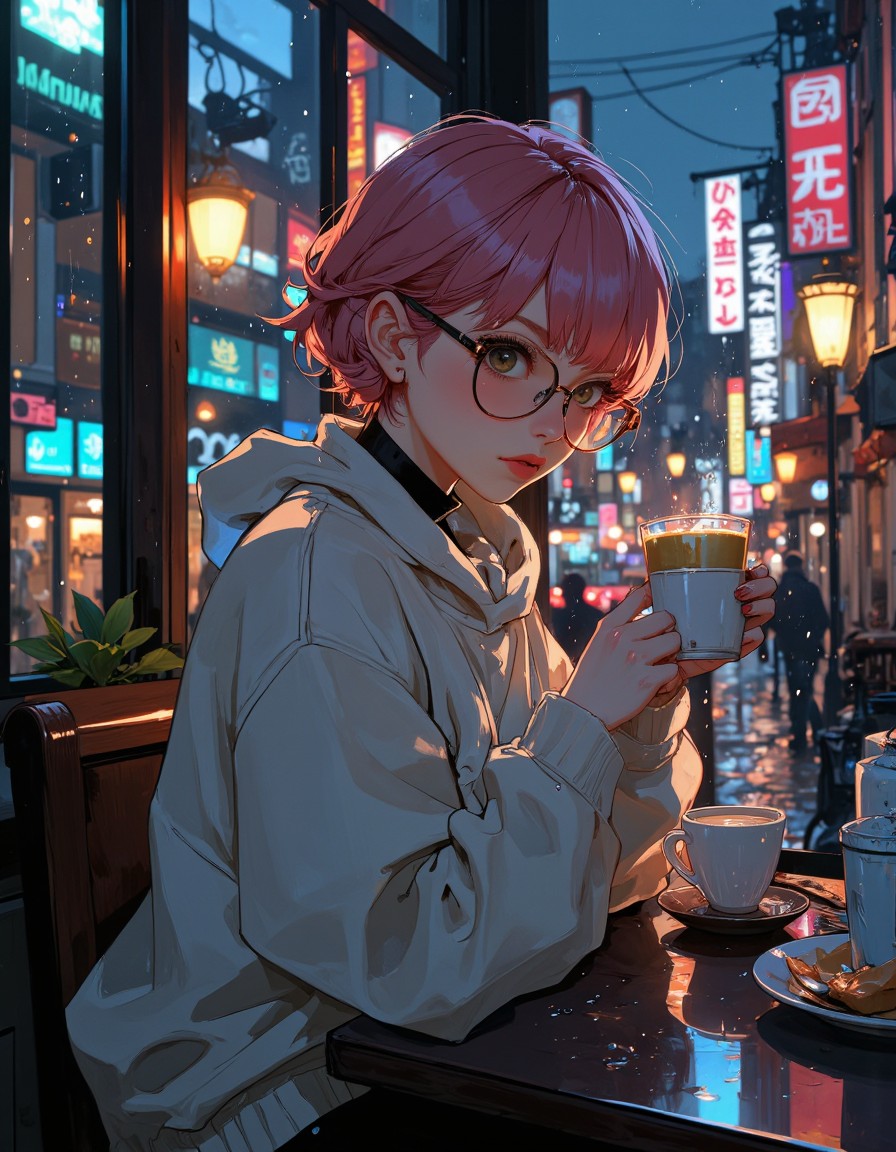
- Unmatched Text Rendering: From intricate typography to legible signs in busy scenes, Flux Maestro ensures text remains crisp and contextually accurate. Say goodbye to blurry logos or distorted fonts.
- Complex Semantic Accuracy: This model excels at interpreting nuanced prompts. Need a “steampunk inventor in a Victorian workshop with a glowing gear mechanism”? Flux Maestro doesn’t just generate an image—it understands the interplay of elements.
- High-Quality Outputs at Scale: Even with intricate details, Flux Maestro maintains sharpness and depth. Its architecture ensures that textures, lighting, and shadows remain consistent across large resolutions.
When to Use Flux Maestro
Flux Maestro is ideal for scenarios where precision meets creativity:
- Graphic Design Projects: Generate social media banners, product mockups, or editorial illustrations with text that stays sharp.
- Concept Art for Games/Anime: Create detailed environments or characters with accurate proportions and textures.
- Marketing Collateral: Produce high-res visuals for campaigns where clarity of messaging (e.g., product labels, slogans) is critical.
Optimizing Your Generation Settings
To unlock Flux Maestro’s full potential, use these recommended settings:
cfg_scale: 7.5 (ensures strong adherence to prompts without over-saturation)steps: 50 (balances speed and quality)resolution: 1024x1020 (for detailed outputs; aspect ratios like 1:1 or 3:2 work best)
The most critical tip: Be specific with your prompts. Instead of “a forest,” try “a misty, autumnal forest with golden leaves and a winding gravel path.” Flux Maestro thrives on detail.
Compatibility with LoRAs
Flux Maestro is designed to work seamlessly with most LoRAs trained on Flux Dev models. This compatibility means you can easily enhance outputs with styles like “cyberpunk neon lighting” or “watercolor textures” without compromising quality. Simply enable the desired LoRA in Proxima.art’s interface and adjust the weight to suit your needs.
Explore Flux Maestro on Proxima.art
Discover why artists and designers trust Proxima.art for cutting-edge AI tools. Start creating with Flux Maestro today.