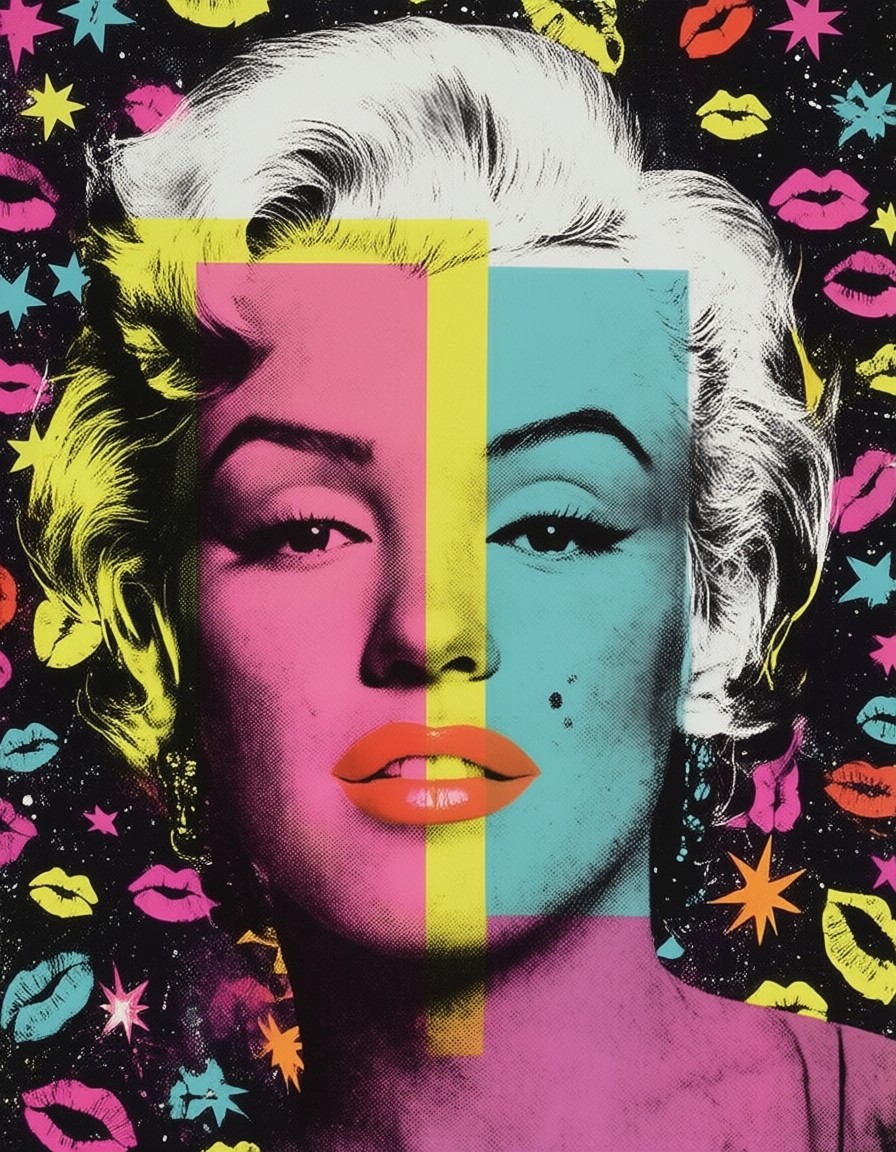


Four-Color Overlap and Neon Shadows: The Pop Art Marilyn Breakdown
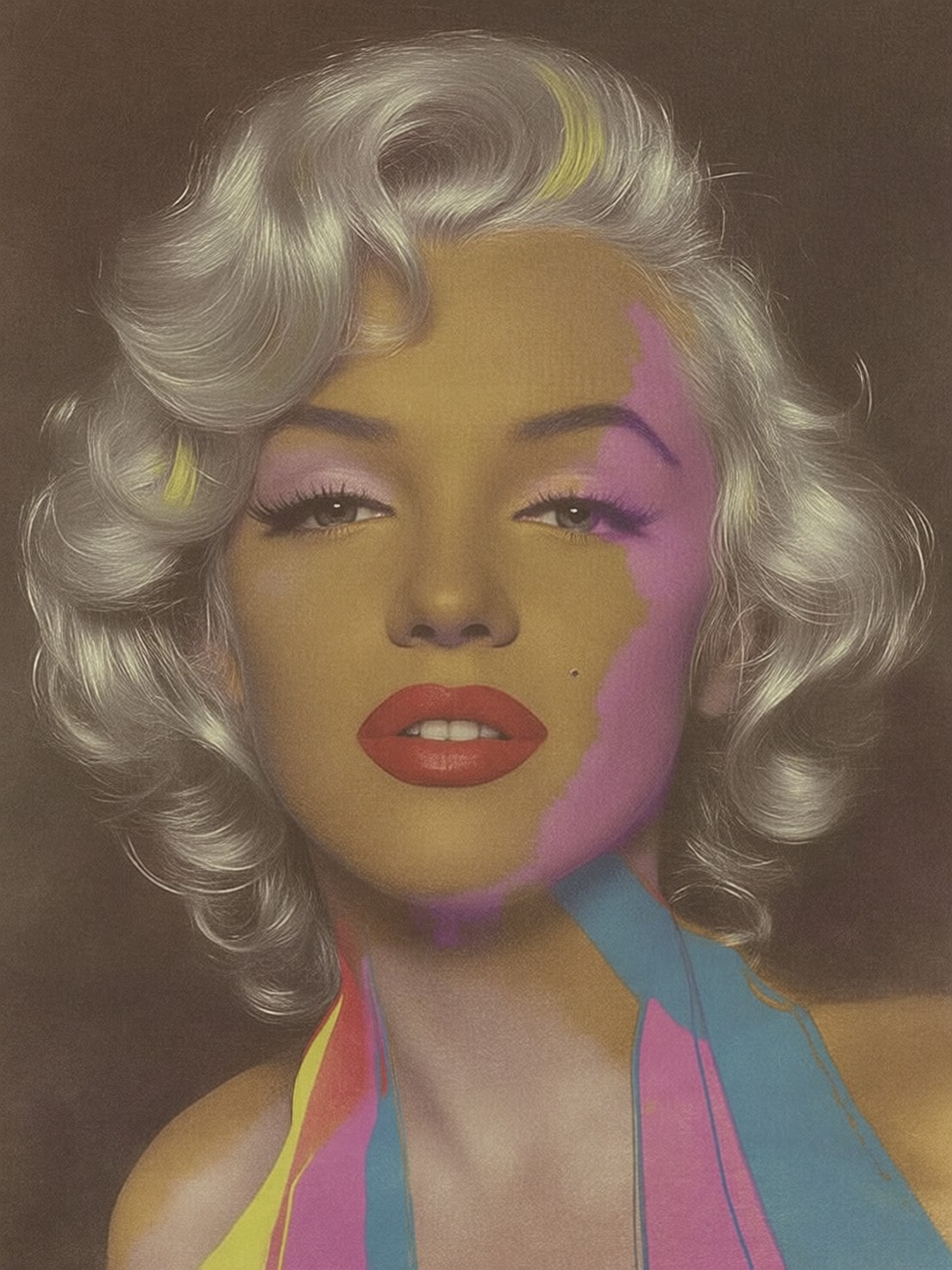
The face isn't just painted — it's printed. Four overlapping layers of neon pink, electric yellow, cyan blue, and hot magenta form a screen-printed mosaic that shimmers like a misaligned comic book. Qwen Image 2512 nails the Warholian offset registration, where each color bleeds slightly into the next, creating that unmistakable Pop Art jagged edge. The platinum hair is reduced to geometric blocks, each shadowed with stark black to emphasize the graphic flatness.
The halftone dots aren't just texture — they're the whole point. They transform Marilyn into a printed poster, every curve and contour rendered in dots that vibrate under the viewer's gaze. The background repeats starbursts and lipstick kisses in neon clashes, echoing the boldness of 1960s commercial art. It's a portrait that feels like it belongs on a subway billboard, not a canvas.
From Album Covers to Advertising Campaigns
This level of stylized graphic detail is perfect for high-impact commercial art — album covers, movie posters, fashion ads, and even digital billboards. The 8k resolution ensures it looks sharp on everything from phone screens to 4K monitors. Keep the aspect ratio at 3:4 for vertical dominance, which emphasizes the layered face and gives the background patterns room to repeat without distortion.
For maximum impact, avoid landscape orientations — the portrait framing is essential for the screen-printed effect to read properly. This prompt works best when the viewer can see the full face and the repeating background patterns without cropping.
Settings for Qwen Image 2512 — Maximizing LoRA Influence
Qwen Image 2512 handles complex textures and layered styles exceptionally well, especially with LoRAs. For this prompt, start with cfg_scale=3.5 to balance the competing colors and textures without over-saturating. Use 30 steps for full 8k detail — the model needs time to resolve the halftone dots and overlapping layers cleanly.
- Resolution:
8192×10240(8k) — the original prompt specifies this, so it's essential for the halftone texture to remain sharp - LoRA Combination: Run Marilyn Monroe at
100%for the iconic 1950s features, and Grim Dark Glamour 80s at35%to add subtle pastel shimmer and 1980s sparkle
At cfg 3.5 and 30 steps, the halftone texture resolves cleanly without becoming pixelated. The Marilyn LoRA ensures the face retains her recognizable features even with the color layering.
Layering the LoRAs
- Marilyn Monroe at
100%— this is non-negotiable for the iconic face structure, lips, and hair. It ensures the subject remains instantly recognizable despite the stylization - Grim Dark Glamour 80s at
35%— adds a touch of 1980s shimmer to the lips and background, without overpowering the 1950s aesthetic
If you want to lean more into the 80s look, drop Marilyn's weight to 70% and raise Grim Dark Glamour to 55%. This creates a retro-futuristic blend of 1950s icon and 1980s pop culture.
Five Ways to Push the Pop Art Marilyn Further
5 Targeted Variations for This Prompt
- Change the color scheme: Replace "neon pink, electric yellow, cyan blue, and hot magenta" with "vibrant orange, deep purple, electric green, and bright red" — shifts the overall tone while keeping the offset registration effect
- Alter the texture: Replace "halftone dots" with "stencil cutouts" — creates a more aggressive, graffiti-like texture that contrasts with the smooth face
- Reframe the background: Change "repeating patterns of stars and lipstick kisses" to "geometric shapes and bold typography" — transforms the piece into a commercial poster rather than a portrait
- Adjust the lighting: Add "spotlight from the left, dramatic shadow on the right" — introduces a 3D effect that plays with the flatness of the screen-printed style
- Modify the subject: Replace "Marilyn Monroe" with "modern pop star" — keeps the same style but updates the subject to a contemporary figure
Two Prompts Ready to Generate
Apply two of the variations above directly — both are tuned for Qwen Image 2512 at the settings recommended above.
Variation: 1980s shimmer — stronger Grim Dark Glamour influence, adding pastel tones and sparkle to the lips and background
Pop Art. Marilyn Monroe rendered in bold, vibrant pop art style with screen-printed aesthetic. Her face is split into four overlapping layers of electric orange, deep purple, electric green, and bright red, creating a striking offset registration effect. Her platinum hair is simplified into bold blocks of white with black shadow, lips painted in bright coral, eyes wide and iconic. Halftone dots texture covers the image, giving it a printed comic book quality. Background features repeating patterns of geometric shapes and bold typography in contrasting neon colors. Bold, graphic, Warhol-inspired, high-impact commercial art aesthetic, 8k.
Variation: Stencil texture — aggressive graffiti-like edges replacing halftone dots for a more modern look
Pop Art. Marilyn Monroe rendered in bold, vibrant pop art style with screen-printed aesthetic. Her face is split into four overlapping layers of neon pink, electric yellow, cyan blue, and hot magenta, creating a striking offset registration effect. Her platinum hair is simplified into bold blocks of white with black shadow, lips painted in bright coral, eyes wide and iconic. Stencil cutouts texture covers the image, giving it a graffiti-like quality. Background features repeating patterns of stars and lipstick kisses in contrasting neon colors. Bold, graphic, Warhol-inspired, high-impact commercial art aesthetic, 8k.
More Pop Art Inspirations
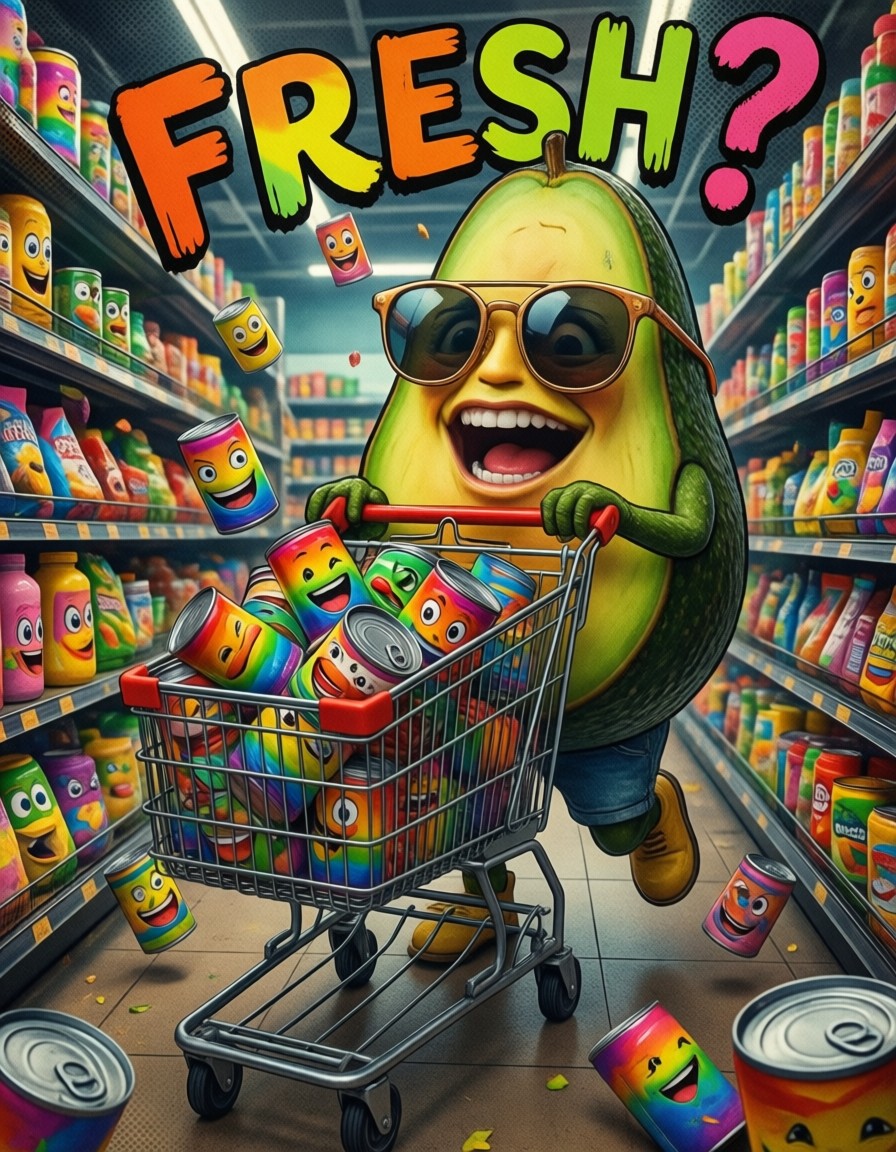
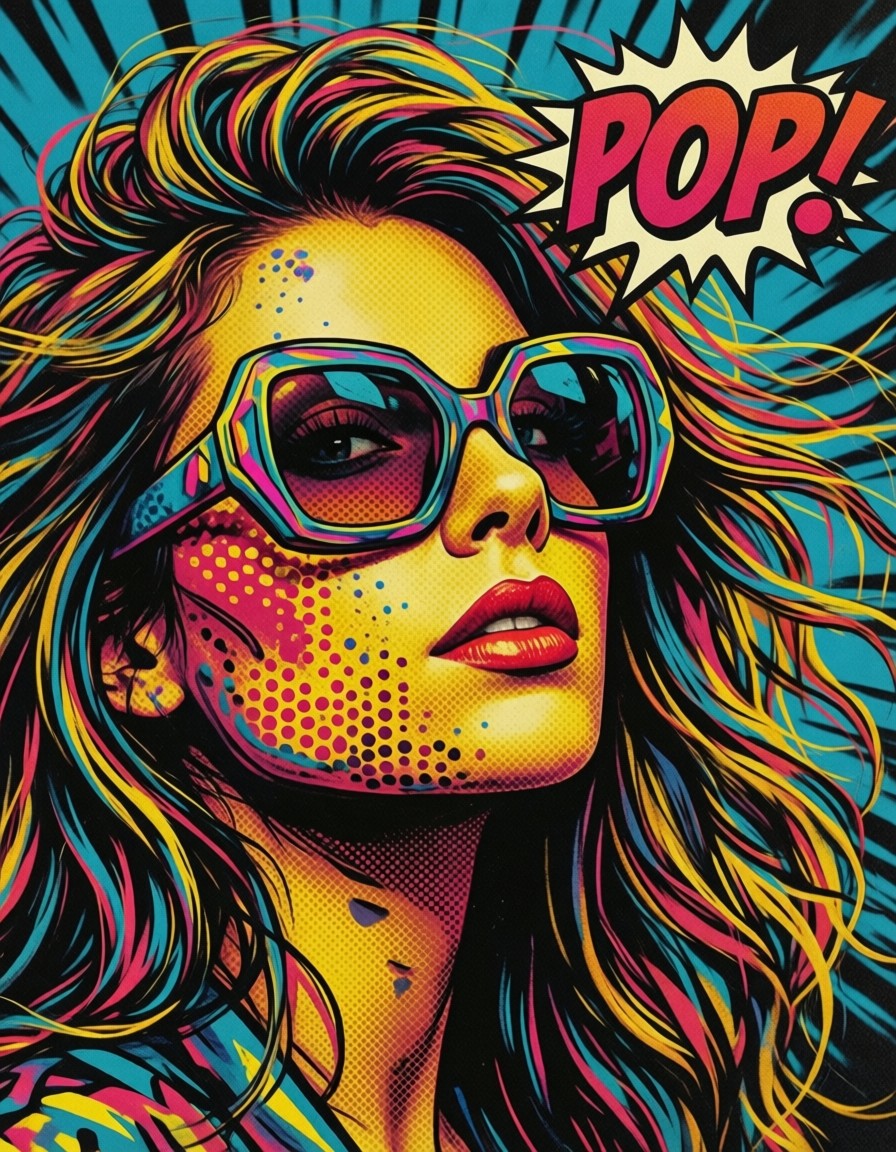
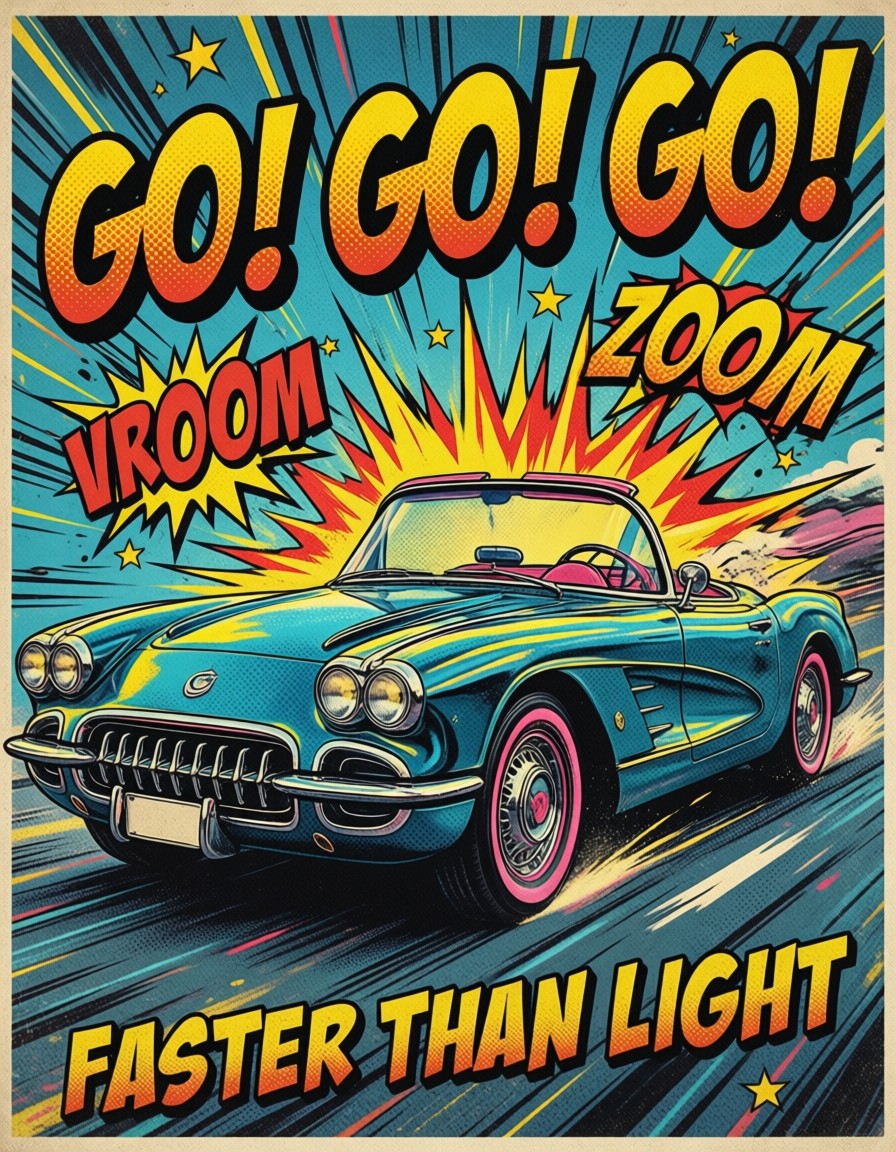
Other prompts in this category explore similar stylized pop art from different angles — vibrant color schemes, different textures, and varied subjects: