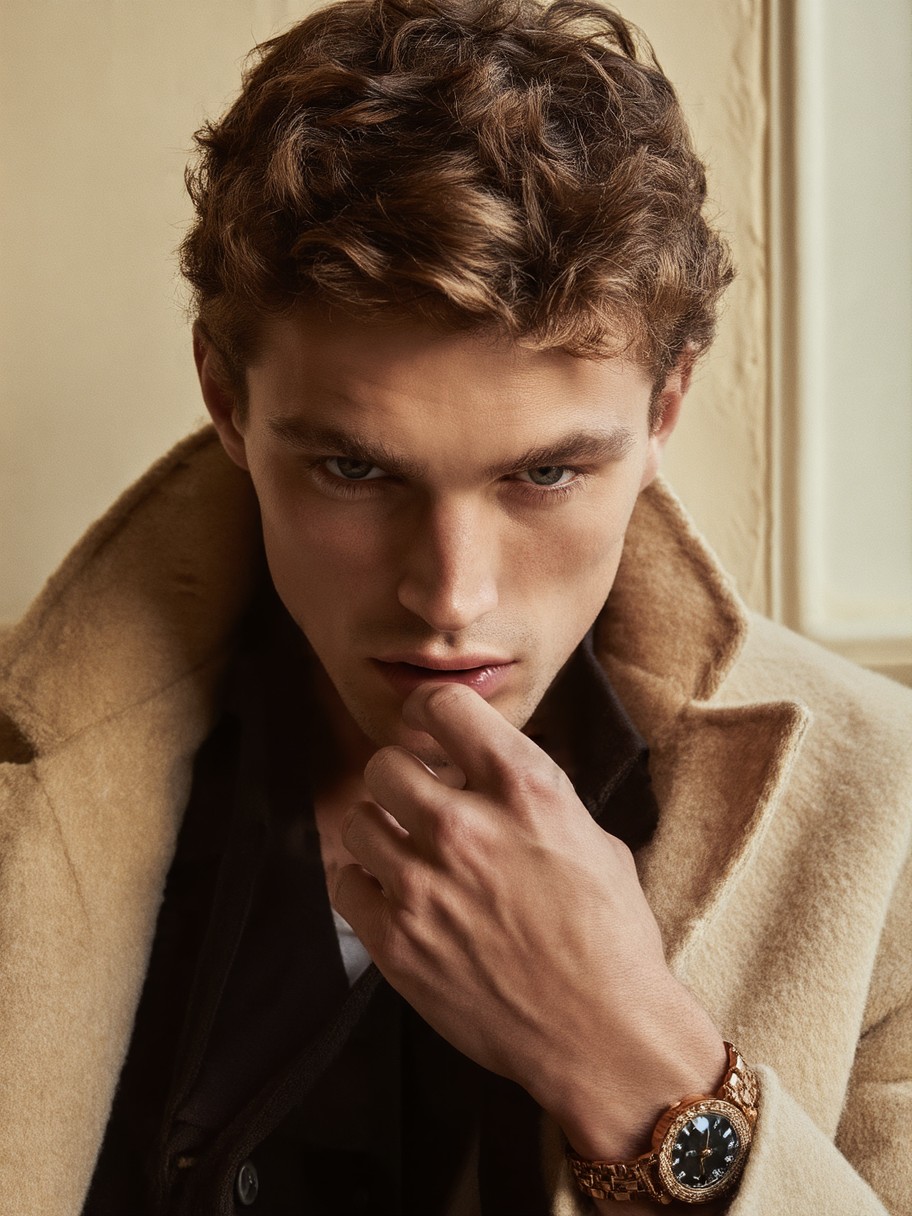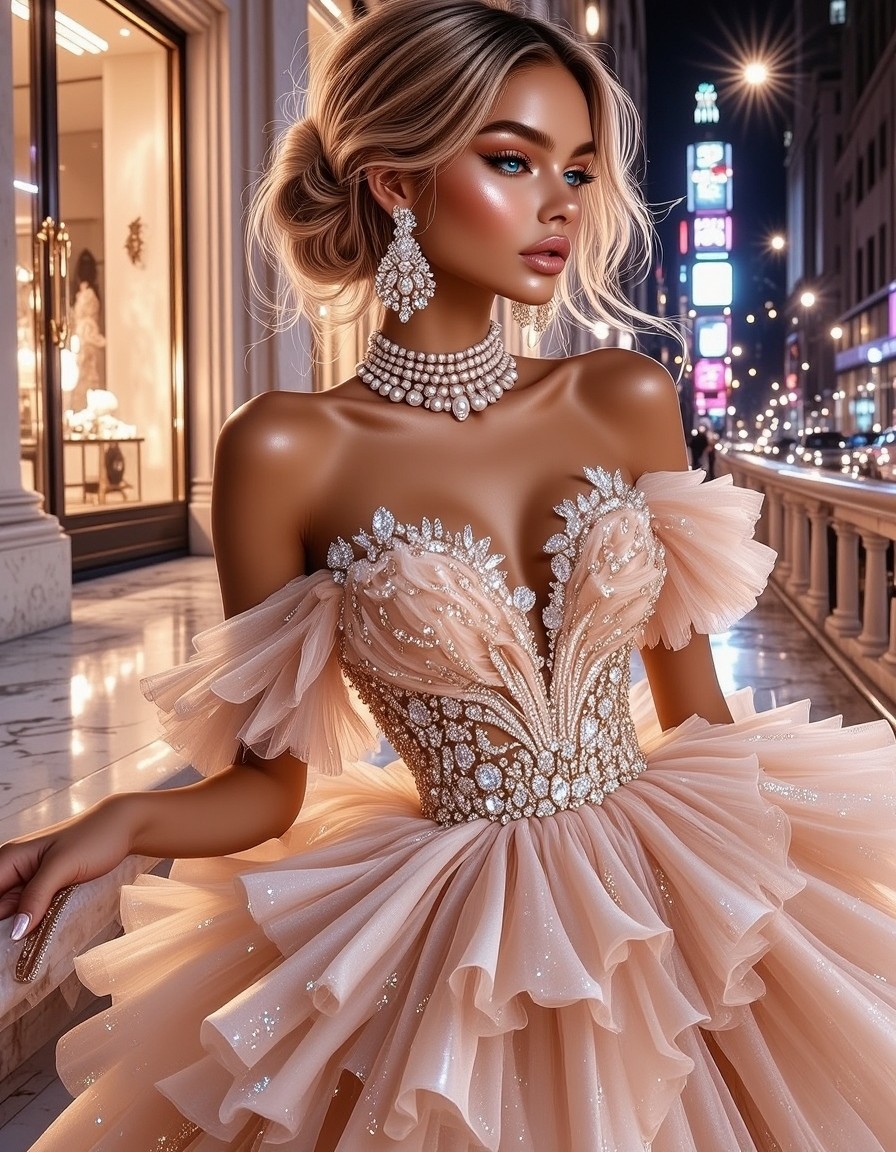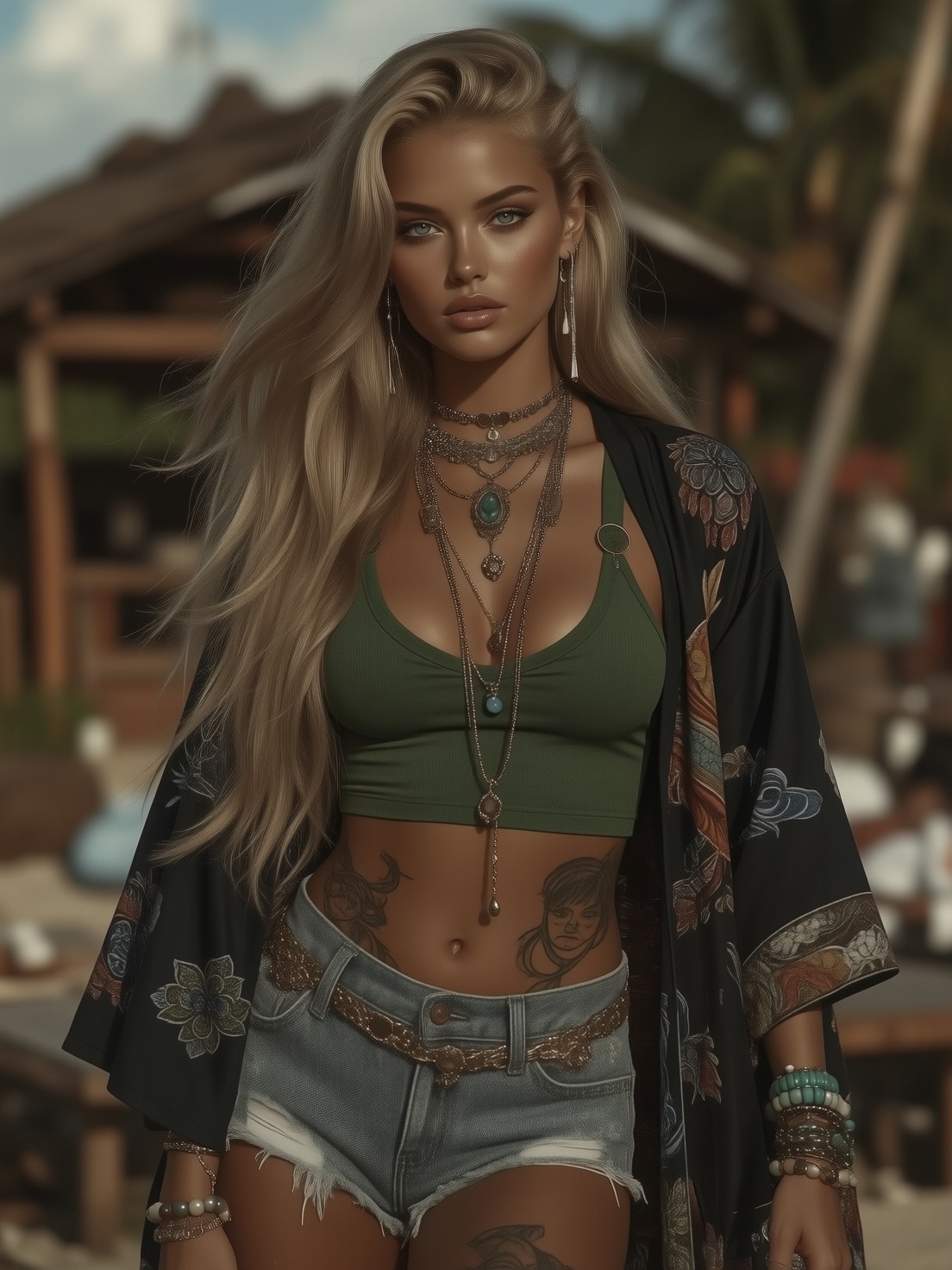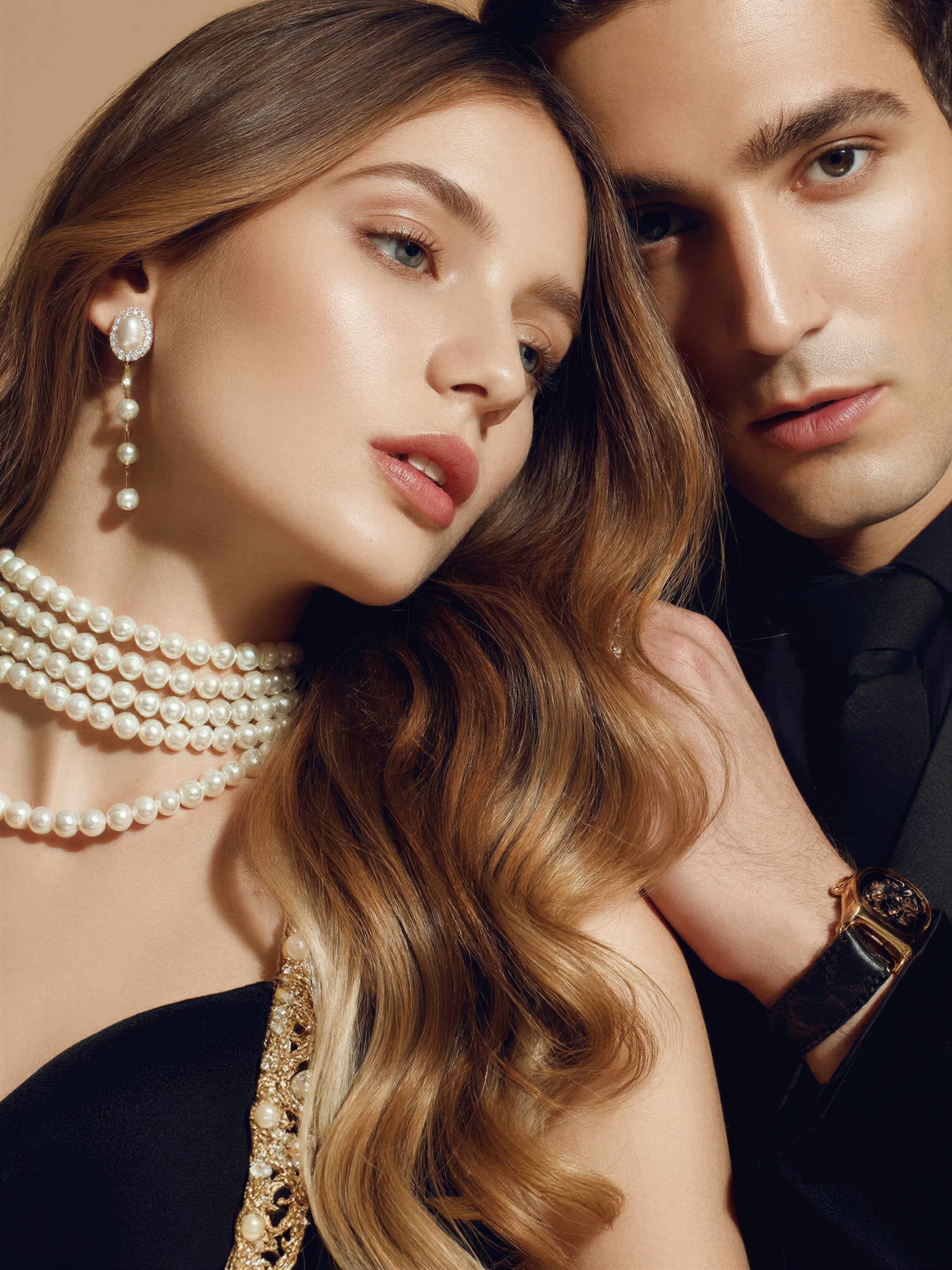
Pearl-Drenched Close-Ups: The Secret to This Fashion Editorial
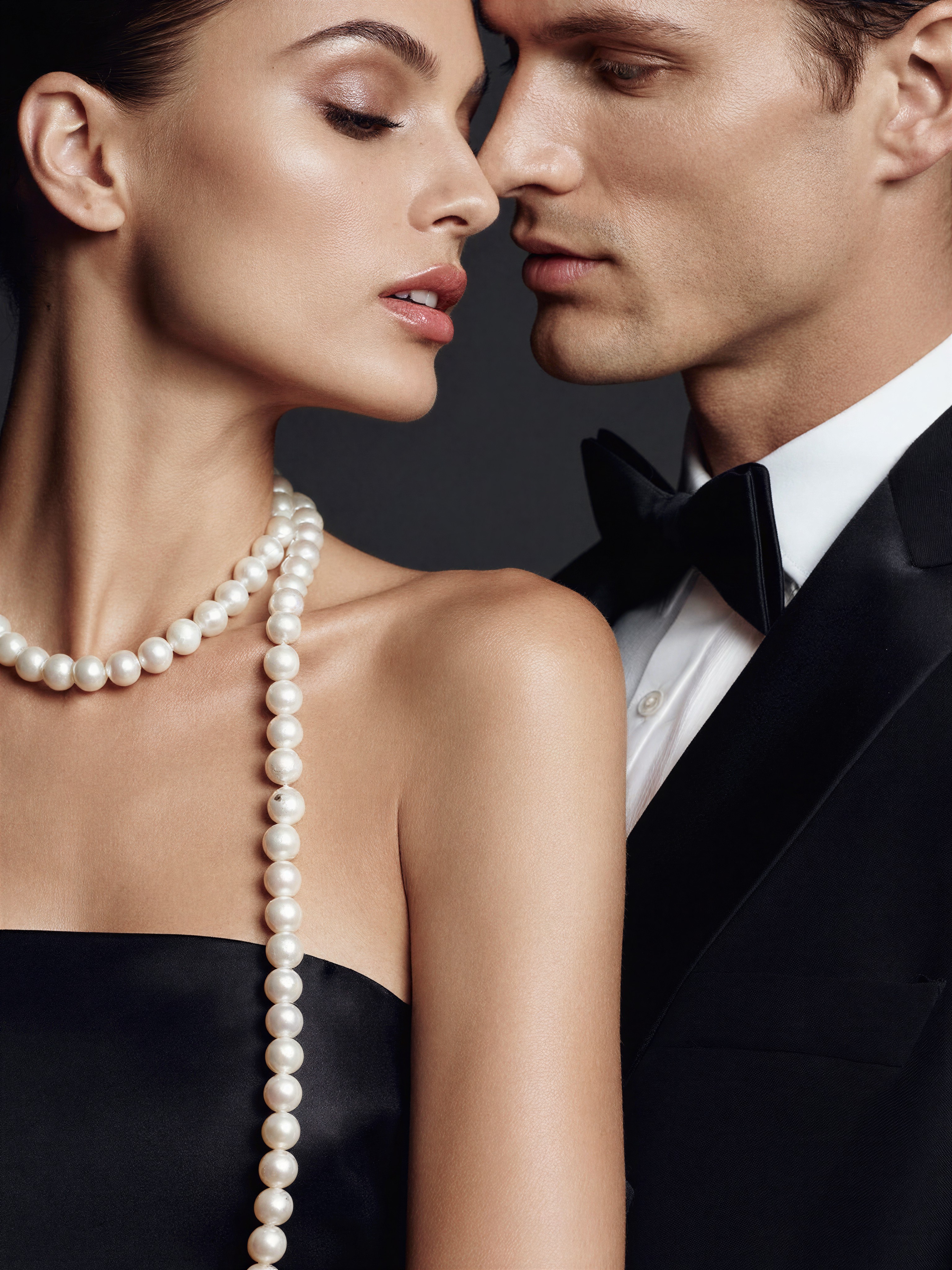
The real magic here is how Z-Image Base turns a simple "pearl" descriptor into a full-bodied, glistening focal point. The close-up framing forces the model's face into sharp focus while the pearl necklace becomes a luminous halo of light reflections. Photorealistic skin glows under studio lighting, and the European features are rendered with such clarity that you could almost trace the freckles on their noses.
This isn't just a portrait — it's a fashion editorial shot that screams luxury. The model's gaze is direct, the clothing is sharp, and the pearls catch the light in a way that feels both editorial and aspirational. It's the kind of image that makes you want to reach out and touch the fabric.
For Fashion Editors and High-End Brand Campaigns
When you need a close-up that feels like it belongs in a luxury magazine, this prompt delivers. Ideal for fashion editorials, jewelry campaigns, or high-end brand content. The 1:1 square aspect ratio is essential for this composition — any other format would crop the pearls or distort the face.
Want to push it further? Add "studio lighting with softbox" for more control, or "dramatic chiaroscuro" for a cinematic twist. But keep the focus tight — this is about the detail in the eyes, the texture of the pearls, and the sheen on the fabric.
Optimal Settings for Z-Image Base — Crisp Skin and Shiny Pearls
Z-Image Base thrives on photorealism, so push the cfg_scale higher than usual to preserve detail in the pearls and skin texture. The model's strength in realistic lighting means you can get away with lower steps for previews, but full quality needs the max setting.
- CFG / Guidance:
4.0–5.0— preserves sharpness in pearls and skin without over-saturating the image - Steps: 30 for full quality; 12 steps for composition previews
- Resolution:
1080×1080(1:1) — square format is crucial for this close-up composition
At cfg 4.5 and 30 steps, Z-Image Base renders the pearls with a near-metallic sheen that feels like it's been photographed in a studio, not generated.
Five Ways to Rethink This Fashion Close-Up
5 Targeted Variations for This Prompt
- Replace pearls with diamonds: Swap "pearl" with "diamond necklace" — the light reflections become colder, more geometric, and the skin texture becomes even more luminous
- Golden hour drama: Add "golden hour lighting, warm amber tones, soft shadows" — turns the editorial feel into a cinematic portrait with dramatic chiaroscuro
- Minimalist styling: Change to "monochrome suit, minimalist styling, sharp focus" — the same model becomes a high-fashion icon in a totally different visual language
- Urban backdrop: Add "urban street setting, shallow depth of field, blurred background" — transforms the close-up into a street style shot with a modern edge
- Cultural twist: Replace "European appearance" with "Japanese kimono, traditional makeup" — the same photorealistic quality applies to a totally different cultural context
Two Prompts Ready to Generate
Apply two of the variations above directly — both are tuned for Z-Image Base at the settings recommended above.
Variation: Diamond necklace and golden hour lighting — cold reflections with warm ambient light for dramatic contrast
A woman and a man of European appearance, fashion editorial photograph, glamour, diamond necklace, close up, golden hour lighting, warm amber tones, soft shadows, photorealistic skin, sharp focus, cinematic
Variation: Minimalist styling and urban backdrop — sharp monochrome suit with blurred city background
A woman and a man of European appearance, fashion editorial photograph, glamour, minimalist styling, monochrome suit, urban street setting, shallow depth of field, blurred background, photorealistic skin, sharp focus
Other Fashion Close-Ups in This Direction
Explore related prompts that push the same close-up editorial style with different visual languages: