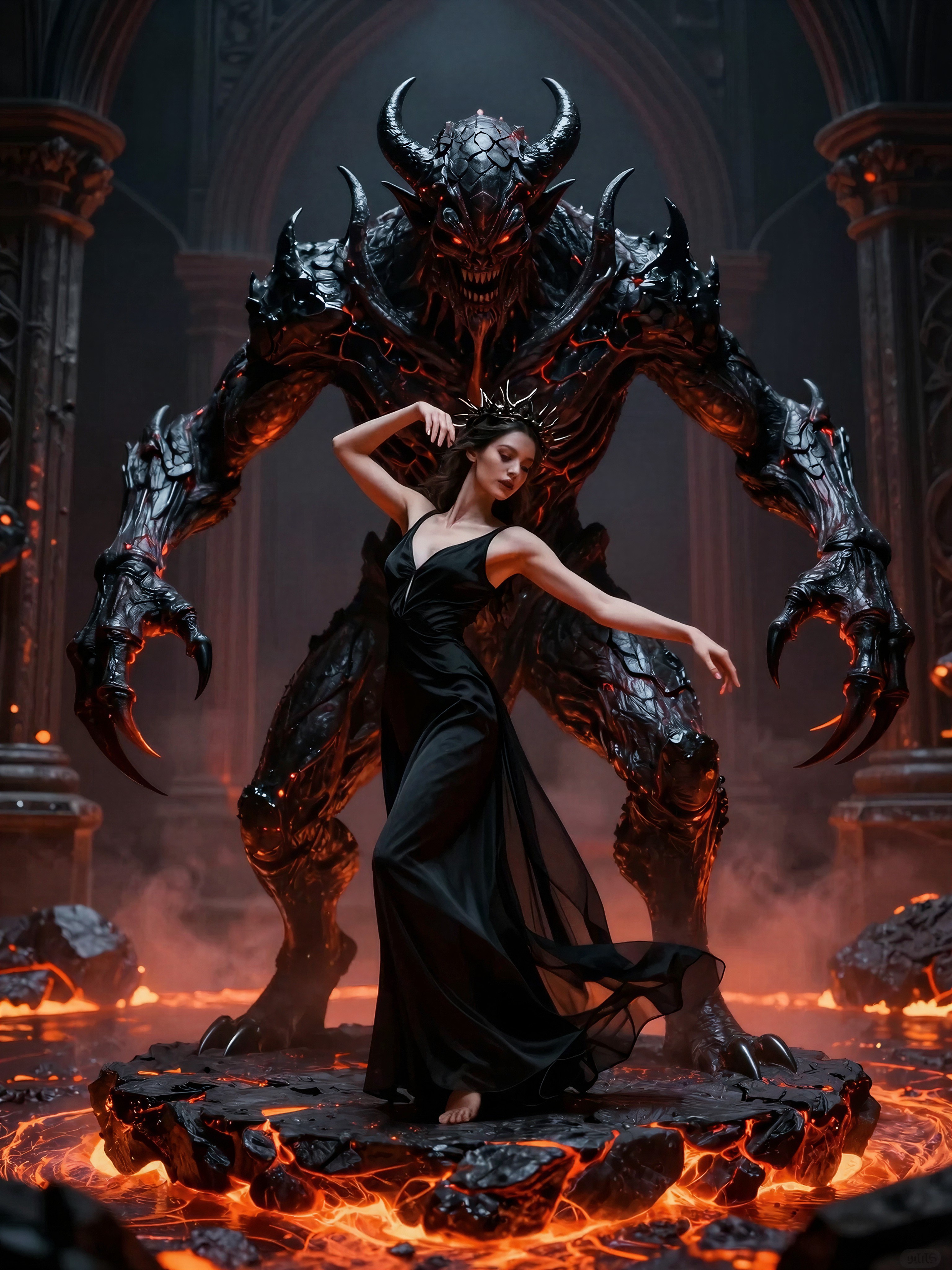
Z-Image Turbo
Blazing Fast Visual Iteration: The Z-Image Turbo Revolution
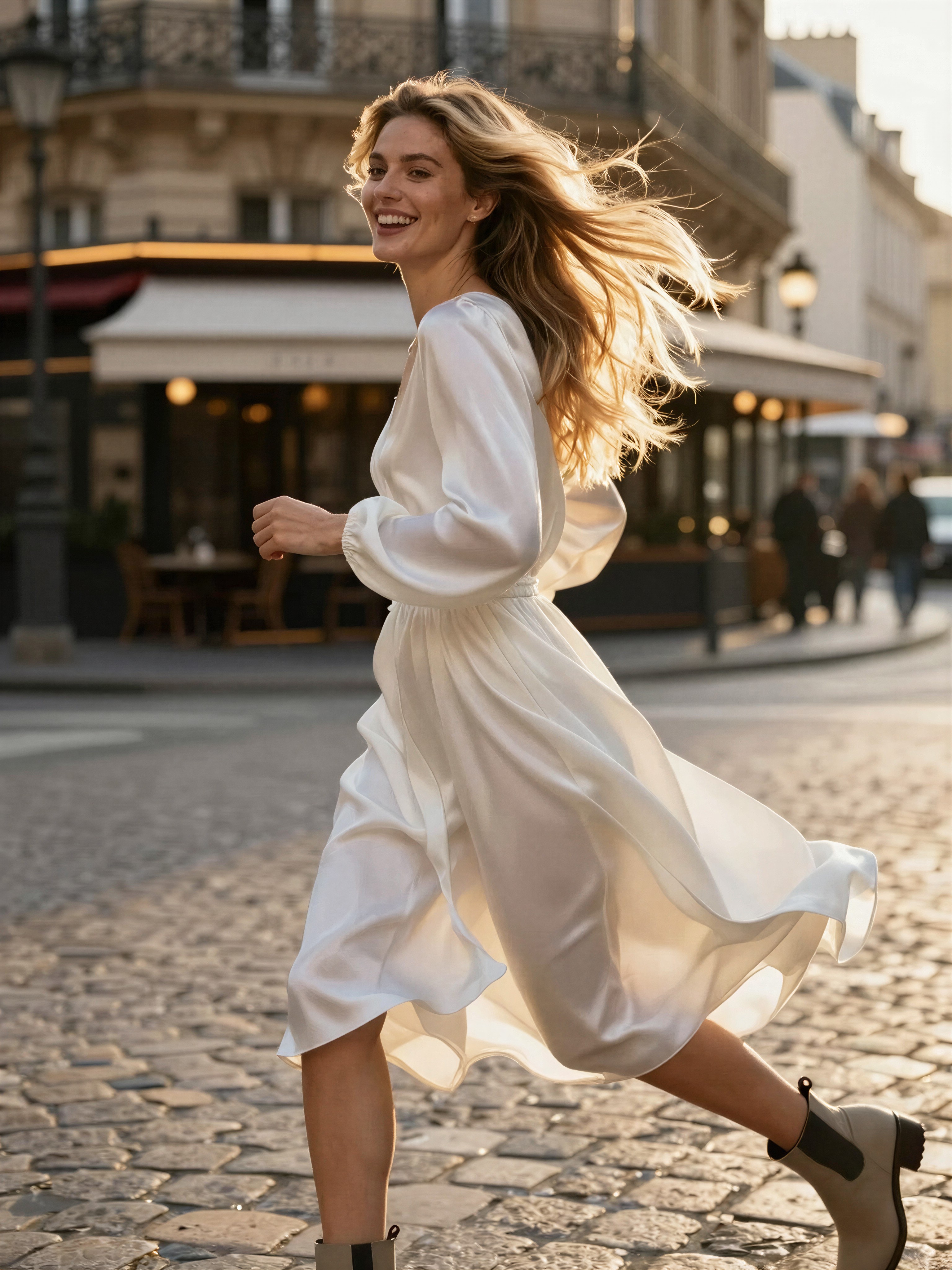
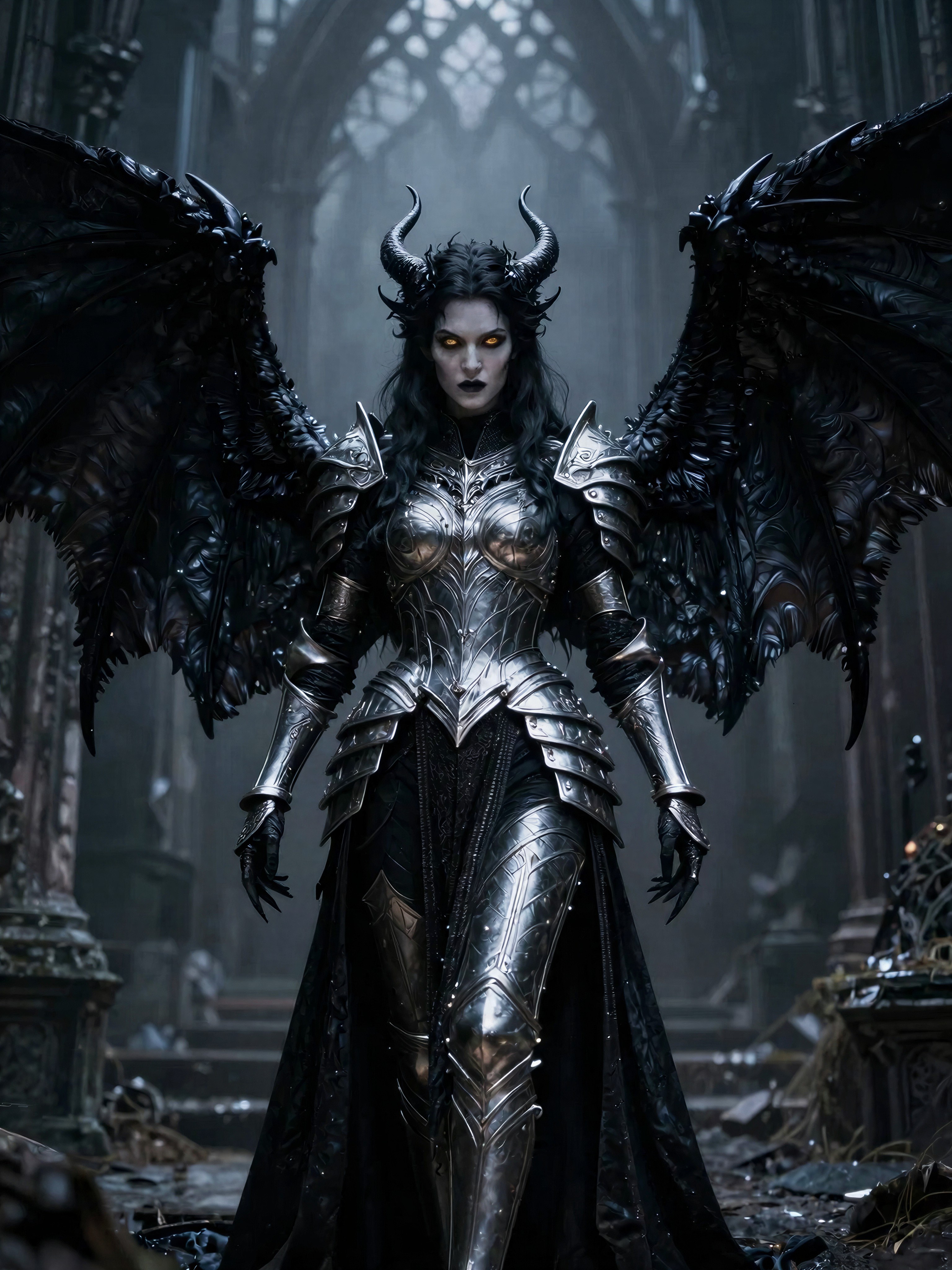
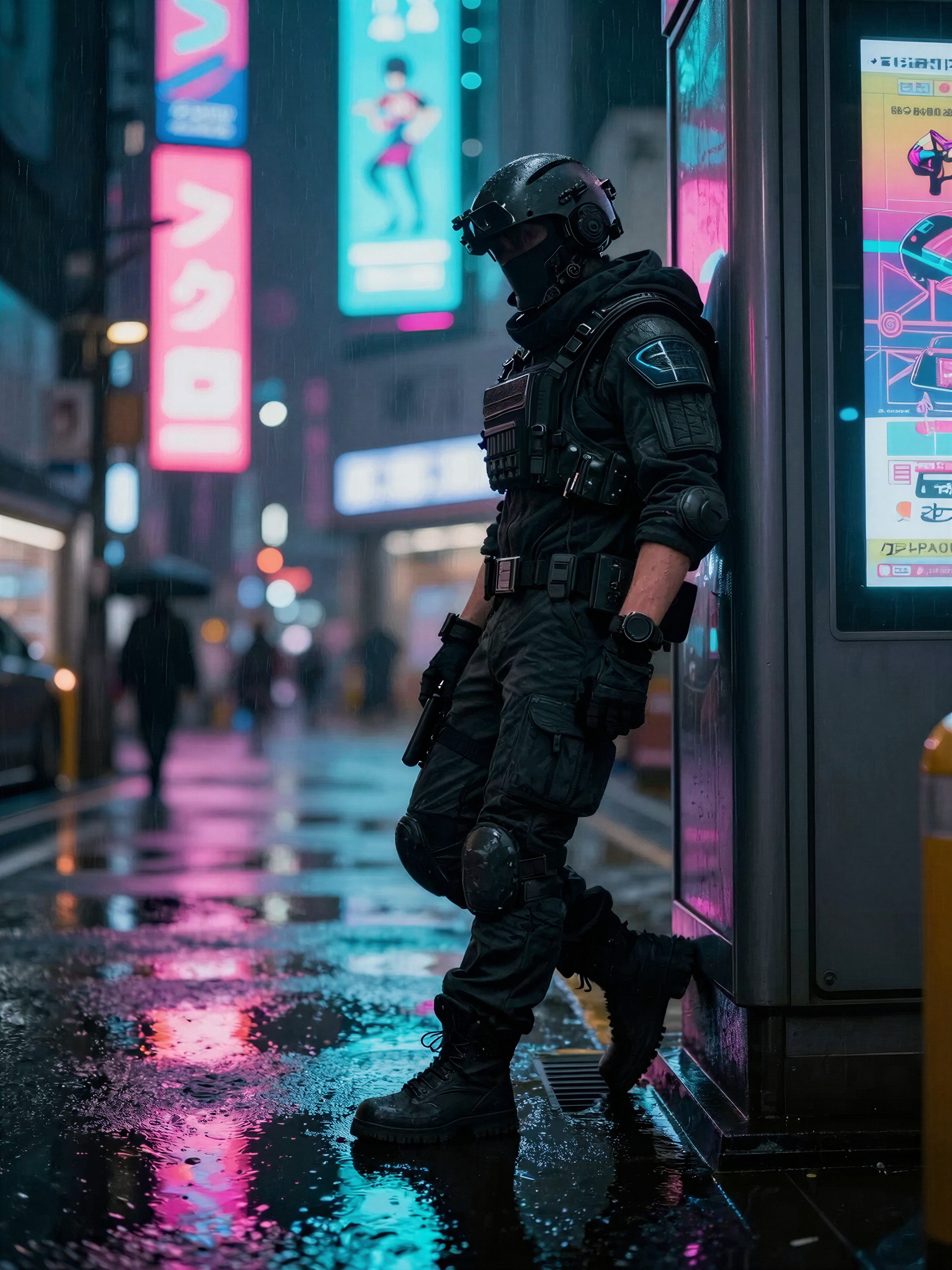
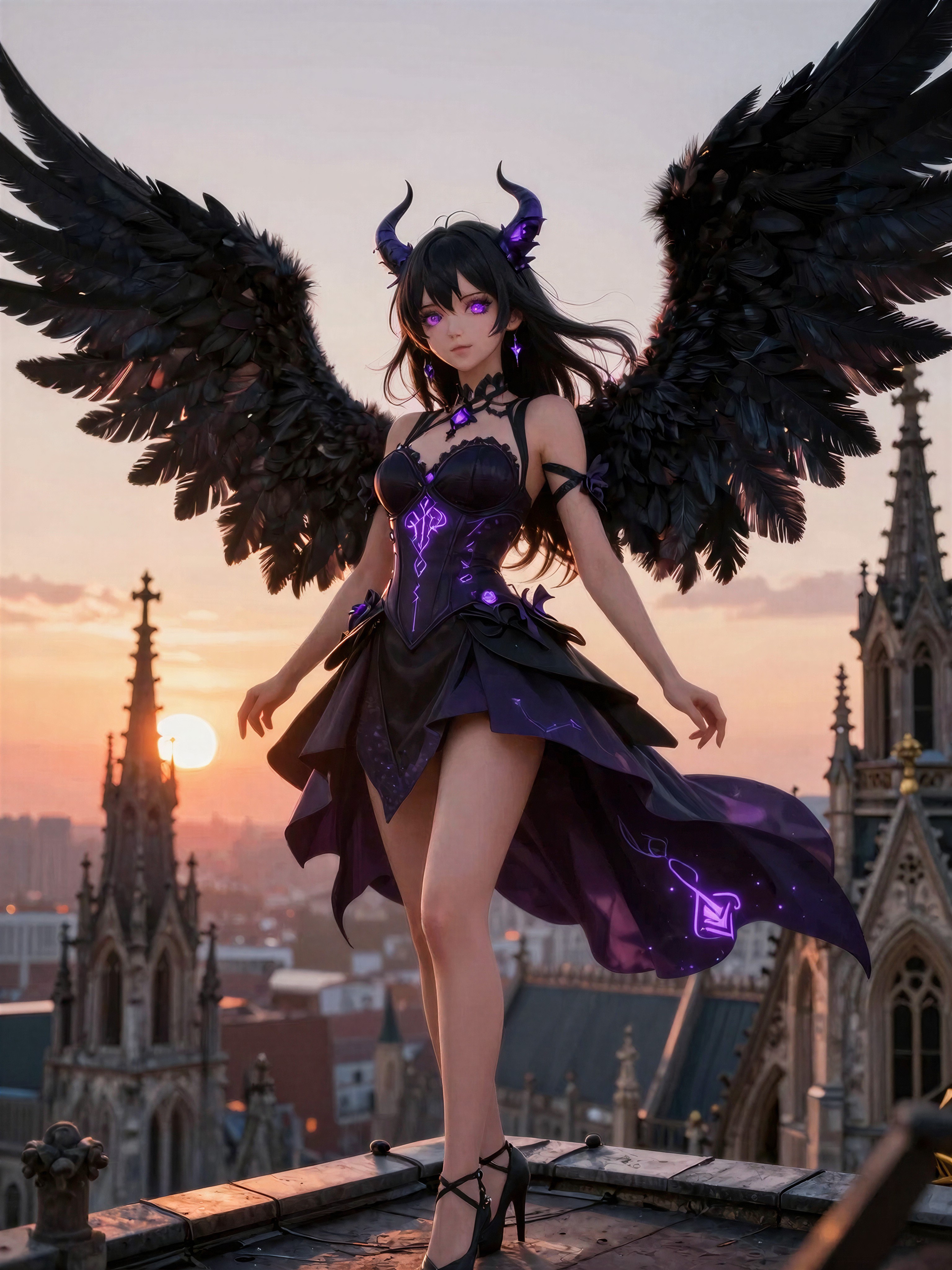
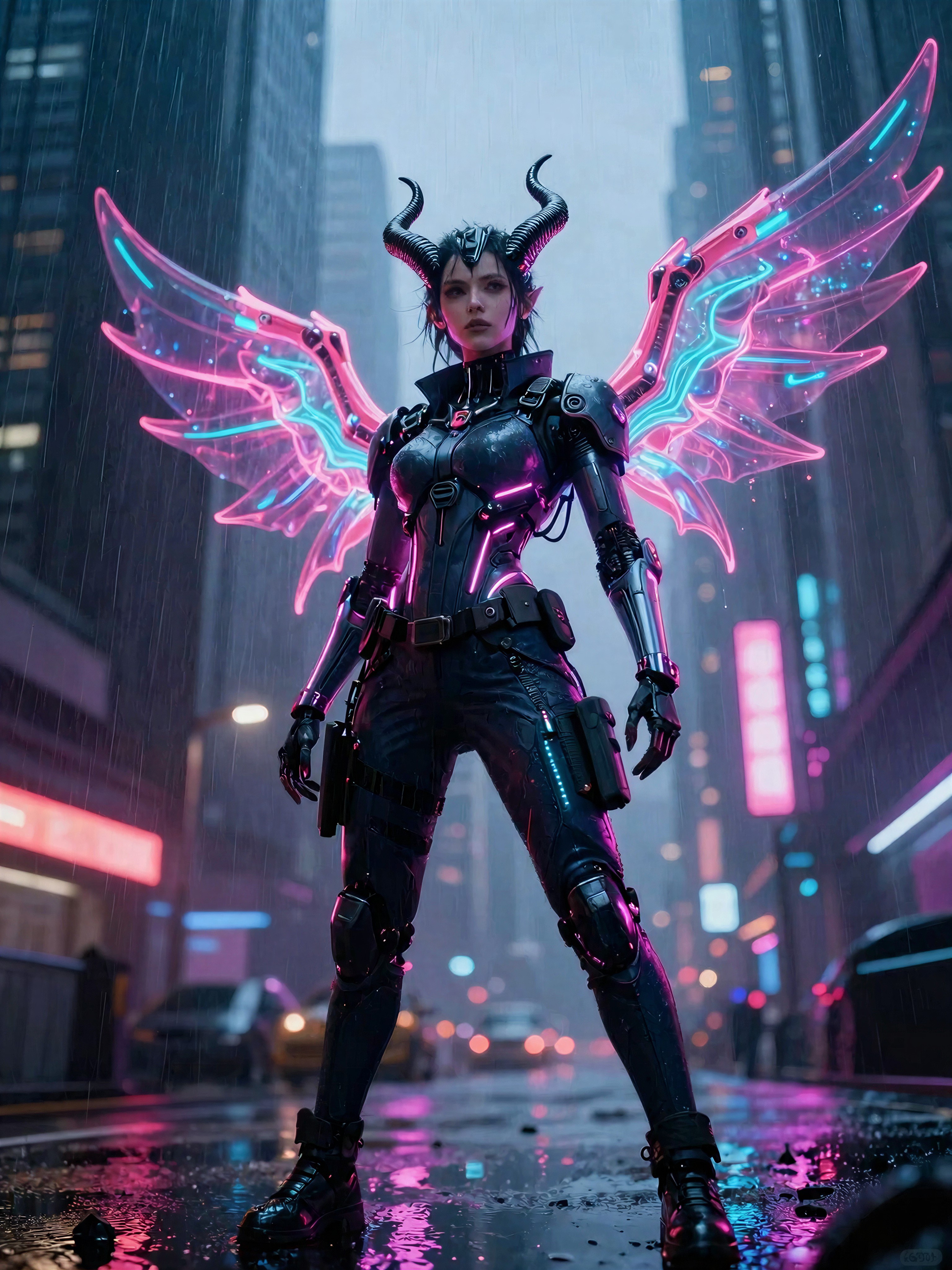
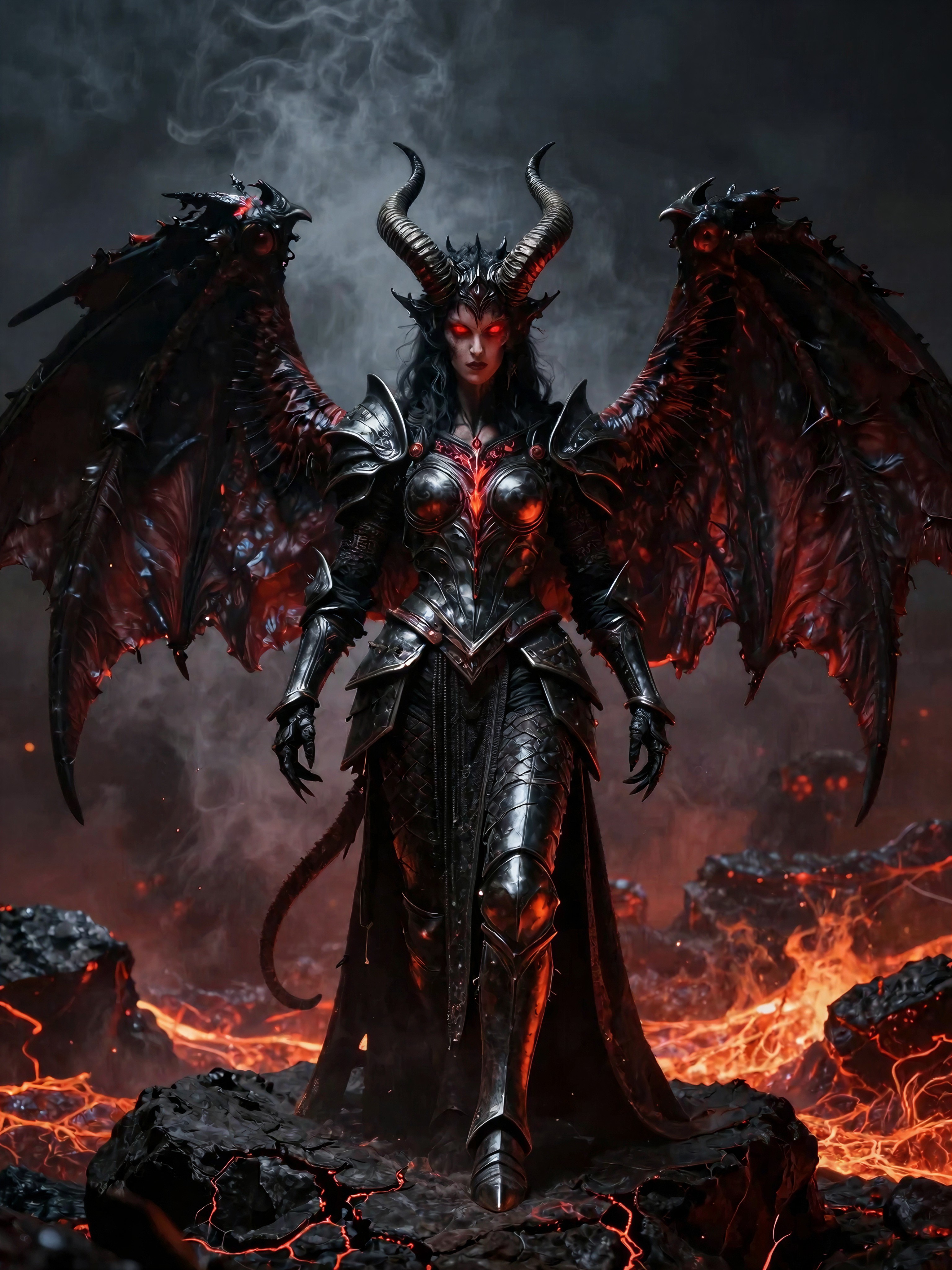
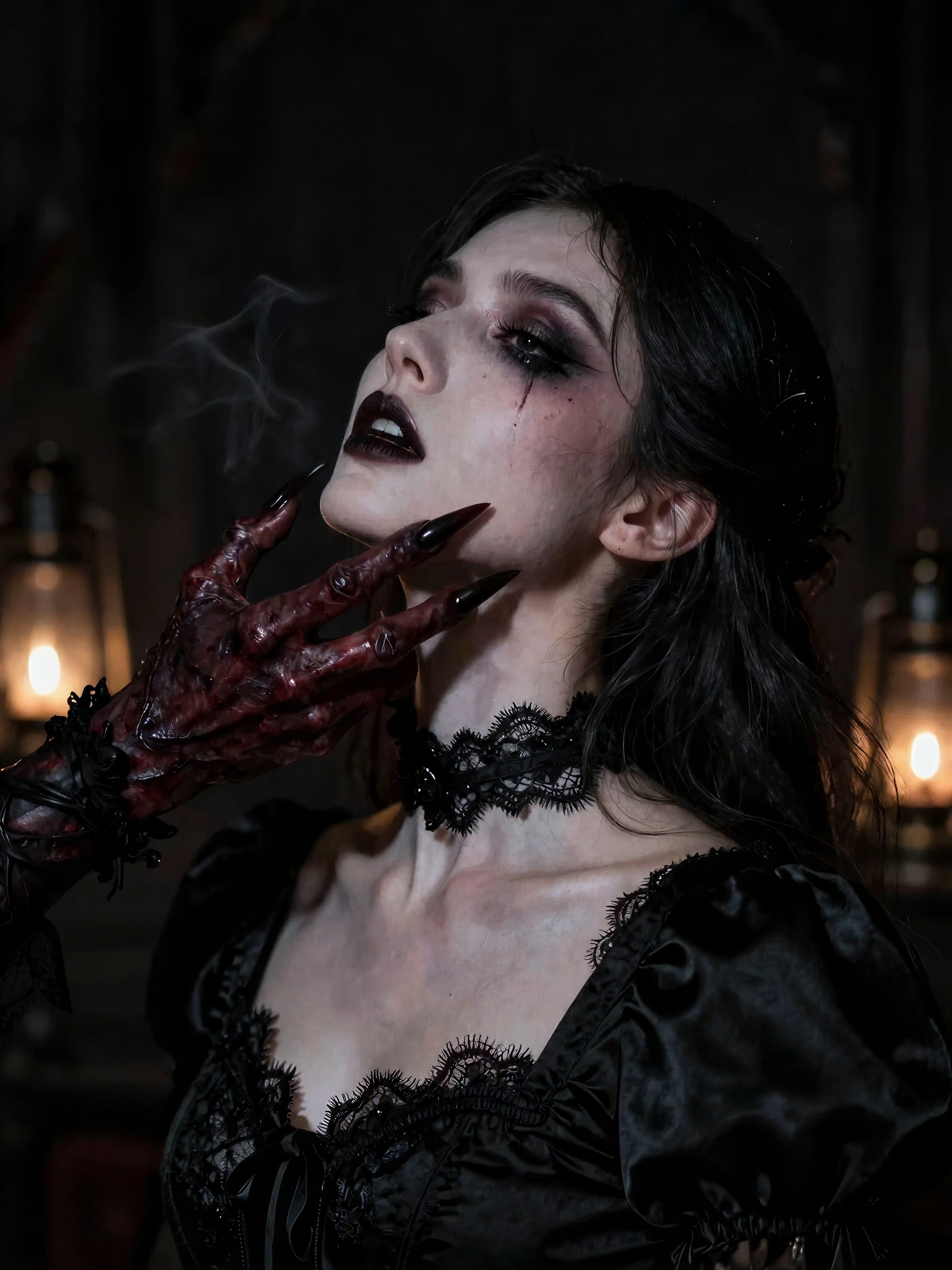
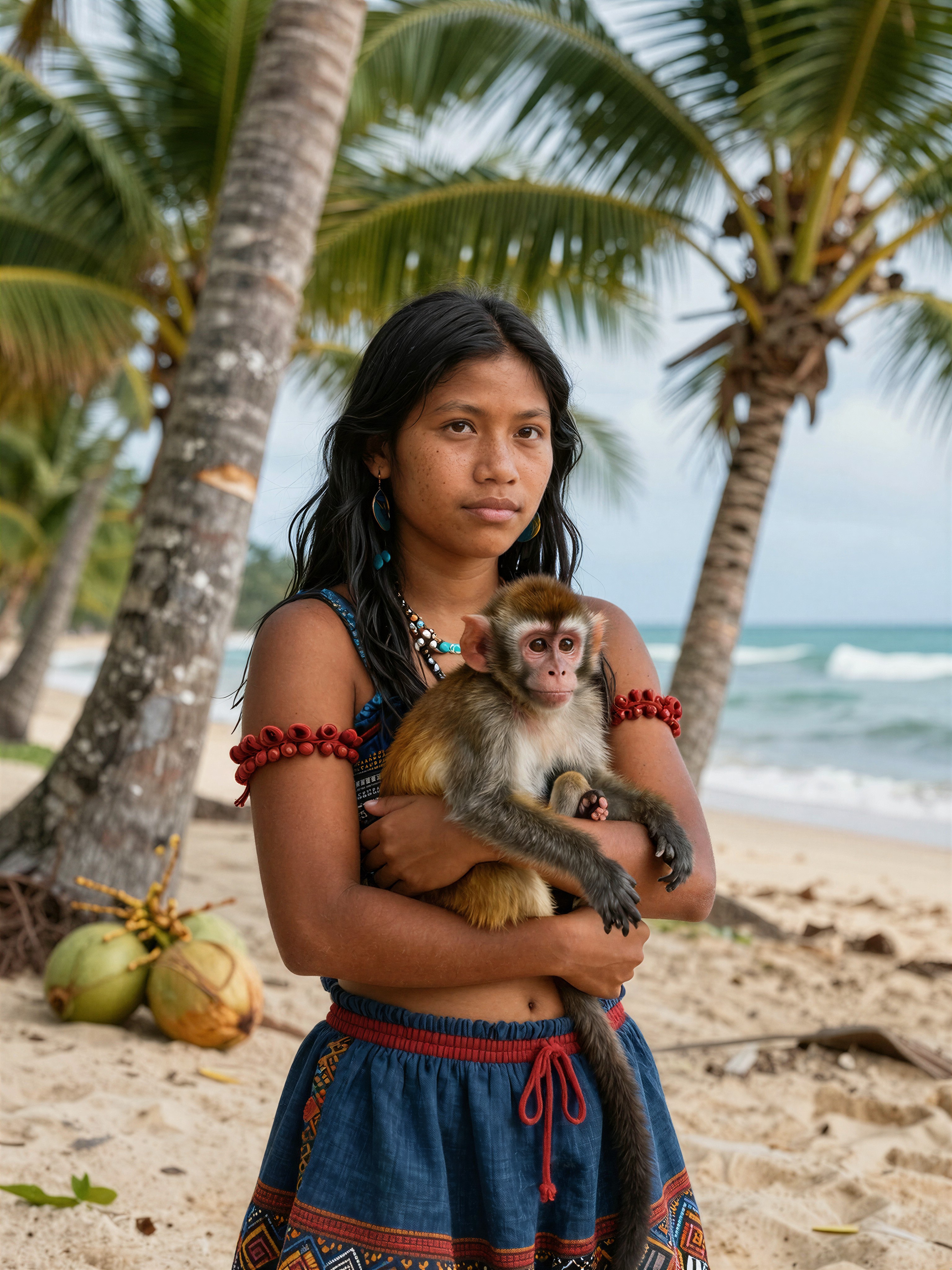
Z-Image Turbo redefines what’s possible in AI image generation by delivering first drafts in 1–3 seconds and full-resolution outputs in 4–8 seconds. This high-speed variant of the Z-Image foundation model is engineered for rapid feedback loops, making it a game-changer for creators who need to iterate quickly. Unlike traditional models that prioritize photorealistic detail at the cost of speed, Z-Image Turbo sacrifices some fine-grain precision to unlock unprecedented workflow efficiency. Available on Proxima.art, it’s the perfect tool for concept exploration, social media assets, and design mockups where speed trumps perfection. Its ability to handle bilingual text rendering (English & Chinese) and follow complex instructions sets it apart in the fast-growing AI art ecosystem.
Key Strengths That Make Z-Image Turbo Stand Out
- Lightning-Fast Generation: Achieve 6–10 iterations in the time it takes other models to render a single image, ideal for rapid prototyping and A/B testing of visual concepts.
- Bilingual Text Mastery: Seamlessly renders English and Chinese text within images, ensuring clarity for global audiences without manual intervention.
- Robust Instruction Adherence: Follows complex prompts with precision, maintaining consistency in subjects, lighting, and composition even at high speeds.
- Low-Cognitive-Load Workflow: Simplified settings and aggressive sampling in WaveSpeed mode reduce decision fatigue, letting creators focus on creativity over technical tuning.
- Photorealistic Base with Strategic Tradeoffs: While it doesn’t match ultra-high-fidelity models in micro-detail (e.g., hair texture or small text), its clean backgrounds and compositional accuracy make it ideal for conceptual work.
5 Concrete Use Cases Where Z-Image Turbo Shines
Z-Image Turbo excels in scenarios where speed and iterative refinement are critical:
- Concept Thumbnails for Creative Briefs: Generate 12–20 quick frames to explore mood and composition in minutes, aligning teams on visual direction without getting stuck in perfectionism.
- Social Media Graphics: Create 3–5 variants for time-sensitive campaigns, prioritizing readability at small sizes and leaving text refinement for post-processing.
- Product Mockups: Use lightweight scenes (e.g., a device on a desk with soft lighting) to communicate features without overcommitting to photorealistic detail.
- Prompt Learning & Style Studies: Experiment with variables like camera angles, lighting, and palettes in real time, building intuition through instant feedback.
- Storyboarding & Sequences: Maintain momentum with quick iterations, locking seeds for consistency across frames while accepting minor drift as part of the process.
Optimal Settings & Prompt Engineering Tips
To harness Z-Image Turbo’s potential, use these settings and strategies:
- Resolution: Start with medium resolution (default in WaveSpeed mode) to balance speed and quality. Upscale in post if needed.
- Guidance Scale: Use default settings (around 7.5) for initial drafts; adjust slightly for more complex prompts.
- Steps: Accept 4–8 seconds per image; avoid over-optimizing for detail where speed is the priority.
- Prompt Structure: Keep prompts concise (12–25 words), ordering by subject → action → setting → mood → camera. Example: “Minimal desk setup, soft morning light, open notebook, calm palette, overhead angle.”
- Lighting Descriptions: Specify light sources and angles precisely (“Soft window light, 45° angle, gentle falloff”) rather than vague terms like “cinematic lighting.”
“Turbo rewards restraint. Start simple, layer slowly, and avoid over-specifying—long prompts add noise, not clarity.” — Dora, WaveSpeed.ai
Pricing & Availability on Proxima.art
Z-Image Turbo is available on Proxima.art, where you can access its high-speed capabilities alongside other advanced AI models. Pricing plans cater to both individual creators and enterprise teams, ensuring flexibility for any workflow.
Why Z-Image Turbo Changes How You Create
Z-Image Turbo isn’t just fast—it transforms your creative process by enabling fearless experimentation. By reducing the cost of each iteration, it encourages bold design choices and rapid refinement. Whether you’re sketching thumbnails, building storyboards, or prototyping social assets, this model empowers you to focus on ideas rather than technical hurdles. Try it on Proxima.art and discover how speed can elevate your visual storytelling.