Proxima Midjourney
Fourfold Creativity: The Unique Power of Proxima Midjourney
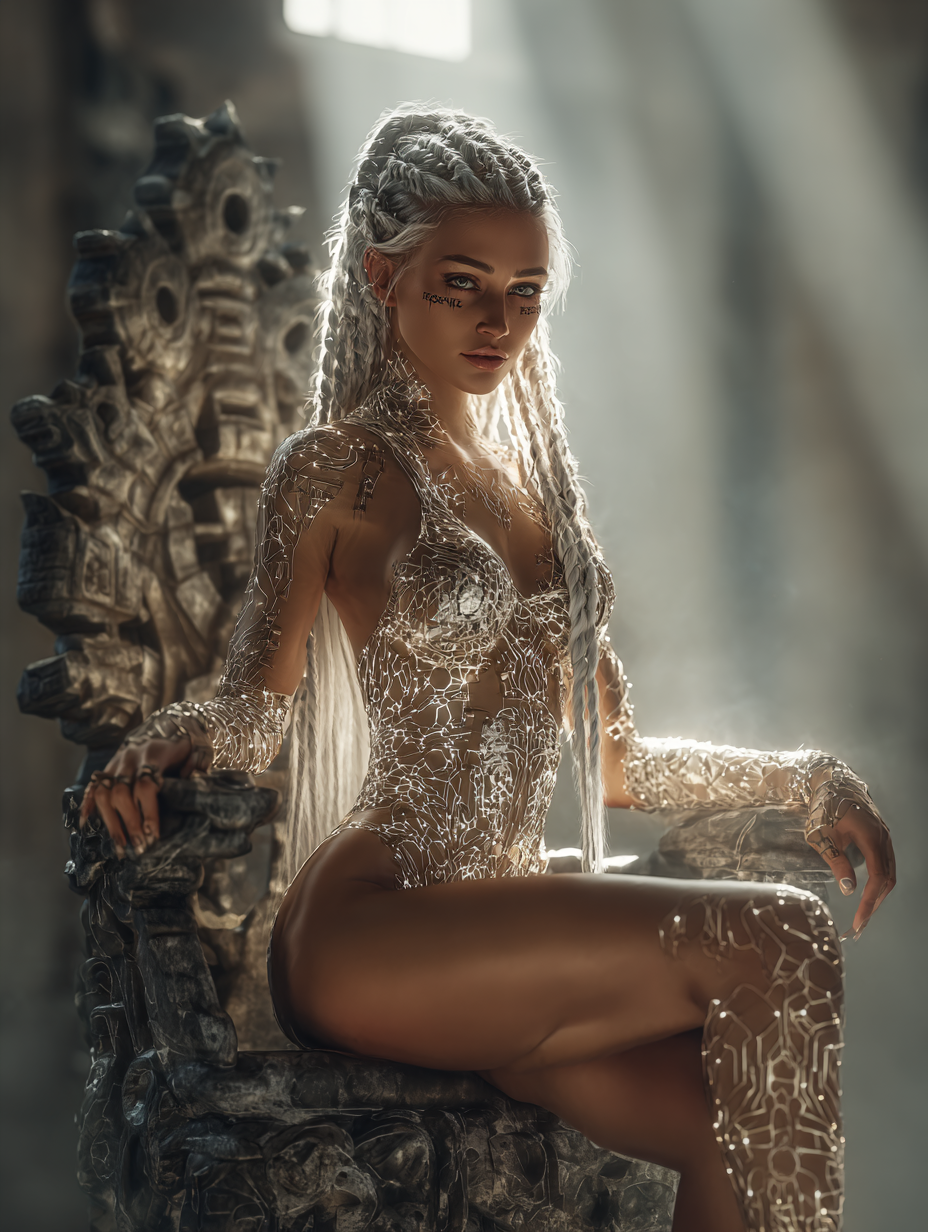
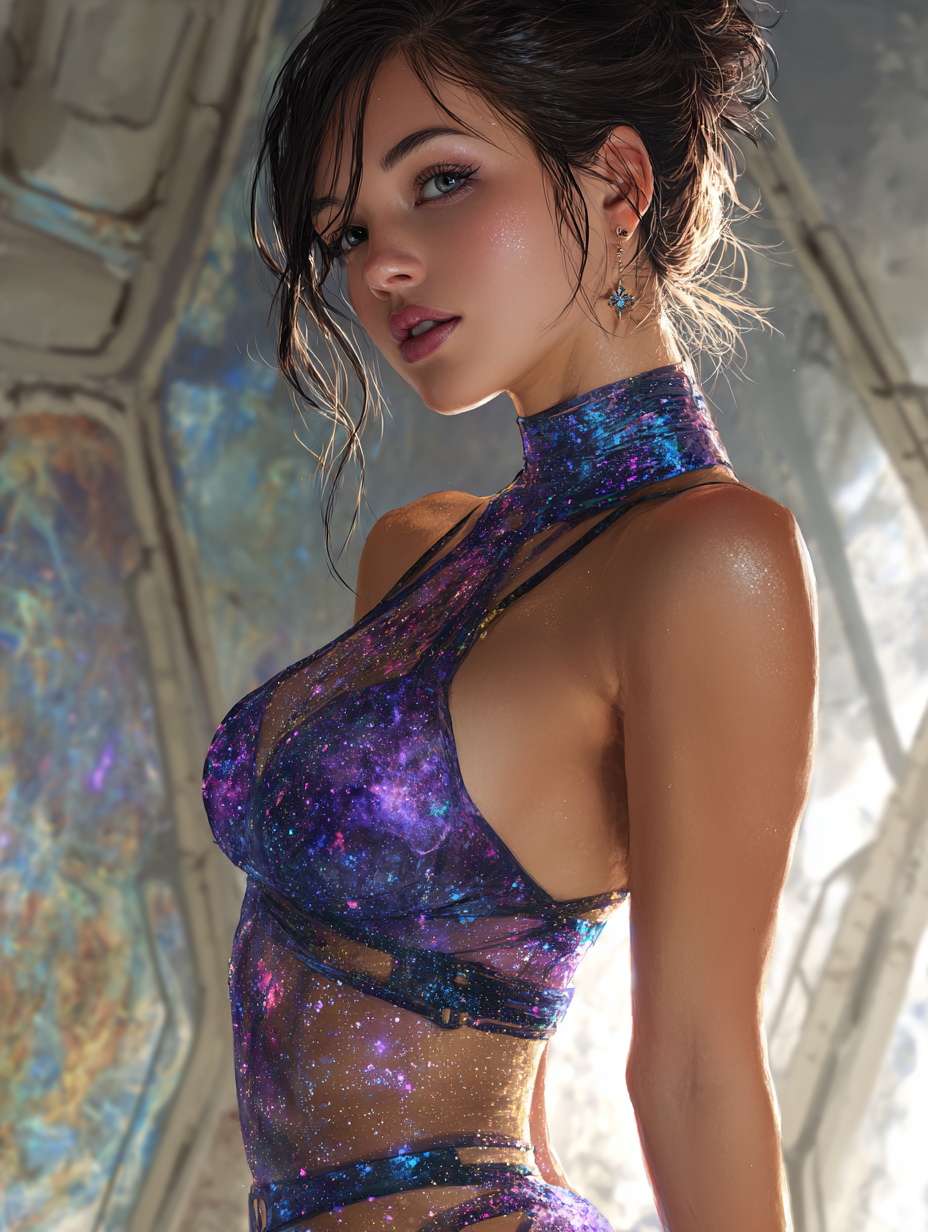
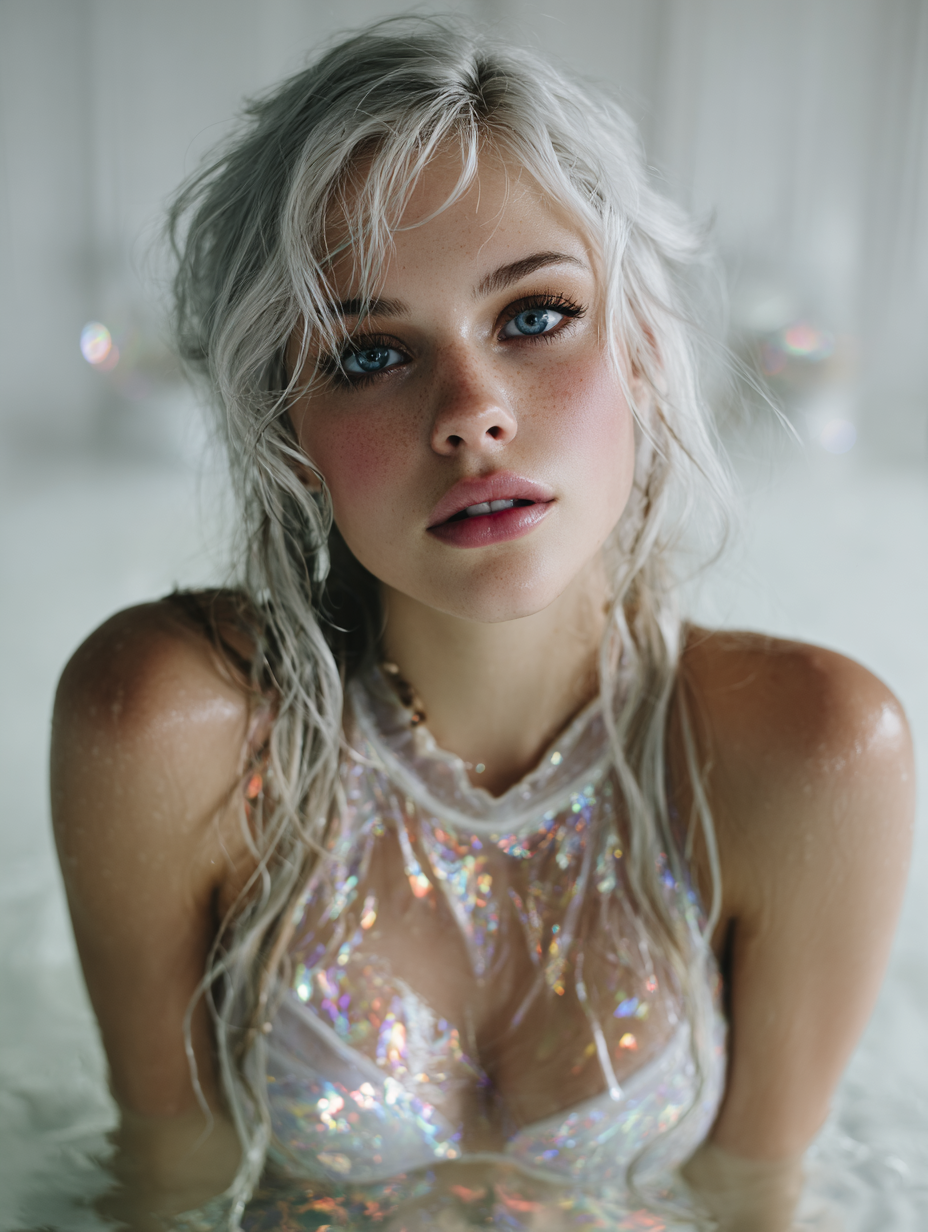
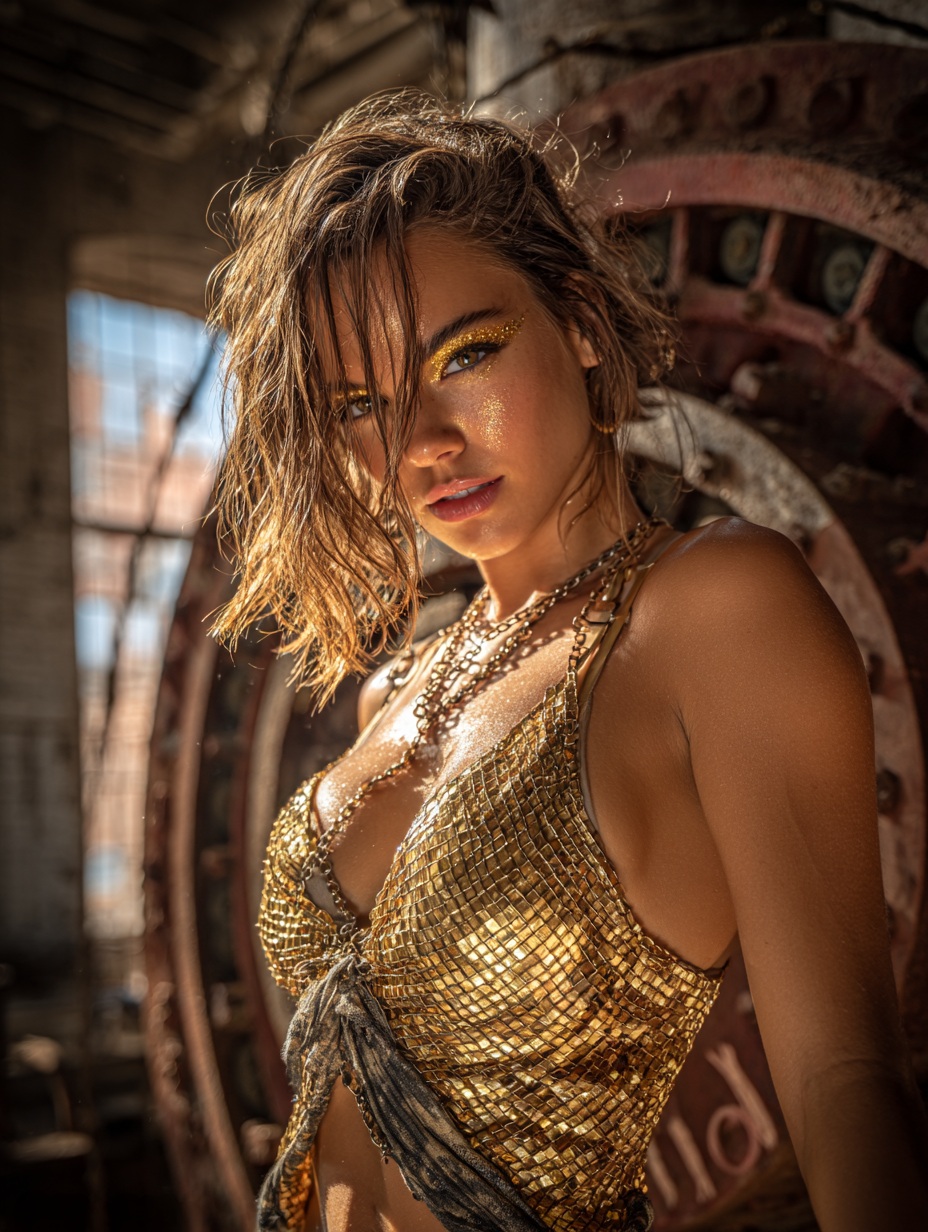
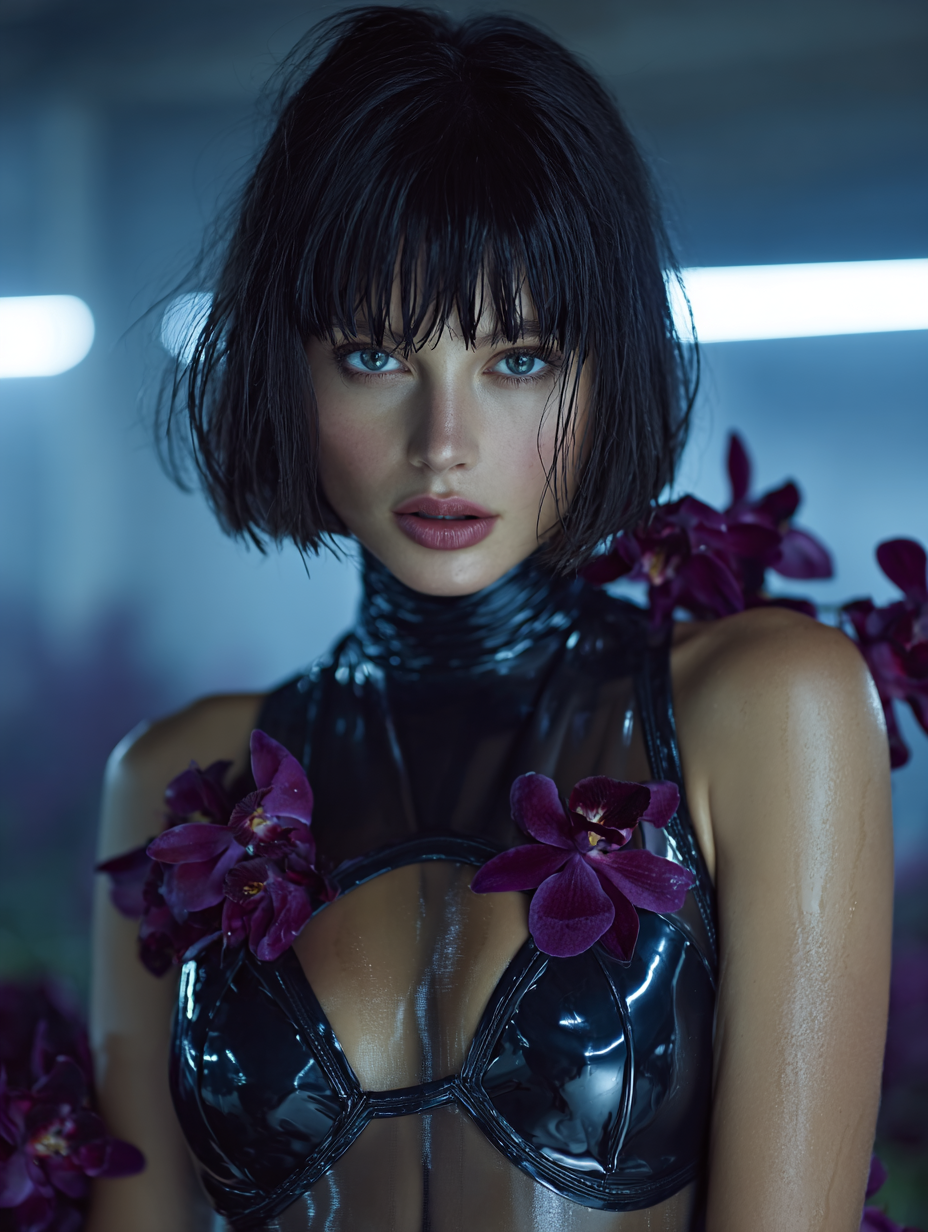
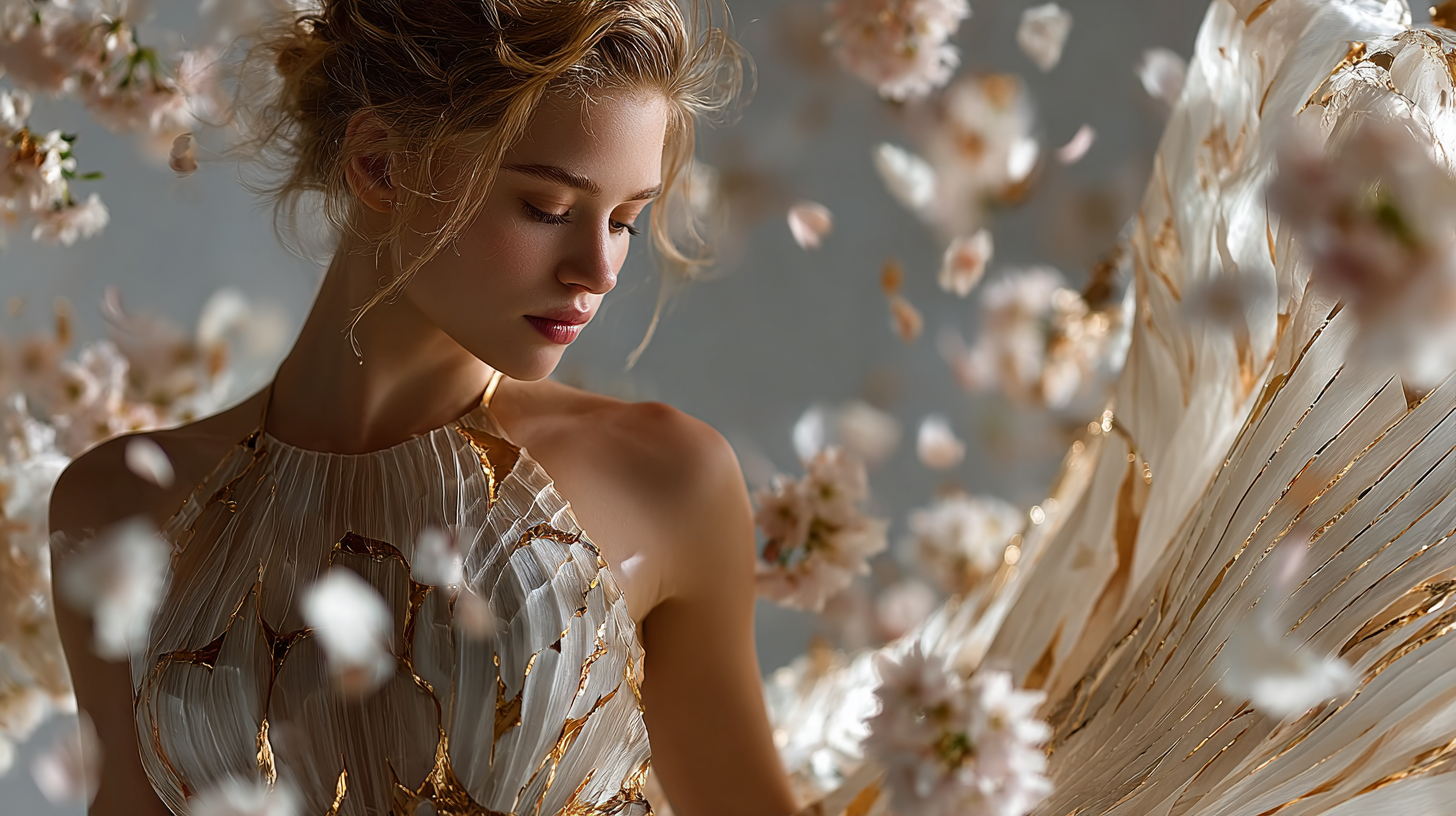
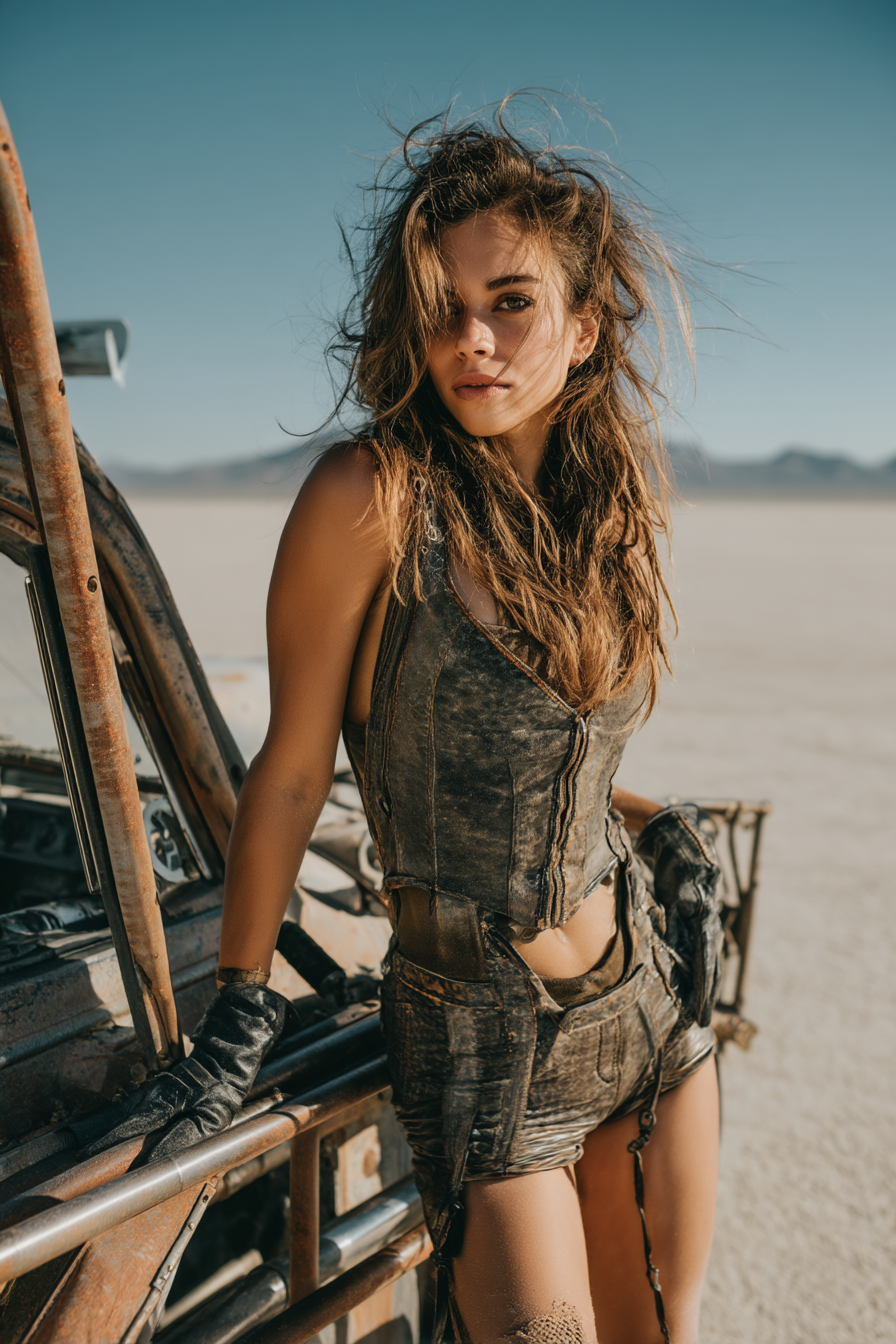
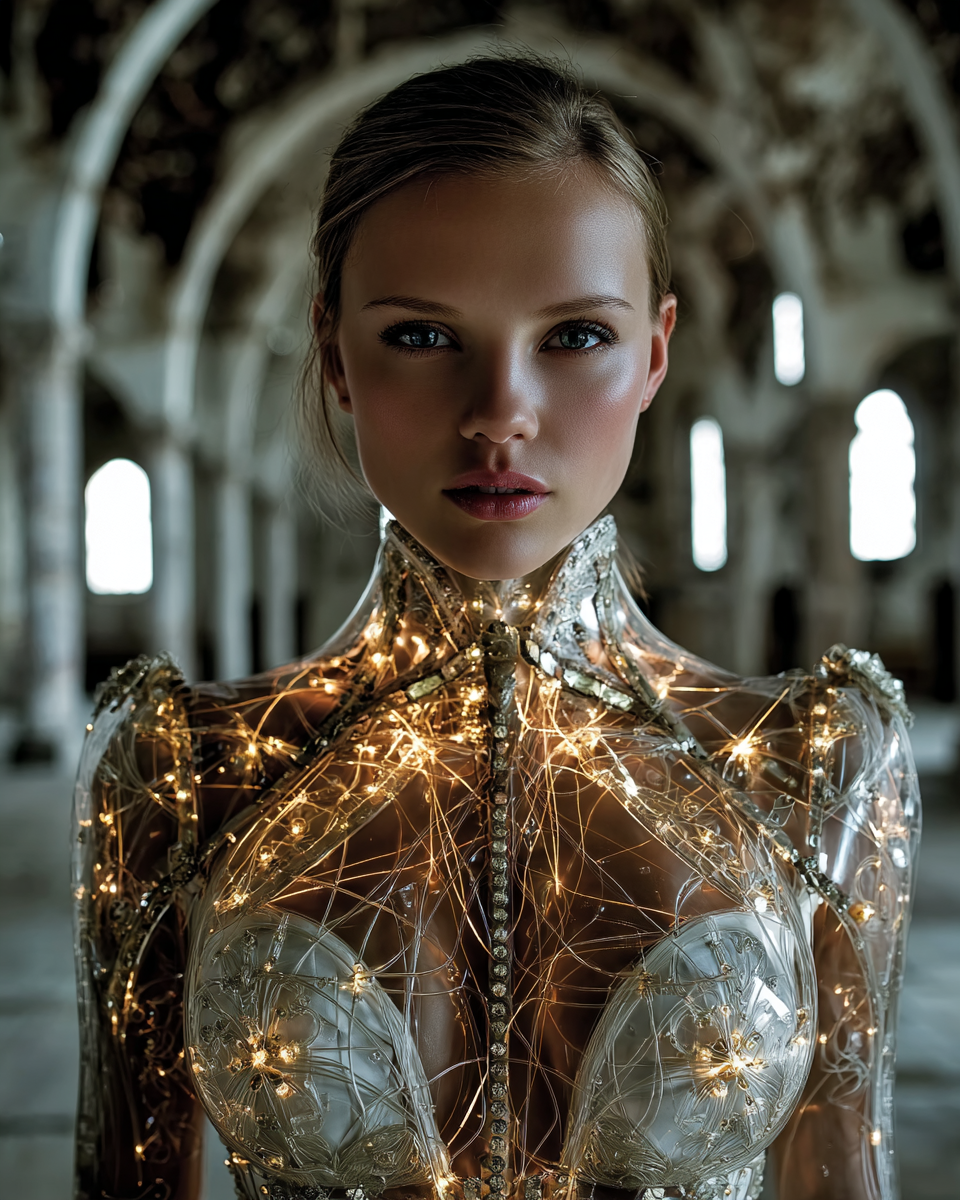
When you generate an image with Proxima Midjourney, you’re not just getting one vision—you’re unlocking four distinct interpretations of your idea in a single click. This premium model, available exclusively on Proxima.art, is engineered to deliver the signature aesthetic of Midjourney’s diffusion engine while integrating seamlessly into Proxima’s ecosystem. Built for creators who demand both speed and quality, it supports fast and turbo modes, making it ideal for rapid prototyping or high-fidelity outputs. Whether you’re a concept artist, product designer, or digital storyteller, this model turns text into four visually compelling images that spark new creative directions.
Artistic Precision Meets Creative Flexibility
Proxima Midjourney excels at balancing technical precision with artistic flair, producing images that range from hyper-realistic to fantastical. Here’s what sets it apart:
- Cinematic Composition: Automatically arranges elements with dynamic lighting and perspective, mimicking Hollywood-grade visual storytelling.
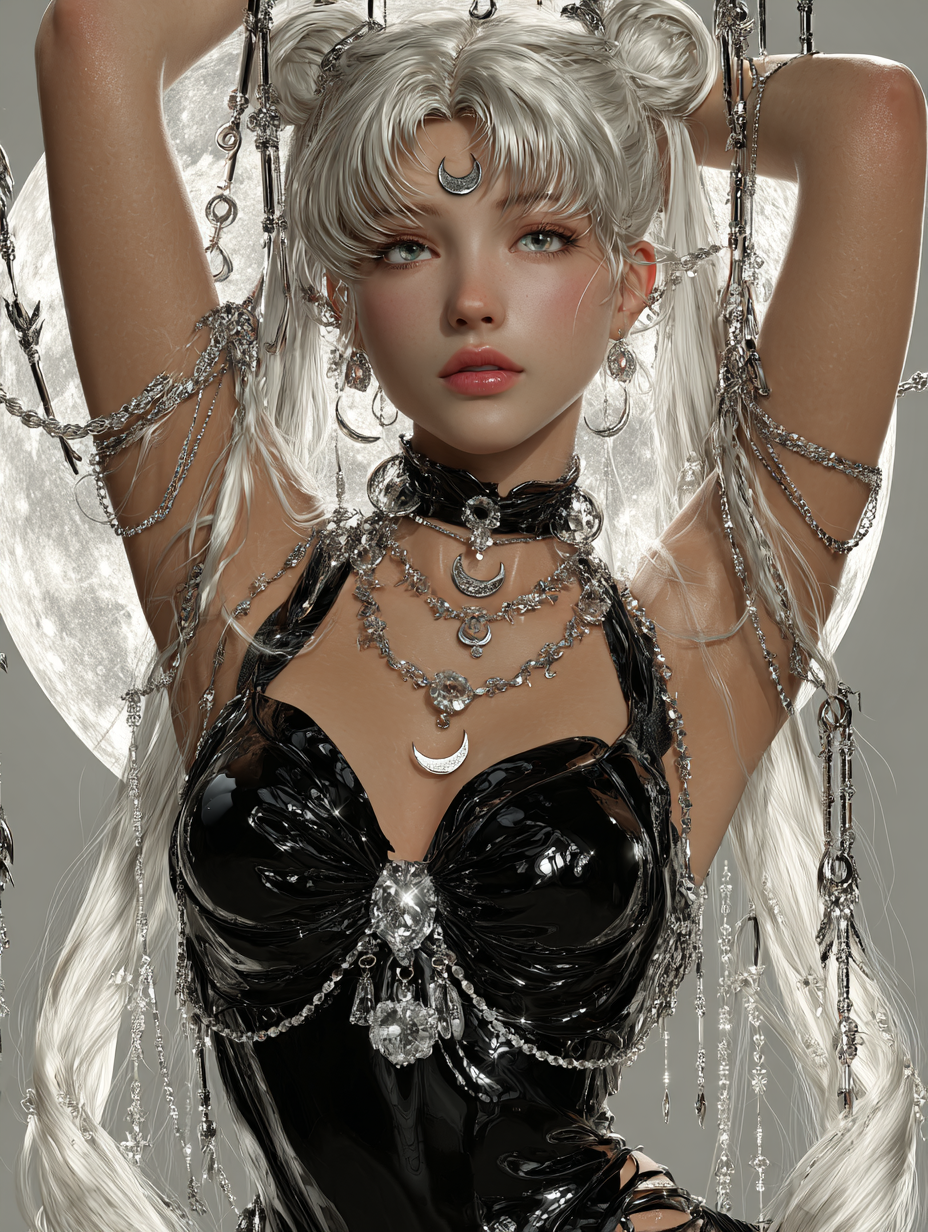
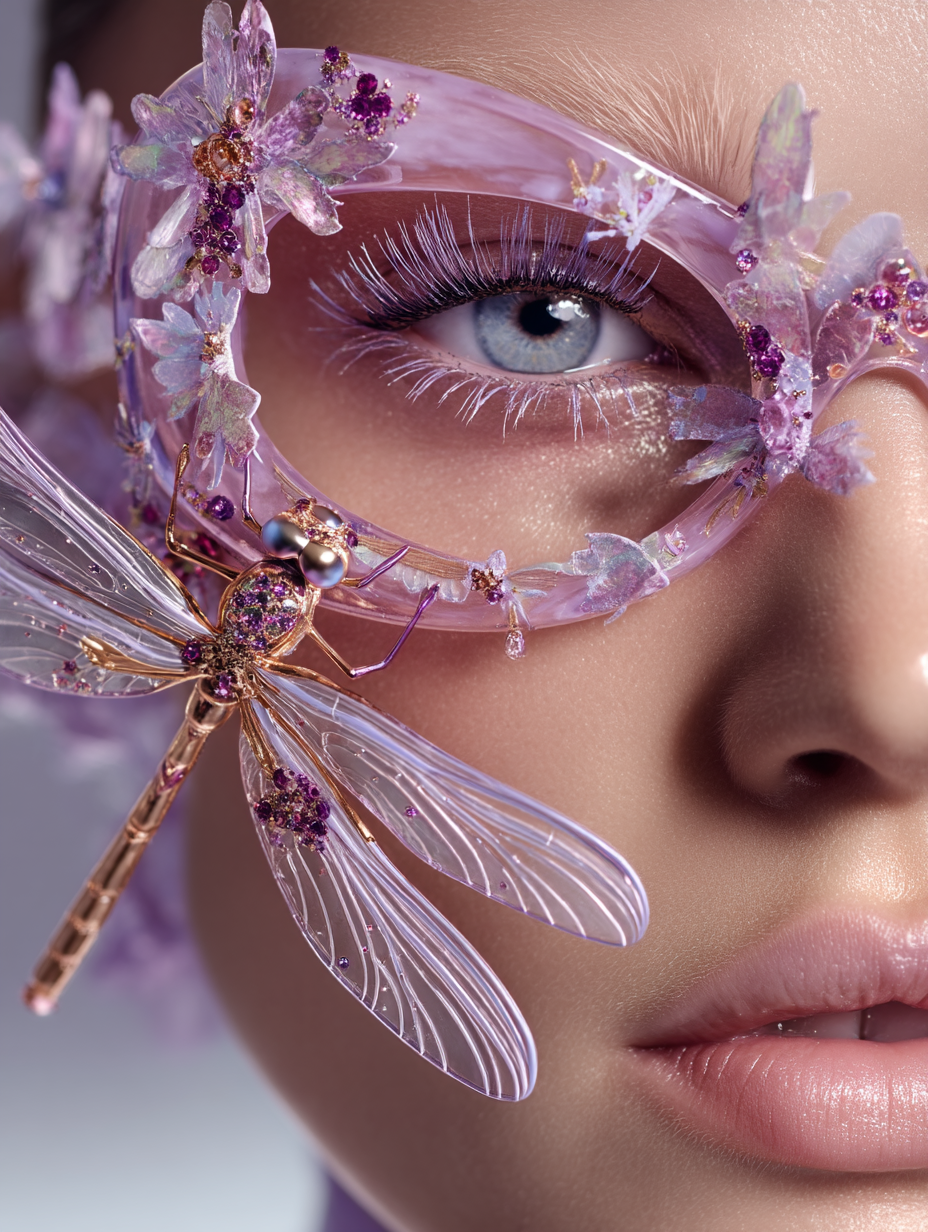
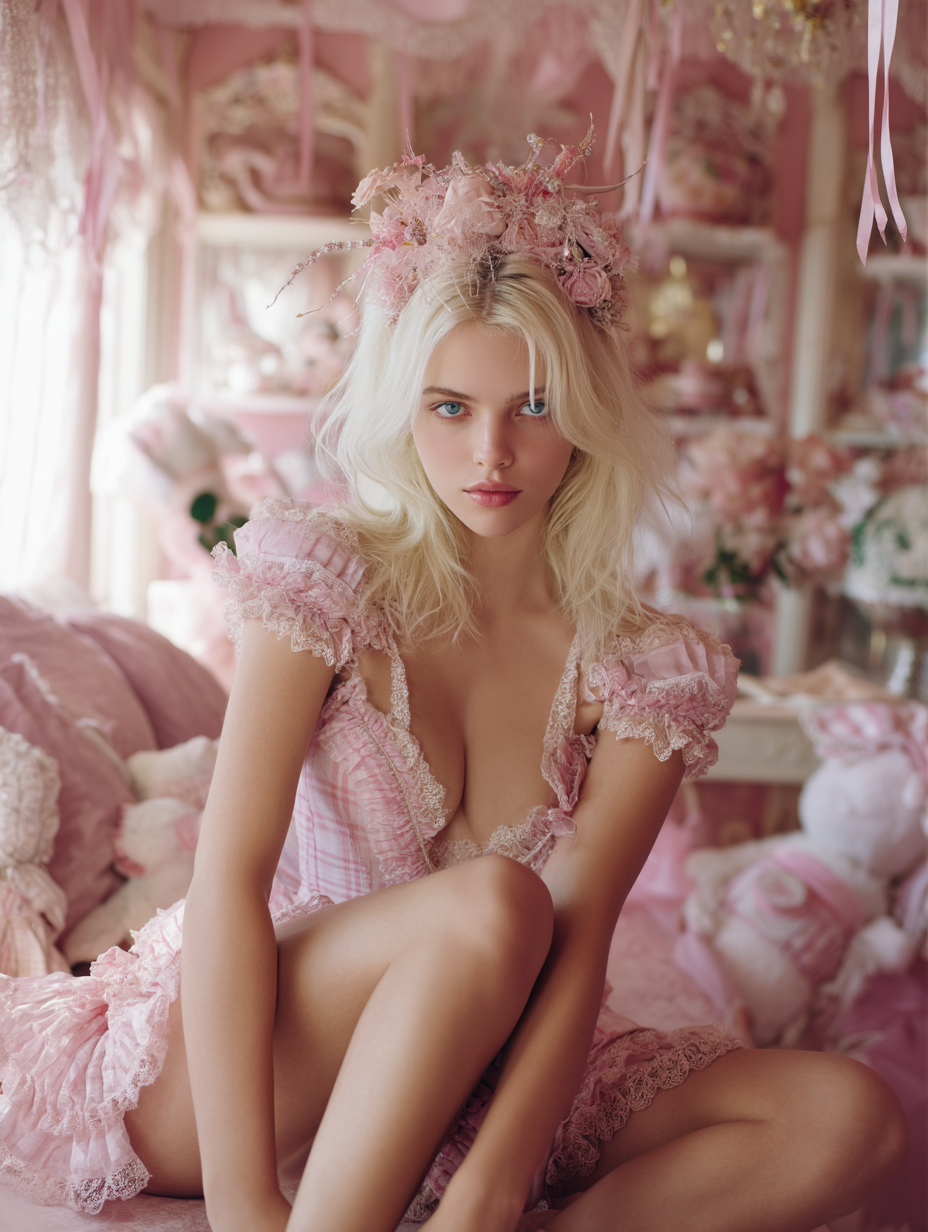
- Micro-Textural Detail: Captures fabric weave, skin imperfections, and metallic reflections with photorealistic accuracy.
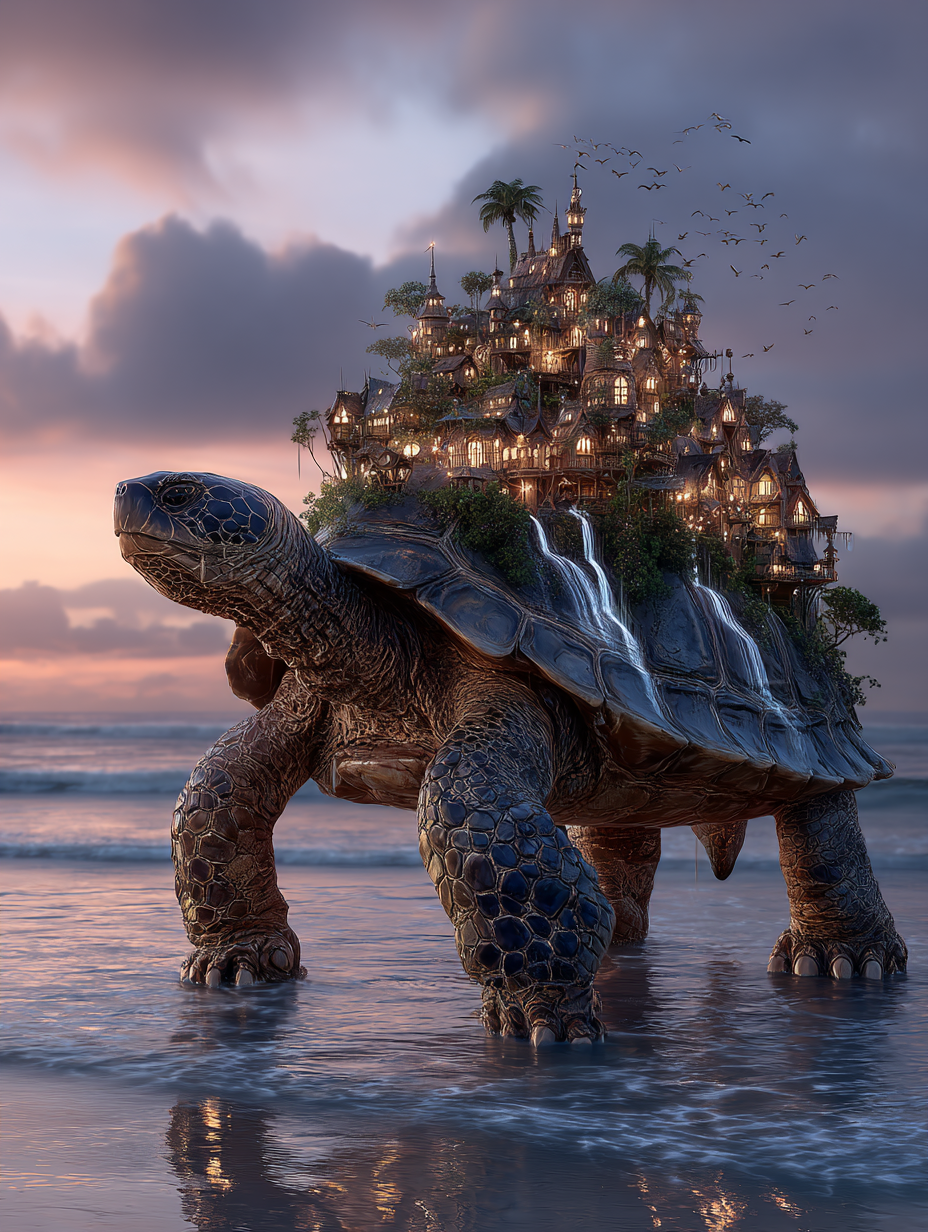
- Stylized Surrealism: Generates imaginative scenes with fluid, dreamlike qualities—think floating architecture or morphing landscapes.
- Consistent Artistic Coherence: Maintains visual harmony across all four generated images, ensuring a unified theme even in abstract outputs.
These capabilities are amplified by its integration with Proxima.art’s infrastructure, which optimizes rendering without compromising the model’s inherent artistic character.
When to Use Proxima Midjourney: Real-World Scenarios
Proxima Midjourney shines in scenarios where multiple creative iterations are needed quickly:
- Concept Art Development: Generate four variations of a character design in one batch, each with unique color palettes or poses.
- Product Photography Mockups: Create four product renderings with different backgrounds, lighting angles, or material finishes.
- Surreal Art Exploration: Experiment with abstract landscapes or fantasy worlds, using the four outputs to refine compositional ideas.
- Rapid Prototyping: Use fast mode for quick iterations during brainstorming sessions, then switch to turbo mode for final polish.
Optimizing Generation: Parameters and Prompt Engineering
To harness Proxima Midjourney’s full potential, consider these settings and strategies:
- Resolution: Prioritize
1024x1024for square compositions or16:9for cinematic landscapes.
Pro Tip: Add
--style rawto the prompt for more organic, less polished outputs—perfect for surreal or abstract concepts.
Remember: The model’s Midjourney compatibility means many of its prompt syntax rules apply, including weight modifiers (:(keyword) for emphasis) and aspect ratio specifiers (--ar 3:2).
Unlock Your Vision on Proxima.art
Available on Proxima.art
Proxima Midjourney is available exclusively on Proxima.art, where you can explore its capabilities with a subscription. Discover how it transforms text into four compelling visual possibilities.
The Future of Creative Generation
Proxima Midjourney isn’t just another image generator—it’s a gateway to artistic exploration that respects both speed and quality. Whether you’re refining a product design or conjuring a surreal world, its ability to produce four distinct outputs in one go redefines the workflow for modern creators. Head to Proxima.art and experience how Midjourney’s legacy meets Proxima’s innovation.