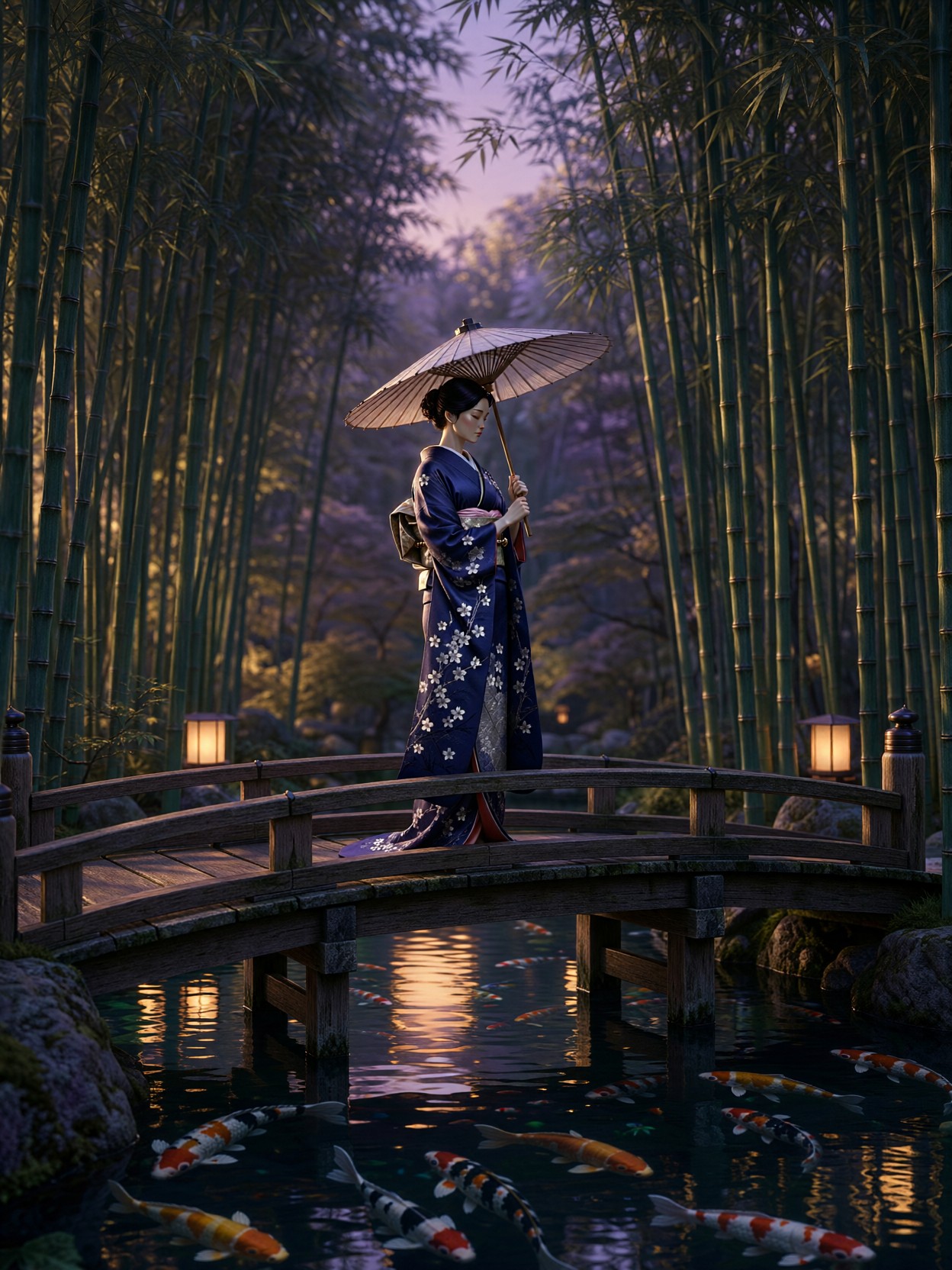
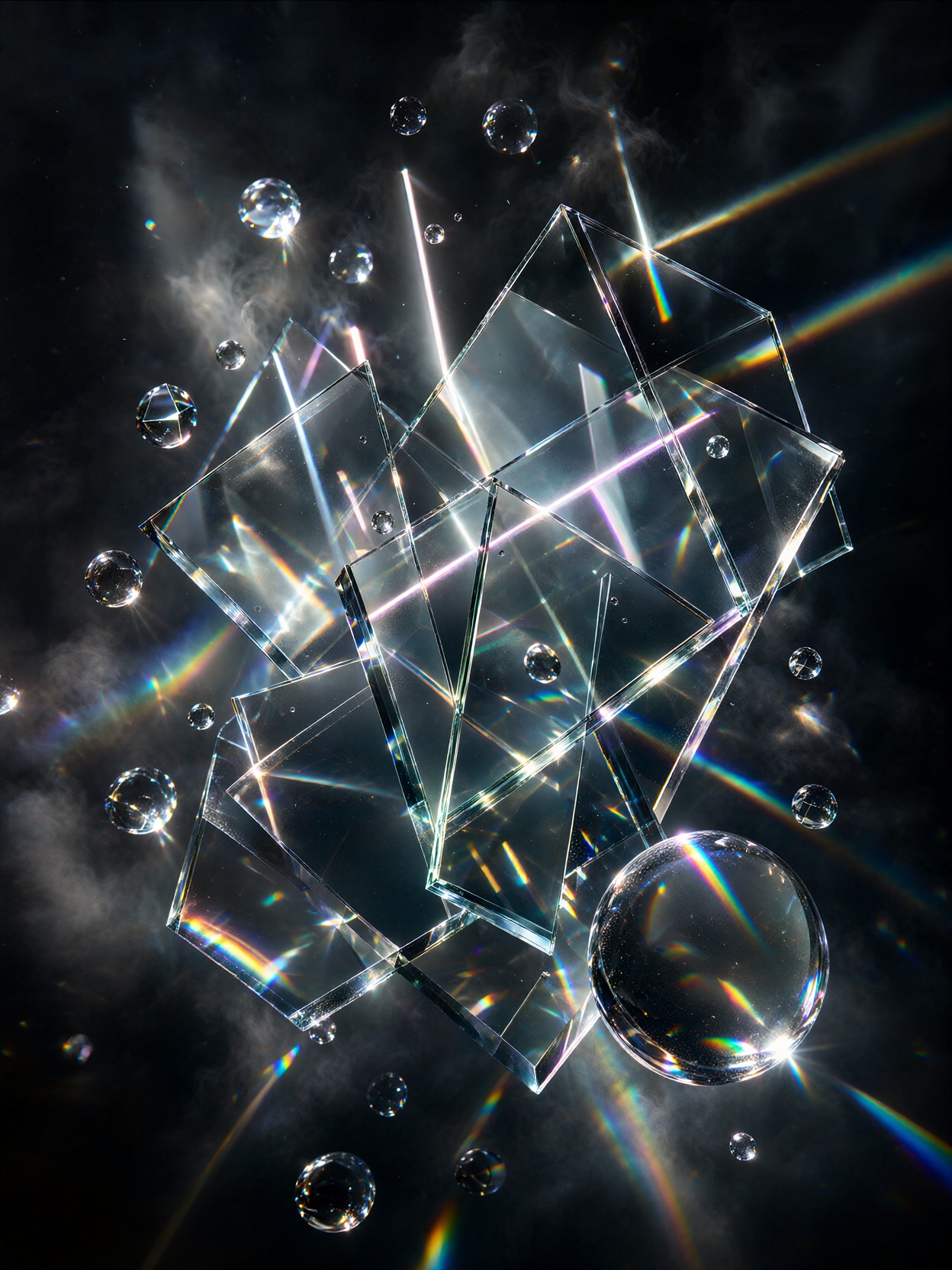
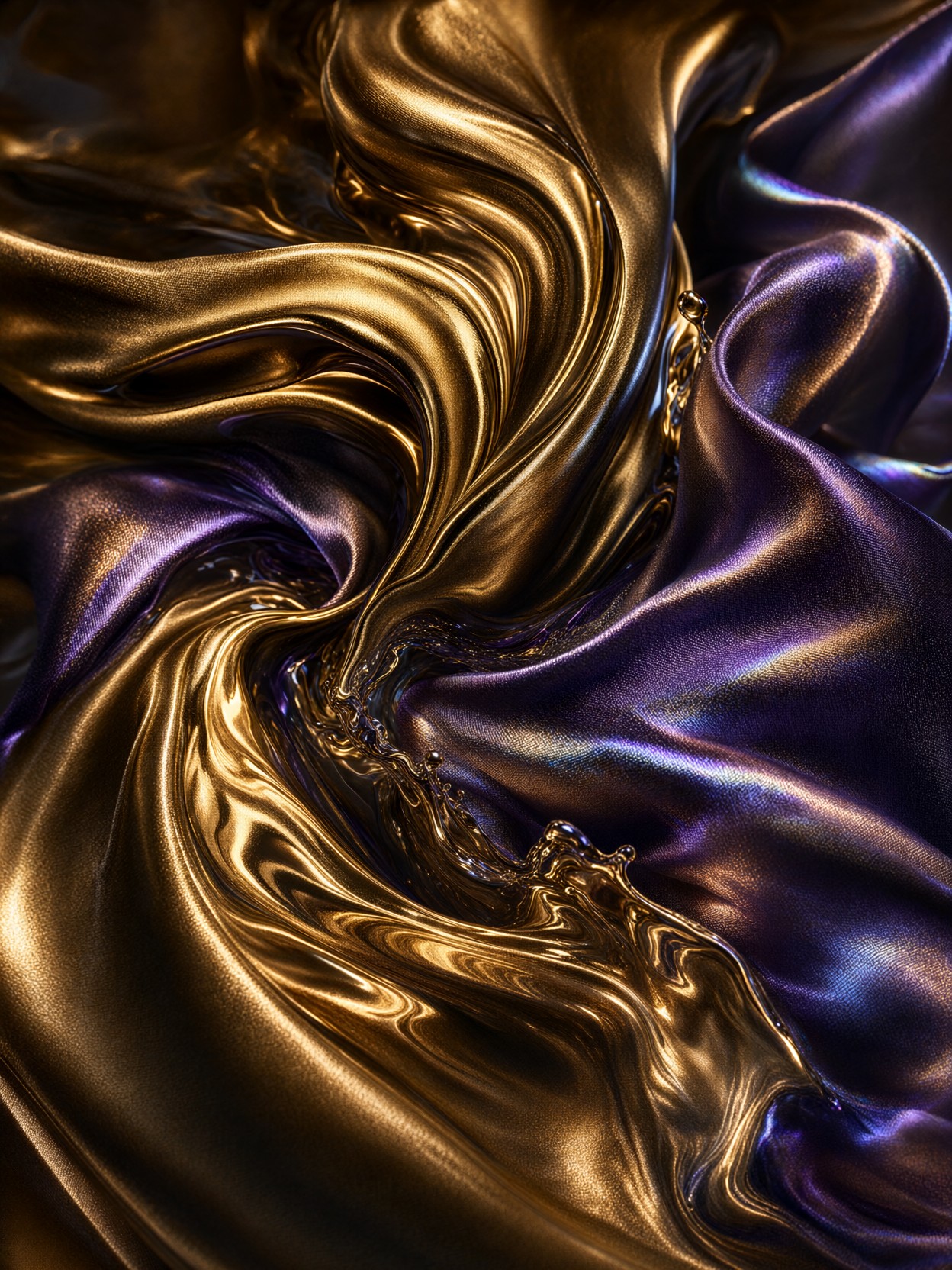
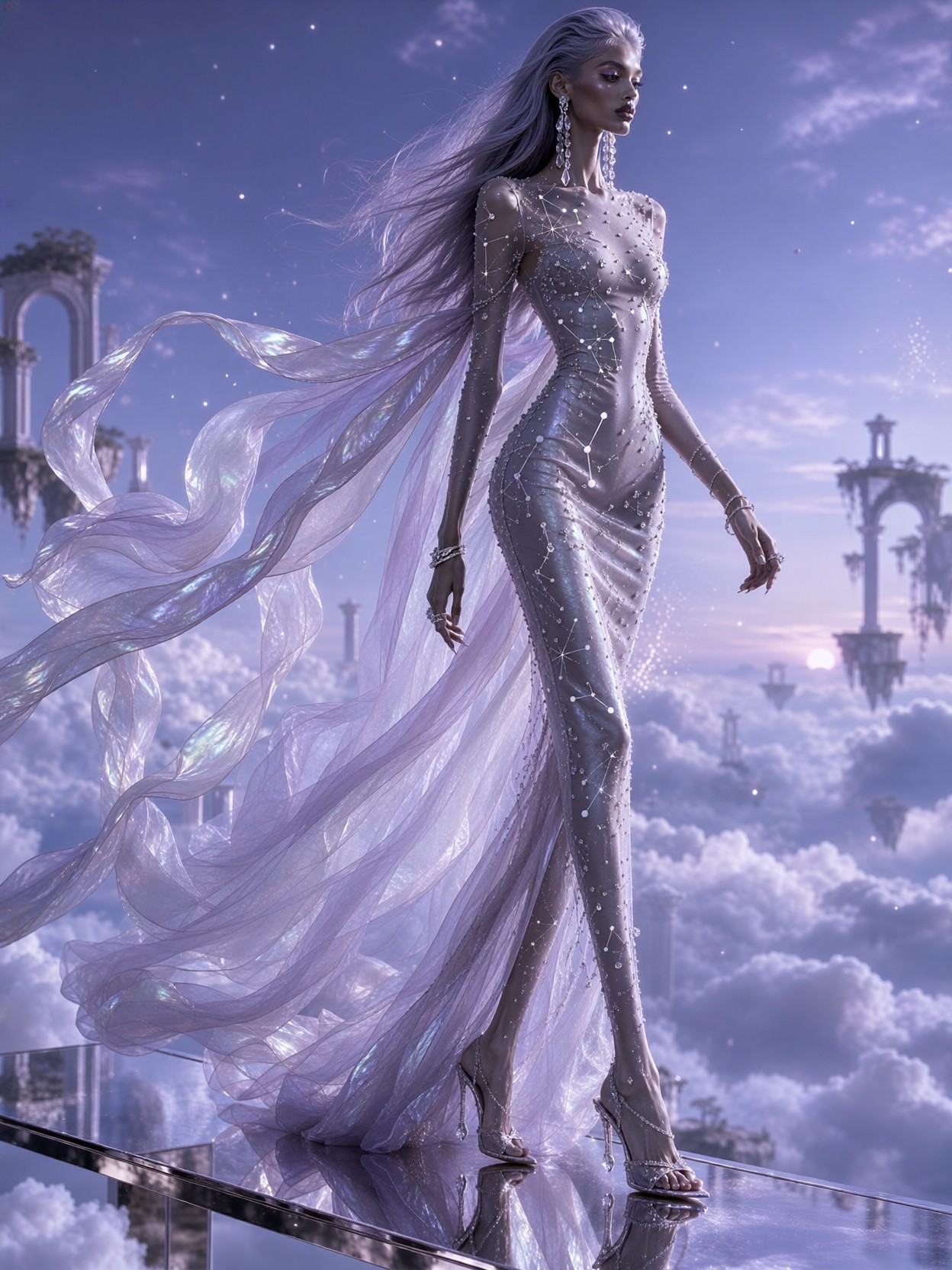
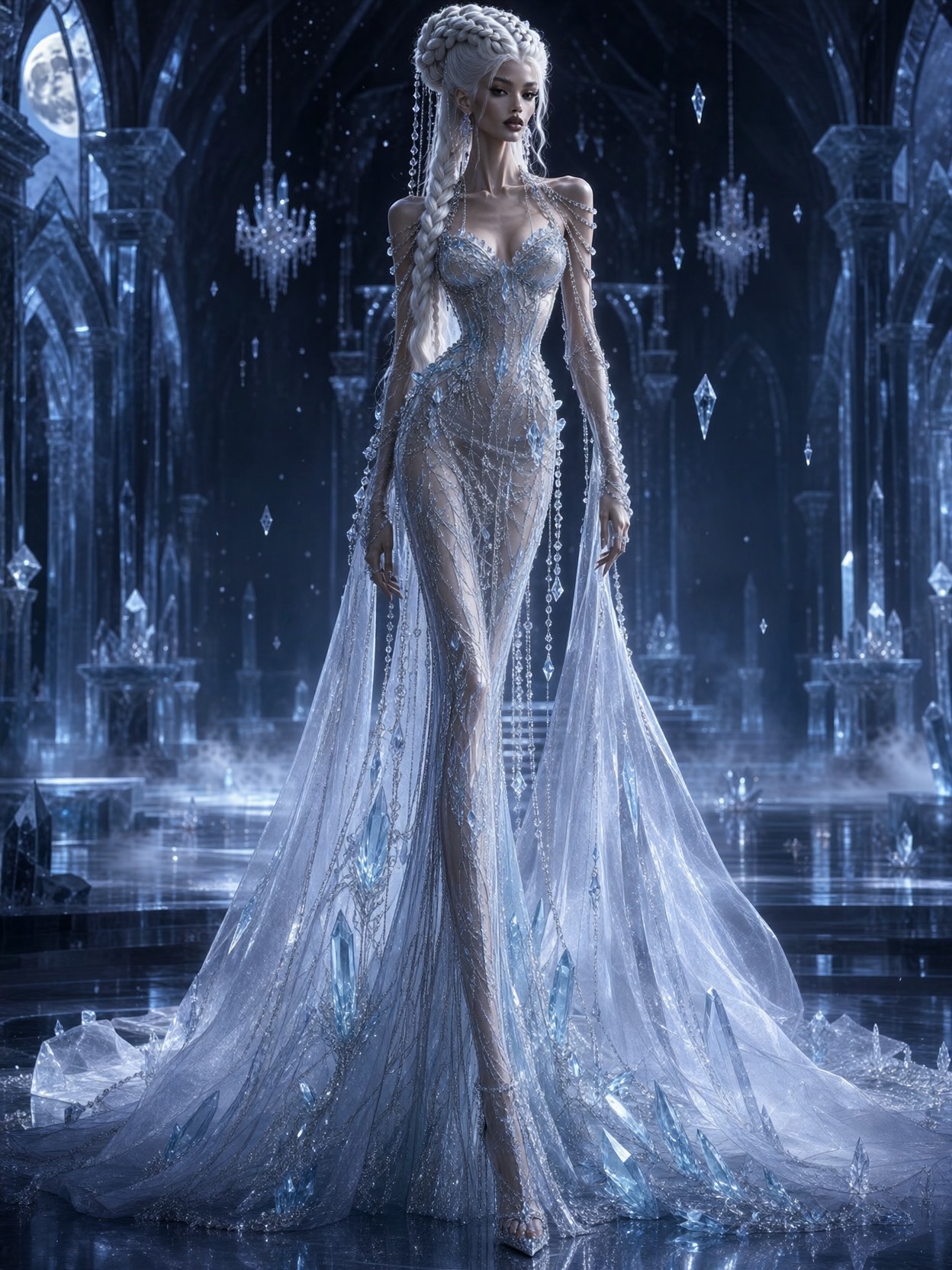
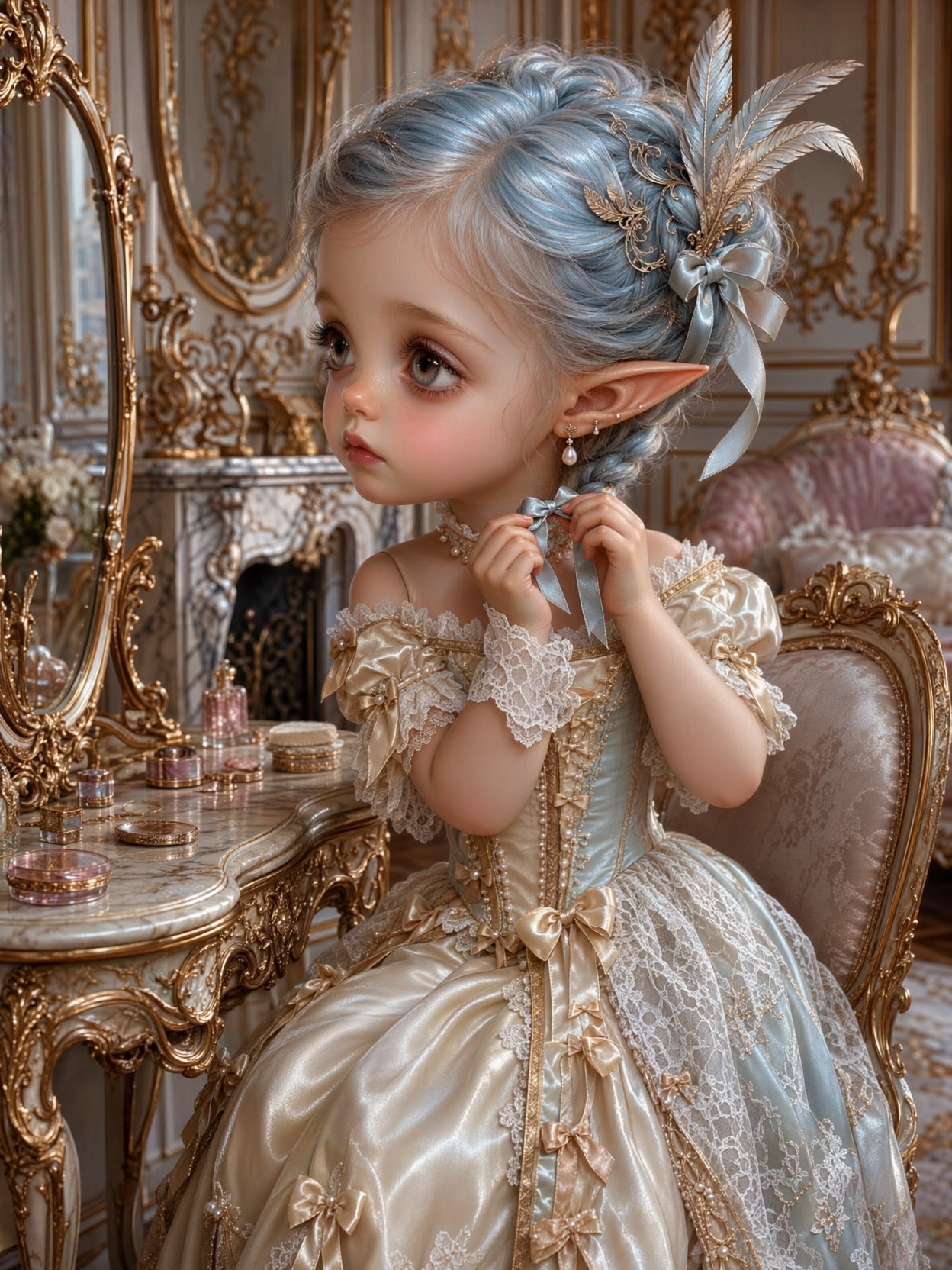
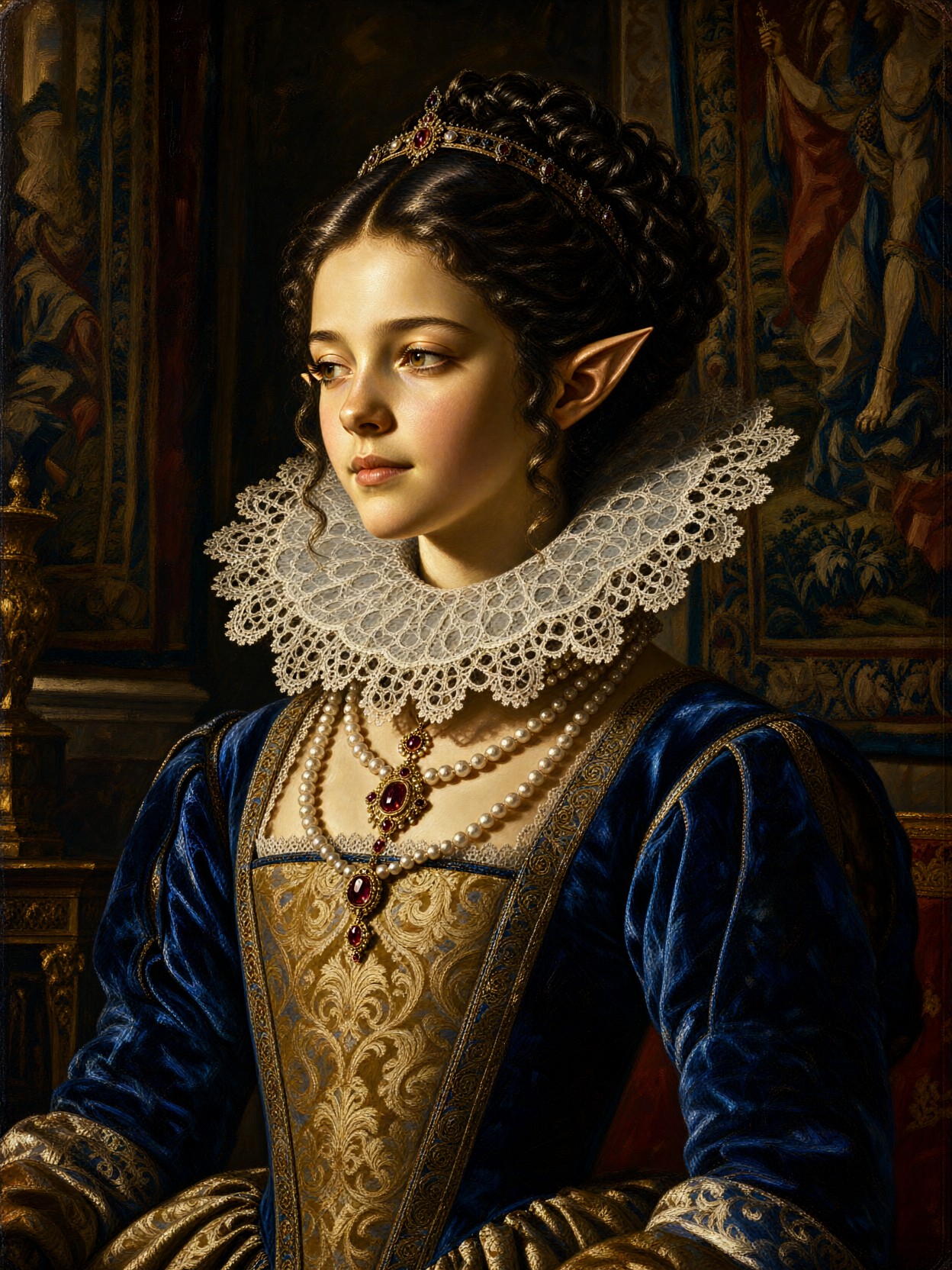
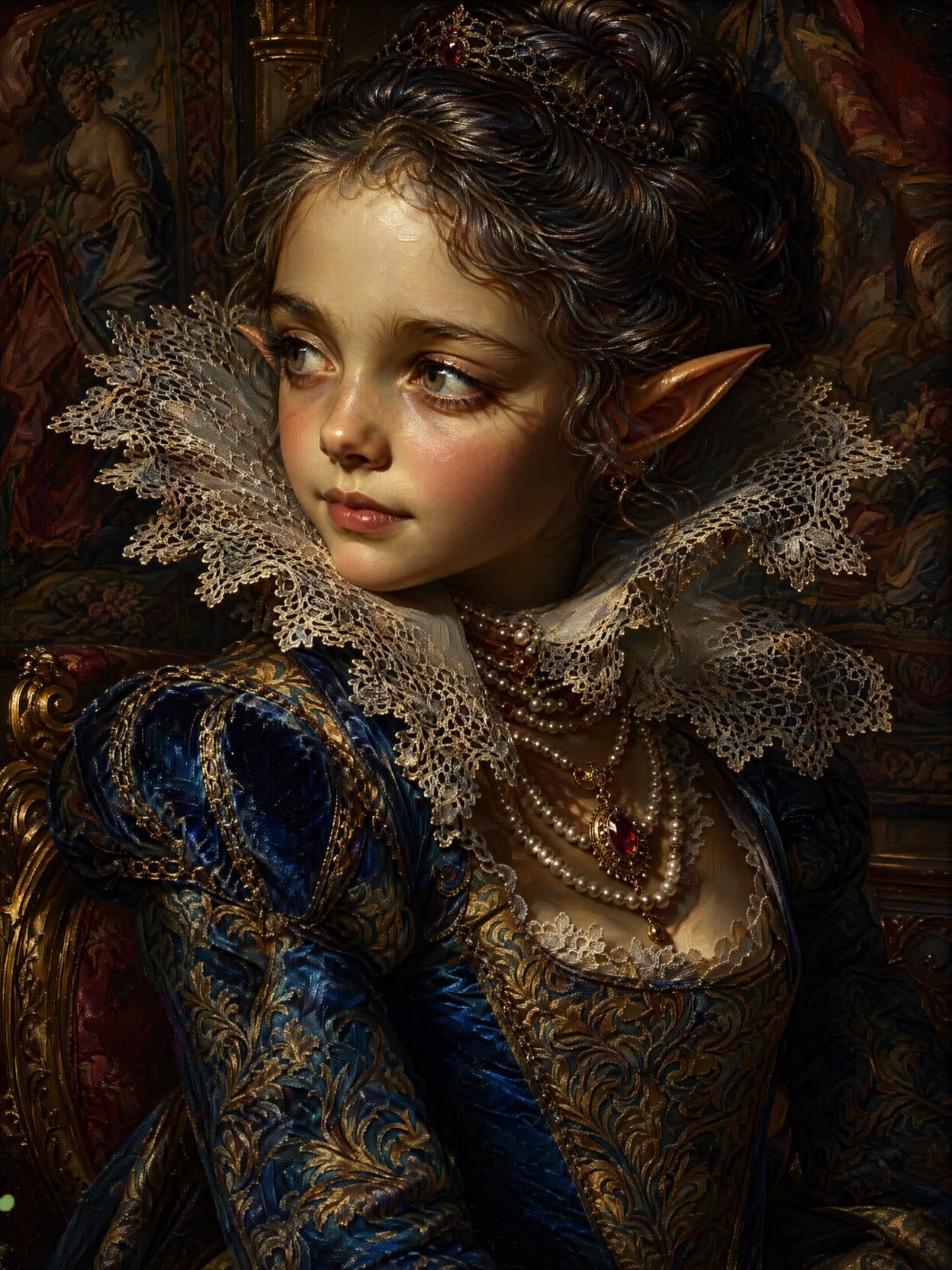
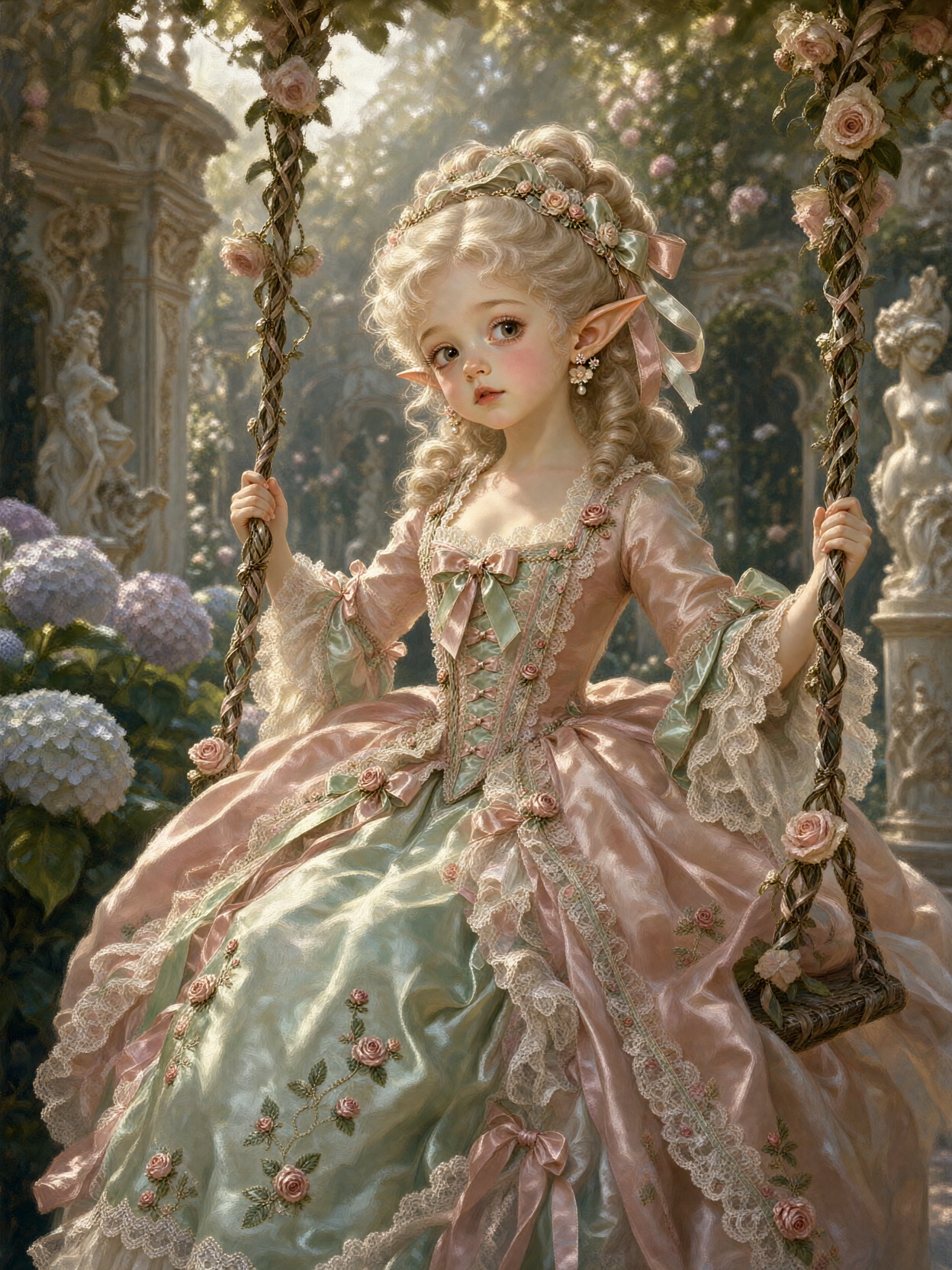
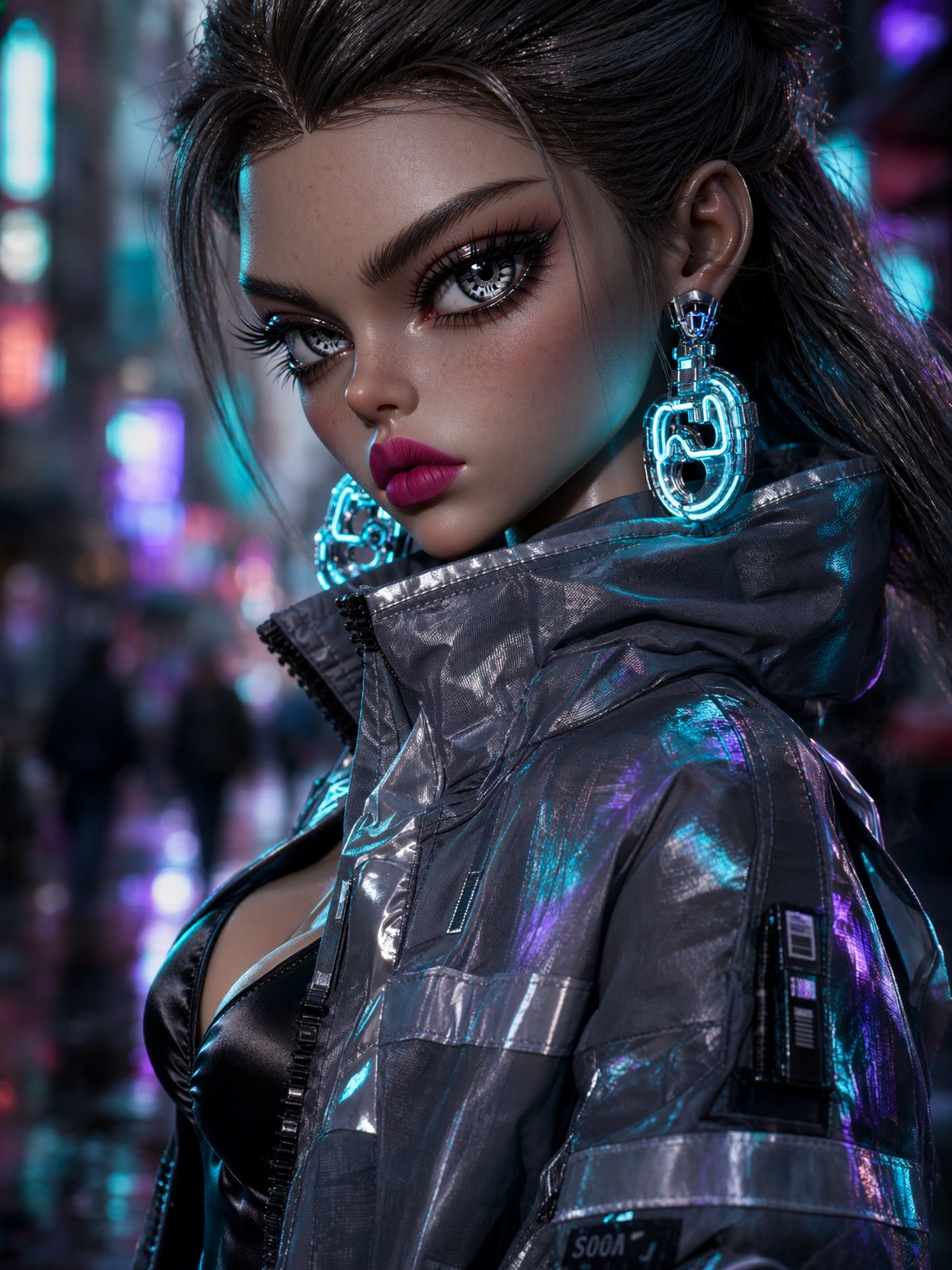
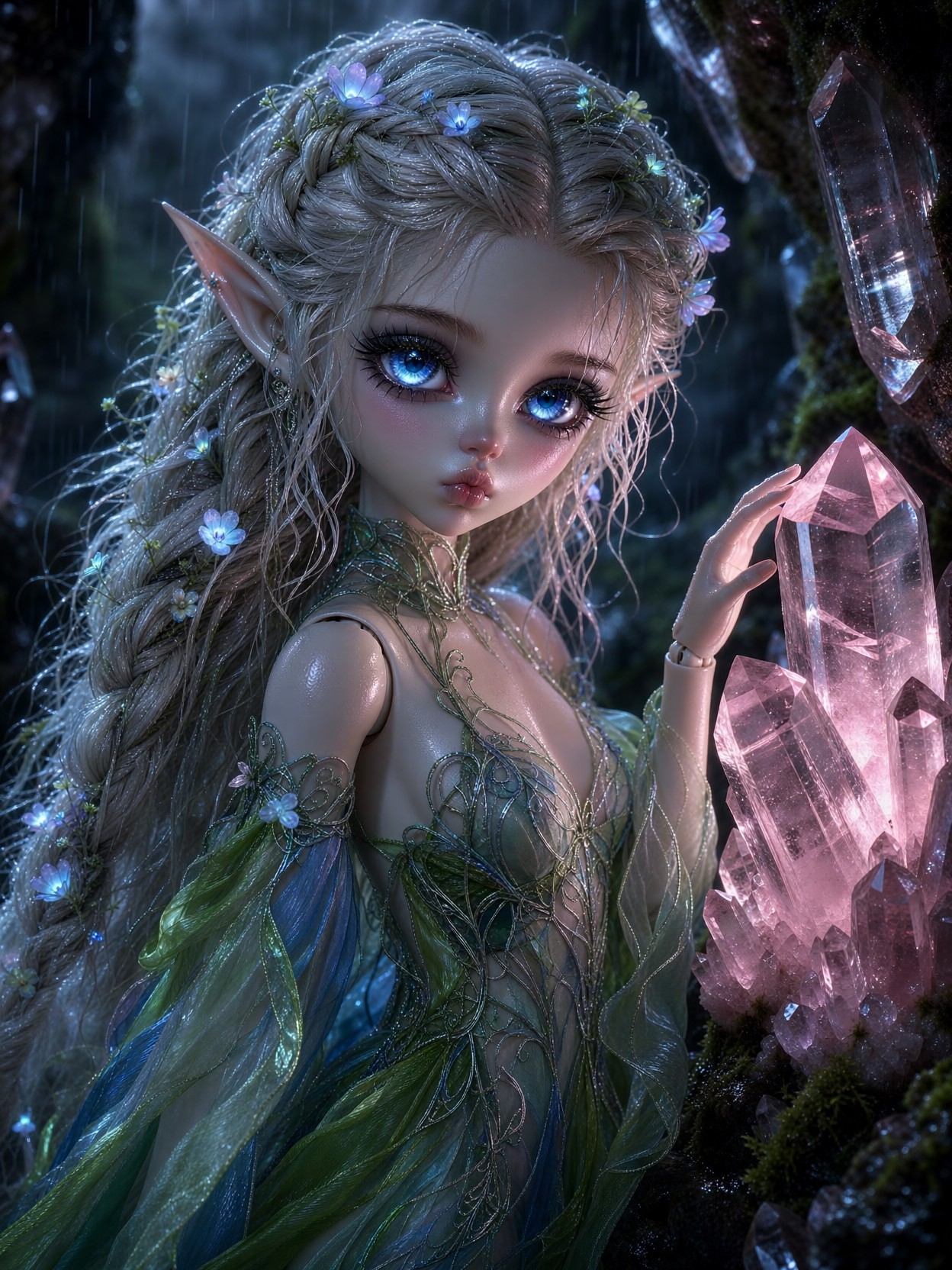
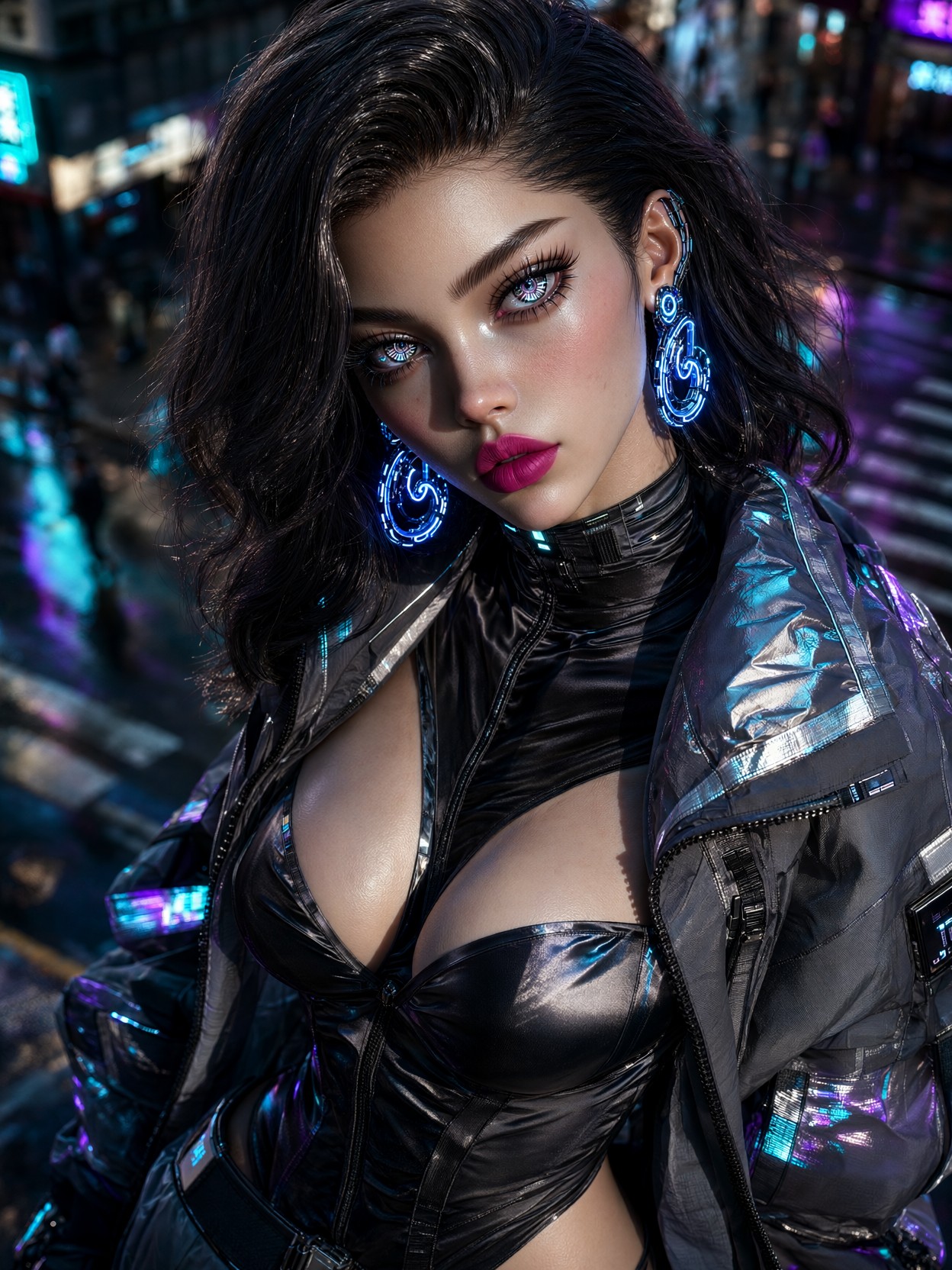
Qwen 2.1
Transparency Built In: What Makes Qwen 2.1 Different
Qwen 2.1 doesn't just generate images — it generates them with a native alpha channel, meaning transparent backgrounds aren't a post-processing hack but a core output format. As the newest model in the Qwen family available on Proxima.art, this 7B-parameter visual generator combines text-to-image creation, image editing, and transparent-layer production into a single checkpoint. Built on a 32-layer Single-Stream DiT architecture with a Qwen3-VL-8B text encoder, Qwen 2.1 outputs natively at 2K resolution and can accept up to ten reference images for multi-image composition. What sets it apart from earlier models is that transparency, editing, and generation all happen inside the same pipeline — no separate background-removal tools, no switching between checkpoints.
The model was released by Alibaba's Qwen team as open weights under the Qwen Research License, and it is now accessible through Proxima.art's hosted generation interface. Whether you are designing stickers, composing virtual try-on scenes, or building detailed infographics, Qwen 2.1 brings a level of integrated flexibility that few competing models offer at this scale.
Five Strengths That Define Qwen 2.1's Visual Quality
- Native RGBA output. The model's 16× autoencoder handles the alpha channel through the full encode-and-decode path. You can generate a transparent sticker, extract a subject from a photograph, or edit transparent layers without ever leaving the pipeline.
- Crisp integrated typography. Qwen 2.1 renders text directly within generated images — signs, labels, charts, and infographics come out readable rather than warped. This is a genuine differentiator for poster design and presentation graphics.
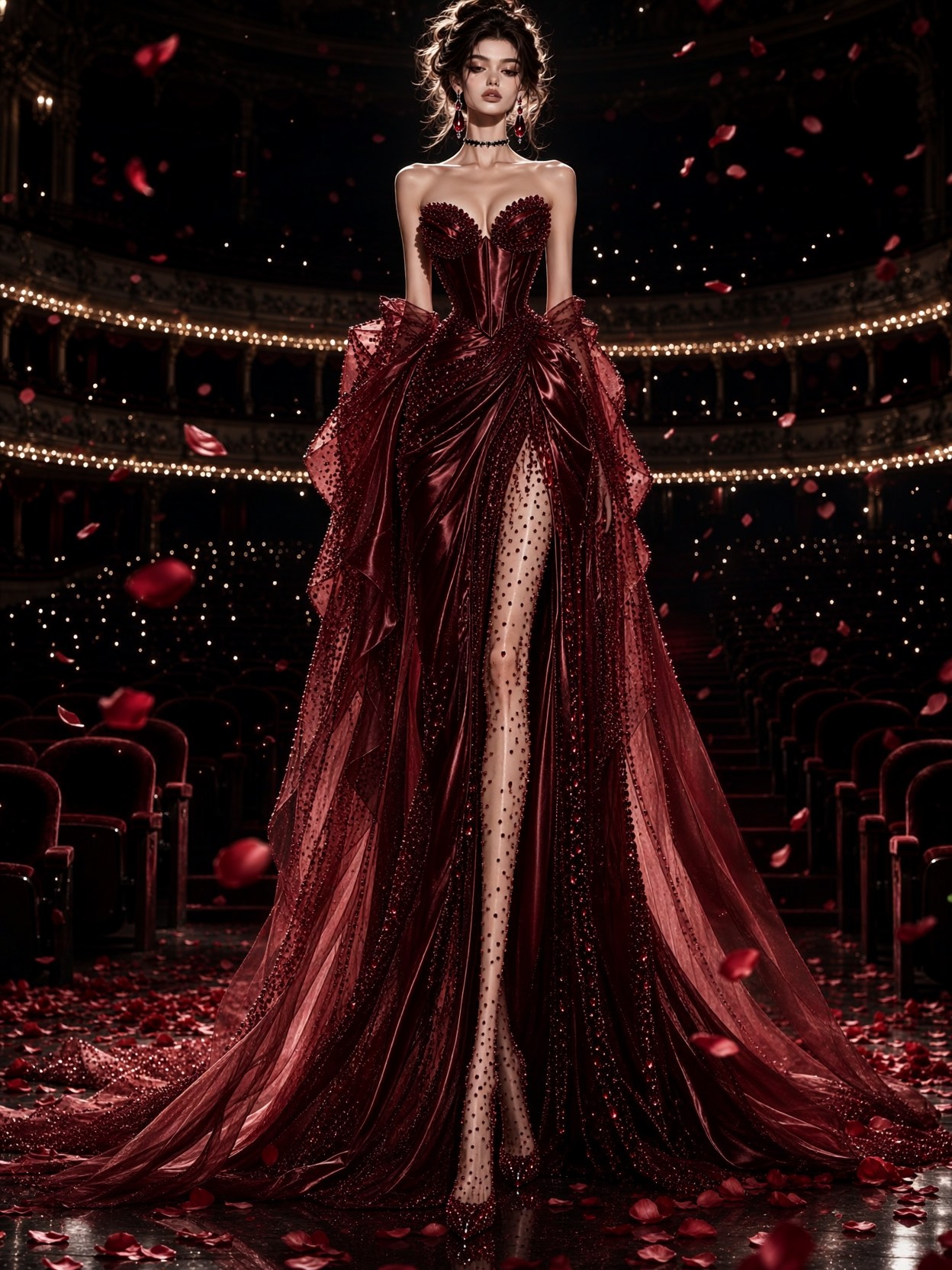
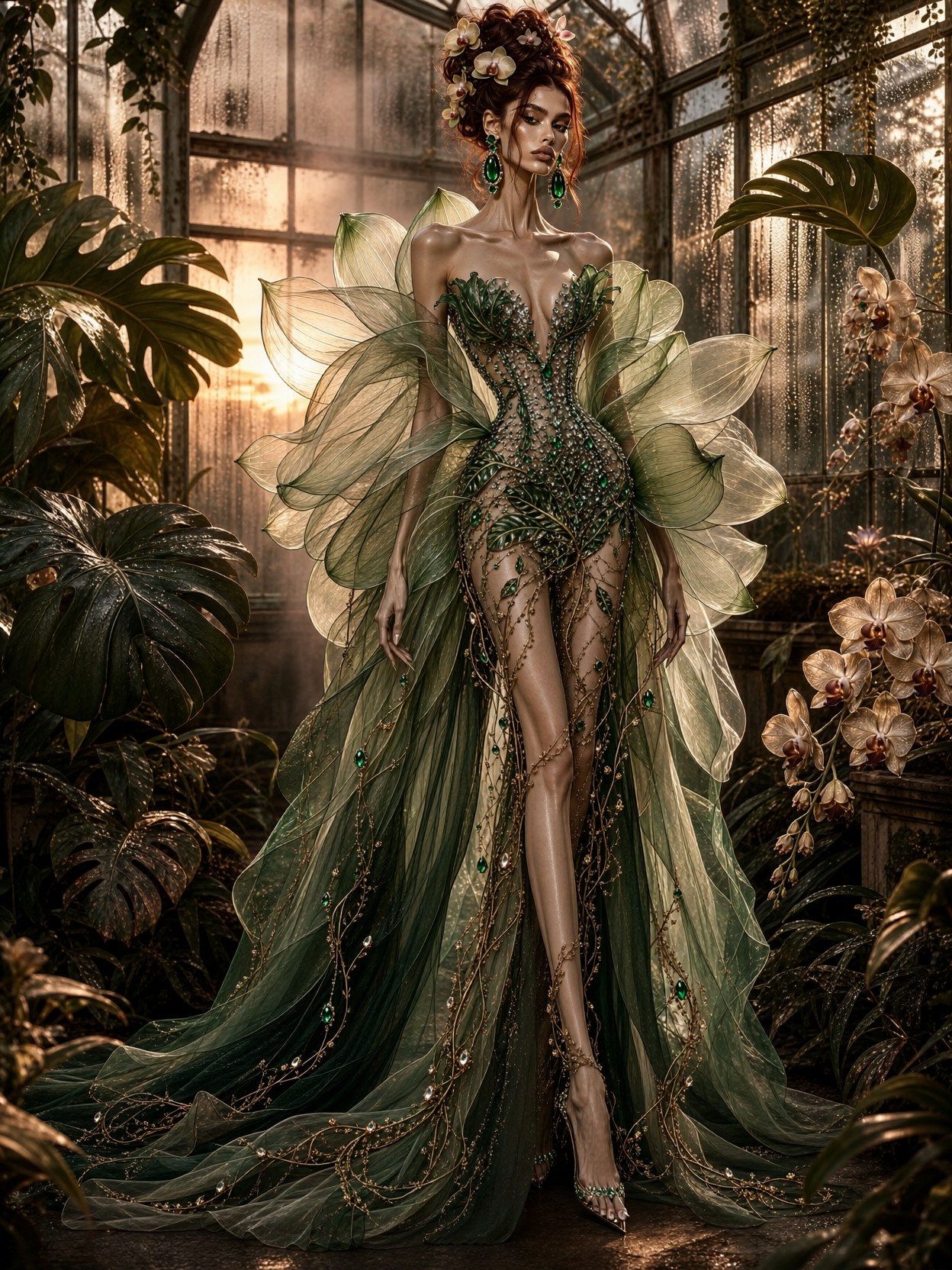
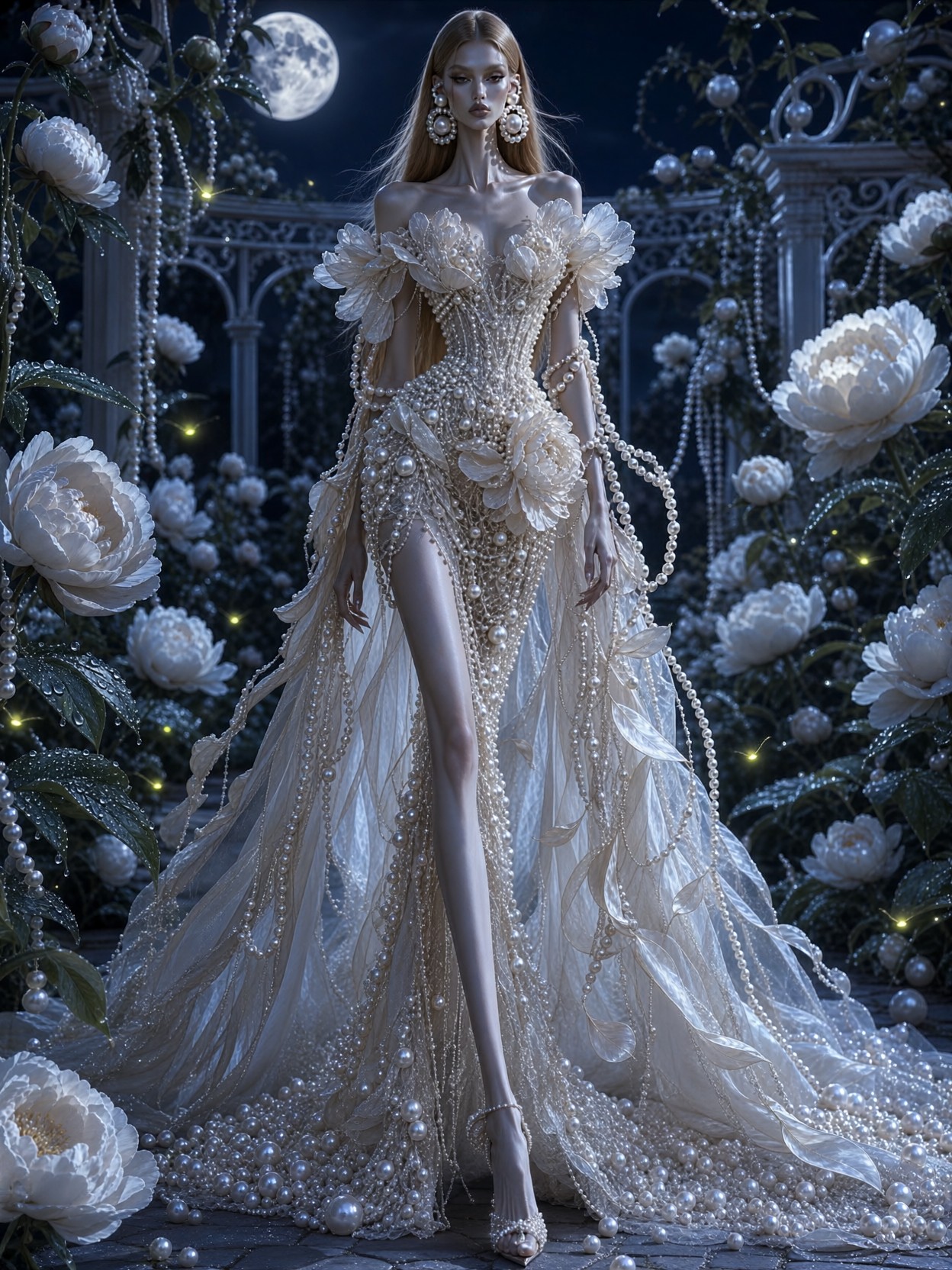
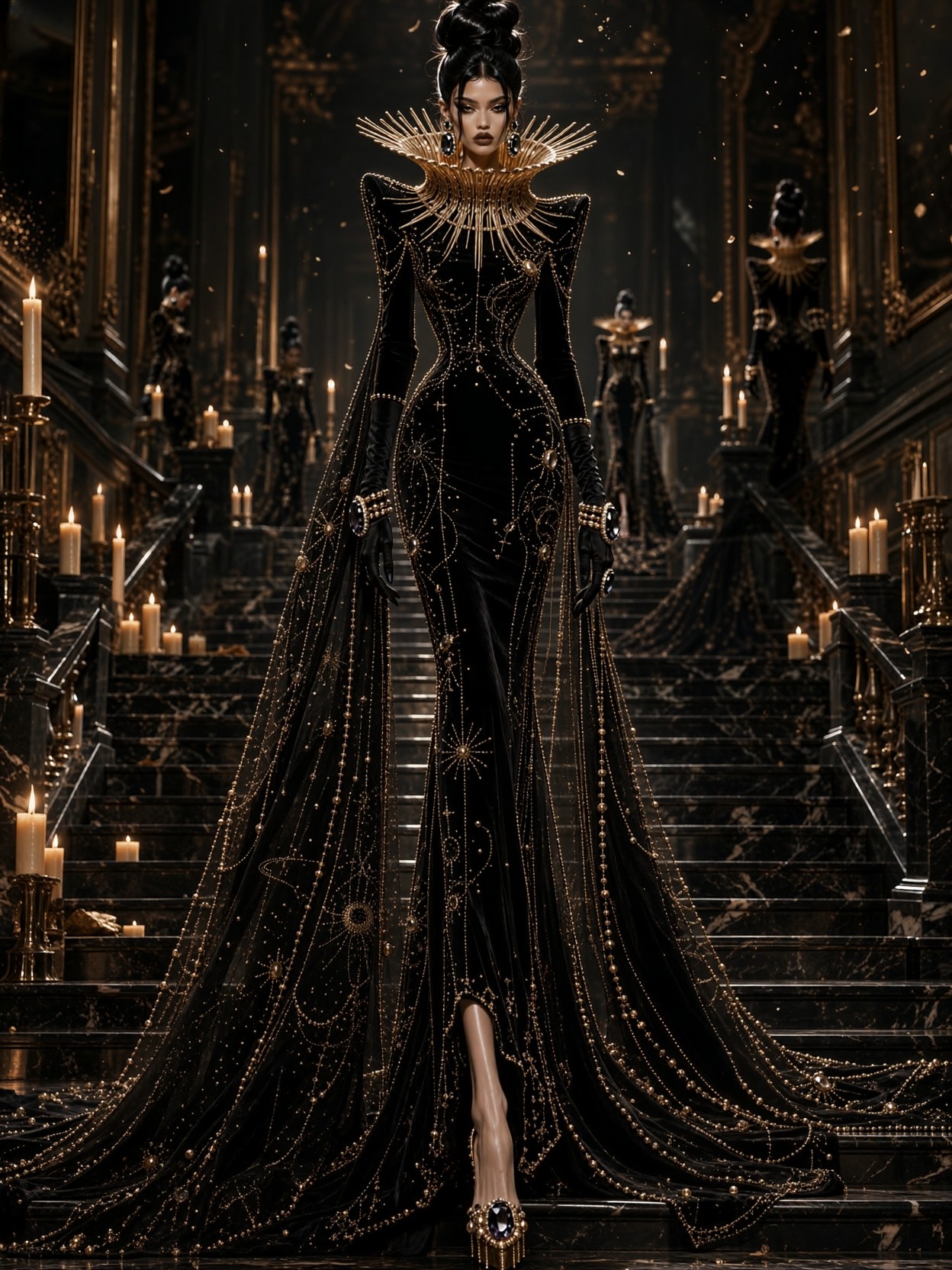
- Lifelike portrait lighting. The model handles skin tones, subtle shadow gradients, and directional light in ways that feel natural rather than overly smoothed. Portraits retain pore-level texture while still looking polished.
- Multi-reference composition. Feed up to ten reference images and Qwen 2.1 can assemble group portraits, combine clothing with models for virtual try-on, or blend products into cohesive scenes while preserving identity across inputs.
- Fine detail at 2K. Native 2K output means fabric weaves, hair strands, and surface textures hold up at larger print sizes without the softness that plagues lower-resolution generators.
Where Qwen 2.1 Delivers Real Value
Qwen 2.1 shines in workflows that demand either transparency or reference-heavy composition. If you need a product shot with a cutout background for an ecommerce listing, the model produces the alpha channel directly — no masking, no edge repair, no second tool.
For fashion and apparel brands, the virtual try-on capability is the headline feature: combine a model reference, a garment, shoes, and accessories, and Qwen 2.1 assembles them into a styled result that respects the drape and fit of each item. Design teams working on character lineups or family portraits can similarly feed individual reference photos and receive a unified group composition.
Infographic and poster designers benefit from the typography integration. When your prompt specifies exact text, layout, and chart data, Qwen 2.1 renders it inline rather than asking you to overlay text in a separate application. The 2K ceiling is generous enough for social media banners and print flyers, though it is not a substitute for 4K+ commercial rendering pipelines.
Tuning Your Qwen 2.1 Generations
On Proxima.art, Qwen 2.1 runs with the standard diffusion parameter set, but a few model-specific adjustments get the best results. For most prompts, start with cfg_scale: 7 and steps: 30. The 32-layer DiT architecture responds well to moderate guidance — pushing cfg_scale much above 10 can introduce oversaturation and artifacting, especially in skin tones. Resolution defaults to the native 2K ceiling, but for social media crops or quick previews you can drop to 1024×1024 or use a 4:3 landscape aspect for presentations.
Tip: When composing multi-reference prompts, list each input clearly — "model wearing [garment reference] and [shoe reference] against [background reference]" — and keep the total reference count under eight for fastest inference. The model handles up to ten, but the sweet spot for quality and speed is around four to six references.
For typography work, be explicit about font style, size, and color in your prompt. Qwen 2.1's text rendering is strong but not infallible — community tests report good results on signs and labels, though very small or highly stylised text can still warp. If exact lettering is critical, generate at the native 2K resolution and crop down rather than asking for small text at low resolution.
Pricing and Access on Proxima.art
Qwen 2.1 is available on Proxima.art, where you can run it through the hosted generation interface without managing weights or GPU hardware. The platform handles the 7B-parameter model behind the scenes, so you get native 2K output, RGBA transparency, and multi-reference editing through a clean web interface. The model sits in Proxima.art's standard tiered access — you can start generating immediately and scale as your workflow demands.
The Compact Powerhouse Worth Testing
Qwen 2.1 occupies a rare space: a 7B open-weight model that combines generation, editing, and transparent output without requiring a cluster of GPUs. Its native RGBA pipeline, ten-reference composition, and integrated typography make it genuinely useful for ecommerce designers, illustration teams, and anyone who needs transparent assets without a separate background-removal step. On Proxima.art, it is one of the few models where you can go from a text prompt to a ready-to-use transparent PNG in a single generation.
If your workflow involves product cutouts, character compositions, or text-heavy graphics, Qwen 2.1 is worth a run. Head to Proxima.art and see how the transparency and multi-reference features change what you can produce in one pass.